

198 Macros Download – Free PvP, Click Faster, Win More
1,406
views ❘
January 24, 2026
❘
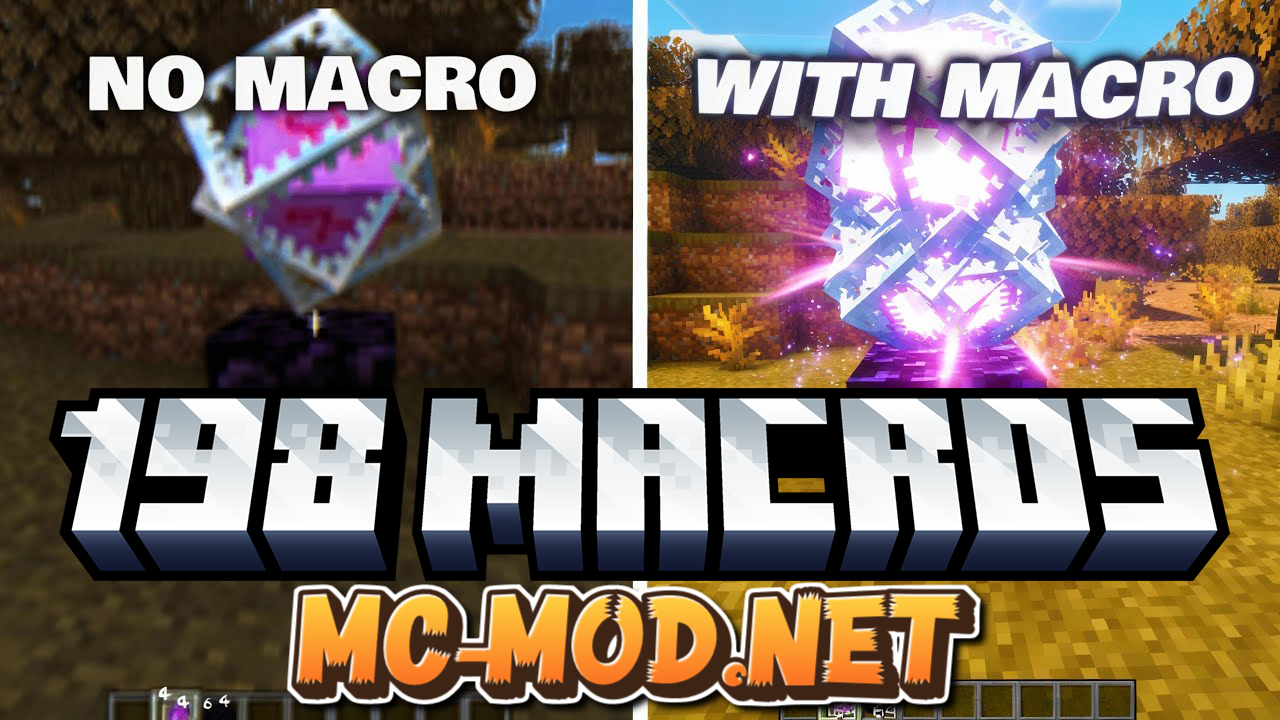
198 Macros is an external automation tool designed for competitive Minecraft players. It runs outside the game and simulates keyboard and mouse actions to make gameplay faster and more consistent.
How it works:
- Runs as a separate Windows program
- Sends virtual inputs such as
mouse clicksandkey presses - No direct interaction with the Minecraft process
Features:
- 100% External
- No injection into Minecraft
- No game file modification
- Low Detection Risk
- Input-based automation
- Designed to avoid common anti-cheat checks
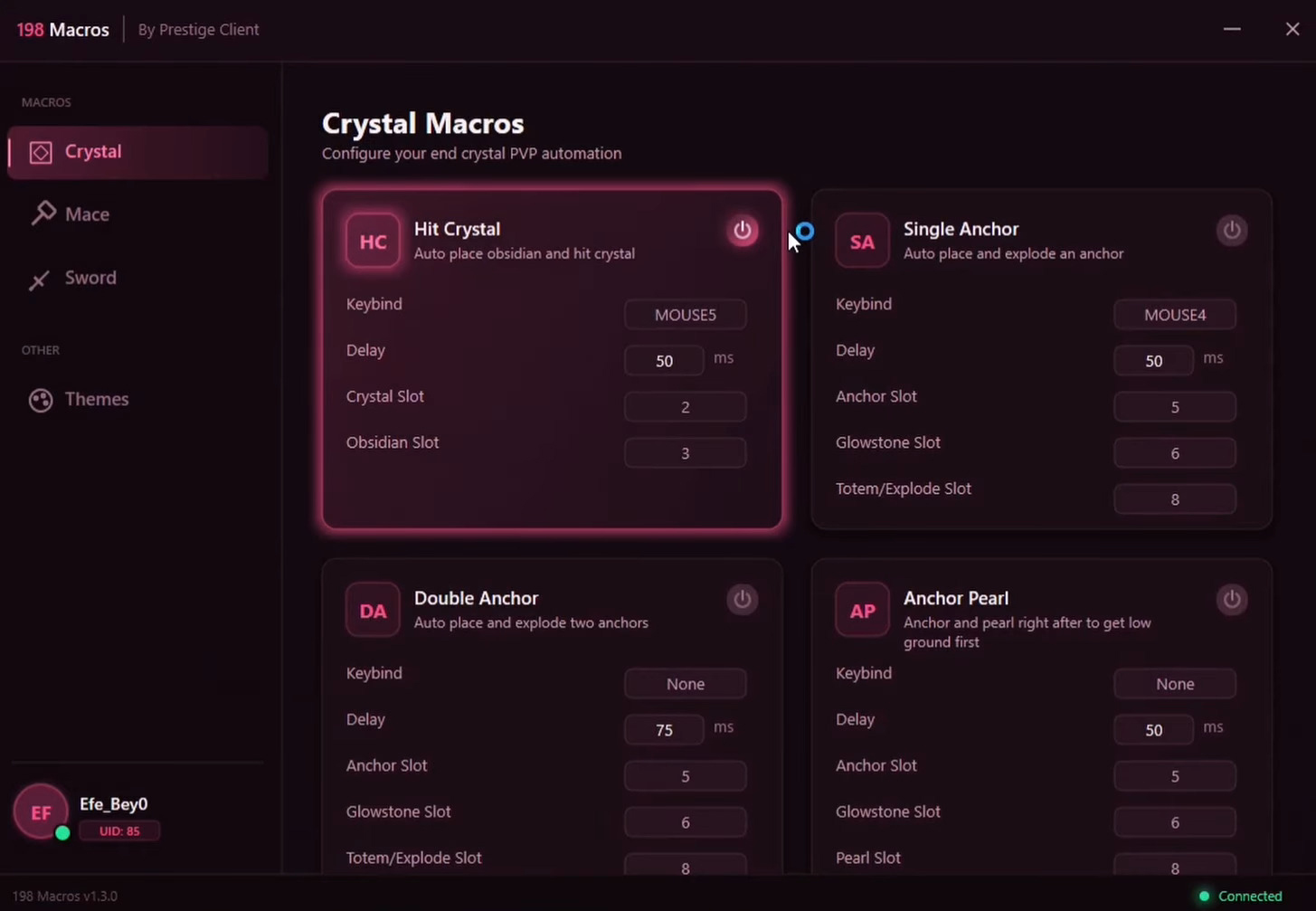
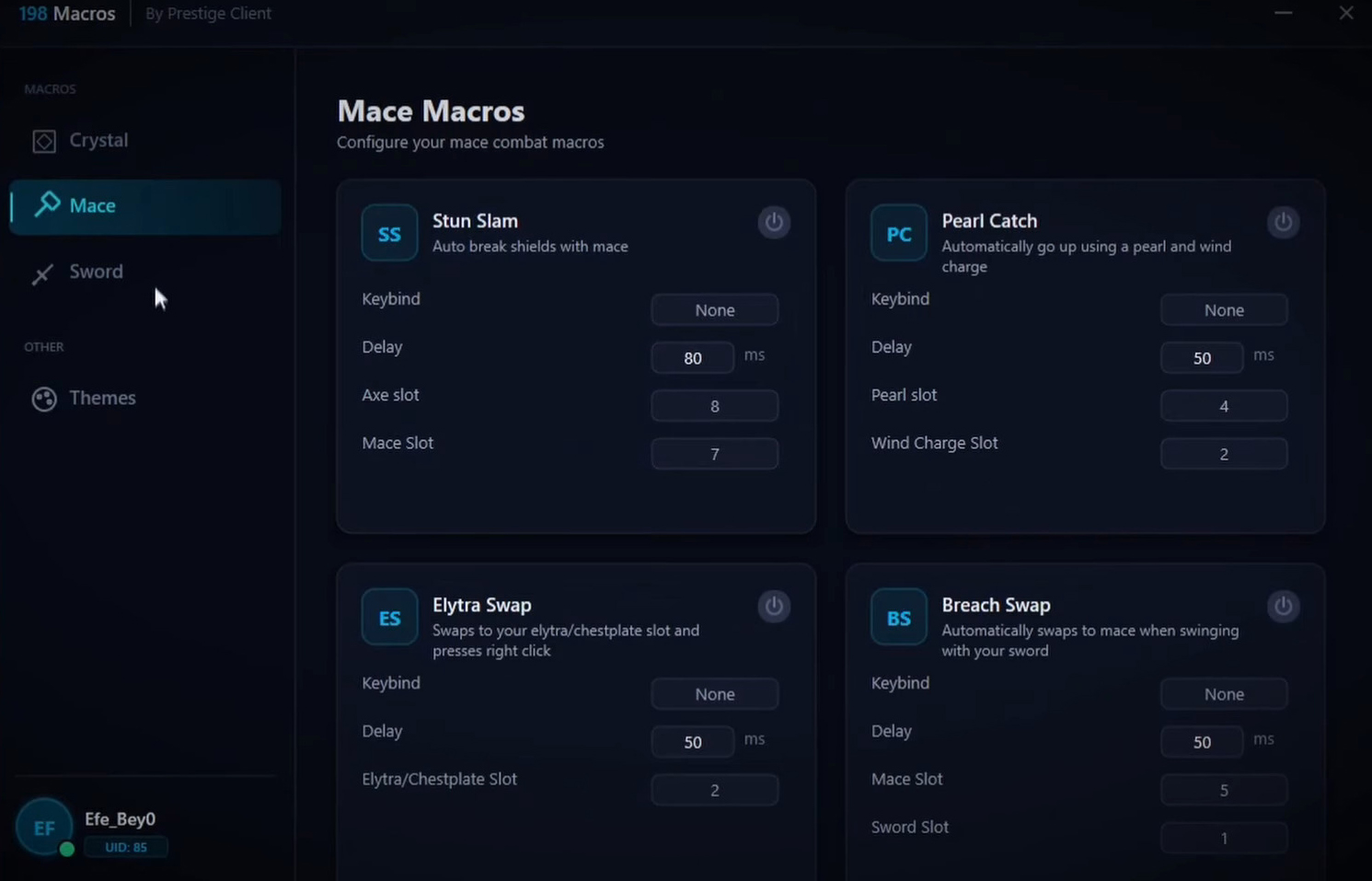
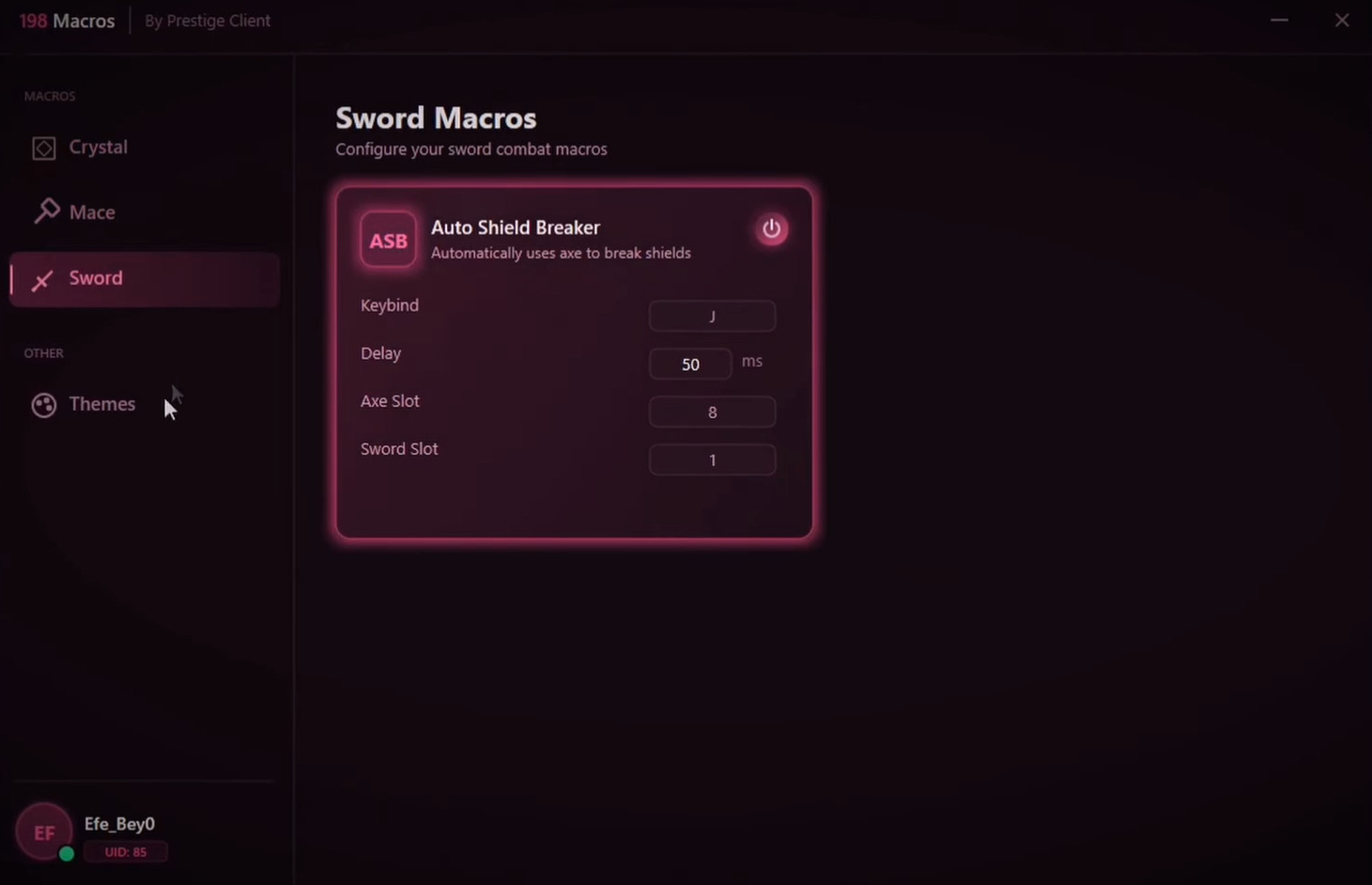
- Custom Configuration
- Adjust speed, timing, and behavior
- Profiles saved automatically using cloud sync
- Version Independent
- Compatible with all Minecraft versions
- Works on both old and new releases
System Requirements
- Operating System:
Windows 10orWindows 11
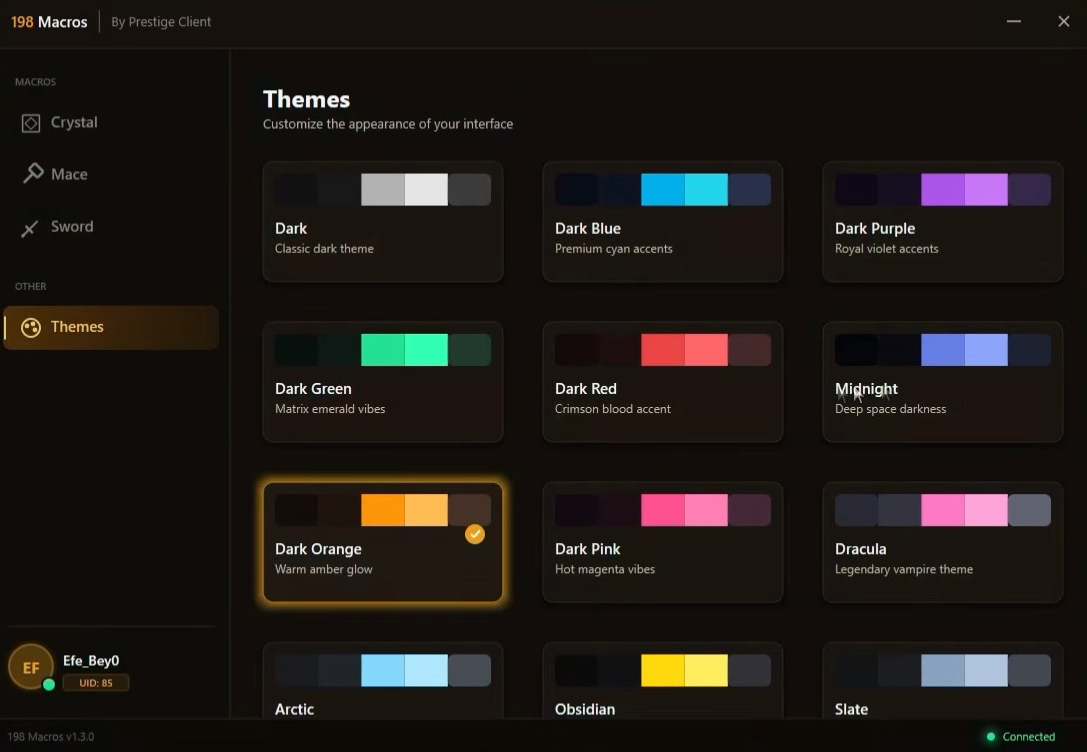
Screenshots:
How to install:
Step 1 – Extract the file
- Locate the downloaded
.zipfile - Right-click the file and select Extract Here or Extract to Folder
- Open the extracted folder
Step 2 – Run the program
- Find the file named
198-Macros.exe - Double-click the file to launch the application
- If Windows shows a security warning, choose Run Anyway
Step 3 – Open Minecraft
- Start Minecraft normally
- Join your preferred server or game mode
Step 4 – Configure macros
- Select a macro from the interface
- Adjust settings such as:
- Click speed
- Activation key
- Timing and delay
- Save your configuration
Step 5 – Activate
- Press the assigned hotkey to enable the macro
- Press the hotkey again to disable it
Notes
- Keep the macro program running while playing
- Close the program when finished
198 Macros Download Links
For All Versions of Minecraft
Unzip file: Download from Server 1 – Download from Server 2
Click to rate this post!
[Total: 3 Average: 5]