

Minecraft 3D Texture Pack (26.30+, 1.19) for MCPE/Bedrock Edition

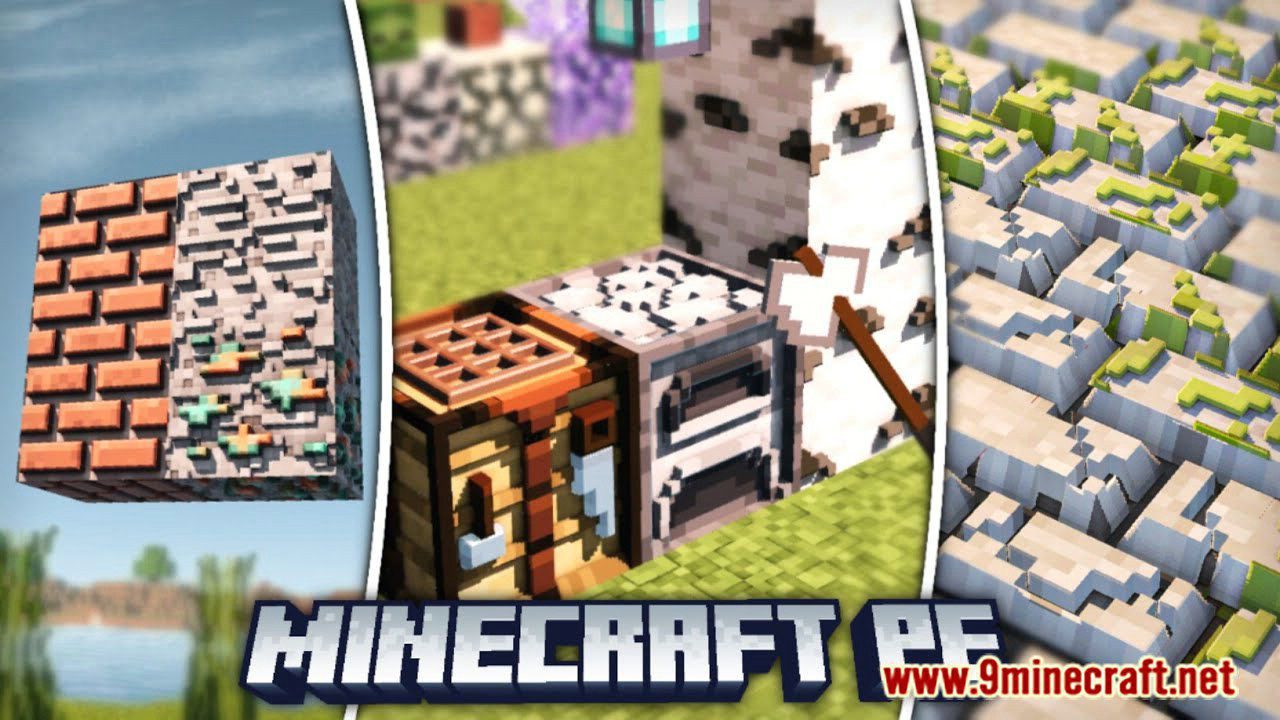
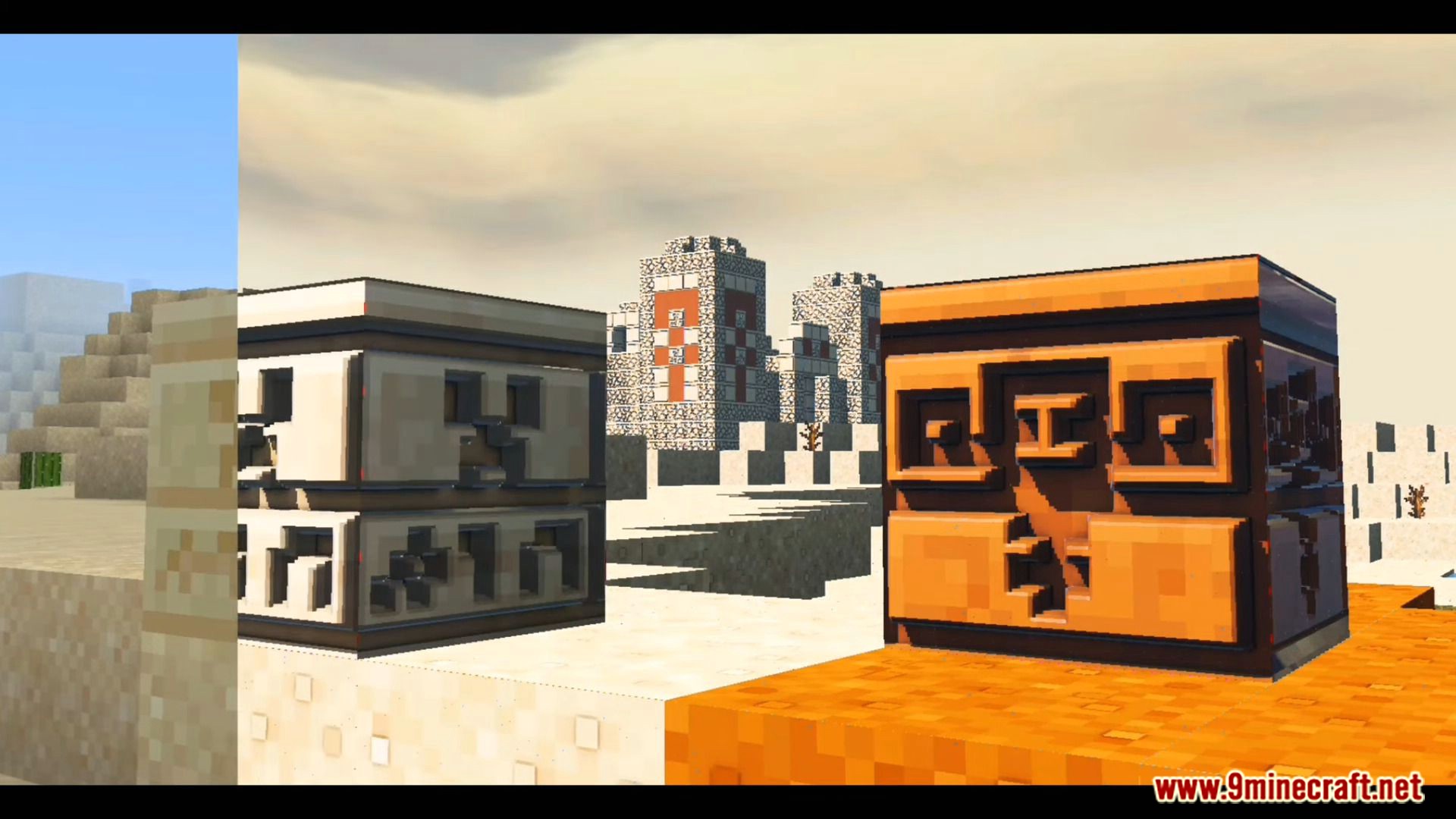
Minecraft 3D Texture Pack (26.30+, 1.19) turns the flat, blocky world you already know into something with real depth and dimension. Created by Lvzbx (also known as LvzBx Default Minecraft 3D), this pack keeps the vanilla color palette and art style you love, but adds a clever 3D effect on top of it – ores catch the light differently, leaves and grass get real texture, and blocks that used to look completely flat suddenly have edges, bumps, and shadow. It’s a whole different experience when playing Minecraft: more beautiful, more wholesome, and once you’ve tried it, hard to go back to the flat default look. Don’t be shy, give it a try – you won’t be disappointed.
Features:
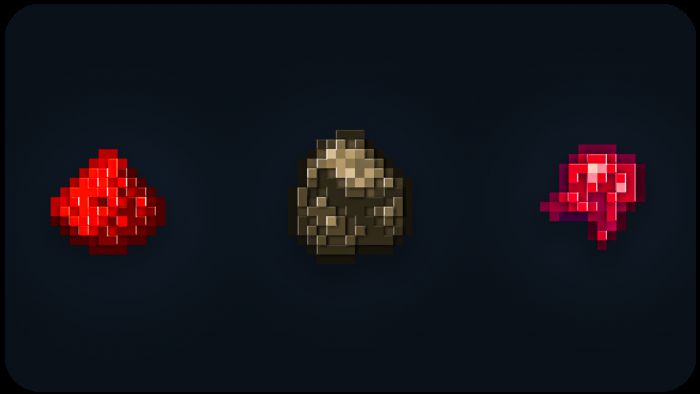
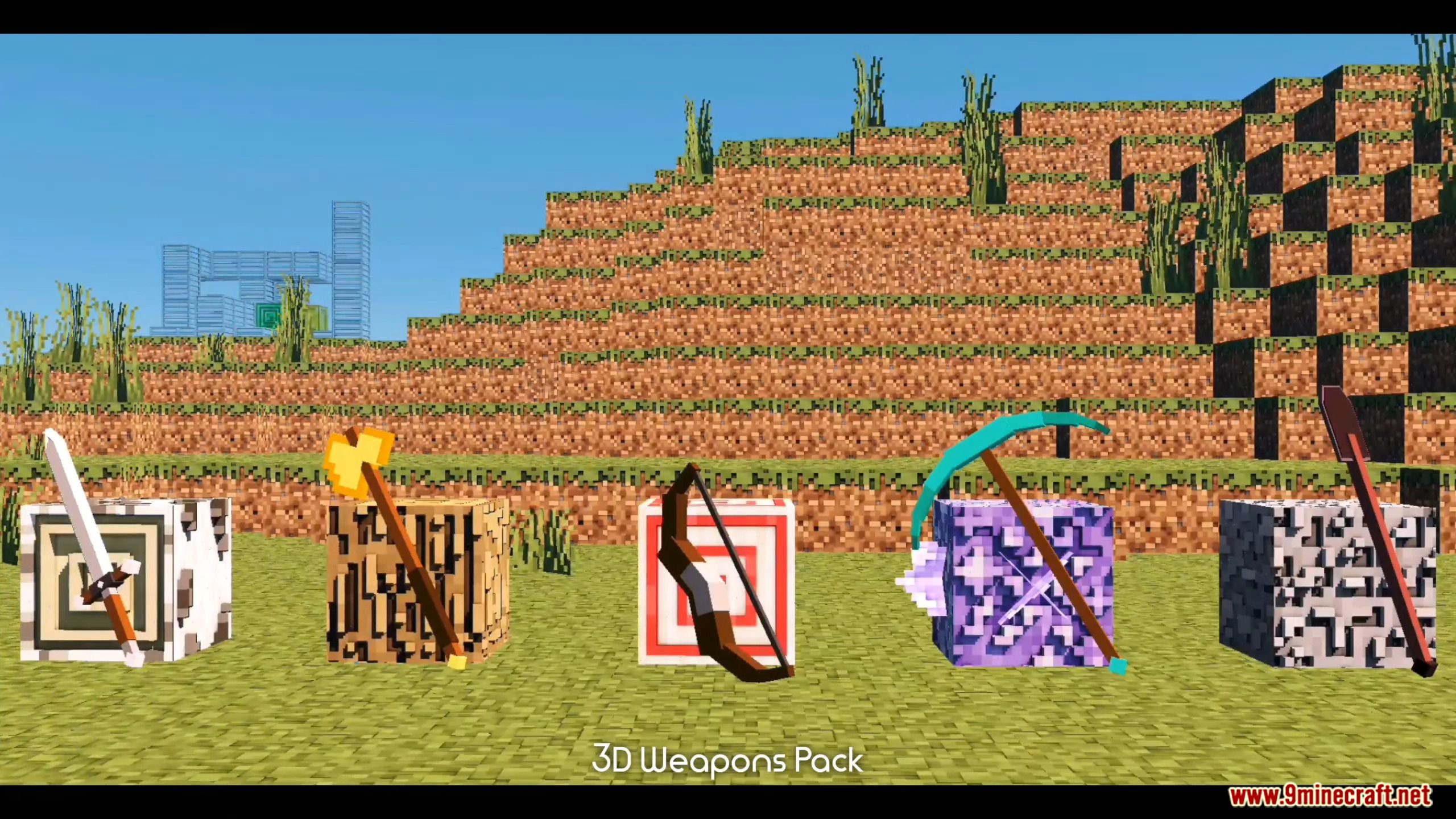
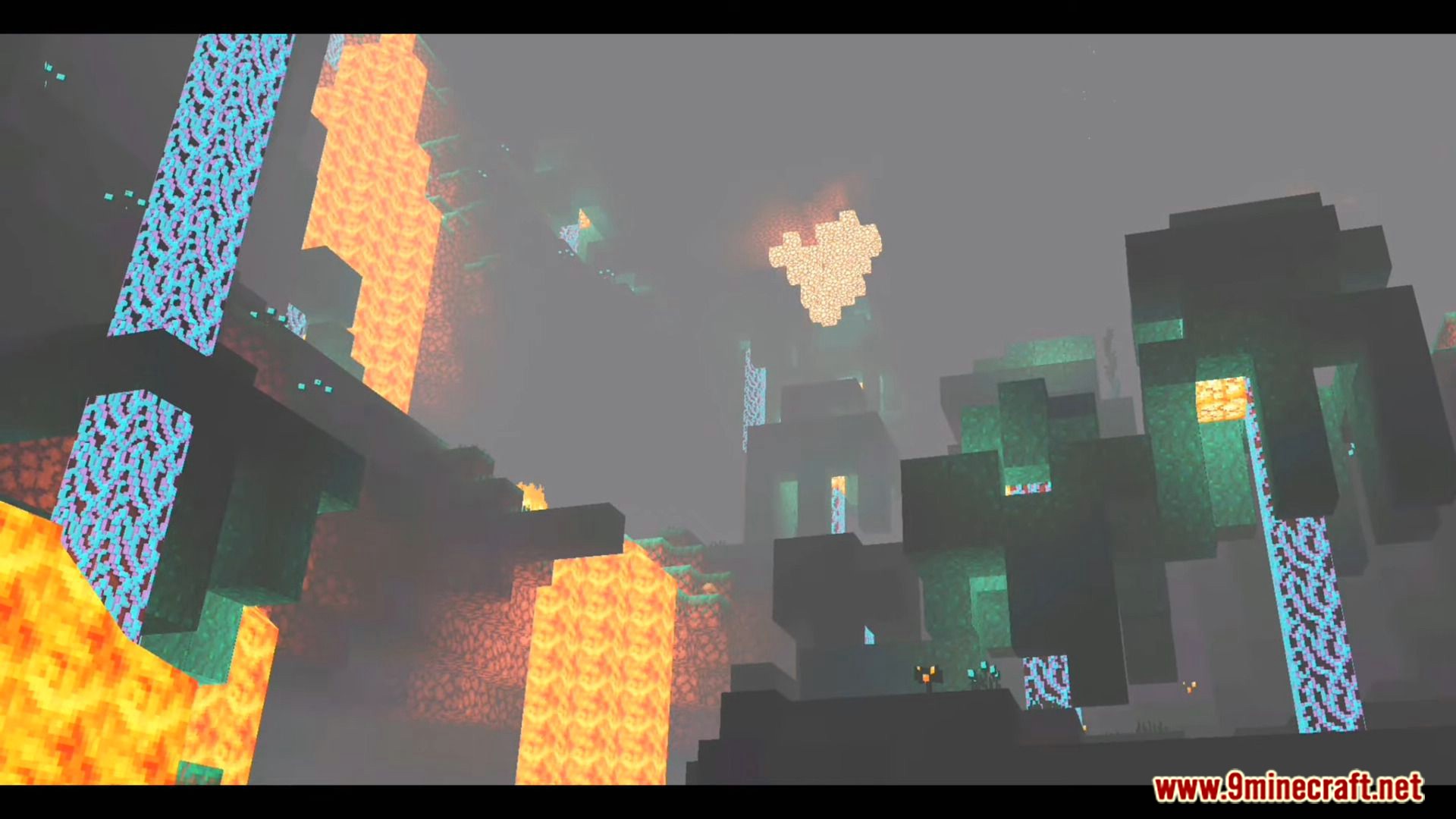
- 3D Ores – every ore type gets visible depth, so veins actually pop out of the surrounding stone instead of blending in.
- 3D Items – held and dropped items pick up shading that makes their shape read clearly at a glance.
- 3D Stones – cobblestone, andesite, and friends get a rougher, more tactile look.
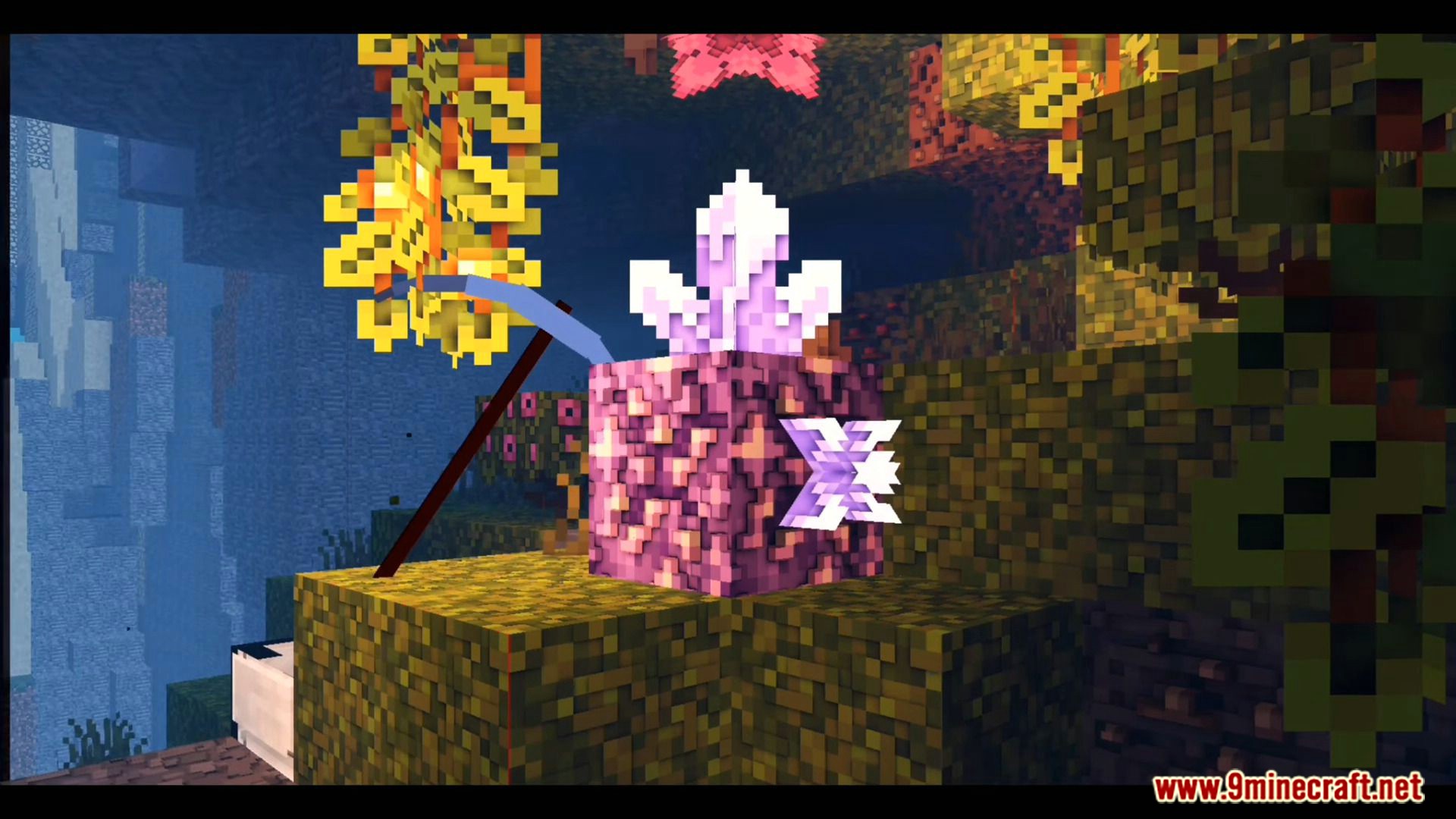
- 3D Vegetation – grass, leaves, and crops get texture and shadow instead of a flat green square.
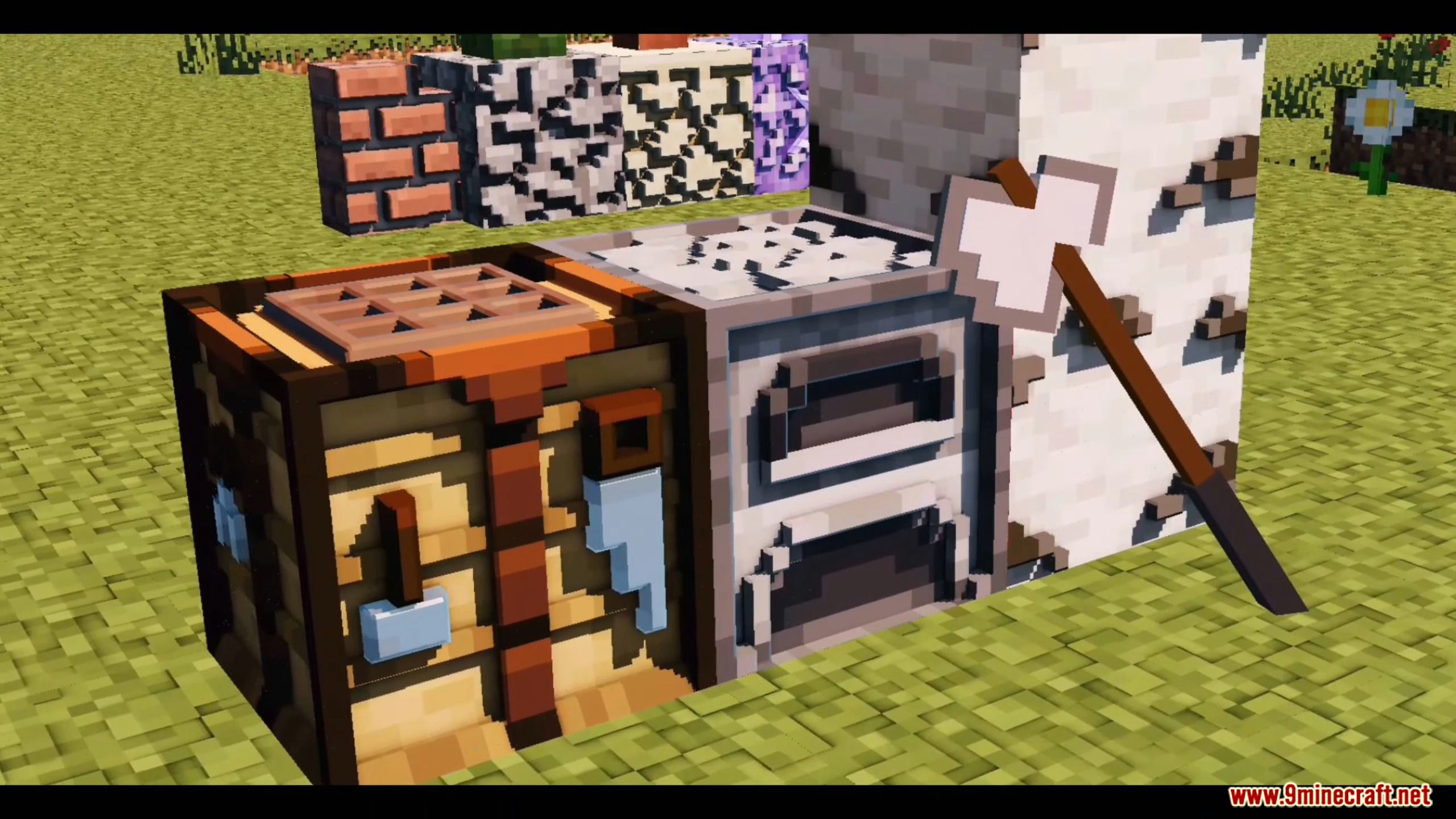
- 3D Blocks – general building blocks across the board get the same depth treatment.
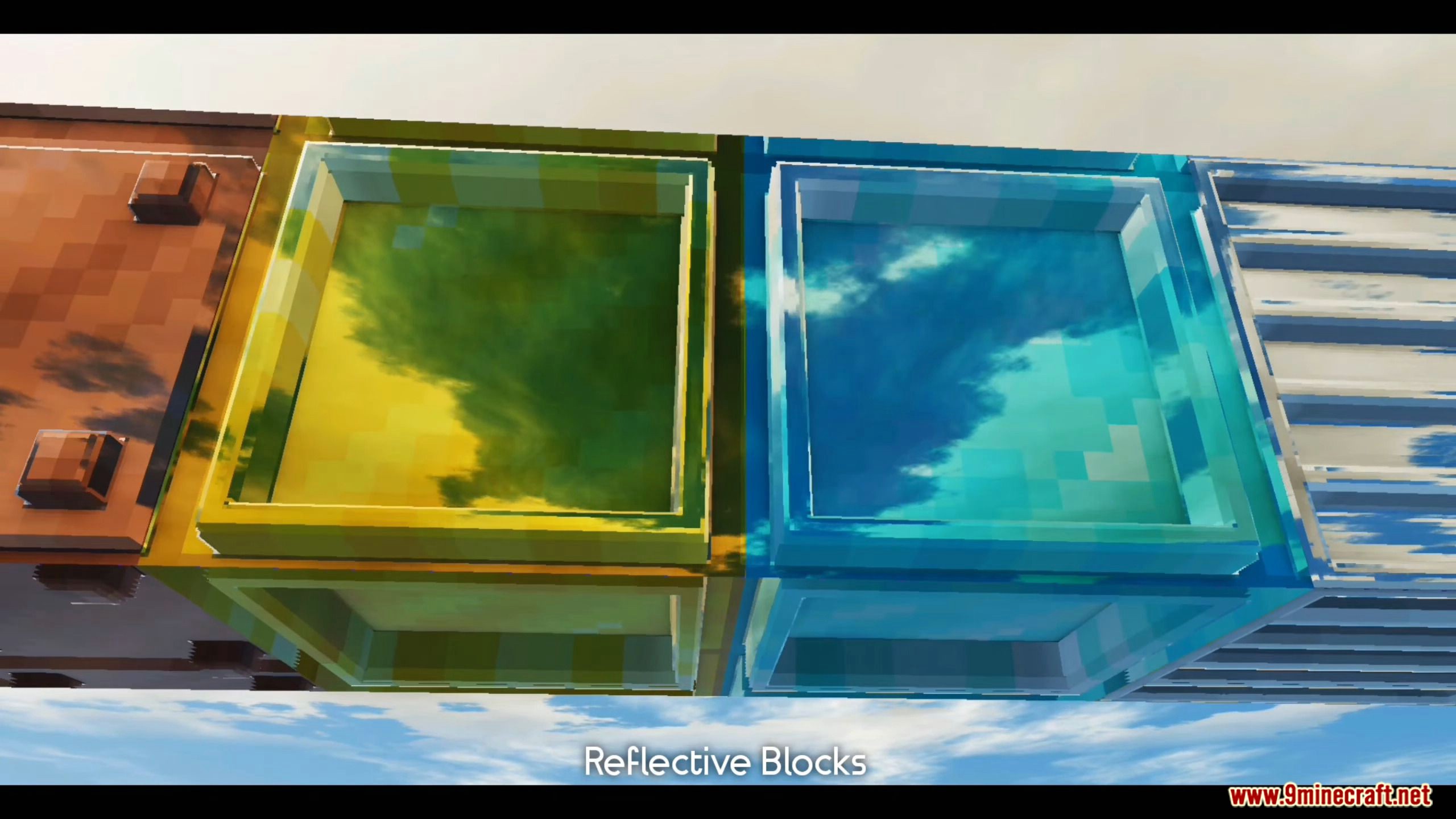
- 3D Minecarts – minecarts look like an actual metal container rather than a flat sprite.
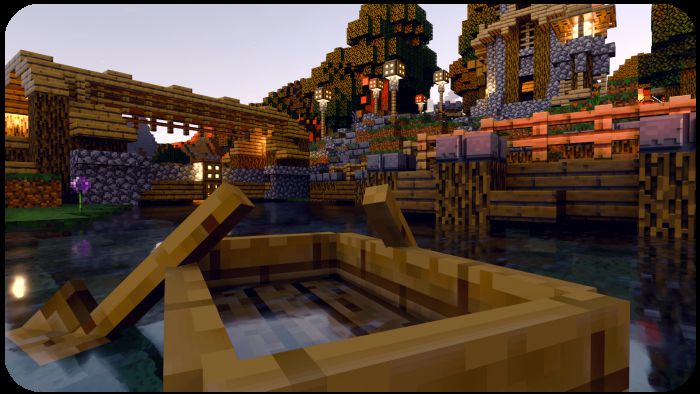
- 3D Boats – same treatment applied to boats, so they sit believably on the water.
- 3D Beds – beds get visible fabric folds and a proper mattress silhouette.
- 3D Decorative Blocks – item frames, flower pots, and other decorative blocks all get the upgrade.
- The 3D textures really pop out – once you see it in motion, it’s hard to unsee!
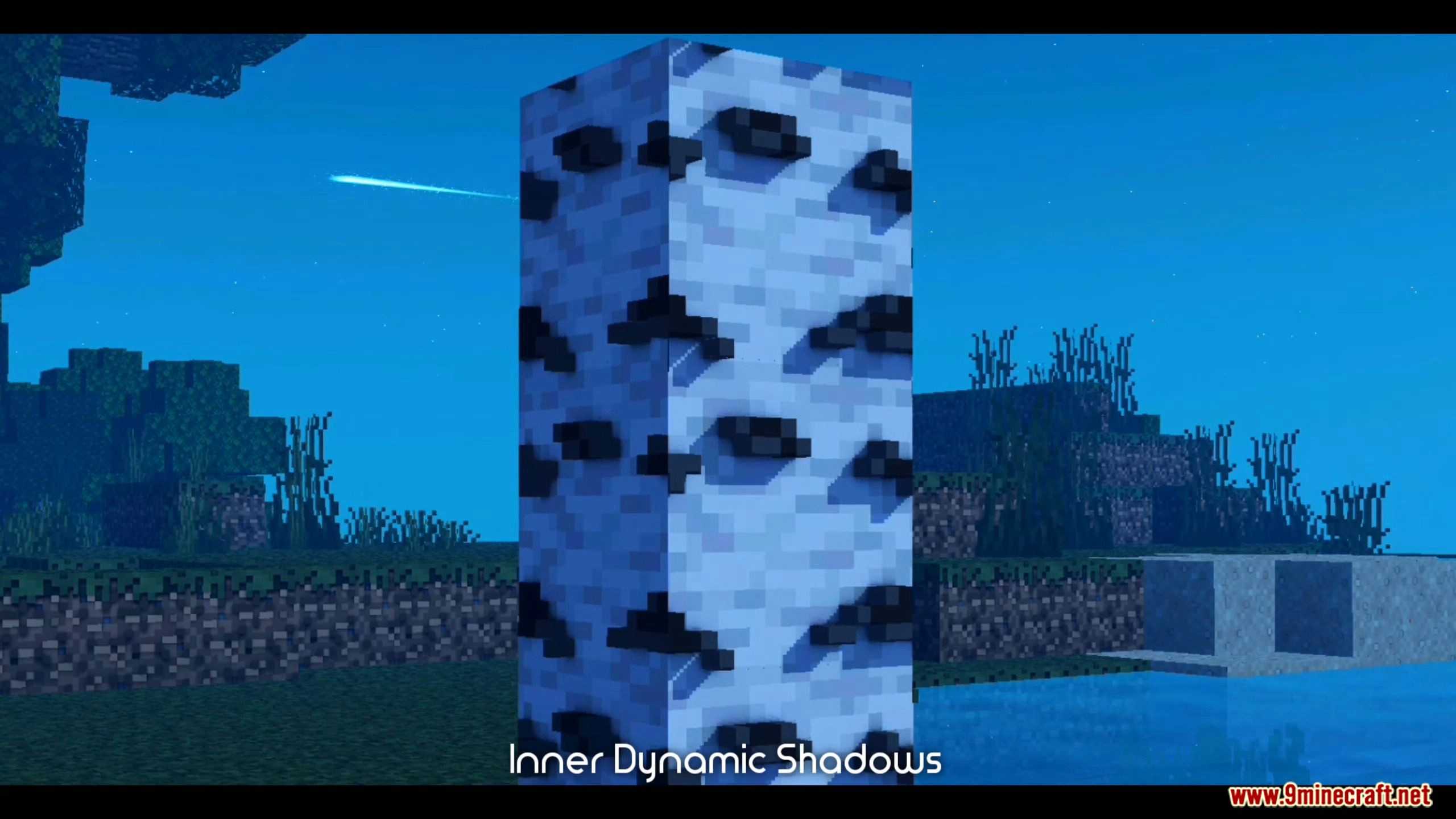
This pack achieves its 3D look by adding 2D shadows to the base textures using external programs, tricking your eye into perceiving depth that isn’t actually there in the block model – it’s a clever trick, and it’s genuinely convincing in-game.
Because every texture in the pack carries extra shading detail, you’ll want decent hardware to run it properly – older devices or low-end phones may see a bigger performance hit than with a flat texture pack.
The pack now ships in multiple resolutions, so you can pick the one that best matches your hardware and taste – check them all out below.
If you’d rather have more performance, or you’re just not a fan of how the 3D items look in motion, you can turn them off individually from the in-game resource pack settings without losing the rest of the pack.
Screenshots:
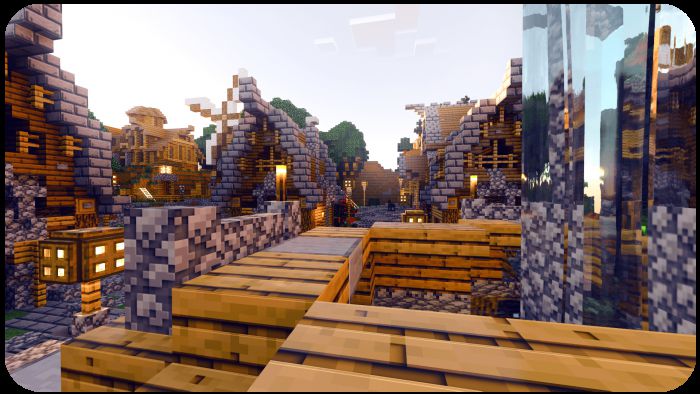
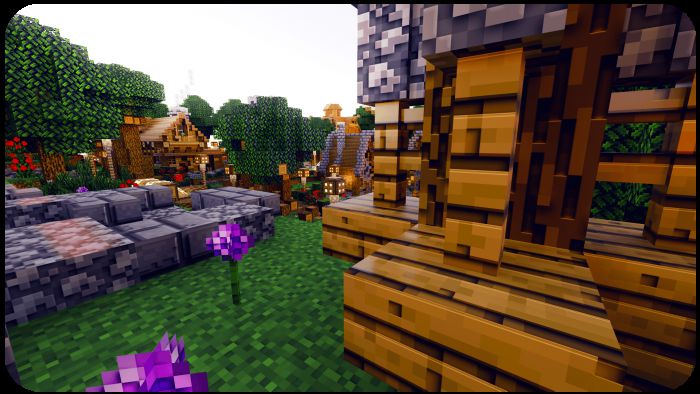
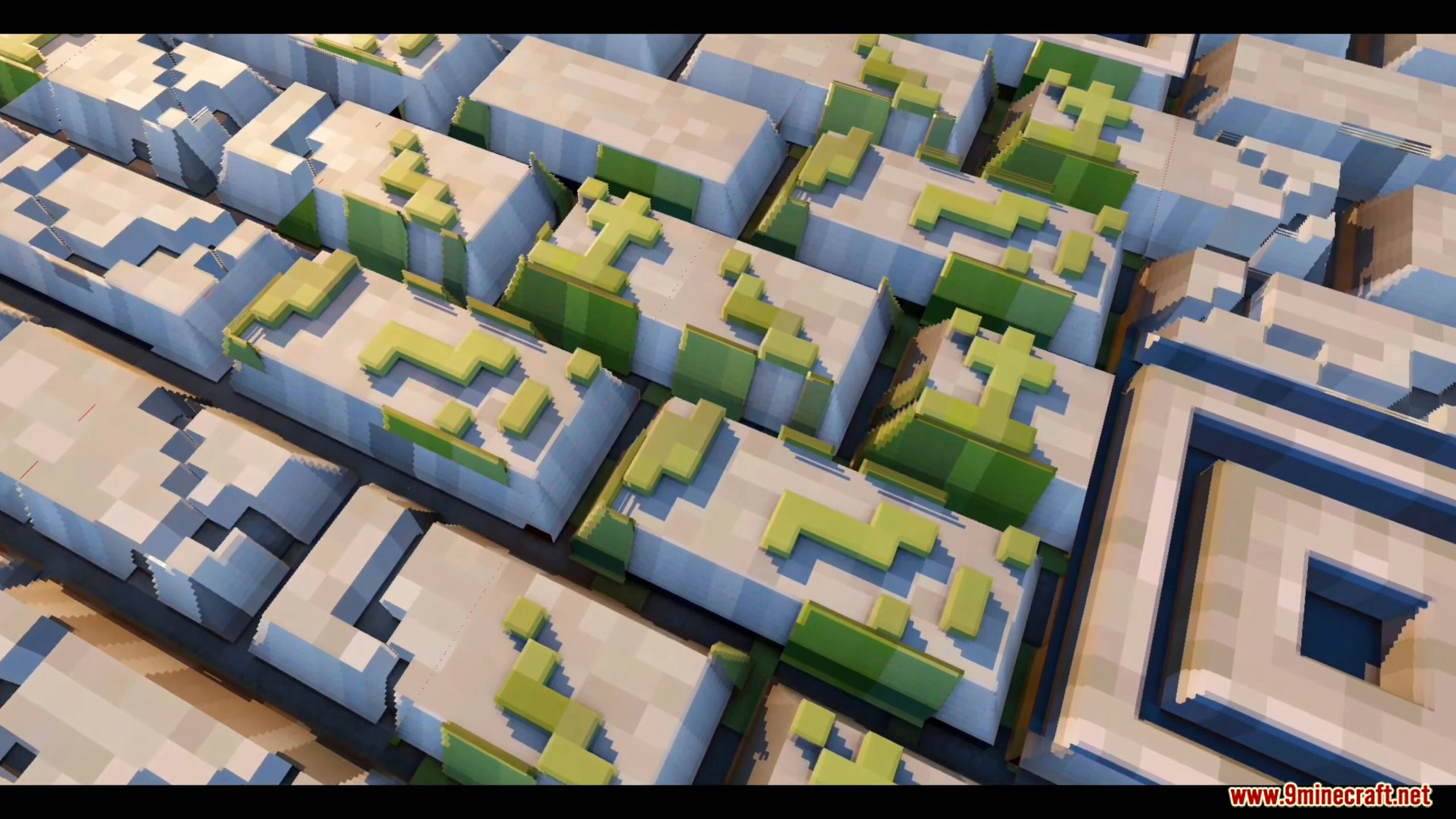
Here’s a closer look at the pack in action – notice how much depth the shading adds to ores, blocks, and everyday items compared to vanilla textures.
See more images here:
How to install:
- Updating from an older version of this 3D pack? Delete the old pack first from Settings > Storage > Resource Packs before applying the new one, so the two don’t conflict.
- If your game stutters or drops frames while using this 3D texture pack, try switching to a lower resolution – the 64x (Low) option is the lightest on hardware while still keeping the 3D effect.
- Not sure which resolution to pick? Start with 64x (Low), and only move up to 128x or 256x if your device handles it smoothly.
Minecraft 3D Texture Pack (26.30+, 1.19) Download Links
For MCPE/Bedrock Edition 1.19, 1.18
64x (Low): Download from server 1 – Download from server 2 – Download from server 3
128x (Medium): Download from server 1 – Download from server 2
256x (High): Download from server 1 – Download from server 2
For MCPE/Bedrock Edition 26.30+
64x (Low): Download from server 1 – Download from server 2
Tags:
1 Comment
Leave a Comment
YOU MAY ALSO LIKE...
how do i download it