

DxH’s Minimap Addon (1.26, 1.20) – MCPE/Bedrock Mod

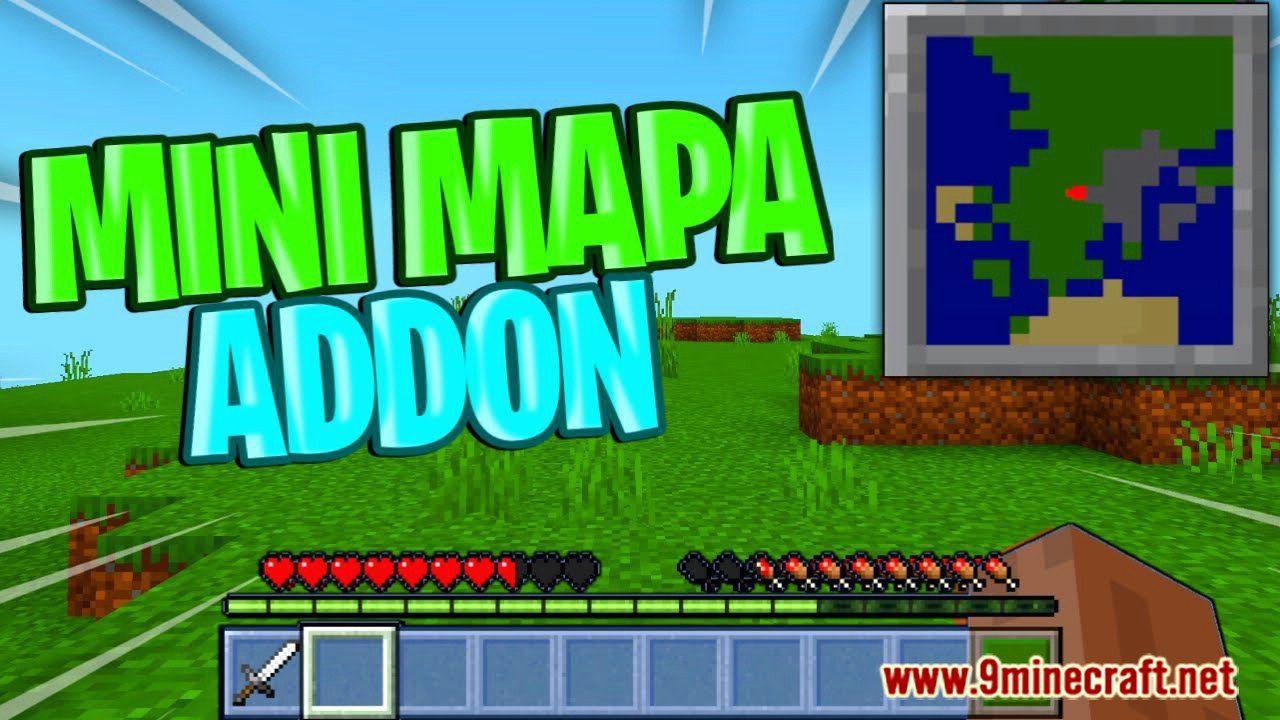
DxH’s Minimap Addon (1.26, 1.20) introduces a compact minimap feature to your gameplay. A small map permanently resides in the upper right corner of your screen, constantly displaying the nearest area around you. This innovation greatly streamlines your exploration of the blocky world, providing you with essential insights into the surrounding landscape even when you’re on the move – no more pausing to check a full map or guessing which way you came from.
Features:
- Always-on corner HUD – the minimap sits permanently in the upper right of your screen, so you can glance at it without opening any menu.
- Live-updating view – the map follows your position in real time, always centered on where you currently are.
- Movement + shadow effects – by default the map has a subtle motion and shadow look, and both can be turned off individually if you prefer a flatter, more static style.
- Texture-based, addon-powered – under the hood this is technically a texture, but it behaves like a full addon because it needs an Experimental Toggle enabled to work.
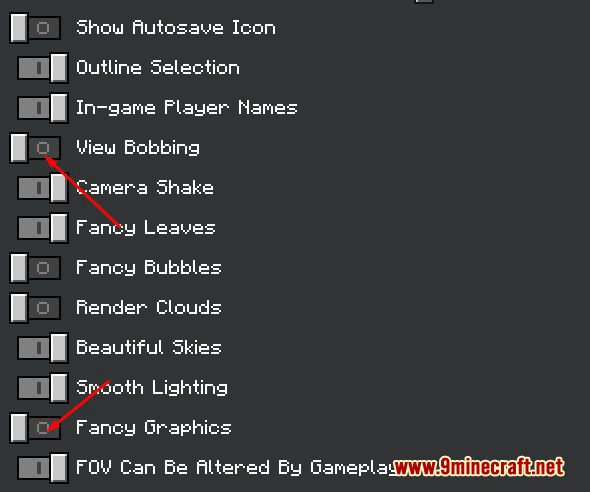
To start, the map will move and cast a small shadow unless you disable these options in the settings shown below:
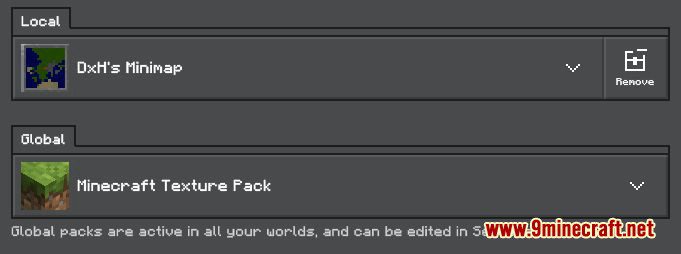
It’s worth noting that, strictly speaking, this addon is built as a texture:
But we treat it as a full addon since it only works once you activate the matching experimental game toggle, shown here:
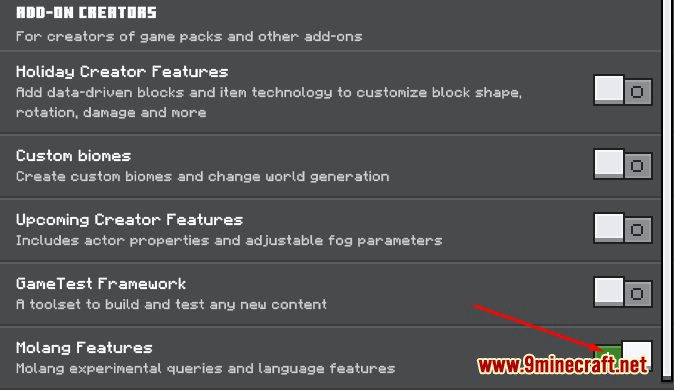
After enabling that toggle, just create your world – this step may take a little longer than usual, depending on how powerful your PC or phone is:
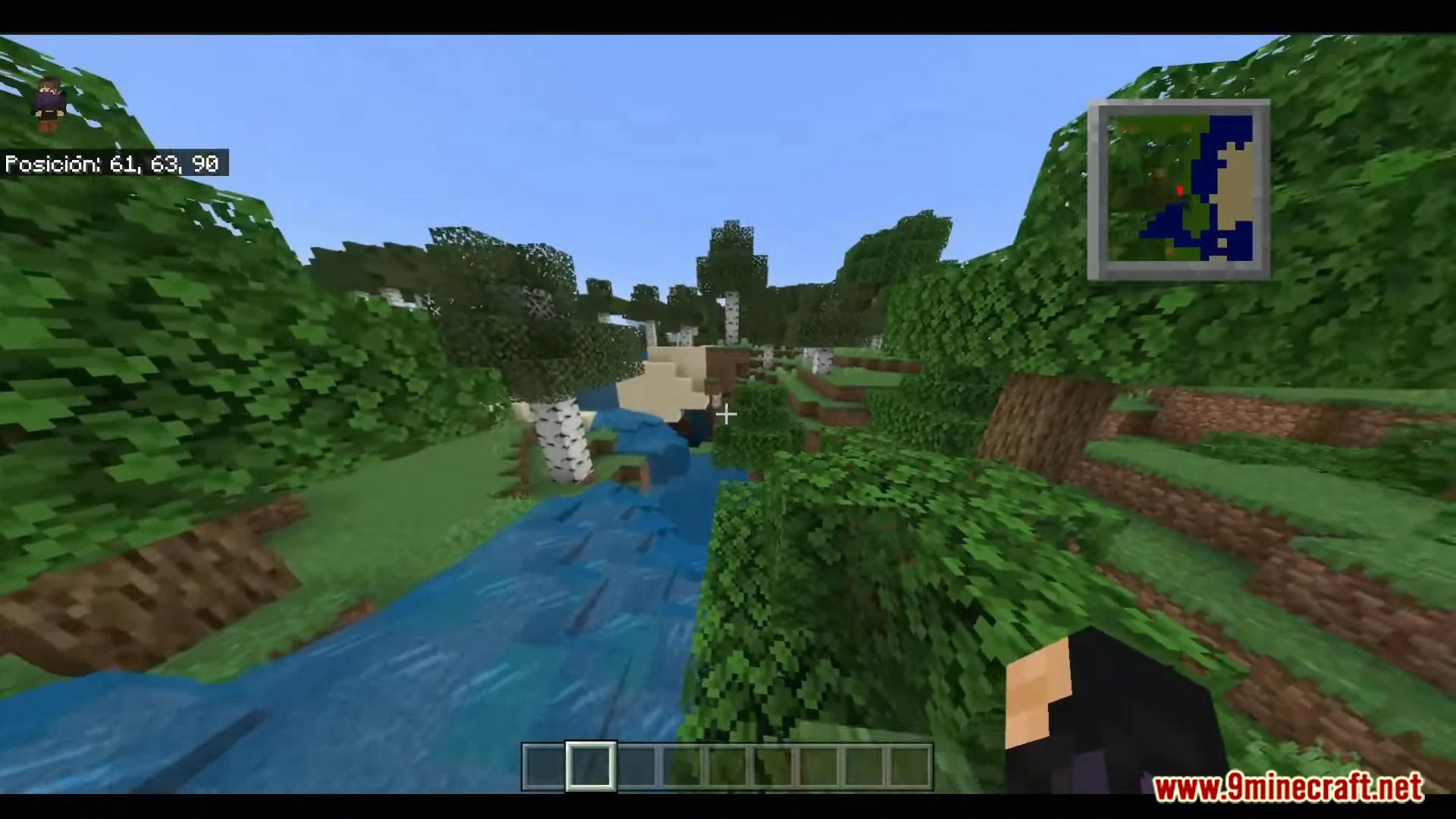
And here’s the minimap in action once everything is set up:
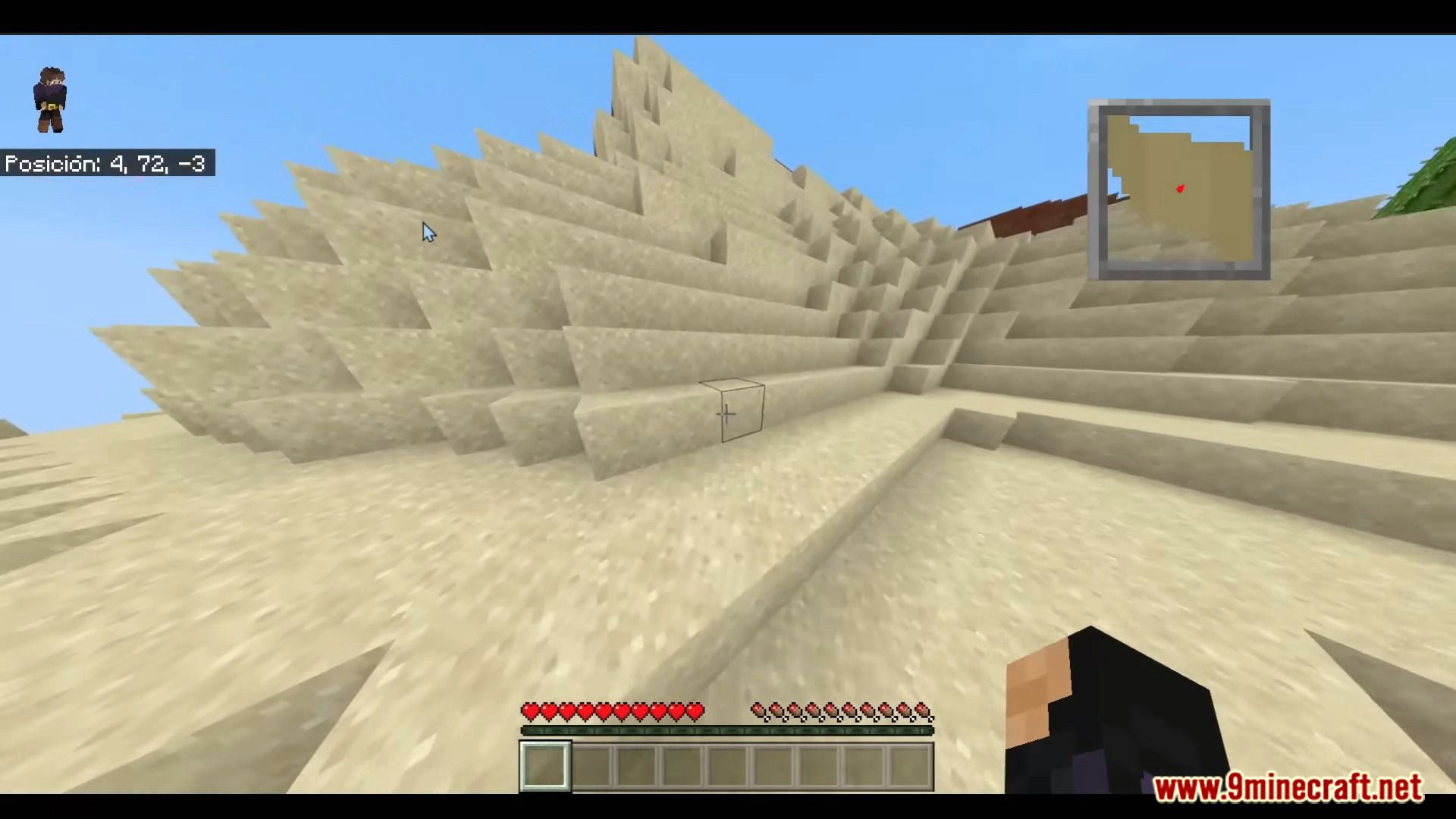
How to install:
Not sure how to get an addon or texture running on Minecraft PE? These guides walk through the whole process step by step:
- How To Install Mod / Addon on Minecraft PE
- How To Install Texture Packs on Minecraft PE
- How To Install Map on Minecraft PE
DxH’s Minimap Addon (1.26, 1.20) Download Links
For Minecraft PE/Bedrock 1.20, 1.19
mcaddon: Download from Server 1
For Minecraft PE/Bedrock 26.30, 26.31, 26.32 (1.26.30+)
mcaddon: Download from server 1 – Download from server 2
Tags:
4 Comments
Leave a Comment
YOU MAY ALSO LIKE...


dimmma rca
ففففق
Ai vhjnbbbn bhhnm❤️❤️❤️❤️❤️
عنااه