

What Are Spawn Chunks in Minecraft? Permanent Chunk Loading Explained
Introduction to Spawn Chunks
Spawn chunks are a unique set of chunks in Minecraft that remain loaded at all times, regardless of where the player is or how far away they travel. This phenomenon, often called “permanent chunk loading,” is a cornerstone of many advanced farms, automated systems, and survival strategies. Understanding spawn chunks is essential for players who want to optimize their gameplay, especially in technical Minecraft communities. Unlike other chunks that unload when no player is nearby, spawn chunks stay active 24/7 as long as the world exists.
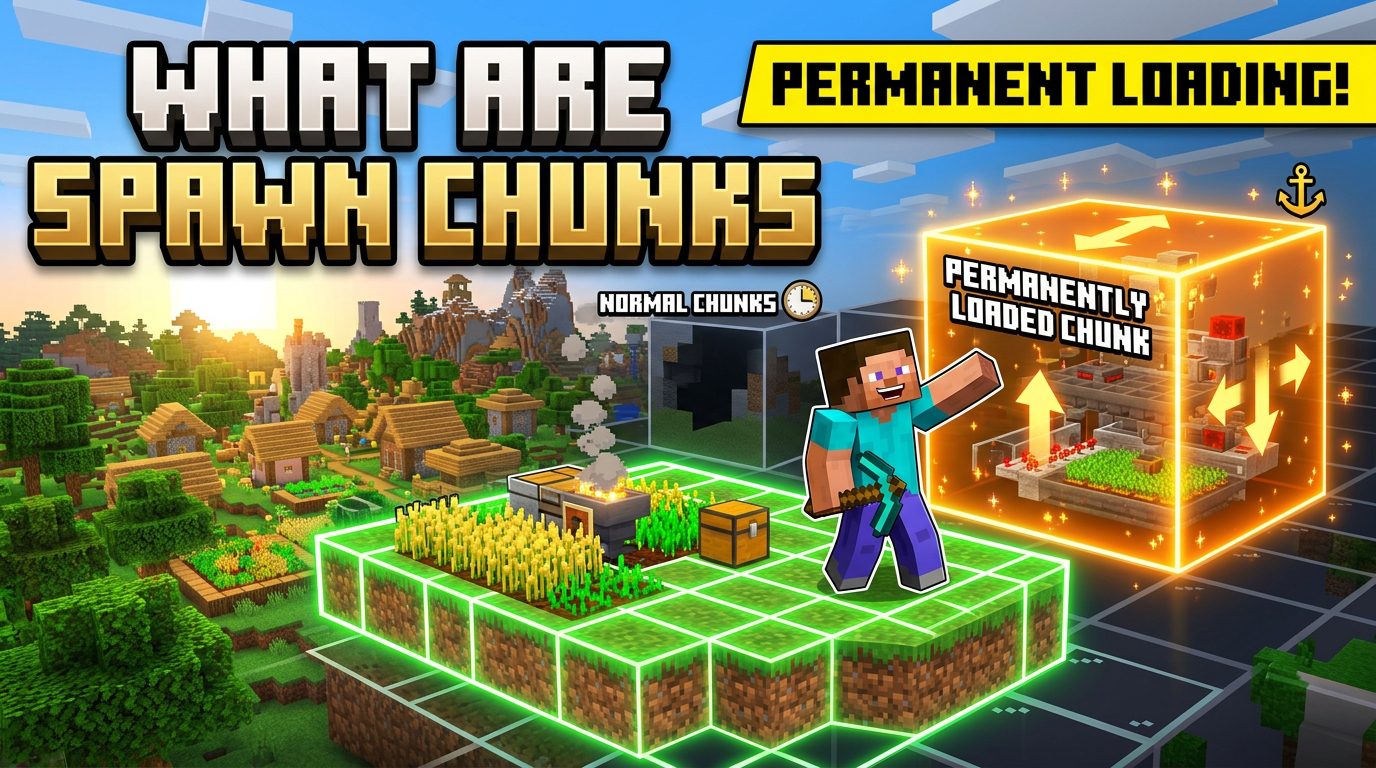
The concept originates from the game’s spawn point-the location where a player first appears in a new world or after sleeping in a bed. The spawn chunks are a 16×16 (or larger) area centered on that world spawn point. However, the exact size and behavior have changed over different Minecraft versions. This guide will cover everything from the basic mechanics to advanced applications, drawing from community knowledge on Reddit, Planet Minecraft, and YouTube tutorials.
How Spawn Chunks Work: The Technical Details
Definition and Size
In Java Edition, spawn chunks are a region of chunks around the world spawn point that are always loaded into memory and active. Historically, the size was 16×16 chunks (a 256×256 block area). But after the 1.14 (Village and Pillage) update, the area was reduced to a 12×12 chunk area centered on the spawn point. In 1.15, it was further refined to a 10×10 chunk area (160×160 blocks). Some sources on Reddit and bug reports indicate that the effective loading radius is about 128 blocks from the world spawn, but the chunk grid alignment matters. Always test in your specific version.
In Bedrock Edition, the concept is different. There are no permanent spawn chunks per se. Instead, the “ticking area” commands or “chunk loaders” are used to keep chunks loaded. Bedrock also has simulation distance that can affect entity processing. This guide focuses primarily on Java Edition, which is where spawn chunks are most impactful.
What Gets Loaded
When a chunk is in the spawn chunk area, it is always fully loaded. That means:
- Redstone contraptions continue to operate (pistons, repeaters, comparators).
- Furnaces, smokers, and blast furnaces continue to smelt items.
- Crops grow (if the chunk is within simulation distance for random ticks).
- Villagers can breed, work, and restock trades.
- Mob spawning and despawning occur as normal (within the mob cap).
- Entities (items, mobs, minecarts) are ticked and can despawn after 5 minutes if not within player range, but spawn chunks prevent that despawn timer from starting? Actually, entities loaded in spawn chunks still have the standard despawn mechanics. Crucial: Items on the ground will despawn after 5 minutes if not picked up, even in spawn chunks. However, mobs will not despawn if they are persistence forced (name tag) or if they are part of a farm that prevents despawn by being in a loaded chunk? Actually, hostile mobs despawn instantly if they are more than 128 blocks from any player, regardless of chunk loading. So spawn chunks do not keep hostile mobs alive forever-they will despawn if no player is within 128 blocks. This is a common misconception. Piglins, zombie pigmen, and other mobs that don’t despawn normally (like villagers) will persist.
Random Ticks in Spawn Chunks
Random ticks (for crop growth, grass spreading, ice melting, etc.) only happen in chunks that are within the player’s simulation distance. Default simulation distance is 4–10 chunks depending on server settings. Spawn chunks themselves are loaded but do not receive random ticks unless the spawn chunks fall within the player’s simulation distance. This means crops will not grow automatically in spawn chunks when you are far away. However, you can use a design that forces random ticks by using a player AFK spot or by using a different mechanic (like bone meal). Many players on Reddit are frustrated that their automatic crop farms in spawn chunks don’t work when they travel far away.
Finding Your Spawn Chunks
In Java Edition, there is no in-game indicator for spawn chunks. You have to determine the world spawn point. The world spawn is the block where you first appear. It is usually a few blocks away from exact coordinates because the game tries to find a safe spot. You can find it by using a compass. A compass points to the world spawn, not your personal spawn (bed). So if you craft a compass and follow it, you’ll find the world spawn area. Also, you can press F3 and look at the “Spawn” coordinates in the debug screen (Java Edition). That shows the world spawn point. The area around it is the spawn chunks.
To visualize the exact chunk borders, use F3+G to show chunk boundaries. Then find the chunk containing the world spawn coordinate. The loaded area is a square of chunks around that chunk. For example, in 1.16+, it’s a 10×10 chunk area. That means if your world spawn is at coordinates (x,z) = (50, 100), the loaded chunks extend from chunk X = -5 to +4 relative to the spawn chunk, and similarly for Z. You can calculate the block range: from (50-80) to (50+80) in X, and (100-80) to (100+80) in Z (since 10 chunks * 16 blocks per chunk = 160 blocks, center at spawn). But careful: the spawn chunk center is the chunk, not the exact coordinates. So the loaded area is a grid of chunks.
Practical Uses of Spawn Chunks
Automatic Farms and Machines
The most common use is for farms that need to run while the player is away. Since spawn chunks stay loaded, you can build a farm there that produces items even when you’re exploring. Examples:
- Iron farms: Villagers spawn golems based on villager count and fear. Iron farms in spawn chunks can run indefinitely, providing a steady supply of iron.
- Gold farms (using zombie piglins in nether, but if built in overworld spawn chunks near a nether portal, it’s complicated).
- Wool farms (powered by grass blocks and sheep).
- Cactus/sugar cane farms (but note that cactus grows via random ticks, so it will only grow if simulation distance covers the spawn chunks-often not. Therefore, cactus farms in spawn chunks are best for AFK, not fully automatic when away).
- Bamboo farms (bamboo grows via random ticks, same issue).
- Trading halls: Villagers restock trades twice per day (if they have a workstation and claimed it). This restocking happens based on in-game time and proximity to player? Actually, villagers restock when they are loaded and have access to their workstation. In spawn chunks, they will restock on their own schedule, allowing you to bulk trade even when far away.
Redstone contraptions like item sorters, automatic storage systems, and smelting arrays can be built in spawn chunks to keep processing items while you’re mining or exploring. For example, a super smelter array of furnaces will keep burning if hoppers supply fuel and items, but be aware that furnaces only smelt when they receive a tick. They do tick in spawn chunks, so if the hopper system is fed from a farm, it works.
Mob Farms and Spawning Mechanics
Hostile mob farms (like a standard dark room farm) will not work in spawn chunks when you are far away because hostile mobs instantly despawn beyond 128 blocks. However, if you stay within 128 blocks of the farm, it works. But that defeats the “permanent” aspect. Some mobs that do not despawn (like villagers, iron golems, snow golems) are safe. Also, mobs that are name tagged or leashed do not despawn. So you can create a passive mob farm (cows, sheep, pigs) if you keep them loaded. But they need grass to feed (spread via random ticks again). So passive mob breeding is tough without player presence.
Slime chunks: Slimes spawn in specific chunks below Y=40. If a slime chunk is within spawn chunks, slimes will spawn continuously even when you’re far away? No, slimes are hostile mobs and will despawn if the nearest player is more than 128 blocks away. So spawn chunks don’t help with slime farms either. Many YouTube tutorial makers claim slime farms in spawn chunks work, but that’s only if the player is within 128 blocks. The permanent loading only ensures the chunk is ticked for redstone and entity AI, but mob despawning overrides.
Fish farms? Fish are passive and their spawning mechanics: only in water and near player? Actually, fish spawn as part of aquatic mob spawning which requires a player within 64 blocks? They will despawn after a short time. So spawn chunks not useful for fish.
AFK vs Permanent
Often, the best use of spawn chunks is for AFK sessions. Many players set up their AFK spot near their spawn chunks to keep multiple farms running while they are away from keyboard. But if you go exploring thousands of blocks away, the spawn chunks still load but mob despawning issues remain. So use spawn chunks for: redstone clocks, item sorting, furnace arrays, villager trading halls, iron farms, and any farm that relies on block updates (like piston-based sugarcane farms that use observer clocks).
Common Misconceptions and Pitfalls
Misconception 1: All Redstone Works Forever
While redstone components tick, some redstone mechanisms require random ticks (like crop growth) or player proximity (like mob spawning). Many players assume a cactus farm will automatically produce cactus in spawn chunks. It will not because random ticks are not applied. You need a different design: a piston pusher based on block update detection (e.g., a kelp farm) or a flying machine. For cactus, you can use a zero-tick farm (which is patched) or use a bone meal dispenser. So always check if your farm depends on random ticks.
Misconception 2: Mob Farms Work Endlessly
As mentioned, hostile mobs despawn beyond 128 blocks. You can circumvent this by using a name tag, but that’s not scalable. For a creeper farm, you need the player nearby. However, if you build a farm in spawn chunks and then go to the nether, the nether coordinates conversion might bring you within 128 blocks of your overworld farm? This is a known trick: if you go to the nether, and your nether portal is close to the farm, you can be in the nether but still close to the farm in overworld distance (since nether coords are divided by 8). That can keep the farm active. But then it’s not purely “spawn chunks” doing the work.
Misconception 3: Chunk Loaders Are Unnecessary
Some players think spawn chunks make traditional chunk loaders obsolete. Not true. For farms that need to be active far away from spawn, you need either a nether portal chunk loader or a world spawn-based farm. Spawn chunks are only useful near the world spawn. If you build your base elsewhere, you have to travel to spawn to benefit. Many players relocate their world spawn by using /setworldspawn (if cheats enabled). In survival, you cannot change world spawn without commands. So plan your base accordingly or build your farms at spawn.
Version Changes and Implications
Java Edition Changes
- Pre-1.14: Spawn chunks were 16×16 chunks (256×256 blocks). Massive area.
- 1.14: Reduced to 12×12 chunks (192×192). Still large.
- 1.15: Reduced further to 10×10 chunks (160×160). This was to improve performance. Many old designs that relied on the larger area broke. Also, the ticket system was changed. Now only the world spawn chunk gets a “strong” ticket; the adjacent chunks get weaker tickets that can be unloaded if memory pressure is high.
- 1.16 and later: The behavior stabilized. Some mods or data packs can adjust the size.
- For server owners: You can change the spawn chunk radius via server.properties with `spawn-chunk-radius`. Default is 10 (chunks). Setting it to 0 disables permanent loading, improving server performance.
Bedrock Edition</h3
Tags:
YOU MAY ALSO LIKE...


