Nether Portal Calculator Guide: How to Link Portals Perfectly Every Time
Introduction to Nether Portal Linking
Nether portals are one of the most powerful transportation systems in Minecraft, allowing players to travel vast distances in the Overworld by moving a single block in the Nether. However, linking portals incorrectly can lead to broken routes, split portals, or even dangerous situations. The key to perfect portal linking lies in the 8-to-1 conversion ratio between the Overworld and the Nether, and understanding how the game calculates portal destinations. This guide will teach you everything you need to know, from manual coordinate calculations to using online Nether Portal Calculators, so you can create reliable two-way portal networks every time.
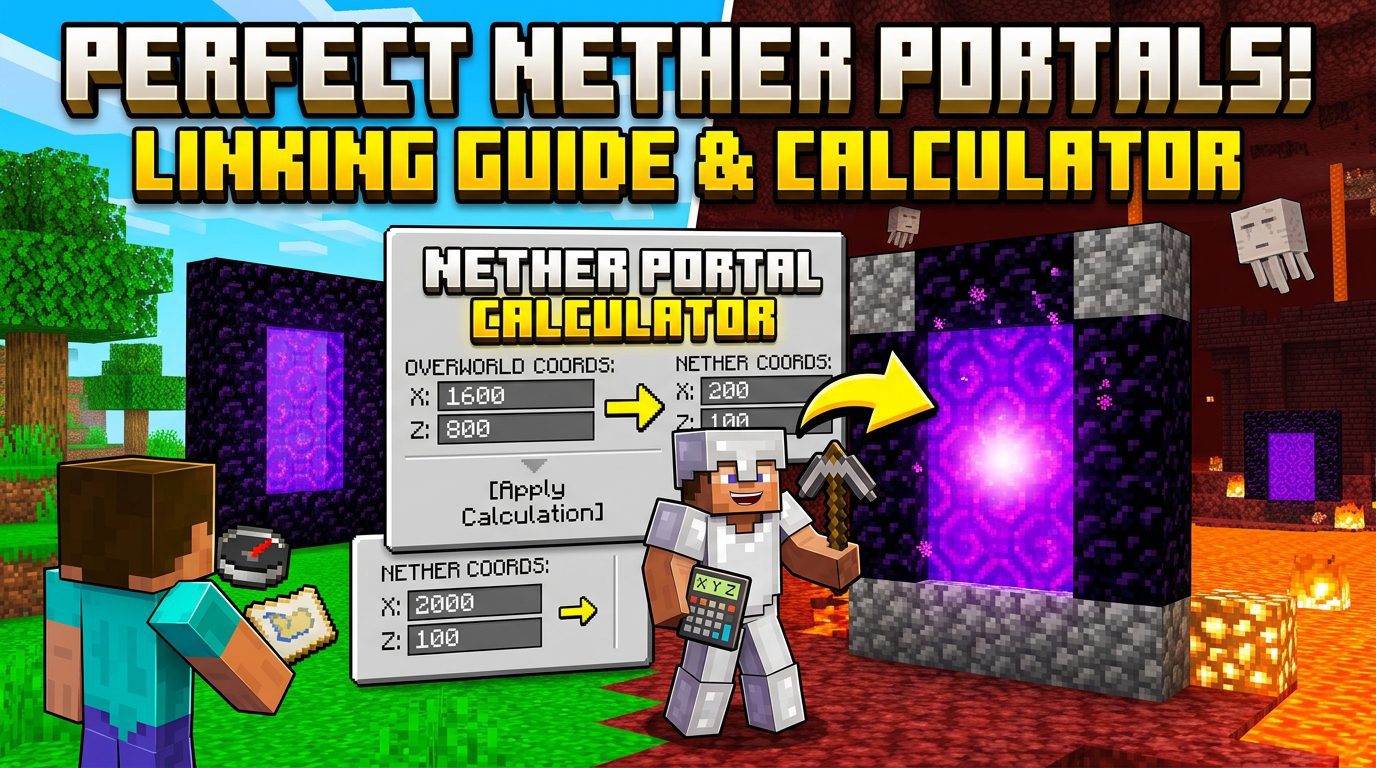
How Portal Linking Works in Minecraft
When you step through a Nether portal, the game performs two steps:
- Coordinate Conversion: It takes your position in the current dimension and converts it to corresponding coordinates in the other dimension using the ratio.
- Portal Search: It searches for an existing portal within a certain radius around those converted coordinates. If none is found, it generates a new portal.
The conversion is simple:
- Overworld → Nether: Divide X and Z by 8. Y remains unchanged.
- Nether → Overworld: Multiply X and Z by 8. Y remains unchanged.
For example, if you are at Overworld coordinates (800, 64, -400), the Nether destination becomes (100, 64, -50).
The 128-Block Search Radius
When the game looks for an existing portal to link to, it searches in a sphere of radius 128 blocks in the Nether (for Overworld-to-Nether travel) and 1024 blocks in the Overworld (for Nether-to-Overworld travel). These radii are based on the 8:1 scale. If a portal is found within that radius, it will link to it. If multiple exist, the nearest one is chosen. If none exist, a new portal is generated where you would be after conversion.
Manual Calculation vs. Using a Nether Portal Calculator
You can calculate portal locations manually with a piece of paper and a calculator, but using a dedicated Nether portal calculator (either a website, mod, or in-game tool) saves time and reduces errors. Below we cover both methods.
Manual Calculation Step-by-Step
Suppose you want to build a portal at Overworld (X=1200, Z=600) and you want the Nether side to be perfectly aligned so that when you return, you exit the same Overworld portal.
- Divide Overworld coordinates by 8: Nether X = 1200 / 8 = 150; Nether Z = 600 / 8 = 75. Y can be any value, typically 64 for flat terrain.
- Build your Nether portal at (150, ~64, 75).
- Test the link: Enter the Nether portal. You should come out in the Overworld at exactly (1200, ~64, 600). If you built the Overworld portal first and the Nether one using these coordinates, it works.
But what if the terrain in the Nether is not suitable? You may need to adjust Y or dig a tunnel. The key is that the Overworld portal’s coordinates must match the Nether portal’s coordinates * 8 (or the reverse) within the search radius. The game doesn’t require an exact match – it only requires a portal to exist near the converted coordinates.
Using an Online Nether Portal Calculator
Many websites offer free Nether portal calculators. Examples include chunkbase.com/apps/nether-portal or minecraft.tools/en/nether-calculator. They typically have two modes:
- Mode 1: Given Overworld coordinates, calculate best Nether coordinates.
- Mode 2: Given Nether coordinates, calculate Overworld returns.
Simply input your desired Overworld location (X, Y, Z) and the calculator outputs the Nether coordinates. Some calculators even show portal chunks and suggest safe Y levels.
Perfect Linking: The “Golden Ratio” of 8:1
To ensure that your portal pair links perfectly every time, you must build both portals within the 128-block Nether search radius of each other’s converted coordinates. Here’s the exact rule that players on Reddit and Planet Minecraft swear by:
“Build your Nether portal at coordinates that are EXACTLY one-eighth (or one-third? No, one-eighth) of the Overworld coordinates, and vice versa. If you can’t place it exactly due to lava or terrain, you can offset up to 128 blocks in the Nether (up to 1024 in Overworld) and still maintain a two-way link, provided the other portal is within the search radius.”
But “offset” can break if both portals are moved too far from the ideal point. To avoid “split portals” (where entering one portal takes you to a different portal than the one you came from), follow this strict method:
- Build the Overworld portal first at your desired location.
- Stand on the portal block and open the debug screen (F3 on Java) to get your exact coordinates.
- Divide X and Z by 8 (ignore Y for now, but keep it reasonable, e.g., Y=64).
- Go to the Nether (build a temporary portal if needed) and travel to those calculated coordinates.
- Build the Nether portal there. If the terrain is unbuildable, you can move up to 128 blocks in any direction (including Y) as long as the portal is built in that sphere.
This method guarantees that when you step back through the Nether portal, the game’s search will find your original Overworld portal within the 1024-block Overworld radius (since Nether coords * 8 = Overworld coords exactly, and the original portal is exactly at that point).
Advanced Strategies for Multiple Portal Links
When building a network of portals, things get tricky. The most common problem reported on forums is “portal linking to the wrong portal” or “two portals in the Overworld linking to the same Nether portal.” To avoid this, you must ensure that each Nether portal’s search radius does not overlap with another Nether portal’s search radius. Since the Nether search radius is 128 blocks, any two Nether portals must be at least 257 blocks apart (center to center) to guarantee they link to different Overworld portals.
Cluster Design (Town Hall Hub)
Many advanced players create a “Nether hub” at the coordinates (0, Y, 0) or near bedrock. From there, they build tunnels in the Nether to various destinations, each with its own portal. In the Overworld, each destination has a portal built at (Nether coordinate * 8). Because all the Nether portals in the hub are far apart (at least 128 blocks), they link uniquely.
Using Y-Level to Your Advantage
Y-coordinate is often ignored, but it matters. If you build a Nether portal at Y=120 (high in the ceiling) and the Overworld portal is at Y=64, the converted Overworld Y is also 120. The game searches a sphere around (X,120,Z) in the Overworld. If your Overworld portal is at Y=64, it might be more than 128 blocks vertical distance away, causing the search to fail and a new portal to spawn. Always try to keep Y within 128 blocks between dimensions. The best practice: set both portals to the same Y-level (e.g., Y=64) or within 32 blocks vertical difference.
Troubleshooting Common Portal Issues
Issue 1: Split Portals
You go into the Nether, come out somewhere else, and then can’t find your way back. This happens if the Nether portal you built is outside the search radius of your Overworld portal’s converted coordinates. For example, you built Overworld portal at (800,64,-400) but Nether portal at (50,64,-50) instead of (100,64,-50). The Nether portal’s converted Overworld is (400,64,-400) – 400 blocks away from the original Overworld portal. The game searches 1024 blocks, so it might find the original Overworld portal (if it’s the only one), but if there’s another portal closer to (400,64,-400), you’ll link there. Fix: recalculate and rebuild the Nether portal at the correct coordinates or move it closer.
Issue 2: Portal Does Not Spawn
Sometimes you walk into the Nether portal and nothing happens, or you get “portal travel” but spawn inside a wall. This is usually a sign that the terrain in the destination dimension is obstructed. In the Nether, if the area is solid netherrack or lava, the game will still spawn a portal but may suffocate you. Use a calculator to pick a Y-level where there is a large open area (like a nether waste cave). You can also build a platform before lighting the portal.
Issue 3: Portal Links to Wrong Destination in a Multi-Player Server
On servers with many players, the Overworld is littered with portals. When you build a Nether portal, the search might find a distant player’s portal instead of yours. To force a link, make sure your Nether portal is built exactly at the coordinates (OverworldX/8, Y, OverworldZ/8) and the Overworld portal is exactly at (NetherX*8, Y, NetherZ*8). Even then, if another portal is within 128 blocks in the Nether, it might override. Solution: build portals far apart or use a plugin like “SimplePortals” that gives you control.
Using In-Game Tools and Mods
Several mods and datapacks can help you calculate portal links in real-time:
- Xaero’s Minimap (with waypoints) – you can set waypoints for both dimensions and calculate coordinates.
- MiniHUD – displays coordinates and can overlay chunk boundaries.
- Carry On (vanilla-ish) – not a calculator, but allows moving portals.
- Datapack “Nether Portal Coordinates” – available on Vanilla Tweaks, shows the converted coordinates when you hover over a portal.
Nether Portal Calculator: Step-by-Step Example
Let’s walk through a complete example using the popular online tool Chunkbase’s Nether Portal Finder.
- Open chunkbase.com/apps/nether-portal.
- Select your Minecraft version (Java or Bedrock). Bedrock uses a slightly different search algorithm – note: in Bedrock, the ratio is still 8:1, but the Y search is different; use the calculator accordingly.
- Enter Overworld coordinates: X=2000, Z=1500, Y=64.
- The calculator outputs: Nether X=250, Nether Z=187.5 (round to 187 or 188). Y=64.
- It may also show a “suggested Y” based on terrain analysis (e.g., Y=35 to avoid lava).
- Build your Nether portal at (250, 35, 188).
- Step through. The game searches for a portal around the converted Overworld point (2000, 35*? Wait, Y is not scaled – the game searches Overworld around (2000, 35, 1500)). Your Overworld portal is at (2000