How to build a functional automatic sorting system in Minecraft?
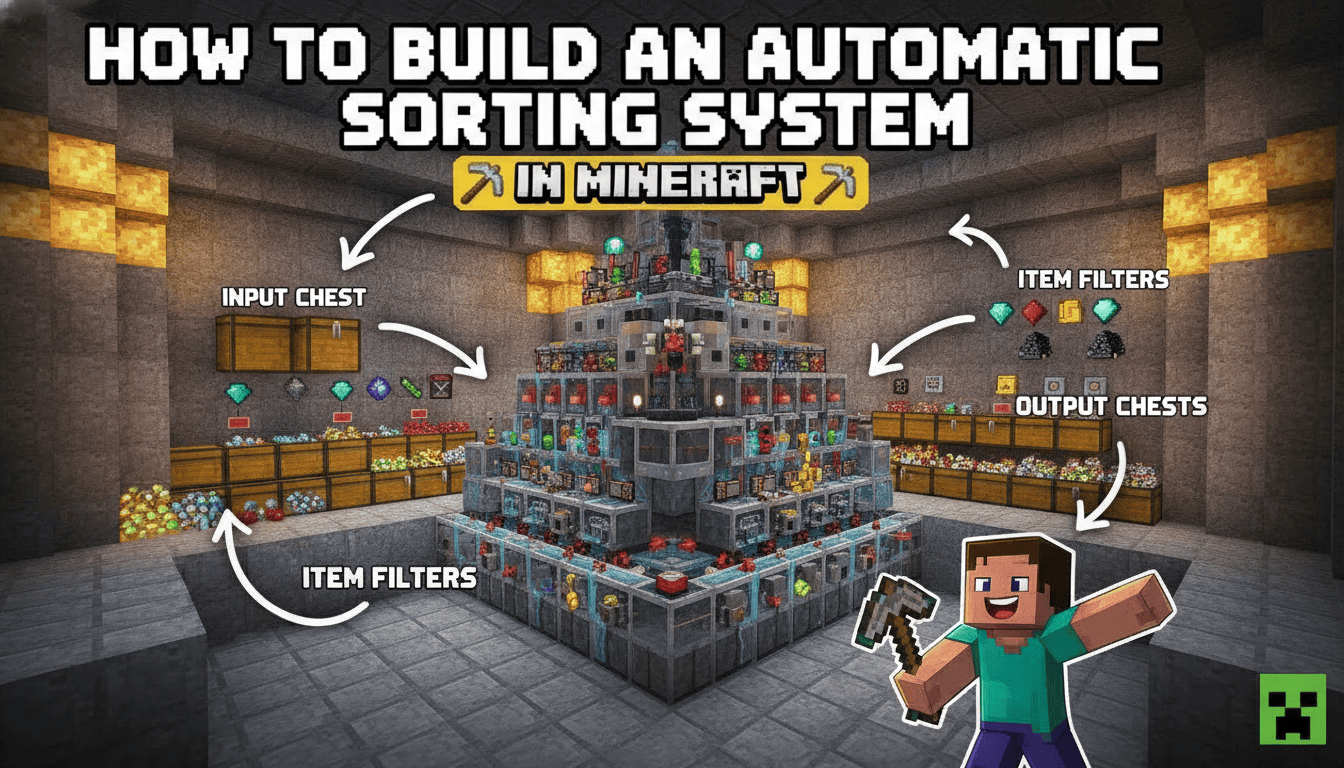
Building a functional automatic sorting system in Minecraft is a game-changer for base organization, allowing you to automatically categorize items from farms or mining trips. This guide will walk you through constructing a reliable, expandable automatic sorting system that works efficiently in both Java and Bedrock Editions.
What You’ll Need
Here’s a list of materials required for a basic 5-item sorting module. Remember, you’ll need more for additional sorting categories.
- 22x Chests:
- Crafted with 8 wooden planks of any type, leaving the center slot empty in a crafting table.
- Two single chests placed side-by-side form a double chest, which is ideal for storage.
- 22x Hoppers:
- Crafted with 1 chest and 5 iron ingots in a crafting table. Place the chest in the middle slot, and the iron ingots in a “V” shape around it (one on top-left, top-right, middle-left, middle-right, and bottom-middle).
- Iron ingots are obtained by smelting raw iron ore in a furnace.
- 15x Redstone Dust:
- Mined from Redstone Ore found in caves in the Overworld.
- 5x Redstone Repeaters:
- Crafted with 3 stone blocks in the bottom row, 1 redstone dust in the center of the middle row, and 2 redstone torches on either side of the redstone dust in the middle row.
- Stone blocks are obtained by smelting cobblestone in a furnace or mining with a Silk Touch pickaxe.
- 5x Redstone Comparators:
- Crafted with 3 stone blocks in the bottom row, 1 Nether Quartz in the middle slot of the second row, and 3 redstone torches (one on top of the Nether Quartz, and one on each side of the Nether Quartz in the middle row).
- Nether Quartz is obtained by mining Nether Quartz Ore in the Nether.
- 5x Redstone Torches:
- Crafted with 1 stick and 1 redstone dust. Place the stick in any crafting grid slot and the redstone dust directly above it.
- Sticks are crafted from two wooden planks placed vertically.
- 25x Building Blocks:
- Any solid, opaque block (e.g., cobblestone, dirt, stone). These are used for the redstone circuitry platform.
- 20x Filter Blocks:
- Any stackable item that will not be sorted by the system. These are crucial for the sorting mechanism.
- Rename these items using an anvil to prevent them from being accidentally sorted or removed by the system.
- 1x Anvil:
- Crafted with 3 blocks of iron and 4 iron ingots. Used to rename your filter blocks.
- 41x of each item you want to sort:
- You’ll need 41 of each specific item you want to sort (e.g., 41 cobblestone, 41 dirt, etc.) to set up the filter in each hopper. These will occupy the first slot of the sorting hopper.
Step-by-Step
Follow these precise steps to build a basic 5-item automatic sorting system. This design is widely compatible with Minecraft versions 1.21.1+ for both Java and Bedrock.
- Place Storage Chests: Begin by placing five double chests side-by-side on the ground. These will be the lower tier of your sorted item storage. Directly on top of this first row, place another row of five double chests. This creates a two-high storage unit for each item type.
- Attach Storage Hoppers: Move to the back of your chest array. While crouching (Shift + Right-click), place ten hoppers. Each hopper should face into the back of a chest. You’ll have one hopper feeding into the bottom chest and one feeding into the top chest for each sorting column.
- Build Redstone Platform: Behind the hoppers you just placed, leave a one-block gap. Then, place a continuous row of five solid building blocks. This row will serve as the base for your redstone components.
- Place Redstone Repeaters: Directly behind the row of building blocks (further back from the chests), place five redstone repeaters. Ensure that the repeaters are facing towards the chests and hoppers. The arrow on the repeater should point towards the chests.
- Place Redstone Torches: In the one-block gap between the building blocks and the hoppers (the gap you left in Step 3), place five redstone torches. These torches should be attached to the front face of the building blocks, causing them to point towards the hoppers.
- Place Redstone Comparators: On top of the building blocks you placed in Step 3, directly above the redstone torches, place five redstone comparators. Crucially, the two small “switches” on the comparator should face towards the hoppers, meaning the comparator is reading the inventory of the hopper directly in front of it.
- Add Redstone Dust: Place redstone dust on the three blocks behind each comparator, connecting them in a straight line. This will complete the redstone circuit for each sorting module.
- Create Sorting Hopper Line: Crouch and place a row of five hoppers on top of the comparators. These hoppers should face into the comparators below them. This is the line where items will enter the sorting mechanism.
- Add Input Hopper and Chest: To feed items into your sorting system, attach two hoppers to the right side of the build. These should lead into the very first hopper of the top sorting hopper line (the one on the far right). Place a double chest on top of the rightmost hopper; this will be your main input chest where you dump all your unsorted items.
- Configure Item Filters: This is the most critical step for the system to work correctly.
- Open the inventory of the second-to-top row of hoppers (the ones directly on top of the comparators).
- For each of these five hoppers, you will set up a filter:
- Place 4 renamed “filter blocks” (any stackable item you won’t sort, e.g., renamed dirt, cobblestone, or netherrack) into the last four slots (slots 2, 3, 4, and 5) of the hopper’s inventory.
- In the first slot (slot 1), place 41 of the specific item you want that particular chest column to sort. For example, if this column is for cobblestone, place 41 cobblestone in the first slot.
- Repeat this process for each of the five sorting hoppers, assigning a different item to each.
- Overflow/Unsorted Item Chest: Attach a chest directly to the very last hopper in the top sorting line (the one on the far left that is not connected to a comparator system). Any items that don’t match a filter in your sorting system will pass through all the sorting hoppers and end up in this overflow chest. This is also where items will go if your sorted storage chests become full.
- Optional: Item Frames for Labeling: To easily identify what each chest sorts, you can place item frames on the front of the storage chests and put the corresponding item inside. While helpful, be aware that item frames are “tile entities” and can slightly impact game performance (FPS) if you use many of them. Using signs for labeling is a more lag-friendly alternative.
Java vs. Bedrock Differences
The standard ImpulseSV-style item sorter design described here works remarkably similarly in both Java and Bedrock Editions of Minecraft. However, there are a few subtle points to consider:
- General Compatibility: The core mechanics of hoppers, comparators, and redstone dust behave almost identically for this specific sorting system across both versions.
- Compactness: While this design is robust for both, Bedrock Edition redstone can sometimes allow for slightly more compact or cheaper designs in other contraptions due to different redstone mechanics (like quasi-connectivity not existing in Bedrock). For this sorter, the differences are minimal.
- Hopper Update Order (Bedrock Specific): In Bedrock Edition, the random update order of hoppers can, in rare circumstances, cause items to “skip” their intended sorting slot in a long hopper line. For a 5-item sorter, this is highly unlikely to be an issue. For very large sorting systems with dozens of categories, using water streams to transport items to individual sorting modules can be a more reliable approach in Bedrock to mitigate this.
Tips for Efficiency and Troubleshooting
- Correct Hopper Direction is Key: This is the most common mistake. Always ensure hoppers are placed with their “spout” facing the intended destination. For example, hoppers feeding into chests must point into the chest, and the sorting hoppers in the top line must point into the comparator below them. Use Shift + Right-click to place hoppers on containers without opening their inventory.
- Filter Item Integrity: The 4 renamed filter blocks in slots 2-5 of the sorting hoppers are crucial. If these items are accidentally removed or sorted, the system will break. Ensure they are renamed to something unique (e.g., “Junk Block”) to prevent them from being accidentally sorted or used.
- Comparator Orientation: Comparators must face towards the hoppers they are reading from. The two small switches on the comparator should point towards the hopper.
- Redstone Signal Strength: The filter setup relies on precise redstone signal strengths. The 41 items in the first slot, combined with the 4 filter items, create a specific signal strength that activates the comparator just enough to unlock the hopper below it when the correct item passes through. An incorrect number of items in the sorting hopper can cause the system to fail or unlock neighboring hoppers.
- Lag Considerations: While functional, using a massive number of chests and item frames can cause performance issues (FPS drops) due to them being “tile entities.” For very large storage systems, consider using barrels instead of chests (they function identically with hoppers but are slightly less resource-intensive) and signs instead of item frames for labeling.
- Stackable Items Only: This specific design is for sorting stackable items (up to 64 per slot). Non-stackable items (like tools, armor, or shulker boxes) require a different, more complex filter system, usually involving droppers and dispensers.
- Fast Item Input: If items are input into the system too quickly (e.g., from a very high-speed farm), the sorting hoppers might not be able to process them fast enough, leading to items backing up or even breaking the filter. For extremely fast input, consider adding an input buffer with a dropper that sends items one by one into the sorting line.
FAQ
Q: Why do I need to rename the filter blocks?
A: Renaming the filter blocks (e.g., to “Junk”) prevents them from being accidentally sorted into your storage system or being pulled out by another hopper. If you used regular cobblestone as a filter block in a cobblestone sorter, for example, the system could break if items started flowing incorrectly.
Q: My sorter isn’t sorting items, or items are getting stuck. What’s wrong?
A: Double-check hopper directions, comparator orientation, and the filter setup in each sorting hopper. The most common issues are hoppers facing the wrong way, comparators facing away from the hopper, or incorrect numbers/types of items in the filter slots.
Q: Can I expand this sorting system to sort more items?
A: Yes! This design is modular. You can extend the system horizontally by adding more sorting modules (chests, hoppers, redstone components) to the left of your existing setup. Just ensure the top input hopper line continues to feed into all new modules.
Q: What happens if a sorted chest fills up?
A: If a sorted chest fills completely, items of that type will continue to travel down the top sorting hopper line and will eventually end up in your overflow/unsorted item chest at the end of the line.
Q: Why 41 items in the first slot of the filter hopper?
A: The specific number (41) is crucial because it creates a redstone signal strength of 2, which is just enough to power the comparator and subsequently the redstone repeater and torch, locking the hopper below it. When an item of the correct type enters the sorting hopper, the item count momentarily increases to 42, boosting the redstone signal to 3. This briefly unlocks the bottom hopper, allowing one item to drop into the storage chest before the signal returns to 2, relocking the hopper.
Happy sorting, and may your Minecraft storage always be perfectly organized!
Tags:
YOU MAY ALSO LIKE...