

How to reset villager trades through profession changes
In the world of Minecraft, villagers are invaluable sources of resources, enchantments, and tools. However, their initial trades are often not ideal. Fortunately, there is a precise method to reset a villager’s trades by changing their profession, provided certain conditions are met. Understanding the underlying mechanics and following a specific process is key to successfully obtaining the desired trade offers.
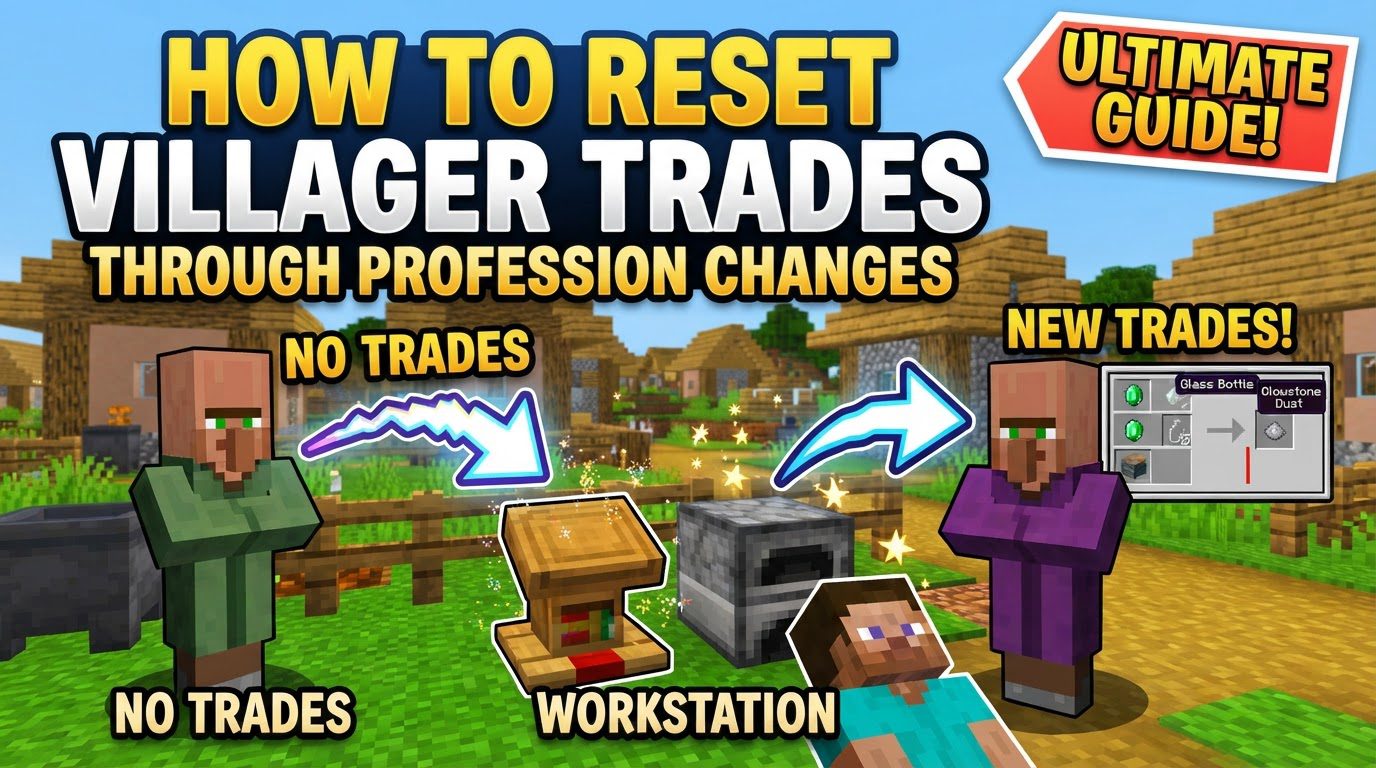
Understanding Key Mechanics of Villager Trades
To effectively manipulate villager trades, it’s crucial to grasp how their professions and offers are determined and locked. These fundamental mechanics dictate when and how you can influence their inventory.
-
Profession Linkage: A villager’s profession is directly tied to a specific job site block that they have claimed. For instance, a Librarian villager will always be linked to a Lectern, while a Farmer will be associated with a Composter. This linkage is the primary determinant of the trades they offer.
-
Losing Profession: If you remove the job site block that a villager is currently linked to, they will immediately lose their active profession. This action renders them unemployed, essentially putting them in a neutral state where they are ready to seek a new occupation.
-
Generating New Trades: The moment an unemployed villager claims a new job site block, they will generate a fresh set of trades relevant to that profession. This is the core mechanism that allows for the resetting of trade offers.
-
The Locking Condition: A critical mechanic to understand is that trades can only be reset by breaking and replacing the job site block if you have not yet traded with the villager. This is a non-negotiable condition for trade manipulation.
-
Permanent Trade Lock: Once even a single trade has been completed with a villager, their current set of trades for that specific level becomes permanently locked. After this point, their offers cannot be reset or changed by altering their profession or job site block. The items and enchantments they offer will remain fixed, though their stock can still replenish.
-
Curing Zombie Villagers: While curing a zombie villager provides a significant and permanent discount on all their trades, it does not reset the actual items or enchantments offered. If trades were already locked before the curing process, they will remain the same, just at a reduced price.
Step-by-Step Process for Resetting Untraded Villager Trades
For villagers whose trades have not yet been locked, you can follow a precise procedure to cycle through their potential offers until you find the desired ones. This process leverages the mechanics of profession changes to generate new trade sets.
-
Identify Untraded Villager: The absolute first step is to ensure that the villager you intend to reset has never had any item traded with it. Even a single purchase or sale will permanently lock their current trade offers, making further resets impossible for that villager’s initial set of trades. Confirming their untraded status is paramount to success.
-
Break Job Site Block: Locate the specific job site block that the villager is currently linked to. For example, if you are working with a Farmer, you would find and destroy their Composter. Breaking this block will cause the villager to immediately lose their current profession and become unemployed. You will often see green particles emitted from the villager as they lose their job.
-
Place New/Same Job Site Block: Once the villager is unemployed, place the desired job site block nearby. You have two main options here:
-
To Reroll Trades for the Same Profession: If you want to keep the villager as, for instance, a Librarian, but want different book enchantments, place another Lectern near the now-unemployed villager. They will link to it and offer a new set of Librarian trades.
-
To Change Profession Entirely: If you wish to change the villager from a Farmer to a Cartographer, place a Cartography Table near them. They will then become a Cartographer and offer trades specific to that profession.
The villager should quickly link to the new block, indicated by green particles once more, and their profession will be updated.
-
-
Check Trades & Repeat: After the villager has claimed the new job site block, interact with them to inspect their newly generated trades. If the trades are not what you are looking for, simply repeat the process: break the job site block, wait for them to become unemployed, and then place the block again. Continue breaking and replacing the job site block until you find the specific trades or enchantments you desire. This iterative process allows you to ‘reroll’ their inventory offers.
Important Tips for Successful Trade Resetting
To streamline the process and avoid common frustrations, keep the following practical tips in mind when attempting to reset villager trades.
-
Isolate Villager: To prevent villagers from linking to unintended job blocks or interfering with other villagers’ professions, it is highly recommended to isolate the specific villager you are working with. Confine them to a small, contained area where only the desired job site block is accessible. This ensures that they link to the block you intend them to.
-
Nearby Workstations: Ensure that there are no other accessible job site blocks within the villager’s detection range. Villagers will claim the nearest available job site block, and if multiple are present, they might link to one you don’t intend, disrupting your resetting efforts. Clear the area of any extraneous workstations.
-
Beds for Reliability: While not strictly necessary for every profession change, villagers often need access to a bed to reliably claim a profession and refresh their trades. The bed doesn’t need to be directly accessible for sleeping, but its presence nearby can improve the consistency of their linking behavior. Even if they cannot pathfind directly onto the bed, simply having it in the vicinity can help.
-
Relinking for Restock: If a villager’s trades are not restocking after you have already traded with them (meaning their trades are locked but their inventory is empty), breaking and replacing their specific job site block can often help them relink and restock their offers. This is only for restocking existing, locked trades, not for generating new ones. The villager must be able to reach and interact with the job site block to perform this restock.
Common Mistakes to Avoid When Resetting Trades
Being aware of common pitfalls can save a lot of time and resources when dealing with villager trade manipulation.
-
Trading Before Resetting: This is the most crucial mistake to avoid. If you trade with a villager even once, their current set of initial trades will become permanently locked. You will then be unable to reset or reroll those specific offers, regardless of how many times you change their profession afterwards. Always confirm a villager is untraded before attempting to reset their offers.
-
No Workstation Access: Villagers cannot successfully reset or claim new professions if they cannot directly pathfind to and access their job site block. Ensure there are no obstructions between the villager and the block. They need to be able to physically reach the block to establish a link and update their profession.
-
Ignoring Other Villagers: In an area with multiple villagers, it’s easy for them to compete for the same job site blocks. This can lead to unexpected villagers claiming blocks you intended for another, or preventing your target villager from linking at all. To avoid this, ensure each villager has their own unique and easily accessible job site block, or isolate the villager you are working with as previously suggested.
By carefully following these guidelines and understanding the core mechanics, you can efficiently manipulate villager trades to acquire the specific items, enchantments, and resources you need for your Minecraft adventures.
Tags:
YOU MAY ALSO LIKE...


