How to set up a permissions-based economy plugin
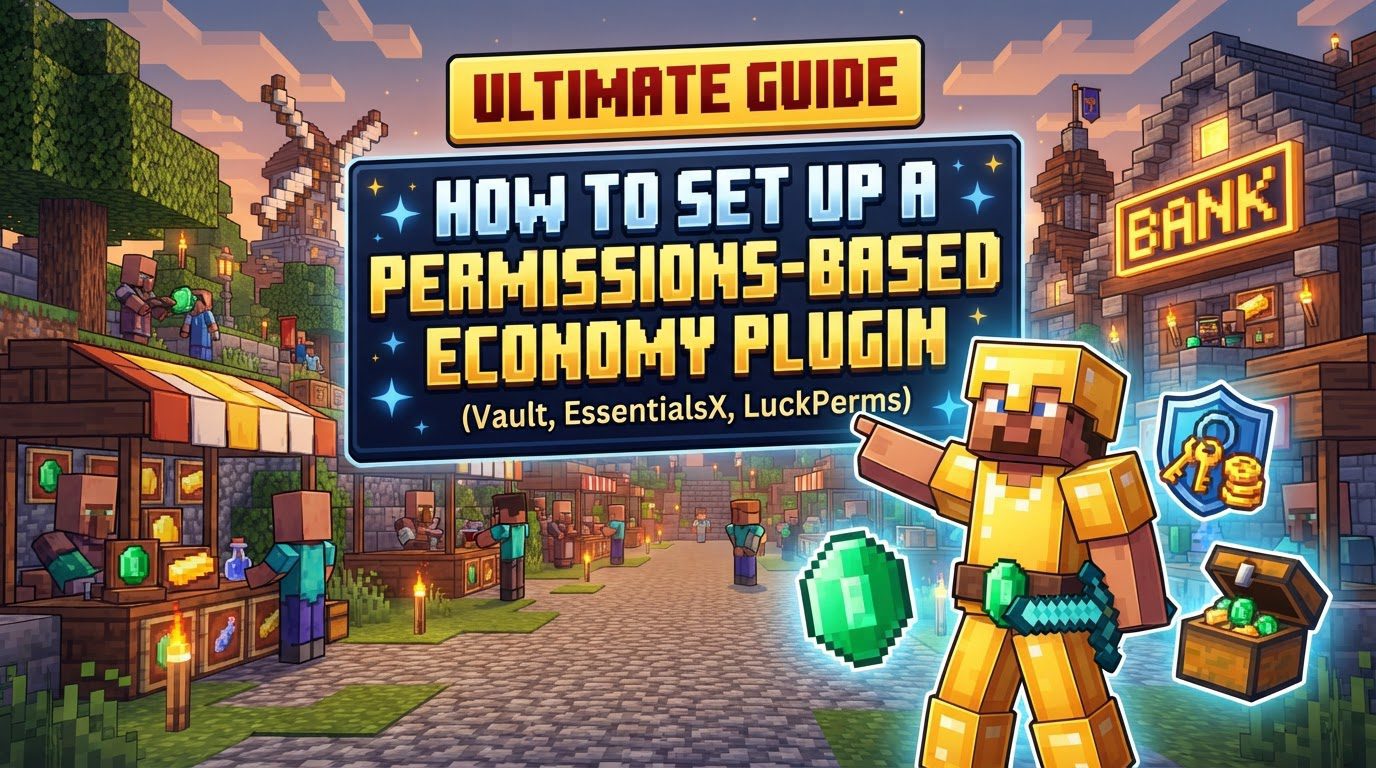
Setting Up a Permissions-Based Economy Plugin in Minecraft
Establishing a robust, permissions-based economy on your Minecraft server is crucial for creating an engaging and dynamic player experience. It allows for player-driven trade, resource management, and a sense of progression. This comprehensive guide will walk you through the essential components, installation process, configuration, and best practices for setting up such a system, ensuring stability and a balanced in-game economy.
Key Mechanics of a Server Economy
Understanding the fundamental building blocks is the first step towards a successful economy setup:
- Core Plugins: At the heart of most Minecraft server economies is Vault. Vault acts as a universal Application Programming Interface (API), serving as a critical bridge that enables different economy and permissions plugins to interact seamlessly with each other. This interoperability is vital for a functional system. Alongside Vault, a foundational economy plugin is necessary. EssentialsX is a popular choice, as it provides a comprehensive economy module that includes features like currency management, player balances, and basic shop functionalities. Beyond economy, EssentialsX also offers a plethora of server management commands, making it a versatile tool.
- Permissions Management: For precise control over who can do what, a dedicated permissions plugin is indispensable. Plugins like LuckPerms allow server administrators to define specific roles and assign detailed permission nodes. This means you can control which players or groups of players are authorized to utilize particular economy commands and features, ensuring a structured and secure environment.
- Currency System: The implementation of an in-game currency is fundamental. This currency allows players to engage in various economic activities, such as trading goods and services, accumulating wealth through different means, and purchasing items from shops or other players. It forms the backbone of all economic interactions on your server.
- Shops and Trade: To facilitate player commerce, you’ll need shop plugins. These can range from graphical user interface (GUI) based solutions like ChestShop or EconomyShopGUI, which provide intuitive visual interfaces for buying and selling, to physical sign shops often integrated within plugins like EssentialsX. These systems enable players to establish their own stores or interact with server-run shops.
- Economic Balance: A thriving and sustainable economy doesn’t happen by accident; it requires active management. A healthy economy necessitates carefully managing the availability of resources within the game world and the intrinsic value of your in-game currency. This continuous balancing act aims to maintain equilibrium between supply and demand, preventing severe inflation or deflation.
- Money Sinks: To combat inflation and ensure the currency retains its value, mechanisms known as “money sinks” are essential. These are systems, such as taxation on transactions, that help regulate the in-game economy by periodically removing currency from circulation. This prevents an overabundance of money from devaluing the currency and destabilizing the economic system.
Step-by-Step Setup Process
Follow these steps carefully to establish your permissions-based economy:
- Select Server Software: Before anything else, ensure that your Minecraft server is running on a compatible platform. Popular choices include Bukkit, Spigot, or Paper. These server software types are specifically designed to support the functionality of plugins, which are central to setting up an economy system.
- Install Core Plugins:
- Download and install Vault: This is almost always a prerequisite for most economy and permissions plugins. Without Vault, other plugins that rely on its API will not function correctly.
- Download and install an economy plugin: While EssentialsX is a frequently chosen option due to its integrated economy module and broad feature set, you have alternatives such as FancyEconomy, Vault2.0, or EconomyShopGUI. Select one that best fits your server’s needs.
- Download and install a permissions management plugin: A robust plugin like LuckPerms is highly recommended for managing player permissions effectively and efficiently.
- Upload Plugins: Once you have downloaded the `.jar` files for all your chosen plugins, transfer them directly into your server’s `plugins` folder. This folder is typically located in the root directory of your server installation.
- Restart Server: After placing the plugin files, it is crucial to perform a full restart of your server. This ensures that all new plugins are properly loaded into memory and that they generate their initial configuration files, which you will need for subsequent steps. Avoid using the `/reload` command for this purpose, as it can lead to instability.
- Configure Plugins:
- Permissions: Using your chosen permissions plugin (e.g., LuckPerms), begin by creating distinct player groups. Common examples include “default” for new players, “member,” “moderator,” and “admin.” To each of these groups, assign specific permission nodes that control access to economy-related commands. For instance, `essentials.balance` would allow players to check their money, `essentials.pay` would enable them to send money to others, and `essentials.sell` would grant access to selling items.
- Economy: Navigate to the `config.yml` file of your economy plugin (e.g., within the EssentialsX folder). Here, you can adjust various settings to customize your economy. This includes defining the currency symbol (e.g., $, €), setting the starting balance for new players, and configuring the default worth of different items for selling or buying.
- Shops: Proceed to set up your in-game shops. This involves defining which items can be bought or sold, establishing their respective prices, and setting the buy/sell rates. Depending on your chosen shop plugin, this process might involve using in-game commands or editing specific configuration files.
- Grant Admin Access: To manage and configure plugins directly within the game, use the server console to grant yourself operator (OP) status. This gives you the necessary administrative privileges to execute commands and make changes.
Important Tips for Success
To ensure a smooth and effective economy, keep these tips in mind:
- Utilize Vault: Always remember that Vault serves as a critical bridge. Its role is to allow various economy and permission plugins to operate together harmoniously, so its proper installation and presence are non-negotiable for most setups.
- Ensure Compatibility: Before installing any plugin, always take the time to verify its compatibility. Check that your chosen plugins are designed to work with your specific Minecraft server version (e.g., 1.19, 1.20) and, crucially, that they are compatible with each other, especially through Vault.
- Balance Your Economy: An active approach to economic management is key. This includes carefully managing money-making methods available to players, proactively introducing money sinks (such as taxes on transactions or unique, expensive items), and controlling resource availability to maintain a stable and fair economy.
- Dedicated Permissions Plugin: For the most granular and precise control over command access and feature usage, employing a robust, dedicated permissions plugin like LuckPerms is highly recommended. It offers unparalleled flexibility in defining player roles and permissions.
- Restart, Don’t Reload: After adding, removing, or updating plugins, or when making substantial configuration changes, always perform a full server restart. The `/reload` command can often lead to plugin instability, unexpected errors, or changes not being applied correctly.
- Backup Configurations: Before undertaking any major changes, updates, or even routine maintenance, make it a habit to create backups of your plugin configuration files. This safeguard allows you to revert to a previous, stable state if something goes wrong.
- Consult Documentation: Each plugin comes with its own set of detailed instructions. Always refer to the specific documentation provided for each plugin for comprehensive information on commands, permission nodes, and advanced configuration options.
Common Mistakes to Avoid
Being aware of potential pitfalls can save you significant time and frustration:
- Missing Vault: This is a very common oversight. Many economy-related plugins are built with a dependency on Vault; failing to install it will prevent them from functioning entirely, leading to errors or disabled features.
- Using `/reload`: As mentioned, reloading the server instead of performing a full restart can cause plugins to break, behave erratically, or not apply configuration changes correctly. Always opt for a full server restart for stability.
- Incorrect Permission Nodes: Players will be unable to execute commands if they lack the precise permission nodes. These nodes must be accurately assigned to their respective groups or individual players via your permissions plugin.
- YAML Syntax Errors: When manually editing configuration files (which are typically `.yml` files), even a small syntax error (like incorrect indentation or a missing colon) can lead to plugins being disabled or causing internal server errors. Always use a YAML-aware editor if possible.
- Unbalanced Economy: A lack of sufficient money sinks, uncontrolled money generation mechanisms, or exploitable automated farms for renewable resources can quickly lead to severe inflation. This will ultimately result in a broken economy where currency loses its value and player motivation dwindles.
- Duplicate Plugin Files: When updating plugins, ensure you remove the older `.jar` files. Leaving older versions alongside newer ones can create conflicts and lead to unexpected behavior or server crashes.
- Version Mismatch: Always ensure that the versions of your plugins are compatible with your specific Minecraft server version. Incompatible versions are a frequent cause of errors, crashes, and plugins failing to load.
- Vault-only Installation: Remember that Vault is an API; it provides the framework for communication but does not, by itself, provide an economy system. A separate, dedicated economy plugin is always required to manage currency, balances, and economic transactions.
- Running Vault2.0 and Original Vault: These two plugins are distinct and conflict with each other. Only one should be active on your server at any given time. If you choose Vault2.0, ensure the original Vault is removed.
Tags:
YOU MAY ALSO LIKE...