How to set up a Minecraft server on a Raspberry Pi
Setting up a Minecraft server on a Raspberry Pi offers a unique blend of benefits, making it an excellent choice for personal use or a small group of friends. It provides a cost-effective, energy-efficient, and compact solution for hosting your own Minecraft world, along with full control over the server environment for custom configurations and settings.
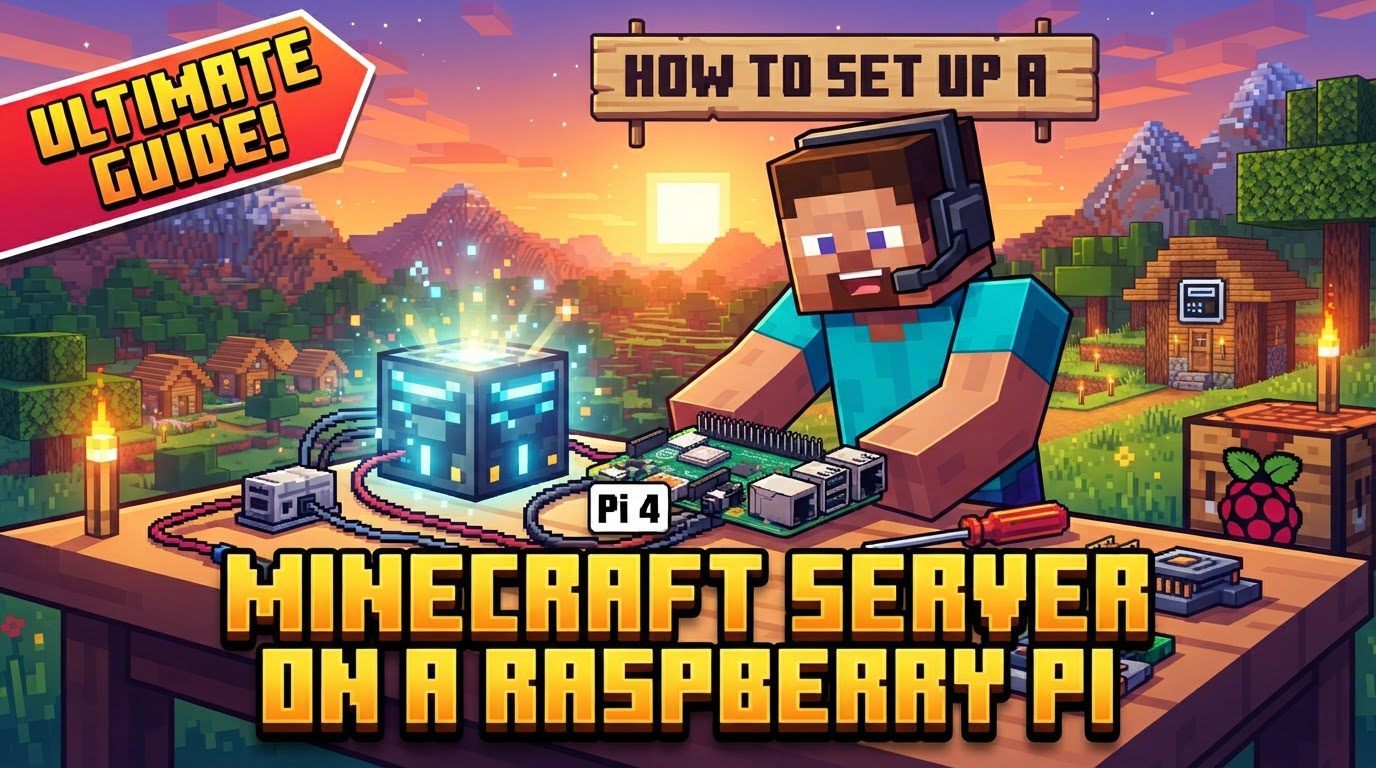
For optimal performance, selecting the right hardware is crucial. Recommended hardware includes a Raspberry Pi 4 (with a minimum of 4GB RAM) or, for significantly better performance, a Raspberry Pi 5 (8GB RAM is highly recommended). Storage is also critical; a 32GB microSD card can work, but a USB SSD or NVMe drive is strongly preferred for superior performance and longevity due to the frequent disk writes a Minecraft server performs. Additionally, active cooling is essential to prevent thermal throttling and maintain optimal performance.
The operating system choice significantly impacts performance. A 64-bit operating system, such as Raspberry Pi OS Lite, is recommended. This choice is vital because it allows the server to bypass the 2GB memory allocation limit imposed by 32-bit systems, enabling more efficient use of the available RAM. Furthermore, using a “Lite” version means it’s a headless OS without a graphical user interface (GUI), saving valuable resources that can instead be dedicated to the Minecraft server itself.
Regarding server software, using optimized versions like PaperMC or Purpur is crucial. These optimized alternatives are designed for better performance and offer extensive plugin support compared to the official vanilla Minecraft server software, which is less optimized and more resource-intensive. Minecraft servers inherently require Java to run, specifically Java 22 or 21 (OpenJDK) for optimal compatibility and performance with current Minecraft versions.
Performance expectations for a Raspberry Pi Minecraft server should be managed. A Raspberry Pi 5 with 8GB RAM can typically support 2-5 players with vanilla Minecraft, provided the render distance is capped at 8-10 chunks. While a Raspberry Pi 4 8GB might theoretically handle around 31 players without lagging, real-world performance depends significantly on factors such as the specific Minecraft version, the complexity of the in-game world, and the number and type of plugins installed.
Step-by-Step Server Setup Guide
Follow these steps to get your Minecraft server up and running on your Raspberry Pi:
- 1. Prepare the Raspberry Pi: The initial step involves preparing your Raspberry Pi. You must install a 64-bit minimal operating system, such as Raspberry Pi OS Lite, onto your chosen storage medium (a microSD card or, preferably, an SSD). Once the OS is installed and you have command-line access, it’s crucial to ensure the system is fully updated and upgraded by running
sudo apt updatefollowed bysudo apt upgrade. - 2. Install Java: Minecraft servers require Java to operate. Therefore, you need to install the required OpenJDK version. For optimal compatibility and performance with current Minecraft versions, this will typically be Java 22 or Java 21.
- 3. Create Server Directory: To maintain organization, it’s best practice to create a dedicated folder for your Minecraft server files. This directory will house all server-related data, including the server software, world files, and configuration settings.
- 4. Download Server Software: Next, you need to obtain the server software itself. You can download the latest server
.jarfile from the official Minecraft server download page for the vanilla experience. However, for better performance and plugin support on a Raspberry Pi, it is highly recommended to download an optimized version like PaperMC from its official website. - 5. Initial Server Start & EULA: With the server software downloaded, you will need to run the server for the first time. This initial run will likely fail to start completely, but it will generate a
eula.txtfile in your server directory. Minecraft’s End User License Agreement (EULA) must be accepted for the server to operate. You will need to edit thiseula.txtfile, changing the lineeula=falsetoeula=true. - 6. Start Server: After accepting the EULA, you can rerun the server. It should now start up correctly and begin generating the world. For ensuring continuous operation, especially after you disconnect from your SSH session, consider using terminal multiplexers like
screenortmux. These tools allow processes to run in detached sessions. - 7. Network Configuration: For players to connect to your server, proper network configuration is essential. First, it’s important to assign a static IP address to your Raspberry Pi. This ensures its local network address doesn’t change, preventing connection issues. If you intend for players outside your local network to access the server, you must also set up port forwarding for TCP port 25565 on your home router. This directs incoming traffic on that specific port to your Raspberry Pi’s static IP address.
Important Tips for Optimal Performance and Reliability
To maximize the performance and stability of your Minecraft server on a Raspberry Pi, consider these important tips:
- Use Optimized Software: Always prefer PaperMC or Purpur over the official vanilla server software. These optimized versions are engineered for significantly better performance, which is crucial on hardware with limited resources like the Raspberry Pi.
- Dedicated OS: Employ a headless operating system (without a desktop environment) like Raspberry Pi OS Lite. This frees up valuable system resources that would otherwise be consumed by a GUI, allowing the server to utilize more memory and CPU cycles.
- Active Cooling: Ensure your Raspberry Pi has adequate active cooling. Preventing thermal throttling is vital, as an overheating Pi will automatically reduce its clock speed, leading to degraded server performance and lag.
- Fast Storage: Upgrade your storage. Using a USB SSD or NVMe drive is far superior to a microSD card. Minecraft servers perform frequent disk writes, and an SSD offers much faster read/write speeds and greater longevity compared to SD cards, which can degrade quickly under server workloads.
- Ethernet Connection: For the most stable and reliable network performance, use an Ethernet connection instead of Wi-Fi. Wired connections reduce latency and packet loss, which are critical for a smooth multiplayer experience.
- Allocate RAM Wisely: Properly optimize Java arguments to allocate an appropriate amount of RAM to the server. An 8GB Raspberry Pi 5, for instance, will typically have about 2.5-3GB of RAM available for the Minecraft server after accounting for the operating system and Java runtime.
- Dedicated User: For security best practices, run the Minecraft server under a dedicated non-root user. This limits potential damage if the server software is compromised.
- Backups: Implement a regular backup strategy. Regularly back up your server world to external storage to prevent data loss in case of system failure or corruption.
- Whitelist: To control who can join your server, enable a whitelist. This allows only approved players to connect, enhancing security and community management.
- Persistent Server: Utilize tools like
screenortmuxto keep the server running continuously, even after you disconnect from your SSH session. Alternatively, you can configure the server as a systemd service for automatic startup and background operation. - Overclocking: While it can improve performance, overclocking should be approached with caution and only with proper cooling in place. Incorrect overclocking can lead to system instability.
Common Mistakes to Avoid
Be aware of these common pitfalls that can hinder your Minecraft server’s performance or accessibility:
- Using 32-bit OS: A significant mistake is using a 32-bit operating system. This limits RAM allocation to a mere 2GB, severely impacting server performance and potentially leading to crashes, especially as more players join or the world becomes complex. Always opt for a 64-bit OS.
- Insufficient RAM: Not dedicating enough RAM to the server is a frequent issue. This can lead to frequent crashes and poor performance, particularly when hosting multiple players or running mods. A minimum of 4GB RAM on the Raspberry Pi is generally recommended for a usable server experience.
- Not Accepting EULA: The Minecraft server will not start correctly until the
eula.txtfile is edited to changeeula=falsetoeula=true. Forgetting this crucial step will prevent the server from launching. - Using Vanilla Server Software: Relying on the official vanilla Minecraft server software is less than ideal for a Raspberry Pi. It is less optimized and more resource-intensive than alternatives like PaperMC or Purpur, leading to significantly worse performance on limited hardware.
- No Static IP: If you don’t assign a static IP address to your Raspberry Pi, its local network address can change, making it difficult for players to consistently connect to your server.
- Not Setting Up Port Forwarding: Without properly setting up port forwarding for TCP 25565 on your router, players outside your local network will be unable to connect to your server. It’s important to note that some Internet Service Providers (ISPs) may not allow port forwarding.
- Lack of Cooling: Operating your Raspberry Pi without adequate active cooling will inevitably lead to it overheating. This causes the device to throttle its performance, resulting in a laggy and unreliable server experience.
- Running a GUI: Running a desktop environment (GUI) on the Raspberry Pi is wasteful. It consumes valuable resources (CPU and RAM) that could otherwise be dedicated to the Minecraft server, reducing its overall performance.
- Ignoring Security: Neglecting security is dangerous. This includes exposing unnecessary ports, running the server as a root user, or disabling online mode if you want proper authentication from Mojang. Always prioritize security best practices.
- Overestimating Player Capacity: It’s crucial to understand that a Raspberry Pi has inherent limitations. Do not expect it to handle a large number of players or heavily modded servers without significant performance degradation. For vanilla Java Edition on a Pi 5, expect to comfortably support 2-5 players.
Tags:
YOU MAY ALSO LIKE...