

Preventing Mob Despawning by Naming Them
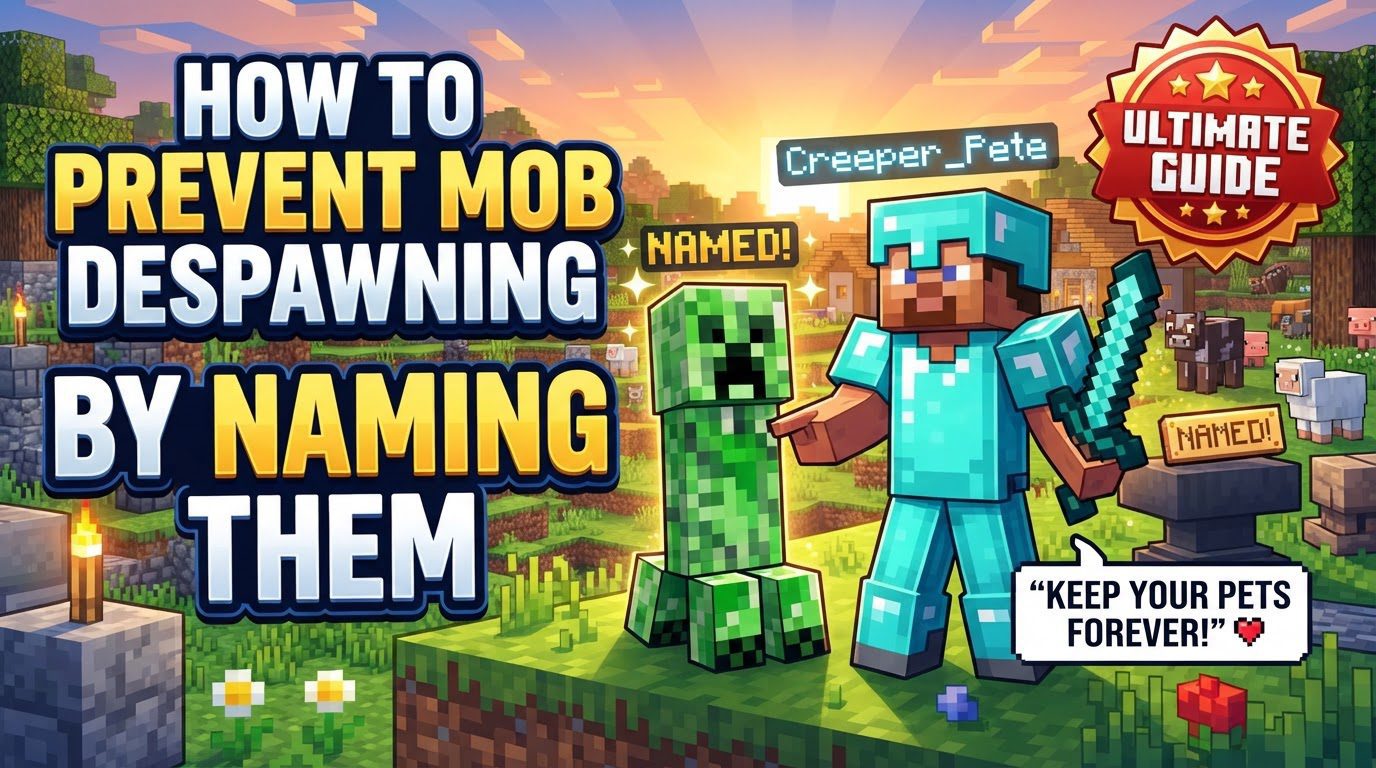
In the vast and dynamic world of Minecraft, managing and preserving specific mobs can be a core part of a player’s experience, whether for a farm, a unique collection, or a protective companion. One of the most effective and widely applicable methods to ensure your cherished mobs don’t mysteriously vanish is by naming them. This simple yet powerful action marks a mob as a persistent entity, fundamentally altering its behavior within the game’s despawning mechanics and ensuring its continued presence in your world.
Key Mechanics of Mob Naming
Understanding the underlying mechanics is crucial for effectively utilizing name tags to prevent mob despawning.
- Name Tags: The cornerstone of this prevention method is the name tag itself. These are not common items and require some effort to acquire. They can be discovered as valuable loot in dungeon chests, within the sprawling corridors of abandoned mineshafts, or nestled in the grand halls of woodland mansions. Adventurous players might also reel them in while fishing, though this requires patience. Another reliable source is trading with librarian villagers, who occasionally offer name tags in exchange for emeralds. Their rarity underscores their importance in making mobs permanent.
- Persistent Entities: When a mob is named with a name tag, its status fundamentally changes. It transitions from being a “temporary entity” – subject to the game’s natural despawn rules based on distance, time, and chunk loading – to a “persistent entity.” Persistent entities are immune to these natural despawning mechanics. This means the game will no longer remove them from the world simply because a player moved too far away or a certain amount of time passed. This transformation is the core reason why naming is so effective.
- Universal Application: The beauty of name tags lies in their versatility. This method works on all types of mobs found in Minecraft. Whether you want to keep a friendly animal, a specific villager, or even a unique hostile creature, naming them will prevent them from naturally despawning. This universal applicability makes name tags an invaluable tool for any player.
- Passive Mobs: While passive mobs, such as cows, pigs, or chickens, generally do not despawn when players are logged in or if they are safely enclosed within a pen, naming them provides an absolute guarantee of their permanence. For valuable breeding stock, unique color variations, or simply beloved pets, a name tag ensures they will always be there, regardless of how far you travel or if the game encounters minor glitches.
- Hostile Mobs: The impact of naming is particularly significant for hostile mobs. Unnamed hostile mobs typically despawn when a player moves beyond a certain distance from them, or instantly if the game difficulty is switched to peaceful. By naming a hostile mob, you circumvent these despawning rules. In higher difficulties, a named hostile mob will remain in your world indefinitely, allowing for the creation of unique mob displays, custom challenges, or even guarded areas, provided they are protected from other forms of death.
Step-by-Step Process to Name a Mob
The procedure for naming a mob is straightforward, involving a few key items and actions.
- Obtain a Name Tag: As detailed above, your first step is to acquire a name tag. This might involve exploring dangerous structures, spending time fishing, or engaging in trade with a librarian villager.
- Acquire an Anvil: To assign a custom name to your name tag, you will need an anvil. Anvils can be crafted using three iron blocks and four iron ingots, or they can sometimes be found naturally generated in villages within the tool smith’s house.
- Rename the Name Tag: Approach your acquired anvil and open its interface. Place the name tag into the first input slot. In the text field provided, type the desired name for your mob. This action consumes a small amount of your experience points. Once the name is entered, retrieve the newly renamed name tag from the output slot. The tag now carries the custom identifier you wish to bestow upon a mob.
- Apply to Mob: With the renamed name tag in your hand, locate the mob you wish to make persistent. Right-click directly on the mob with the name tag. Upon successful application, the chosen name will appear floating above the mob’s head, visually confirming that it has been named. From this moment onward, that specific mob will no longer be subject to natural despawning.
Important Tips for Named Mobs
While naming prevents despawning, it doesn’t make mobs invincible. Consider these tips for their long-term survival.
- Protect Hostile Mobs: A crucial point to remember is that naming only prevents natural despawning; it does not grant immortality. Named hostile mobs are still susceptible to environmental dangers and player attacks. For instance, zombies and skeletons will burn and die in direct sunlight unless provided with adequate shelter. Similarly, any mob can die from fall damage, drowning, suffocation in blocks, or lava. If you wish to keep a named hostile mob permanently, you must construct a protective enclosure or ensure its environment is safe from these threats.
- Other Despawn Prevention Methods (without Name Tags): While name tags are the most universal method, certain actions can also prevent specific mobs from despawning without a tag:
- Animals: Breeding animals, tempting them with food to follow you, shearing sheep, or riding rideable animals (like horses or pigs) can prevent their despawning. These actions often mark them as “interacted with” by a player.
- Aquatic Animals: Picking up aquatic animals such as fish or axolotls with a bucket effectively makes them persistent. When placed back into the water, they will retain this persistence.
- Item Interaction: Mobs that pick up items dropped by players (like zombies picking up armor or tools) or are given items (such as a villager picking up bread) may also become persistent. This interaction signals to the game that the mob has a purpose or value to the player.
- Vehicles/Passengers: Mobs riding in boats or minecarts, or those that are passengers to another mob (e.g., a baby zombie riding a chicken), generally do not despawn. The vehicle or the primary mob’s persistence often extends to its passenger.
Common Mistakes to Avoid
Be aware of these potential pitfalls when relying on name tags for mob preservation.
- Wandering Traders: Despite being namable, wandering traders are a notable exception to the persistence rule. Named wandering traders will still despawn after their set duration, regardless of the name tag. Their presence is inherently temporary, designed for transient trade opportunities.
- Peaceful Difficulty: If the game’s difficulty is set to “peaceful,” all hostile mobs will despawn, even if they have been named. The peaceful difficulty setting is designed to remove all threats, and this override takes precedence over the name tag’s persistence effect for hostile creatures.
- Environmental Deaths: It bears repeating: naming a mob solely prevents natural despawning. It offers no protection against death from combat, fall damage, drowning, burning in sunlight or lava, or suffocation within blocks. Always ensure the safety of your named mobs from environmental hazards.
- Bugs/Glitches: Although rare, there can be instances where named mobs might still despawn due to game bugs or glitches. This is more prevalent on older devices, with corrupted game files, or if mobs glitch into solid blocks and suffocate. While uncommon, it’s a possibility to be aware of, especially with complex mob setups.
In conclusion, naming mobs with a name tag is the most reliable and universal method for preventing their natural despawning in Minecraft. By understanding how to acquire and apply name tags, and by taking precautions against environmental deaths and specific game mechanics, players can create enduring mob populations, whether for functional farms, unique collections, or simply to preserve beloved companions in their blocky adventures.
Tags:
YOU MAY ALSO LIKE...


