

Getting an Allay to Dance Using a Note Block
Minecraft’s adorable Allays are known for their love of music and their helpful item-collecting abilities. Many players are eager to see these friendly mobs boogie, often wondering if a note block can trigger their dance moves. However, it’s crucial to understand a fundamental distinction in how Allays interact with musical blocks: while Allays certainly appreciate music, they do not dance to the sound of a note block. Their dancing is exclusively reserved for the melodic tunes emanating from a playing jukebox. Note blocks serve an entirely different, yet equally valuable, purpose in managing your Allays’ item delivery.
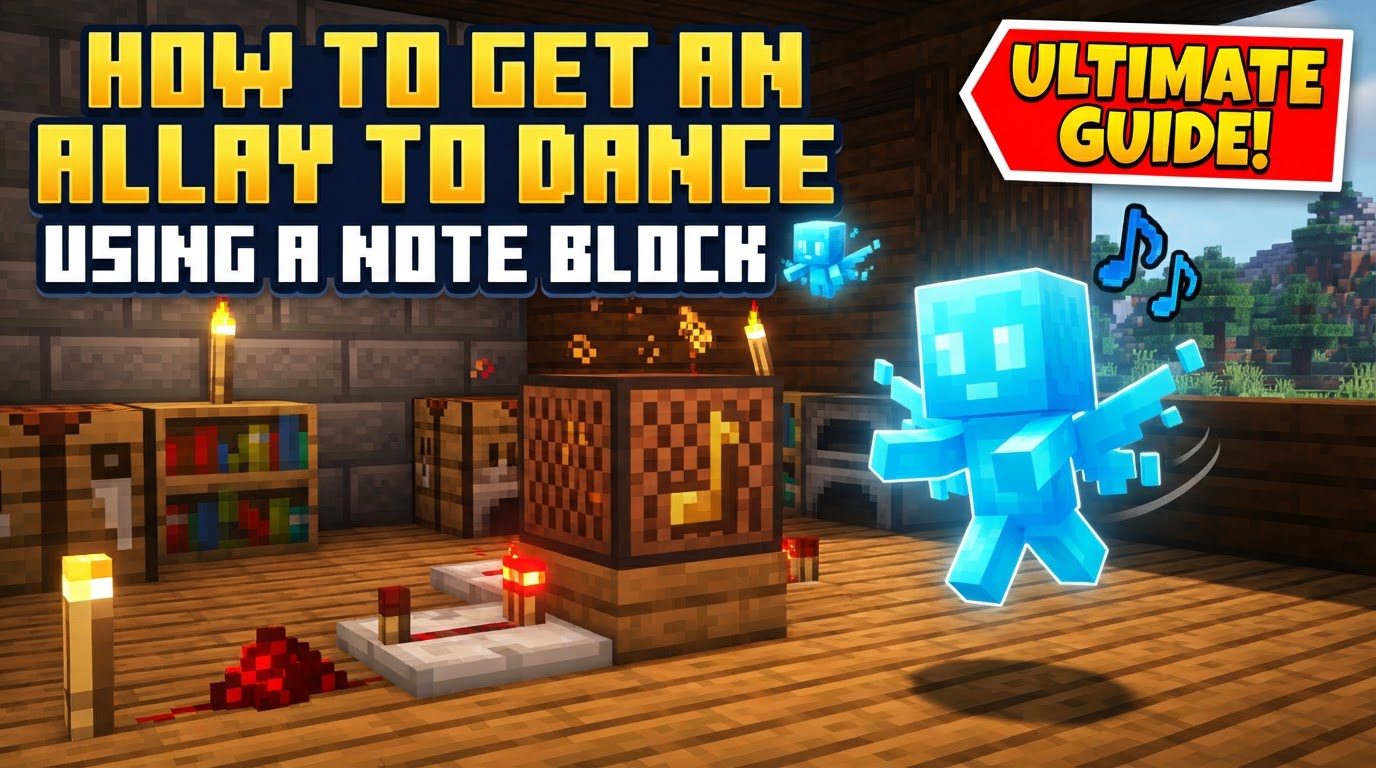
This comprehensive guide will clarify these interactions, showing you precisely how to get an Allay to dance using the correct method, and explaining the powerful utility of note blocks for item redirection. We’ll cover everything from triggering the dance animation and duplicating Allays, to effectively using note blocks for automated item sorting, ensuring you can harness the full potential of these charming companions.
Understanding Allay Acoustics
Allays have distinct reactions to different musical sources in Minecraft. Knowing these differences is key to effectively working with them, whether you want them to dance or to help with item management.
- Allays and Jukeboxes: The Dance Floor
When an Allay hears a jukebox playing a music disc nearby, it will enter a delightful dance animation. This isn’t just a simple idle animation; it’s a clear indication that the Allay is engaged with the music. During this dance, the Allay bobs its head and twirls around, showcasing its love for tunes. This interaction is the only way to make an Allay dance. The presence of a playing music disc is the sole trigger for this behavior; without a disc, a jukebox is just a block.
- Allays and Note Blocks: The Delivery Point
In contrast to jukeboxes, note blocks do not cause Allays to dance. Instead, note blocks serve as a specific target for item delivery. When a note block is activated and plays a sound within 16 blocks of an Allay, the Allay will immediately target that note block. This targeting lasts for 30 seconds, during which any collected items the Allay is holding will be delivered to the note block instead of the player. This redirection is visually indicated by a vibration particle that travels directly from the note block to the Allay, confirming the new target. This mechanic is incredibly useful for setting up automated item collection systems.
- Blocking Sound with Wool
An important detail to remember is that the sound of note blocks can be blocked. If you place wool blocks between a note block and an Allay, the Allay will not hear the note block play. This can be useful for controlling which Allays respond to which note blocks in more complex setups, preventing unintended redirection of items.
Making Your Allay Dance
To witness an Allay’s charming dance, you must provide it with its favorite musical source: a jukebox playing a music disc. Forget the note block for dancing; the jukebox is where the magic happens.
The process for getting an Allay to dance is straightforward:
- Place a Jukebox: First, select the desired location for your Allay’s dance floor. Place a jukebox block there. Ensure it’s in a spot where your Allay can easily approach and remain within hearing range.
- Insert a Music Disc: Next, you’ll need a music disc. Any music disc will work. Simply right-click the placed jukebox while holding a music disc to insert it and start the music. Once the music begins, the jukebox will emit a constant melody. While specific discs like ’11’ and ’13’ might have other unique properties in certain contexts, for the purpose of making an existing Allay dance, any disc is effective.
- Ensure Proximity: Make sure your Allay is within hearing range of the playing jukebox. As soon as the Allay detects the music, it will begin its dance animation, bobbing its head and twirling around in delight. This visual cue confirms that the Allay is happily dancing.
- The Duplication Process: While an Allay is dancing near a playing jukebox, you have the unique opportunity to duplicate it. To do this, simply give the dancing Allay an amethyst shard. Upon receiving the shard, the Allay will split into two separate Allays. Both the original and the new Allay will then enter a five-minute cooldown period before they can be duplicated again. This is the only way to breed or duplicate Allays in Minecraft, and it explicitly requires the Allay to be dancing to a jukebox.
It’s important to note that Allays will cease their dancing animation if the jukebox stops playing its music or if the Allay moves too far away from the active jukebox. To keep the party going, ensure the music disc remains in the jukebox and the Allay stays within earshot.
Directing Allay Item Delivery with Note Blocks
While note blocks don’t make Allays dance, they are incredibly powerful tools for managing where your Allays deliver collected items. This functionality transforms Allays from simple item collectors into sophisticated components of an automated sorting system.
The note block’s true purpose is to act as a temporary item drop-off point. Here’s how to leverage this mechanic:
- Targeting Mechanism: When a note block is played within 16 blocks of an Allay, the Allay immediately registers it as its new item delivery target. This targeting overrides the default behavior of delivering items to the player. The 30-second timer begins as soon as the note block plays. During this period, the Allay will bring any items it collects directly to the note block.
- Visual Confirmation: You’ll know an Allay has targeted a note block because a distinct vibration particle will travel from the note block to the Allay. This visual cue is helpful for confirming that your setup is working as intended and that the Allay has received the instruction.
- Automated Item Collection: This redirection capability is perfect for automating item collection. By placing a hopper directly adjacent to or underneath the targeted note block, any items the Allay delivers will be immediately collected by the hopper. This allows for seamless transfer of items into chests, sorting systems, or other storage solutions, making Allays incredibly efficient for farms or resource gathering operations.
- Managing Multiple Allays: For advanced sorting needs, you can utilize multiple Allays, each assigned to a different note block. This allows you to sort various types of items. For example, if you have one Allay collecting cobblestone and another collecting wood, you can have separate note blocks for each, leading to different hoppers and chests. Just ensure that the note blocks are played separately or are far enough apart (or blocked by wool) so that Allays only target their intended delivery point.
Important Considerations and Common Pitfalls
To maximize your efficiency with Allays and avoid frustration, keep these important tips and common mistakes in mind:
- Maintaining the Dance: An Allay’s dance is conditional. It will stop dancing if the jukebox ceases playing music (e.g., the disc is removed or finishes playing if it’s a short one) or if the Allay moves beyond the jukebox’s hearing range. Always ensure a continuous music source and keep your Allays close if you want them to keep twirling.
- Understanding Note Block Timers: The 30-second timer for note block redirection is crucial. An Allay will only deliver items to a note block for that duration after it’s activated. To maintain continuous delivery to a note block, you must reactivate the note block (e.g., with a redstone pulse) before the 30 seconds expire. This resets the timer and keeps the Allay focused on that delivery point. Failure to do so will cause the Allay to revert to delivering items to the player.
- Avoiding Common Misconceptions:
- Attempting to make Allays dance with a note block: This is a common misunderstanding. Allays absolutely do not dance to note blocks. Their dance animation is exclusively triggered by a jukebox playing a music disc. Note blocks serve the distinct purpose of directing where Allays drop their collected items.
- Expecting item duplication with a note block: Duplicating an Allay is a specific process that requires two key conditions: the Allay must be actively dancing (which means it’s near a playing jukebox), and it must be given an amethyst shard. A note block plays no role in the duplication process whatsoever.
- Ignoring the 30-second timer for note block redirection: Many players overlook or forget about the 30-second timer. If you want an Allay to consistently deliver items to a note block, you must ensure the note block is re-activated within that timeframe. Without periodic activation, the Allay will stop targeting the note block and will instead deliver items back to you, the player.
In summary, while Allays are undeniably drawn to music, it’s vital to distinguish between a jukebox’s role in inspiring their delightful dances and a note block’s function in directing their helpful item deliveries. By understanding these separate mechanics, you can effectively utilize Allays for both aesthetic pleasure and practical automation in your Minecraft world, transforming them into even more valuable companions.
Tags:
YOU MAY ALSO LIKE...


