

Sharing Storage Using an Ender Chest
Ender Chests in Minecraft stand as a cornerstone of personal inventory management, offering a unique and incredibly convenient portable storage solution. While the name might suggest communal storage, it’s crucial to understand upfront that in vanilla Minecraft, Ender Chests provide each player with their own private, accessible inventory. This means that items placed in an Ender Chest by one player can only be retrieved by that same player, regardless of which Ender Chest they open. They serve as a personal, persistent pocket dimension for your most valuable goods, accessible from virtually anywhere.
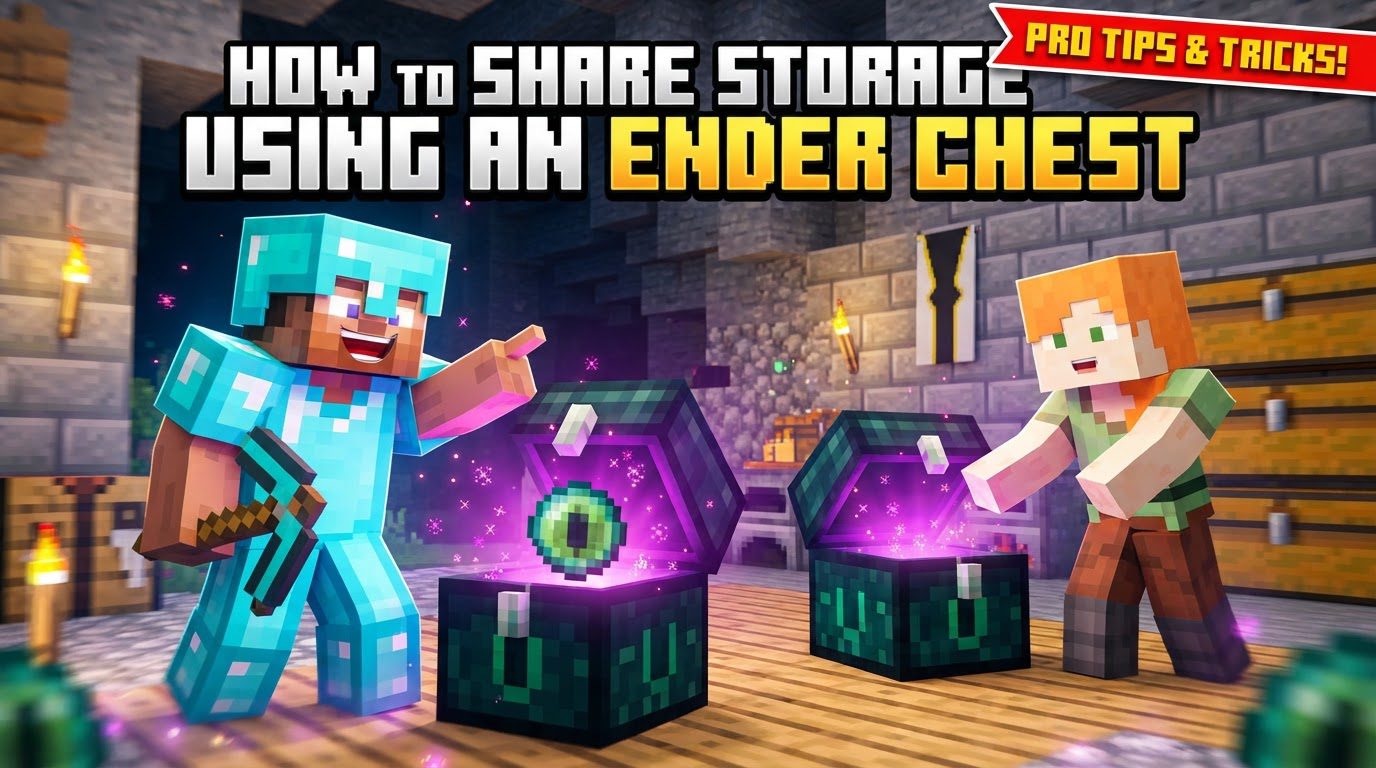
Understanding Ender Chest Mechanics
To effectively utilize Ender Chests, it’s vital to grasp their core operational principles:
- Personal Inventory: Every player in Minecraft possesses a unique Ender Chest inventory. This inventory is entirely separate from other players’ Ender Chest inventories. When you open any Ender Chest, you are always accessing your personal storage space, and no other player can see or take items from it. This ensures complete privacy and security for your stored items.
- Universal Access: One of the most powerful features of the Ender Chest is its universal accessibility. Any item you place into an Ender Chest, whether it’s in your base, a distant mining outpost, or even another dimension, can be retrieved from any other Ender Chest you open. This eliminates the need to carry all your essential items or constantly return to a central storage hub.
- Item Safety: The contents of your Ender Chest are remarkably resilient. Even if an Ender Chest is destroyed, intentionally or accidentally, the items stored within it are not lost. They remain safely in your personal Ender Chest inventory and will reappear the next time you open any other Ender Chest. This makes them ideal for storing irreplaceable or highly valuable gear.
- Blast Resistance: Ender Chests are built to withstand significant force. They possess the same high blast resistance as obsidian, making them incredibly durable against explosions from Creepers, TNT, or Wither attacks. This further contributes to the safety of your stored items.
- Automation Limitations: Unlike regular chests, Ender Chests cannot be integrated into automated storage systems. They are specifically designed to be disconnected from hoppers, droppers, and comparators. This limitation prevents players from creating automated item sorting or transfer systems using Ender Chests, reinforcing their role as a personal, manually accessed storage solution.
- Light Emission: Ender Chests emit a small amount of light. While not a primary function, this can be a subtle aesthetic detail or provide a minimal light source in dark areas.
- No Double Chests: Ender Chests cannot be placed side-by-side to form a larger double chest, unlike regular chests. Each Ender Chest functions as a standalone block, always providing access to the same individual inventory.
- Modded Functionality: It’s worth noting that while vanilla Minecraft Ender Chests are strictly personal, certain modifications, such as “Ender Storage,” can introduce communal sharing features. These mods often allow for color-coding chests to create shared inventories among specific groups of players, and some even provide options to make a shared chest private to its owner with an item like a diamond. However, these functionalities are not present in the unmodded game.
Step-by-Step Guide to Crafting and Using Ender Chests
Creating and deploying an Ender Chest is a straightforward process once you have the necessary materials.
- Gather Materials:
- Eight Obsidian Blocks: Obsidian is a hard-to-mine block formed when water flows over lava. To successfully mine obsidian, you will need a diamond pickaxe or better, as lower-tier pickaxes will not yield the block. Locate natural lava pools or create your own obsidian generators by carefully pouring water onto lava source blocks.
- One Eye of Ender: An Eye of Ender is a crafted item with a distinct purple and green appearance. To craft it, you need two components:
- Ender Pearl: These are dropped by Endermen when defeated. Endermen are tall, dark, neutral mobs found in all three dimensions, but most commonly in the End. They are aggressive if you look them in the eye or attack them first.
- Blaze Powder: This is obtained by crafting Blaze Rods, which are dropped by Blazes. Blazes are hostile flying mobs found exclusively in Nether Fortresses in the Nether dimension. You’ll need to venture into the Nether and explore a fortress to find and defeat Blazes to acquire their rods, then craft them into powder.
- Craft the Ender Chest: Once you have your eight Obsidian blocks and one Eye of Ender, open a crafting table. Place the Eye of Ender in the very center slot of the 3×3 crafting grid. Then, surround it completely with the eight Obsidian blocks, filling all the remaining slots. This specific arrangement will yield one Ender Chest.
- Place and Use: With the crafted Ender Chest in your inventory, you can place it anywhere in your world just like any other block. Right-click on the placed Ender Chest to open its inventory. You will see a 3×9 grid, which is your personal Ender Chest storage. Drag and drop items into these slots to store them.
- Access Items: To experience the universal access of the Ender Chest, place another crafted Ender Chest in a completely different location – perhaps at a mining site, a secondary base, or even in the Nether or End. When you open this second Ender Chest, you will see the exact same items you placed in the first one. Alternatively, if you need to move a placed Ender Chest, you can break it (as explained below) and place it elsewhere to access your inventory from the new spot.
- Moving Ender Chests: This step is crucial for maintaining your resources. To retrieve a placed Ender Chest as an item in your inventory, you must break it using a pickaxe enchanted with Silk Touch. If you break an Ender Chest with any other pickaxe (or one without Silk Touch), it will shatter, dropping only the eight Obsidian blocks used in its creation, and the Eye of Ender will be lost. Always use Silk Touch if you intend to relocate an Ender Chest.
Important Tips for Maximizing Ender Chest Utility
Leveraging Ender Chests effectively can significantly enhance your Minecraft experience:
- Inventory Expansion with Shulker Boxes: This is perhaps the most powerful synergy in Minecraft storage. An Ender Chest provides 27 inventory slots. However, if you place Shulker Boxes inside your Ender Chest, each Shulker Box can hold another 27 items. Since an Ender Chest can hold 27 Shulker Boxes, you can theoretically expand your portable storage capacity to a staggering 729 inventory slots (27 Shulker Boxes * 27 items per Shulker Box). This makes Ender Chests, when paired with Shulker Boxes, an unparalleled mobile storage solution.
- Essential Item Storage: Use your Ender Chest to store items that you always need access to, regardless of your location. This could include emergency tools, a stack of food, rockets for your elytra, various potions for different situations, crafting components for on-the-go repairs, or even a spare set of armor and weapons. Having these items readily available can be a lifesaver in unexpected situations.
- Portability: Always keep one Ender Chest in your personal inventory. This allows you to deploy it whenever and wherever you need immediate access to your stored items. Beyond that, strategically place other Ender Chests at key locations, such as your main base, frequently visited mining areas, distant outposts, or even near portal hubs for quick cross-dimensional access.
- Multi-Dimensional Use: The universal access of Ender Chests extends across all dimensions. You can place items in an Ender Chest in the Overworld, travel to the Nether, and retrieve them from an Ender Chest there. The same applies to the End. This makes them invaluable for extended explorations or resource gathering trips far from your main base.
- Organize with Shulker Boxes: When utilizing Shulker Boxes within your Ender Chest for massive storage, organization becomes key. Color-code your Shulker Boxes (by dyeing them) or use item frames with labels to indicate their contents. For example, a blue Shulker Box might hold all your mining tools, a red one for combat gear, and a green one for building blocks. This keeps your expanded Ender Chest inventory tidy and easy to navigate.
Common Mistakes to Avoid
While Ender Chests are incredibly useful, a few common pitfalls can lead to frustration or loss of resources:
- Breaking Without Silk Touch: As mentioned, attempting to break an Ender Chest with a pickaxe that is not enchanted with Silk Touch will destroy the chest, returning only the eight obsidian blocks. The Eye of Ender component will be lost, meaning you’ll need to gather new materials to craft another one. Always ensure you have a Silk Touch pickaxe if you plan to move an Ender Chest.
- Misunderstanding Multiplayer: This is a frequent source of confusion. In vanilla Minecraft, other players cannot access your Ender Chest inventory. If another player opens your placed Ender Chest, they will see their own personal Ender Chest inventory, not yours. Do not rely on Ender Chests for communal item sharing with friends on a server unless a specific mod is installed that enables this functionality.
- Opening Near Piglins: In the Nether, Piglins are neutral mobs that become hostile if you open any chest (including an Ender Chest) or block of gold near them while not wearing gold armor. Opening an Ender Chest in their vicinity will aggro them, causing them to attack you. Always be mindful of your surroundings in the Nether when accessing your Ender Chest.
By understanding these mechanics, following the crafting steps, and applying the strategic tips, you can transform the Ender Chest into an indispensable tool for managing your inventory and ensuring your most important items are always within reach, wherever your adventures take you.
Tags:
YOU MAY ALSO LIKE...


