

Duplicating a Banner Pattern — A Quick Guide
Minecraft offers a vast array of customization options, allowing players to express their creativity through building, crafting, and decoration. Among the most versatile decorative blocks are banners, which can be adorned with intricate patterns to create unique designs, flags, and emblems. Once you’ve perfected a banner design, the challenge often becomes replicating it efficiently for widespread use. Fortunately, Minecraft provides a straightforward method for duplicating banner patterns, saving you considerable time and effort.
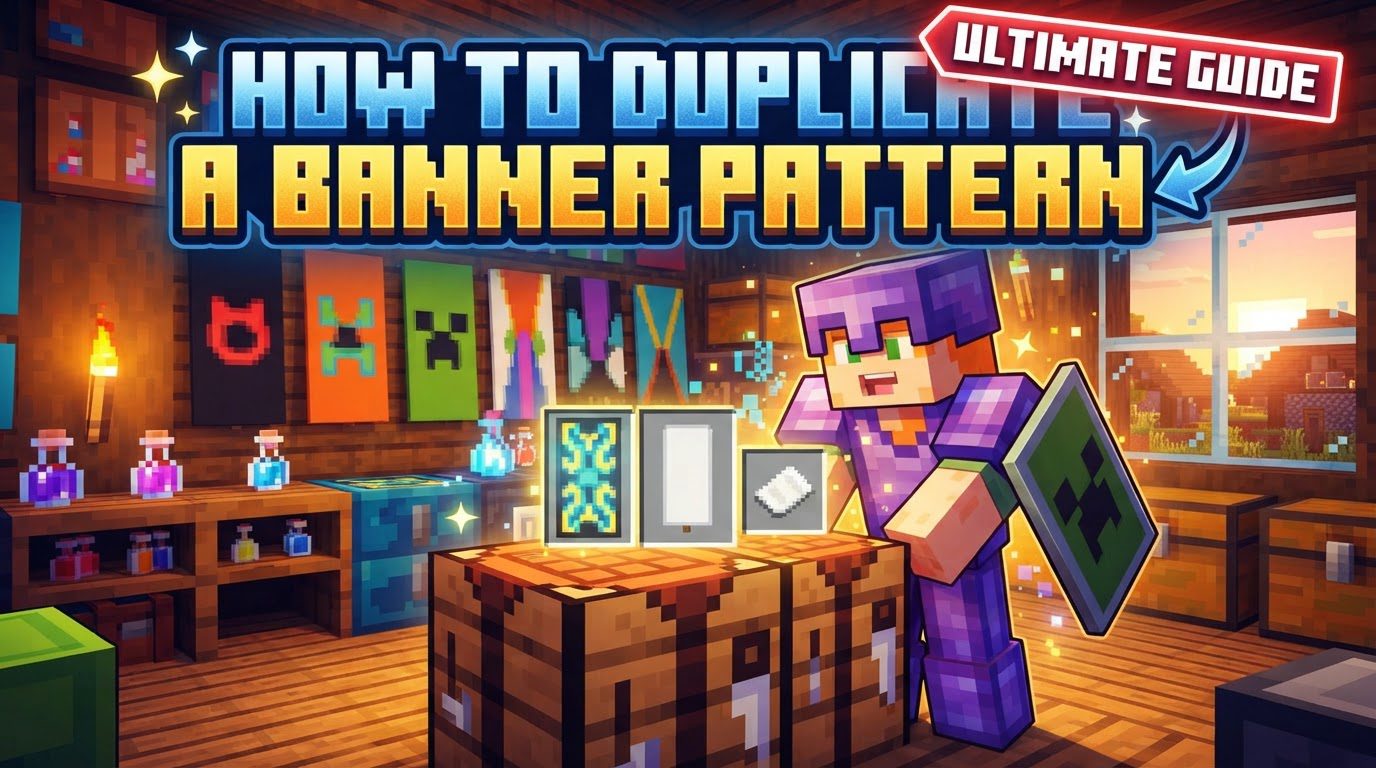
This comprehensive guide will walk you through the precise steps and crucial details required to successfully duplicate your patterned banners, ensuring consistency across your builds and projects. Understanding the underlying mechanics and avoiding common pitfalls will enable you to mass-produce identical banners with ease, turning a complex design process into a simple replication task.
Understanding the Key Mechanics of Banner Duplication
Before diving into the step-by-step process, it’s essential to grasp the fundamental mechanics that govern banner duplication. This process relies on specific interactions within the crafting system and has certain requirements and limitations that must be met for successful replication.
- Crafting Table Utilization: The primary tool for duplicating banners is the crafting table. While often used for creating new items, it also serves as the interface for copying existing patterns. The 2×2 crafting grid found in your inventory can also be used for this purpose, offering flexibility.
-
The Source and the Recipient: To perform a duplication, you will always need two distinct banners:
- A patterned banner: This is the source banner, holding the design you wish to copy.
- A blank banner: This is the recipient banner, which will receive the pattern from the source. It must be completely devoid of any existing patterns.
- Base Color Consistency: A critical requirement for successful duplication is that both the patterned banner and the blank banner must share the exact same base color. For instance, a blue patterned banner can only be copied onto a blank blue banner, not a blank red or green one. Ignoring this rule will prevent the duplication process from yielding a result.
- The Blank Canvas Rule: The banner intended to receive the pattern must be entirely blank. This means it should only have its base color and no other patterns applied to it whatsoever. If the “blank” banner already has even a single pattern, the duplication will not work.
- Limitations on Complex Patterns: While the vanilla crafting method is highly effective for most designs, there’s a specific limitation to be aware of. Banners that have more than six patterns applied, typically achieved through commands rather than standard gameplay, cannot be copied using this method. The game’s crafting system is designed to handle patterns created through regular means, and overly complex, command-generated banners fall outside its duplication capabilities.
Step-by-Step Process for Duplicating a Banner Pattern
Once you understand the core mechanics, duplicating a banner pattern becomes a straightforward task. Follow these steps precisely to replicate your desired banner designs:
-
Obtain Your Banners:
- First, acquire the patterned banner that you wish to duplicate. This banner should already have the complete design you want to copy.
- Next, obtain one or more blank banners. Remember, these must be of the exact same base color as your patterned banner and must have absolutely no patterns applied to them yet. Having a good source of wool for crafting these blank banners will facilitate mass duplication.
-
Access a Crafting Interface:
- Open a crafting table by right-clicking it.
- Alternatively, you can open your inventory (default key ‘E’) and use the 2×2 crafting grid available there, though a crafting table offers a larger 3×3 grid which can be more convenient for multiple duplications.
-
Place the Patterned Banner:
- In the crafting grid, place your patterned banner into any available slot. The position does not matter, as long as it’s within the crafting area.
-
Place the Blank Banner(s):
- Now, place the blank banner(s) of the same base color into any other adjacent or non-adjacent slots within the crafting grid. You can place multiple blank banners around the patterned banner if you wish to create several copies at once. For example, placing one patterned banner and multiple blank banners will yield multiple duplicated banners.
-
Collect the Duplicated Banner(s):
- Upon correctly placing both the patterned banner and one or more blank banners (all meeting the base color and blankness criteria), the crafting output slot will display the duplicated banner(s).
- Drag these newly patterned banners from the output slot into your inventory. You have successfully duplicated your banner pattern!
Important Tips for Efficient Banner Duplication
To maximize your efficiency and make the most out of the banner duplication process, consider these helpful tips:
- Mass Production Made Easy: This duplication method is incredibly useful for mass-producing identical banners. Instead of painstakingly reapplying each pattern layer by layer using a loom and dyes for every single banner, you can create one master banner and then effortlessly copy it onto dozens of blank banners. This is ideal for large-scale decorations, marking extensive territories, or outfitting a team with consistent emblems.
- Strategic Wool Sourcing: Since blank banners are a fundamental component of the duplication process, having a reliable and abundant source of wool is key. Establishing a sheep farm, where you can shear sheep for wool, or setting up a string farm to craft string into wool, will ensure you always have the necessary materials to create new blank banners for duplication. The easier it is to get blank banners, the smoother your duplication workflow will be.
- The “Template” Banner Concept: Consider creating a single, perfectly designed banner as your “template” or “master” banner. This template banner can then be stored safely and used repeatedly as the source for all your future duplications. This prevents accidental modification of the original design and ensures all copies are truly identical to your intended masterpiece.
- Reusable Banner Patterns (Items): It’s important to differentiate between the patterns applied to a banner and the banner pattern items themselves (e.g., “Creeper Charge,” “Skull Charge,” “Flower Charge,” etc.). The banner pattern items, which are used in a loom to apply specific designs, are not consumed when used. This means that once you acquire a banner pattern item, you can use it an infinite number of times to apply that specific design to any banner. This allows for infinite patterns once acquired, though the duplication process streamlines the replication of *finished* designs.
Common Mistakes to Avoid During Duplication
Even with a clear understanding of the process, certain mistakes can prevent successful banner duplication. Being aware of these common pitfalls will help you troubleshoot issues and ensure a smooth experience:
- Incorrect Base Color Mismatch: One of the most frequent errors is attempting to copy a patterned banner onto a blank banner that has a different base color. For example, if you have a patterned yellow banner and try to duplicate it onto a blank white banner, the crafting recipe will not yield any output. Always double-check that both banners share the exact same starting color.
- Using a Partially Patterned “Blank” Banner: The recipient banner must be truly blank – meaning it only has its base color and no layers of patterns applied to it. Trying to copy a design onto a blank banner that already has even a single pattern will not work. The crafting recipe specifically looks for a completely unpatterned blank banner as the target for duplication.
- Attempting to Copy Overly Complex Banners: As mentioned in the mechanics, banners with an excessive number of patterns (more than six layers) typically generated through console commands or external tools, cannot be duplicated using the standard in-game crafting method. If you’ve created an extremely intricate banner using non-vanilla means, this duplication technique will not apply. This limitation is generally not encountered in regular survival gameplay, as the loom has its own pattern limits.
By adhering to these guidelines and understanding the nuances of the system, you can effectively duplicate any standard banner pattern in Minecraft. This skill is invaluable for decorative projects, large-scale builds, and ensuring visual consistency across your Minecraft world, allowing you to focus more on creativity and less on repetitive crafting tasks.

