

Pulling Blocks Using a Sticky Piston (Step by Step)
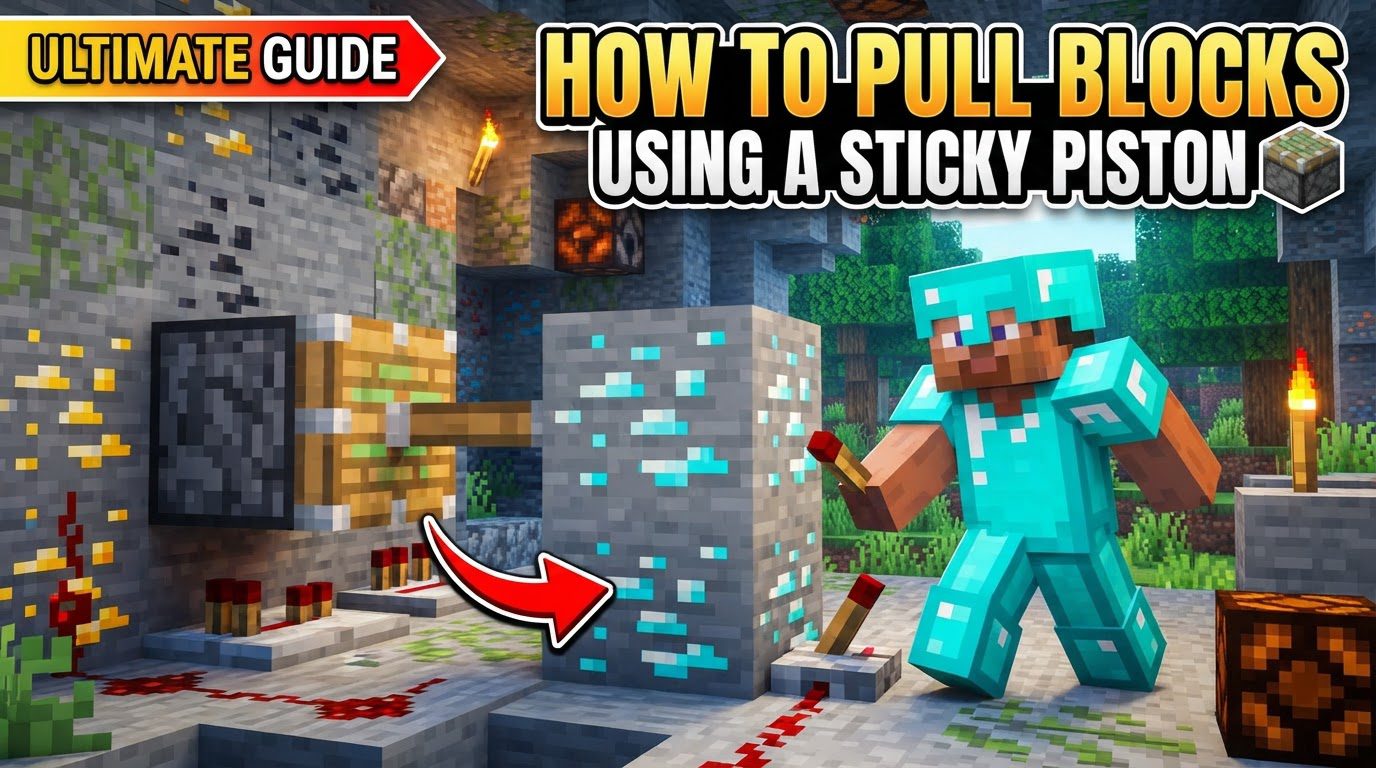
Sticky pistons are fundamental components in Minecraft Redstone contraptions, offering unique capabilities that extend far beyond what a regular piston can achieve. Their ability to both push and, crucially, pull blocks makes them indispensable for creating complex mechanisms, automated farms, hidden doors, and intricate Redstone logic. Understanding the precise mechanics and behaviors of sticky pistons is key to mastering Redstone engineering in your Minecraft world.
Key Mechanics of Sticky Pistons
- Push and Pull Action: At its core, a sticky piston functions by interacting with Redstone signals. When a sticky piston receives a Redstone signal, it extends its arm, pushing any block directly in front of its head. The unique characteristic that differentiates it from a regular piston is its ability to pull that same block back when the Redstone signal is removed. This push-and-pull cycle is the cornerstone of its utility, enabling dynamic block movement essential for many automated systems. The activation and deactivation of the Redstone signal directly dictate the piston’s state, allowing for precise control over block placement and retraction.
- Movement Limit: All pistons, including sticky pistons, operate under a strict movement limit. They can move a maximum of 12 blocks at once, regardless of whether they are pushing or pulling. This limit applies to the total number of blocks directly or indirectly attached to the piston’s head and being moved in a single operation. If a sticky piston attempts to push or pull more than 12 blocks, it will simply fail to activate, remaining in its current state. This constraint is vital for designing contraptions, as exceeding it will prevent your mechanism from functioning as intended. Builders must carefully calculate the number of blocks their piston systems are designed to move to avoid this common pitfall.
- Unmovable Blocks: Not all blocks in Minecraft can be manipulated by pistons. Certain blocks possess inherent properties that make them impervious to piston movement. These include highly durable blocks like obsidian and bedrock, which are considered static elements of the world. Additionally, blocks that contain inventories, such as chests, furnaces, dispensers, and droppers, cannot be moved by pistons in Java Edition. This distinction is important for Java Edition players, as attempting to move these blocks will also result in piston failure. Understanding which blocks are immovable is crucial for planning Redstone builds, preventing wasted effort, and ensuring contraptions operate reliably.
- Slime Blocks and Honey Blocks: These special blocks significantly enhance the capabilities of sticky pistons. Slime blocks and honey blocks have a unique property: they stick to other adjacent blocks (on any face) and can thus be moved as a cohesive group by a single sticky piston. This allows for the creation of larger, more complex moving structures, such as flying machines, large doors, or block conveyors, all driven by a single piston. An important distinction is that slime blocks and honey blocks do not stick to each other. This allows for intricate designs where certain parts of a contraption move independently or in specific patterns. Despite their adhesive properties, the overall 12-block movement limit still applies to the entire group of blocks being moved. This means that even with slime or honey blocks, the total number of blocks in the moving assembly cannot exceed 12.
- Java Edition “Spitting” Behavior: A unique behavior observed exclusively in Java Edition is the “spitting” mechanic. A sticky piston in Java Edition can “spit out” a block, meaning it pushes the block but then retracts without pulling the block back, leaving it extended in its new position. This occurs if the piston receives a very short Redstone pulse, specifically one that is shorter than 3 game ticks (typically a 1-tick pulse). This behavior is often exploited in advanced Redstone designs for specific timing and block manipulation. However, it is crucial to note that this “spitting” behavior does not occur in Bedrock Edition. In Bedrock Edition, a sticky piston will always pull the block back, regardless of the pulse duration. This difference is a significant consideration for players building cross-platform or following tutorials, as it requires different approaches to achieve similar effects.
Step-by-Step Process to Pull Blocks
To effectively use a sticky piston for pulling blocks, follow these systematic steps:
- 1. Craft a Piston: The first step is to create a regular piston, which serves as the base for a sticky piston. This requires specific materials arranged in a crafting table. You will need 3 wooden planks (any type), 4 cobblestone, 1 iron ingot, and 1 Redstone dust. Arrange these items in the crafting grid according to the standard piston recipe. The wooden planks typically occupy the top row, cobblestone fills the sides and bottom corners, the iron ingot is in the center of the top row, and Redstone dust is placed directly below the iron ingot. Once crafted, this piston will only be able to push blocks.
- 2. Craft a Sticky Piston: With a regular piston in hand, you can now upgrade it to a sticky piston. This transformation requires one additional ingredient: a slime ball. In a crafting table, simply place your newly crafted piston in any slot and a slime ball in any adjacent slot. The crafting grid will then output a sticky piston. The slime ball is the magical component that gives the piston its retracting, or “sticky,” property, allowing it to pull blocks back.
- 3. Place the Sticky Piston: Carefully select the location for your sticky piston. Placement is crucial as its orientation determines the direction of block movement. When you place the sticky piston, its head (the part that extends) will always face the player. Therefore, stand in the position where you want the block to be pulled *from* and place the piston so its head points directly towards the intended target block’s future position. This ensures the piston is correctly aligned to interact with the block you wish to manipulate.
- 4. Place the Target Block: Once the sticky piston is in place and correctly oriented, place the block you intend to pull directly in front of its head. This is the block that the piston will push when activated and pull back when deactivated. Ensure there are no other blocks between the piston head and your target block, as this would interfere with the operation. The block must be directly adjacent to the piston’s active face.
- 5. Apply Redstone Power: To initiate the pushing action, the sticky piston needs to receive a Redstone signal. There are several ways to provide this power. You can place a Redstone component like a lever directly on the piston, which can then be toggled on. Alternatively, you can use a button placed on the piston for a temporary pulse. For more integrated systems, connect Redstone dust from a power source (like a Redstone torch, Redstone block, or lever/button) to the piston. The Redstone dust must be directly adjacent to the piston or connect to a block that powers the piston. Upon receiving power, the sticky piston will extend, pushing the target block one space forward.
- 6. Remove Redstone Power: The pulling action is triggered by the removal of the Redstone signal. If you used a lever, simply toggle it off. If using Redstone dust, deactivate the power source connected to it. As soon as the Redstone signal to the sticky piston is cut, it will retract its arm, and because it is a sticky piston, it will pull the block that was attached to its head back to its original position. This completes the full push-and-pull cycle.
Important Tips for Sticky Piston Use
- Utilize Slime Blocks or Honey Blocks for Multiple Blocks: To maximize the efficiency of a single sticky piston, leverage the unique properties of slime blocks or honey blocks. By placing these sticky blocks adjacent to other blocks, you can create a larger assembly that moves together. For example, a sticky piston pushing a slime block can move an entire wall of blocks attached to that slime block. This technique is invaluable for constructing large moving platforms, multi-block doors, or intricate Redstone builds where a single piston needs to control a significant portion of a structure. Always remember to adhere to the 12-block movement limit for the entire group of blocks being moved.
- Account for Redstone Delay: Redstone components in Minecraft do not operate instantaneously. Pistons, like many other Redstone devices, have a slight delay in their operation. There is a one-game-tick delay between when a piston receives a Redstone signal and when it extends, and another one-game-tick delay when it retracts. While seemingly minor, this delay becomes incredibly important when building complex Redstone contraptions that rely on precise timing. If multiple pistons need to activate in a specific sequence or if other Redstone components need to react to piston movement, factoring in this one-tick delay is essential for the contraption to function correctly and without unintended block interactions or failures.
- 1-Game-Tick Pulse for “Spitting” (Java Edition): For Java Edition players, understanding the “spitting” mechanic is a powerful advanced technique. If you want a sticky piston to push a block and then retract without pulling the block back, you need to provide it with a very brief Redstone pulse. Specifically, a pulse that lasts only 1 game tick will cause the piston to extend, push the block, and then retract so quickly that it “forgets” to pull the block back, leaving it in the extended position. This can be achieved using various Redstone components designed for short pulses, such as a Redstone repeater set to its shortest delay or a monostable circuit. This is a crucial distinction between Java and Bedrock Editions and is often used for creating one-way block pushes or specific Redstone logic gates.
Common Mistakes to Avoid
- Exceeding the 12-Block Movement Limit: This is one of the most frequent errors. Attempting to move more than 12 blocks with a single piston, including any blocks attached via slime or honey blocks, will result in the piston failing to activate entirely. It will simply remain in its current state, making it seem as if your Redstone signal isn’t working or the piston is broken. Always count the total number of blocks your piston assembly is designed to move to ensure it stays within this critical limit.
- Trying to Move Unmovable Blocks: Another common pitfall is attempting to manipulate blocks that pistons cannot move. These include obsidian, bedrock, and in Java Edition, blocks with inventories such as chests, furnaces, and dispensers. Pistons will not interact with these blocks, and any attempt to push or pull them will cause the piston to fail. Before designing your Redstone system, always confirm that the target blocks are indeed movable by pistons.
- Improper Redstone Connection: A Redstone contraption is only as good as its Redstone connections. If a sticky piston isn’t responding, check your Redstone signal path. Ensure that Redstone dust is directly adjacent to the piston or connected to a block that powers the piston. Verify that the power source is active and that the Redstone signal has sufficient strength to reach the piston. A common mistake is having a Redstone dust line that is too long without repeaters, causing the signal to lose strength before reaching the piston.
- Expecting “Spitting” Behavior in Bedrock Edition: Players who are used to Java Edition’s mechanics might mistakenly expect sticky pistons in Bedrock Edition to “spit out” blocks with short Redstone pulses. However, this behavior is exclusive to Java Edition. In Bedrock Edition, a sticky piston will always pull the block back when its Redstone signal is removed, regardless of how brief the initial pulse was. This difference requires Bedrock players to use alternative methods if they need to achieve a similar effect of pushing a block and leaving it in place.
- Moving Activated Pistons: An extended or activated piston cannot be moved by another piston. Once a piston has extended, it becomes a static, immovable object in that position until it retracts. Attempting to push or pull an extended piston with another piston will result in the moving piston failing to activate. This is an important consideration for complex piston-feed tape systems or cascading piston setups, where timing and sequence are critical to avoid pistons attempting to move other active pistons.
Mastering the sticky piston is a significant step in becoming proficient in Minecraft Redstone. By understanding its core mechanics, adhering to the movement limits, utilizing slime and honey blocks effectively, and being aware of version-specific behaviors and common pitfalls, you can unlock a vast array of possibilities for automation and creativity in your Minecraft world.
Tags:
YOU MAY ALSO LIKE...


