

Writing a Predicate JSON File for a Datapack (Step by Step)
Minecraft datapacks empower creators to introduce custom content and modify game mechanics without altering the core game files. A fundamental component in crafting sophisticated and dynamic datapacks is the predicate JSON file. Predicates serve as powerful conditional checks, allowing your custom logic to respond intelligently to the game’s ever-changing state.
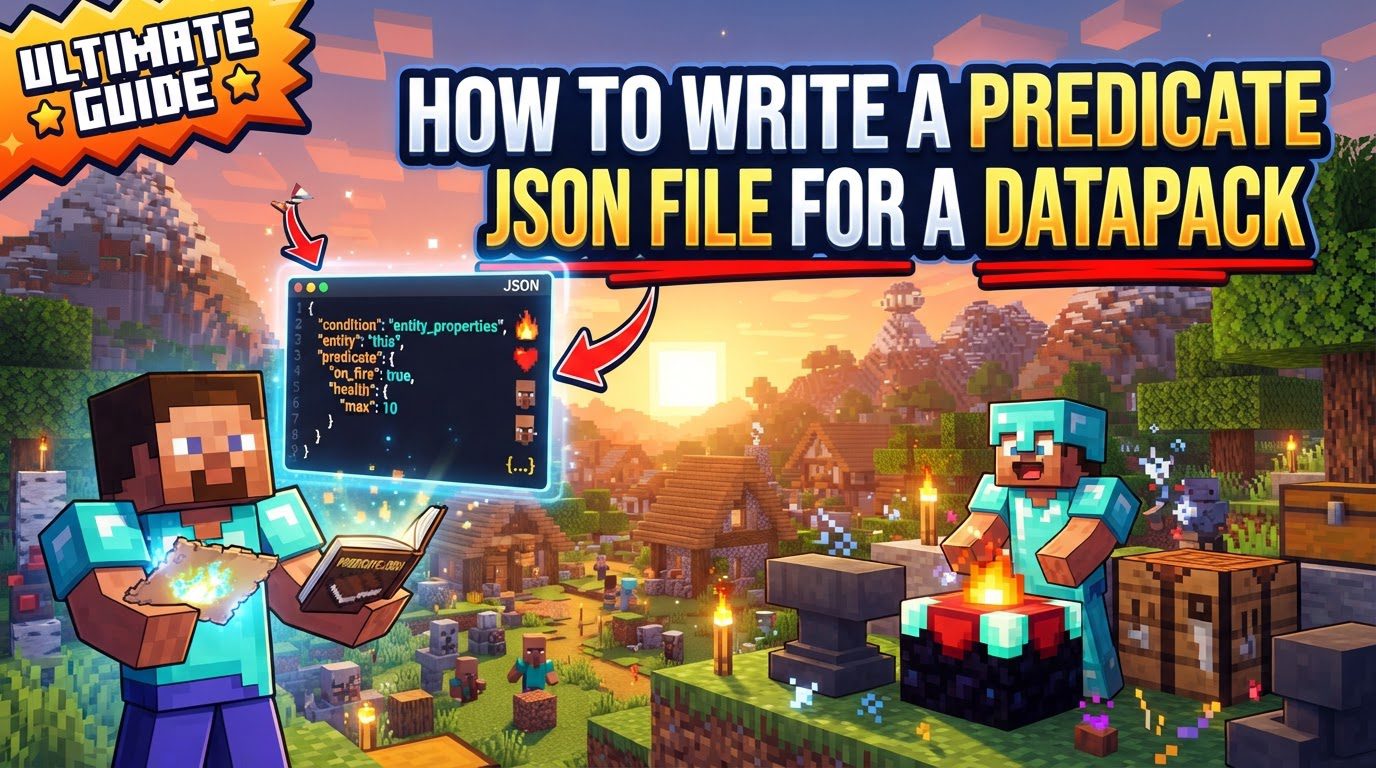
Understanding Predicate Mechanics
At its core, a predicate in Minecraft is a JSON-based condition that evaluates to one of two outcomes: either true or false. This binary result makes predicates incredibly versatile for controlling various aspects of your datapack’s behavior.
-
Widespread Application: Predicates are deeply integrated into Minecraft’s data-driven architecture. They are instrumental in systems such as:
- Loot Tables: Determining whether a specific item drops, or if a certain quantity of items should be awarded based on conditions like the player’s held item or the time of day.
- Advancements: Checking if a player has met specific criteria to unlock an achievement, such as being in a particular biome or reaching a certain Y-level.
- Commands: Providing robust conditional logic for the
/execute ifcommand, allowing commands to run only when precise game states are met.
In each of these contexts, predicates act as gatekeepers, checking the game’s current state before an action is permitted to proceed.
-
Implicit AND Logic: When you define multiple conditions within a single predicate JSON file, they are automatically combined using an implicit AND logic. This means that for the predicate to evaluate to
true, all of the specified conditions must be simultaneously met. If even one condition is not satisfied, the entire predicate will returnfalse. This design encourages precise and demanding checks. -
Diverse Condition Types: Minecraft’s predicate system offers a rich array of condition types, enabling you to scrutinize almost any aspect of the game state. These can include, but are not limited to:
- Entity Properties: Checking characteristics of entities, such as whether a player is sneaking, the health of a mob, or the type of an entity.
- Location: Verifying the current biome, dimension (e.g., The Nether, The End), or specific coordinates (position) of an entity or block.
- Environmental Factors: Detecting current weather conditions (e.g., raining, thundering), the time of day, or the light level.
- Random Chance: Introducing an element of randomness, allowing a predicate to pass based on a specified probability.
- Damage Sources: Evaluating details about incoming damage, such as its type (e.g., fall damage, fire damage) or the entity that dealt it.
This extensive range of condition types makes predicates incredibly adaptable for almost any conditional logic you might need in your datapack.
Step-by-Step Guide to Writing a Predicate JSON File
Creating and implementing a predicate involves a straightforward process:
-
Set Up Your Datapack: Before diving into predicates, ensure you have a functional datapack structure. This typically involves a main folder for your datapack, containing a
pack.mcmetafile (which defines your datapack’s version and description) and adatafolder. Inside thedatafolder, you’ll have subfolders for your custom namespace (e.g.,my_datapack). -
Create the
predicateFolder: Navigate into your datapack’sdata//directory. Within this directory, you need to create a new folder specifically namedpredicate. This folder will house all your custom predicate JSON files. -
Create the JSON File: Inside the newly created
predicatefolder, create a new file and save it with a.jsonextension. For example, you might name itmy_custom_check.json. The filename you choose (excluding the.jsonextension) is crucial, as it will serve as the unique identifier for your predicate. When referencing it in-game or in other datapack files, it will be referred to as:(e.g.,my_datapack:my_custom_check). -
Define Conditions: Open your newly created JSON file and begin defining your desired conditions. The basic structure involves a root JSON object where you specify a
"condition"key. The value associated with this key will be a string representing the type of condition you want to use (e.g.,"minecraft:location_check","minecraft:entity_properties"). Following the condition type, you will provide a set of parameters specific to that condition, typically within another JSON object. These parameters dictate the precise criteria of the check (e.g., for a location check, you might specify a biome or a y-coordinate range). You will add multiple condition objects if you need more complex checks, relying on the implicit AND logic. -
Save and Load: After carefully writing and saving your predicate JSON file, it’s essential to load these changes into your Minecraft world. Open your Minecraft game (or server console) and execute the command
/reload. This command reloads all datapacks, including your new predicate files, making them available for use. -
Test the Predicate: To verify that your predicate is working as intended, you can directly test it using the
/executecommand. The syntax for testing is/execute if predicate : run. Replace:with your predicate’s full ID (e.g.,my_datapack:my_custom_check) andwith any simple command, such assay Hello!. If the predicate evaluates totrue, the command will execute; otherwise, it will not, allowing you to confirm its functionality.
Important Tips for Predicate Usage
-
Utilize Online Generators: Crafting JSON by hand can be prone to syntax errors. Tools like
misode.github.io/predicateare invaluable resources. These online generators provide a visual interface to select condition types and their parameters, automatically generating the correct JSON structure. This not only saves time but also helps in discovering new condition types and ensuring your syntax is perfectly valid, preventing common loading issues. -
Enhance Command Conditional Logic: Predicates excel at providing sophisticated conditional logic for command chains. Instead of relying on a series of complex
/execute ifchecks with multiple sub-commands, you can encapsulate all those conditions into a single predicate. This allows for highly precise state detection, such as checking if a player is currently sneaking, if they are positioned below a specific Y-level, or if they are holding a particular item, all within one reusable definition. -
Performance Optimization: For large and complex datapacks, performance is a critical consideration. By centralizing intricate conditional checks into a single predicate file, you can significantly improve the efficiency of your datapack. Instead of duplicating lengthy condition lists across multiple functions or command blocks, you simply reference the predicate by its ID. This reduces redundancy and makes your datapack easier to manage and optimize.
-
Perfect for
execute ifStatements: The explicit boolean output (trueorfalse) of predicates makes them perfectly suited for integration with Minecraft’s/execute ifcommand. This direct compatibility means you can seamlessly control the execution flow of any command based on the complex conditions defined within your predicate, leading to highly dynamic and responsive datapack behaviors.
Common Mistakes to Avoid
While powerful, predicates can be tricky if certain common pitfalls are not avoided:
-
JSON Syntax Errors: JSON is a strict format. Even a minor mistake can prevent your predicate file from loading. Be extremely vigilant about:
- Missing Quotes: All keys and string values must be enclosed in double quotes.
- Mismatched Brackets/Braces: Ensure every opening brace
{and bracket[has a corresponding closing one},]. - Trailing Commas: Commas are used to separate items in an object or array, but there should never be a comma after the very last item.
- Incorrect Data Types: Ensure values match the expected type (e.g., a number for an integer parameter, a string for a name).
Using a good text editor with JSON validation or an online generator can help catch these errors.
-
Incorrect File Path or Naming: The exact location and naming convention are crucial. Your predicate file absolutely must reside in the
data//predicate/directory. Furthermore, the filename should consist only of lowercase letters and underscores (e.g.,my_custom_predicate.json). Any deviation will result in the game failing to find or load your predicate. -
Forgetting to Reload: This is a very common oversight. Any changes you make to a predicate JSON file will not take effect in your Minecraft world until you execute the
/reloadcommand. If your predicate isn’t working as expected, a forgotten reload is often the culprit. -
Misunderstanding Logic: Always remember the implicit AND logic for multiple conditions within a single predicate file. If you need OR logic (where only one of several conditions needs to be true) or more intricate conditional structures, you will need to utilize specific condition types designed for this purpose, such as
"minecraft:alternative". This condition type allows you to define a list of sub-predicates, and if any one of them evaluates to true, thealternativepredicate will pass. -
Confusing JSON with NBT: While predicates use the JSON (JavaScript Object Notation) format for defining conditions, it’s important not to confuse it with NBT (Named Binary Tag) data. NBT is a separate binary format used by Minecraft to store complex data for entities, items, and blocks (e.g., a player’s inventory, a chest’s contents, or a mob’s AI data). Predicates check game state using JSON definitions; NBT is used for the actual storage and modification of that state.

