

Configuring Loot Table Pool Weights — A Quick Guide
Configuring loot table pool weights in Minecraft offers unparalleled control over the items players discover throughout their adventures. From the contents of a dungeon chest to the drops from a defeated mob, understanding and manipulating these weights allows creators to sculpt the game’s reward system precisely. This guide will walk you through the essential mechanics, a step-by-step configuration process, useful tips, and common pitfalls to avoid, ensuring your custom loot tables function exactly as intended.
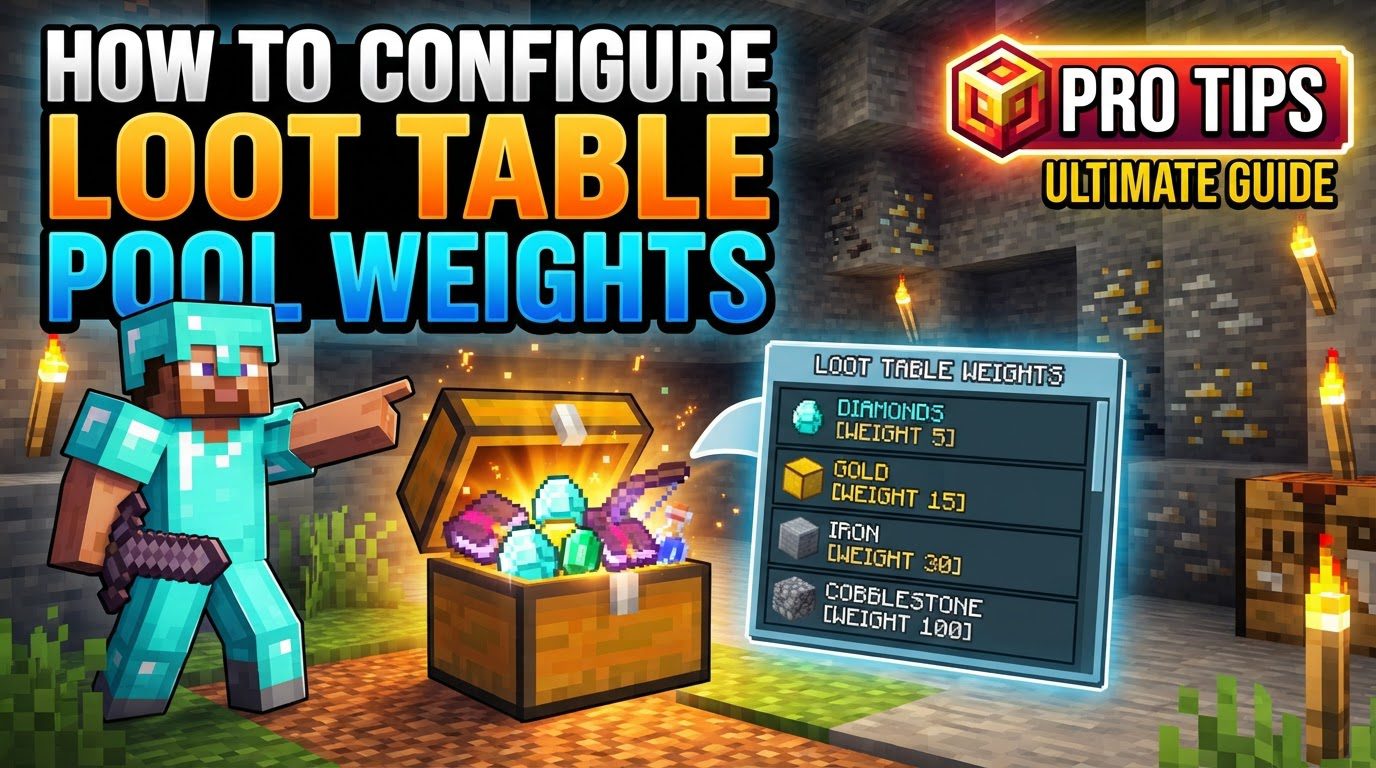
Key Mechanics of Loot Table Configuration
At the core of loot table customization are several fundamental mechanics that work in concert to determine what items are generated.
- Loot Tables and Pools: Loot tables are structured JSON files. Within these files, loot is organized into “pools.” Each pool acts as an independent collection of potential drops, defining how its items are rolled. The final loot generated is the collective sum of items selected from all active pools within a given loot table.
- Rolls: Every pool includes a
rollsproperty, which dictates how many times items are selected from its defined entries. This can be a static number (e.g.,"rolls": 1) or a dynamic range, such as{"min": 1, "max": 3}, allowing for variable quantities of items to be chosen. It is crucial to note that a defaultrollsvalue of 0 will result in no items being dropped from that specific pool, a common source of confusion. - Entries: Inside each pool, the
entriesarray lists the specific items, references to other loot tables, or even empty placeholders that can be chosen. Each entry represents a single potential outcome for a roll. - Weight: The
weightproperty is paramount to controlling drop rates. Assigned to each entry within a pool, it determines how frequently that entry is selected relative to other entries in the same pool. An entry withweight: 2, for instance, is twice as likely to be chosen as an entry withweight: 1, assuming all other factors are equal. This is a relative measure, not an absolute percentage. - Quality: The
qualityproperty introduces an element of player “luck” into the equation. This property modifies an entry’s weight based on the player’sluckattribute, which can be influenced by the Luck status effect or the Luck of the Sea enchantment. Higher quality values will benefit more from player luck. - Functions: Optional
functionscan be applied to entries to modify the resulting item stack after it has been chosen. Common functions includeset_countto define the quantity of items in a stack (e.g., dropping 1-3 items) or functions for adding enchantments, setting item names, or modifying NBT data. - Types of Pools: While most pools are general-purpose “weighted random pools” designed for diverse drops, Minecraft also features “tiered pools.” Tiered pools are typically employed when exactly one entry needs to be selected, often seen in scenarios like determining mob equipment.
Step-by-step Process for Configuring Loot Table Pool Weights
Creating and customizing loot tables involves a structured approach within a Minecraft datapack.
- 1. Create a Datapack: Begin by establishing the correct folder structure for a datapack. This typically involves a root folder named after your datapack, containing a
datafolder. Insidedata, you’ll create a folder for your specific namespace (e.g.,my_custom_namespace), and within that, aloot_tablesdirectory. - 2. Define a JSON File: Inside the
loot_tablesdirectory, create a new.jsonfile. The name of this file will be the identifier for your custom loot table (e.g.,my_dungeon_chest.json). - 3. Add Pools: The root of your loot table JSON file will be an object containing a
poolsarray. Each object you place within this array will represent a distinct loot pool, allowing you to organize different sets of items or apply different rules to them. - 4. Configure Pool Rolls: For each pool you define, you must specify the
rollsproperty. This determines how many times the game will attempt to select an item from that pool. For dynamic quantities, use auniformobject, such as"rolls": {"min": 1, "max": 3}, to generate between 1 and 3 items from that pool per activation. Remember, arollsvalue of 0 will result in no drops. - 5. Add Entries: Within each pool, you will include an
entriesarray. Each object within this array defines a potential item drop or outcome for that pool. This is where you list all the possible items that can appear. - 6. Set Entry Type and Name: For every entry, you need to specify its
typeandname. Common types include"item"for a specific Minecraft item (e.g.,"name": "minecraft:diamond"),"loot_table"to reference another loot table (e.g.,"name": "your_namespace:another_table"), or"empty"for a chance to drop nothing. - 7. Assign Weights: This is a critical step for controlling rarity and commonality. Assign a
weightto each entry. A higher number indicates a greater chance of that item being selected relative to others in the same pool. For example, if you have two items, one with"weight": 3and another with"weight": 1, the first item is three times more likely to be chosen. - 8. Add Functions/Conditions (Optional): To further refine your drops, you can include
functionsorconditions. Functions are used to modify the item itself (e.g.,"function": "minecraft:set_count", "count": {"min": 2, "max": 4}to define stack sizes). Conditions determine when an entry or an entire pool is considered for selection, allowing for context-specific drops. - 9. Test: After crafting your loot table JSON, it’s vital to test it in Minecraft. You can summon a chest with your custom loot using a command like
/give @s chest{BlockEntityTag:{LootTable:"your_namespace:your_loot_table_path"}}. Replaceyour_namespaceandyour_loot_table_pathwith your specific identifiers.
Important Tips for Effective Loot Table Design
Mastering loot tables goes beyond the basic setup; these tips will help you create more dynamic and balanced loot experiences.
- Relative Weights: Always remember that weights are relative, not absolute percentages. A set of entries with weights (1, 2, 3) will have the exact same probability distribution as (10, 20, 30). The probability of an entry being chosen is its weight divided by the sum of all weights in its pool. Focus on the ratios between weights.
- Online Generators: Leverage online loot table generators, such as misode.github.io/loot-table. These tools can significantly simplify the process of creating and validating your JSON structure, helping you avoid syntax errors and visualize your loot pools.
- Dynamic Rolls and Counts: Embrace the power of
uniformranges for bothrollsat the pool level and theset_countfunction for individual entries. This introduces a natural randomness in the number of items and stack sizes generated, making loot feel more varied and less predictable. - Nested Loot Tables: For advanced and modular loot systems, consider using nested loot tables. An entry within one loot table can reference another entire loot table. This allows you to create complex drop chains or reuse common loot configurations across different parent tables.
Common Mistakes to Avoid When Configuring Loot Tables
Even experienced creators can fall into common traps. Being aware of these will save you troubleshooting time.
- Zero Rolls: A frequently overlooked issue is forgetting to change the default
rollsvalue, which often defaults to 0 in many templates or when not explicitly set. If a pool has"rolls": 0, no items will ever drop from it, regardless of its entries or weights. - Misunderstanding Relative Weights: A common misconception is to treat weights as absolute probabilities. Forgetting that probabilities are calculated as an entry’s weight divided by the sum of all weights in its pool can lead to unexpected drop rates. Always consider the total weight of the pool.
- Ignoring
quality: While not always critical, if you intend for player luck mechanics (such as the Luck status effect or Luck of the Sea enchantment) to influence drops, failing to configure thequalityproperty will prevent these attributes from having any effect on item selection. - No “empty” entry for rarity: If you want a specific item to be genuinely rare, simply giving it a low weight compared to other items might not be enough. Consider adding an
"empty"entry with a significant weight. This effectively dilutes the chances of any actual item being picked, making truly rare items feel more impactful when they do appear.
By understanding these mechanics, following the structured process, utilizing helpful tips, and avoiding common errors, you can confidently configure Minecraft loot table pool weights to create engaging and custom loot experiences for your players.

