

Adding a Custom Enchantment Using a Datapack
136
views ❘
July 6, 2026
Understanding Custom Enchantments via Datapacks
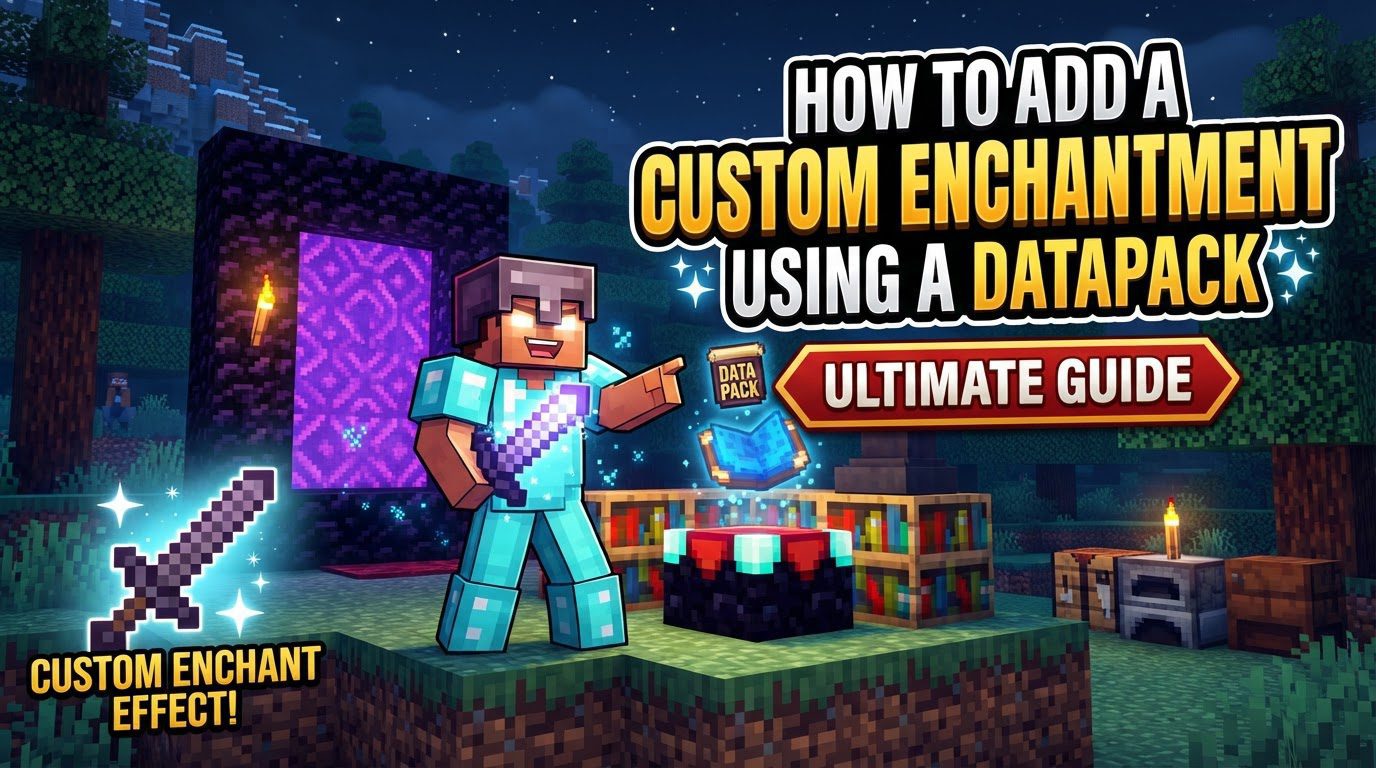
Minecraft’s datapack system offers powerful customization options, including the ability to introduce entirely new enchantments. These custom enchantments allow creators to expand gameplay mechanics, introduce unique item abilities, and tailor the game experience in novel ways. Defining a custom enchantment involves a combination of JSON files to set its properties and game logic, integrated within a structured datapack.
Key Mechanics of Custom Enchantments
- JSON File Definitions: Custom enchantments are primarily defined using JSON files. These files reside within a specific directory structure inside your datapack and dictate all the fundamental characteristics of the enchantment.
-
Enchantment Properties: Each custom enchantment JSON file specifies several crucial properties:
-
description: A textual description of what the enchantment does. -
supported_items: A list of items that the enchantment can be applied to, typically via an anvil. This defines the broad compatibility. -
primary_items: A more specific list of items on which the enchantment can appear when using an enchanting table. This narrows down the items for natural discovery. -
weight: An integer value indicating how likely the enchantment is to appear on an item from an enchanting table or loot. A higher weight increases its probability. -
max_level: The highest level this custom enchantment can reach. -
min_cost/max_cost: These define the minimum and maximum experience levels required for the enchantment to appear on an enchanting table, influencing its availability based on the player’s level. -
anvil_cost: The base experience cost to combine items with this enchantment on an anvil. -
exclusive_set: A list of other enchantments (vanilla or custom) that this enchantment cannot be combined with. For example, you might set an “exclusive_set” to prevent a “Curse of Brittleness” from combining with “Unbreaking.” -
slots: This property defines the inventory slots where an item must be located for the enchantment’s effects to be active. Common examples includemainhand,offhand, or various armor slots. -
effects: This field maps different effect component types (e.g.,minecraft:damagefor attack-related effects,minecraft:post_attackfor effects after an attack) to their specific logic. This logic often involves arun_functiondirective, which points to a custom Minecraft function that executes commands to create the enchantment’s actual in-game effect.
-
- Logic via Functions and Predicates: The actual in-game behavior and effects of a custom enchantment are not directly encoded in the enchantment JSON itself. Instead, they are typically implemented through Minecraft functions and predicates. These functions and predicates check if an item has a specific enchantment and then execute corresponding commands to produce the desired effect.
-
Enchantment Tags for Integration: To ensure your custom enchantment integrates seamlessly with various vanilla game mechanics, enchantment tags are utilized. These tags control where the enchantment can naturally appear or be applied. Examples include:
-
in_enchanting_table.json: Determines if the enchantment can be obtained from an enchanting table. -
on_mob_spawn_equipment: Allows the enchantment to appear on equipment held by naturally spawned mobs. -
on_random_loot: Makes the enchantment appear on items found in loot chests. - Integration with villagers for trading purposes.
-
Step-by-Step Process for Adding a Custom Enchantment
Datapack Setup
The first step is to establish the foundation for your custom content within a datapack.
- Create Datapack Folder: Navigate to your Minecraft world’s save directory (`/saves//`) and create a new folder named `datapacks`. Inside this `datapacks` folder, create another folder for your specific datapack (e.g., `my_custom_enchantments`).
-
Create
pack.mcmeta: Inside your datapack’s root folder (`my_custom_enchantments`), create a file named `pack.mcmeta`. This file is essential for Minecraft to recognize your folder as a valid datapack. It should contain JSON specifying the `pack_format` (which depends on your Minecraft version) and a descriptive `description` for your datapack. - Establish Folder Structure: Within your datapack folder, create the necessary directory structure for enchantment definitions: `data//enchantment/`. Replace “ with a unique identifier for your datapack (e.g., `my_enchantments`). This namespace helps prevent conflicts with other datapacks or vanilla assets.
Define the Enchantment
This is where you craft the core definition of your custom enchantment.
- Create Enchantment JSON File: Inside the `data//enchantment/` folder, create a JSON file for your enchantment (e.g., `my_enchant.json`). This file will contain all the properties of your custom enchantment.
- Utilize Online Generators: Tools like Misode’s enchantment generator can be incredibly helpful. These generators provide a user-friendly interface to input your desired properties and will output the correctly structured JSON, reducing the chance of syntax errors.
-
Populate Enchantment Properties: Within your `my_enchant.json` file, you will define the various properties:
-
description: A user-friendly string explaining the enchantment. -
supported_items: An array listing the item IDs (e.g.,"minecraft:diamond_sword") that this enchantment can be applied to. -
primary_items: Similar tosupported_items, but specifically for items that can receive this enchantment from an enchanting table. -
weight: An integer representing its rarity. Higher numbers mean more common. -
max_level: The maximum level this enchantment can reach. -
min_cost/max_cost: The range of experience levels required for enchanting. -
anvil_cost: The base cost for anvil operations. -
slots: An array of strings specifying inventory slots (e.g.,"mainhand","head") where the enchantment is active. -
effects: This critical section defines the actual behavior. It typically maps an effect component type (e.g.,"minecraft:damage") to a JSON object that includes a"type": "minecraft:run_function"entry, pointing to a custom function file (e.g.,"function": "your_namespace:enchantment_logic/my_enchant_effect") that contains the commands for the enchantment’s effect. -
exclusive_set: An array of other enchantment IDs that cannot coexist with this custom enchantment on the same item.
-
Integrate into Game
To make your custom enchantment appear in vanilla mechanics like enchanting tables, you need to add it to the relevant enchantment tags.
- Create Tag Folder Structure: Create the following folders within your datapack: `data/minecraft/tags/enchantment/`. Note that `minecraft` is the namespace here, as you are modifying a vanilla tag.
- Create Tag JSON File: Inside the `enchantment` folder, create a JSON file named `in_enchanting_table.json`. This file will tell Minecraft to include your custom enchantment in the list of enchantments available at an enchanting table.
-
Add to Values: Within `in_enchanting_table.json`, add your custom enchantment’s full ID (e.g.,
"your_namespace:my_enchant") to the `values` list. Set `”replace”: false` to ensure that you are appending your enchantment to the existing vanilla enchantments rather than overwriting them.
Load and Reload Datapack
- Place Datapack: Ensure your complete datapack folder (`my_custom_enchantments`) is placed inside the world’s `datapacks` folder (`/saves//datapacks/`).
- Reload In-Game: Once the datapack is in place, open your Minecraft world and run the command `/reload`. While this command reloads many datapack components, for custom enchantments to fully register and appear in contexts like the `/enchant` command or enchanting tables, it is often necessary to completely leave the world and rejoin.
Important Tips for Datapack Development
- Use Development Tools: Tools like Visual Studio Code, especially with the Datapack Helper Plus extension, can significantly streamline the development process. They offer syntax highlighting, auto-completion, and error checking for JSON and Minecraft functions, which are invaluable for preventing common mistakes.
- Inspect Vanilla Files: A powerful learning technique is to extract the vanilla Minecraft JAR file and inspect its contents. Examining how vanilla enchantments are structured and defined can provide excellent examples and insights into proper formatting and implementation, allowing you to emulate their behavior for your custom creations.
-
Understand
weight: Remember that the `weight` property directly controls the probability of your enchantment appearing. Experiment with different values to balance its rarity and desirability. -
Distinguish
primary_itemsvs.supported_items: Clearly understand the difference. `primary_items` dictates what items can receive the enchantment from an enchanting table, making it discoverable through normal gameplay. `supported_items` is a broader list of all items it can apply to, which is relevant for methods like anvil combinations or `/enchant` commands. -
Strategic Use of
exclusive_set: Leverage the `exclusive_set` property to prevent overpowered combinations or to introduce thematic limitations. For instance, if you create a “Curse of Brittleness” enchantment that makes items more fragile, you would add “minecraft:unbreaking” to its `exclusive_set` to prevent them from being on the same item.
Common Mistakes to Avoid
- Not Re-logging into the World: This is a frequently overlooked step. While `/reload` updates many datapack elements, custom enchantments, especially their integration into enchanting tables and the `/enchant` command, often require you to completely exit your world and load it again for full registration.
- Incorrect JSON Syntax: JSON files are strict about syntax. A missing comma, an unclosed bracket or brace, or incorrect quotation marks can prevent your entire datapack (or at least the affected file) from loading correctly. Use a linter or a JSON validator.
-
Missing
pack.mcmetaor Incorrectpack_format: Without a correctly formatted `pack.mcmeta` file in the root of your datapack folder, Minecraft will not recognize it. Furthermore, an incorrect `pack_format` number for your specific Minecraft version will cause the datapack to be ignored or flagged as incompatible. - Experimental Feature Warning: In some Minecraft versions, custom enchantments might trigger an “experimental feature” warning. This is usually a general notice that the feature is still under development and might undergo changes in future updates; it typically does not indicate that your datapack is broken or will corrupt your world. Proceed with caution but don’t be immediately alarmed.
- Not Adding to Tags: If your custom enchantment is defined but not added to the appropriate enchantment tags (e.g., `in_enchanting_table.json`), it will exist in the game’s data but will not appear through vanilla mechanics like enchanting tables, mob drops, or loot chests. It would only be obtainable via commands.
Click to rate this post!
[Total: 0 Average: 0]
Tags:
YOU MAY ALSO LIKE...
Identifying a Nether Fortress From a Distance (Step by Step)
104
views
Navigating the perilous depths of the Nether in Minecraft often leads players on a crucial…
Identifying a Sulfur Cube and Its Hazards
65
views
The world of Minecraft continually evolves, introducing new challenges and opportunities for exploration. With the…

Identifying an Approaching Pillager Patrol
49
views
Pillager patrols represent a significant and recurring threat in the world of Minecraft, capable of…
Identifying an End Ship for Elytra Loot (Step by Step)
76
views
Venturing into the perilous dimension of the End is a rite of passage for any…

Identifying Ancient City Loot Priorities, Explained
58
views
Navigating the Perilous Deep Dark: Identifying Ancient City Loot Priorities The Ancient Cities, hidden deep…

Identifying Bastion Remnant Loot Priorities
52
views
Identifying Bastion Remnant Loot Priorities Bastion Remnants are formidable structures found within the Nether, serving…

Identifying Breaking Changes in a New Update, Explained
64
views
To effectively identify breaking changes in a new Minecraft update, players must focus on understanding…
Identifying Crimson Forest Resources — A Quick Guide
109
views
The Crimson Forest biome in Minecraft's Nether presents a unique and often challenging environment, rich…

Identifying Dangerous Biomes to Avoid Early Game — A Quick Guide
40
views
Understanding Biome Dangers in Early Minecraft In Minecraft, biomes are distinct geographical regions, each presenting…