

Reducing Entity Lag From Item Buildup, Explained
Understanding Entity Lag and Its Impact
In the vast, blocky world of Minecraft, performance can sometimes take a hit, leading to frustrating slowdowns. One of the most common culprits behind these performance issues is “entity lag,” which occurs when the game world contains an excessive number of active entities. These entities can range from dropped items and hostile mobs to projectiles and even certain redstone components. When too many of these are loaded simultaneously, the game’s server (for multiplayer worlds) experiences “TPS drops” (ticks per second), resulting in a choppy, unresponsive experience for all players. Client-side performance, measured in frames per second (FPS), also suffers, particularly on less powerful hardware.
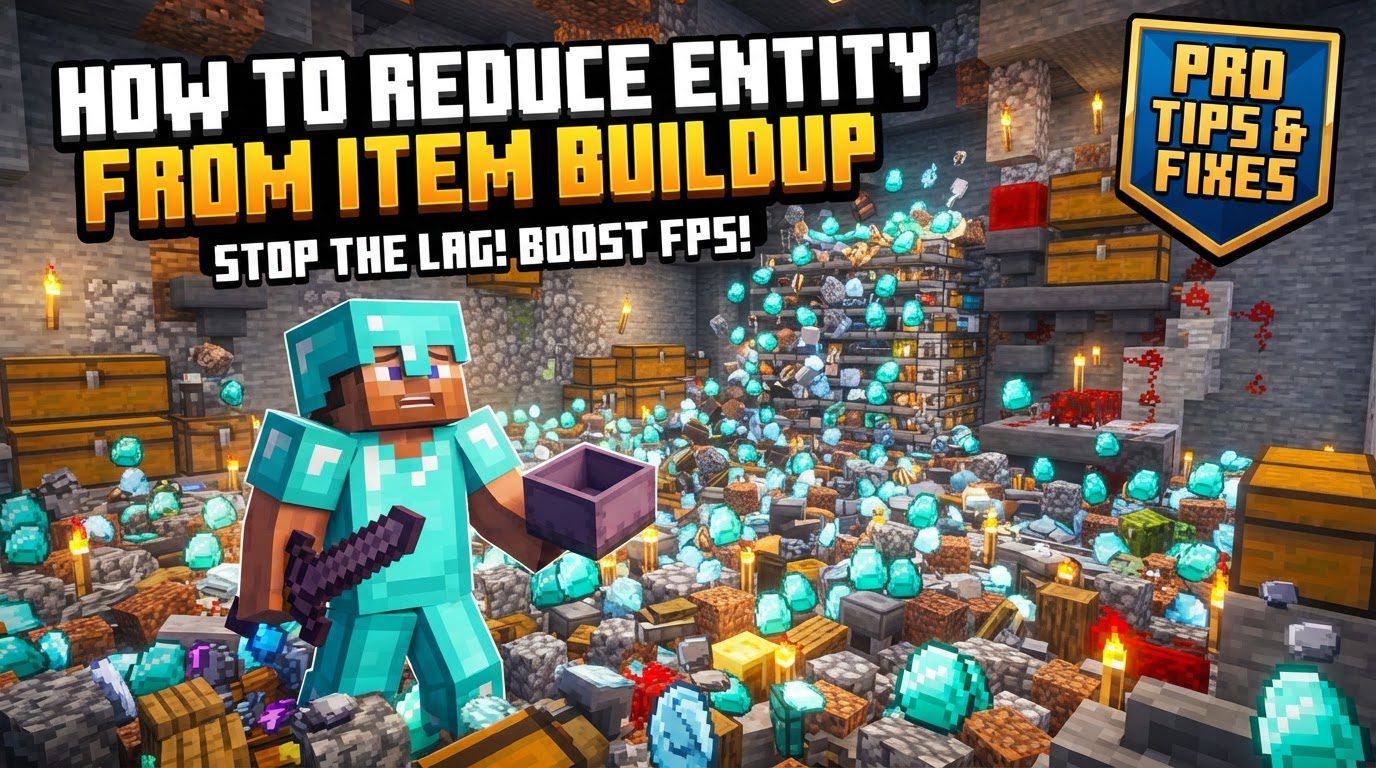
It’s crucial to understand the distinction between different types of entities. “Normal entities,” such as dropped items, mobs, and projectiles, are significantly more prone to causing lag than “tile entities,” which include blocks like chests, furnaces, and signs. The reason for this lies in the complex processing required for normal entities. They often involve dynamic movement, intricate physics calculations (like gravity and collision detection), and sometimes even basic artificial intelligence (AI) for mobs. Dropped items, in particular, are notorious for their tendency to accumulate and constantly interact with the environment, making them a primary source of entity lag.
Beyond dropped items, other components can also contribute heavily to lag. Hoppers, for instance, are notoriously resource-intensive. Their core mechanic involves constantly checking for items above them or in adjacent inventories, which consumes significant server processing power. Hopper minecarts, designed for more efficient item transportation, are even more impactful on performance than their stationary counterparts due to their mobility and additional entity properties. Furthermore, decorative elements like item frames, especially those displaying detailed maps, can surprisingly contribute to substantial lag due as each frame and its contents are rendered and processed.
Step-by-Step Process to Mitigate Item Buildup Lag
Addressing entity lag from item buildup requires a systematic approach, combining identification, automated solutions, and manual interventions.
- Identify Lag Sources: The first and most critical step is to pinpoint exactly where and what is causing the lag. For server administrators, tools like Spark or the built-in
timingscommand can provide detailed reports on server performance, highlighting areas with high entity counts or specific entities that are consuming the most resources. For single-player worlds, paying attention to areas where FPS drops significantly can offer clues. - Implement Automatic Item Clearing: For multiplayer servers, an effective solution is to install server-side plugins designed for performance management. Plugins such as ClearLag are excellent for automatically removing dropped items and other non-essential entities at regular intervals. Configuring these plugins to clear items every 5-10 minutes can prevent significant buildup without being overly disruptive to gameplay.
- Manually Clear Items: In situations where immediate action is needed, or for single-player worlds without server plugins, the command
/minecraft:kill @e[type=item]can be used. This powerful command instantly removes all dropped items within the loaded chunks around the player, providing immediate relief from item-related lag. - Optimize Server Settings: Server administrators can further reduce lag by adjusting core server configurations. Modifying
spawn-limitsin the server properties file can effectively reduce the total number of mobs in the world, lessening the load on the server. Additionally, lowering the server’sview-distancesetting decreases the number of chunks loaded around each player, which in turn reduces the total number of entities the server needs to process simultaneously. - Optimize Hopper Systems: Hoppers, while essential for automation, can be major lag contributors. For large-scale sorting or collection systems, it’s highly recommended to use redstone to “lock” hoppers when they are not actively transferring items. This prevents them from constantly checking for items, saving server resources. Implementing “hysteresis circuits” allows items to be processed in batches rather than continuously, further reducing the constant load hoppers place on the server.
Important Tips for Long-Term Performance
Beyond immediate fixes, adopting good practices in world design and server management can ensure sustained performance.
- Minimize Hopper Usage: Whenever possible, design item transportation systems that rely on fewer hoppers. Alternatives like water streams can be incredibly efficient for moving large quantities of items over distances without the constant processing overhead of hoppers. Dropper-based systems, activated by redstone clocks, can also be a more performance-friendly option for vertical item transport or precise item distribution.
- Rapid Item Collection/Destruction: In any automated farm or production process, ensure that items are collected into storage or destroyed as quickly as they are generated. Allowing items to pile up on the ground, even for a short period, can quickly lead to lag spikes. Efficient collection mechanisms are key to preventing this.
- Use Optimized Server Software: For dedicated servers, moving beyond vanilla Minecraft server software is highly recommended. Optimized server software like PaperMC, Spigot, or Purpur offers numerous performance enhancements, bug fixes, and configuration options not available in the standard vanilla server. These platforms are engineered to handle more players and complex contraptions with less lag.
- Spread Out Large Contraptions: When building extensive farms, redstone contraptions, or areas with a high density of entities, try to spread them out across your world. Building multiple resource-intensive areas close together means they are more likely to be loaded simultaneously, leading to compounded lag. Distancing them ensures that fewer high-impact areas are active at any given moment.
- Client-Side Optimization: While server-side and world design choices primarily address entity lag, client-side optimizations can also significantly improve your personal gameplay experience. Mods like Sodium, for example, are designed to boost FPS, especially on older or less powerful devices, by optimizing rendering processes. This won’t fix server-side entity lag, but it can make your client feel smoother.
Common Mistakes to Avoid
Understanding and preventing common pitfalls is just as important as implementing solutions.
- Allowing Excessive Dropped Items: One of the most frequent and impactful mistakes is simply neglecting to clear dropped items. Whether from mob farms, tree farms, or accidental drops, these items can quickly accumulate into hundreds or even thousands, causing severe and immediate lag.
- Over-relying on Always-Active Hoppers: Designing systems where hoppers are constantly active, especially when they are pointing into full containers, is a significant resource drain. Hoppers continuously check for items, and this constant processing, even when no items are moving, consumes valuable server ticks.
- Numerous Item Frames: While seemingly innocuous, using too many item frames, particularly those displaying complex maps or other dynamic items, can contribute to noticeable lag. Each item frame and its contents are rendered and updated, and a large number of them can collectively strain performance.
- High Entity Density: Creating massive mob farms or other areas where hundreds of entities are crammed into a very small space is a surefire way to induce severe lag. The game struggles to process the physics, AI, and interactions of so many entities in close proximity.
- Excessive View Distance: Setting a very high render distance, either on the server or client-side, without sufficient hardware resources is detrimental. A high view distance forces the game to load and process more chunks and, consequently, more entities, leading to increased lag and lower FPS.
Tags:
YOU MAY ALSO LIKE...


