

Building a Rotational Power Network in Create (Step by Step)
Key Mechanics of Rotational Power
- Rotational Force: This is the fundamental power source in the Create mod, driving all mechanical components and contraptions. Understanding its generation and transmission is crucial for any automation endeavor.
- Speed (RPM): Measured in Revolutions Per Minute, speed indicates how fast a component is spinning. Higher RPM generally means faster machine operation. A Speedometer can be used to monitor the exact RPM of any rotational part in your network.
- Stress Units (SU): Stress Units represent the energy capacity and demand within your rotational network. Every mechanical component requires a certain amount of SU to operate, while generators produce SU. Maintaining a balance where SU produced exceeds SU consumed is vital for network stability.
- Overstressing: A critical condition where the total Stress Unit requirement of all active components exceeds the network’s available Stress Units. If this occurs, the entire rotational network will come to a complete stop, rendering all connected machines inoperable.
- Speed-Stress Relationship: An important consideration is that increasing the operating speed (RPM) of mechanical components proportionally increases their Stress Unit requirement. Running machines at high speeds demands significantly more power from your network.
Generators: The Heart of Your Network
Generating sufficient rotational force is the foundational step. Create offers several power sources:
- Hand Crank: This is a basic, manual power source suitable for small, temporary tasks. It requires continuous player interaction to generate rotational force.
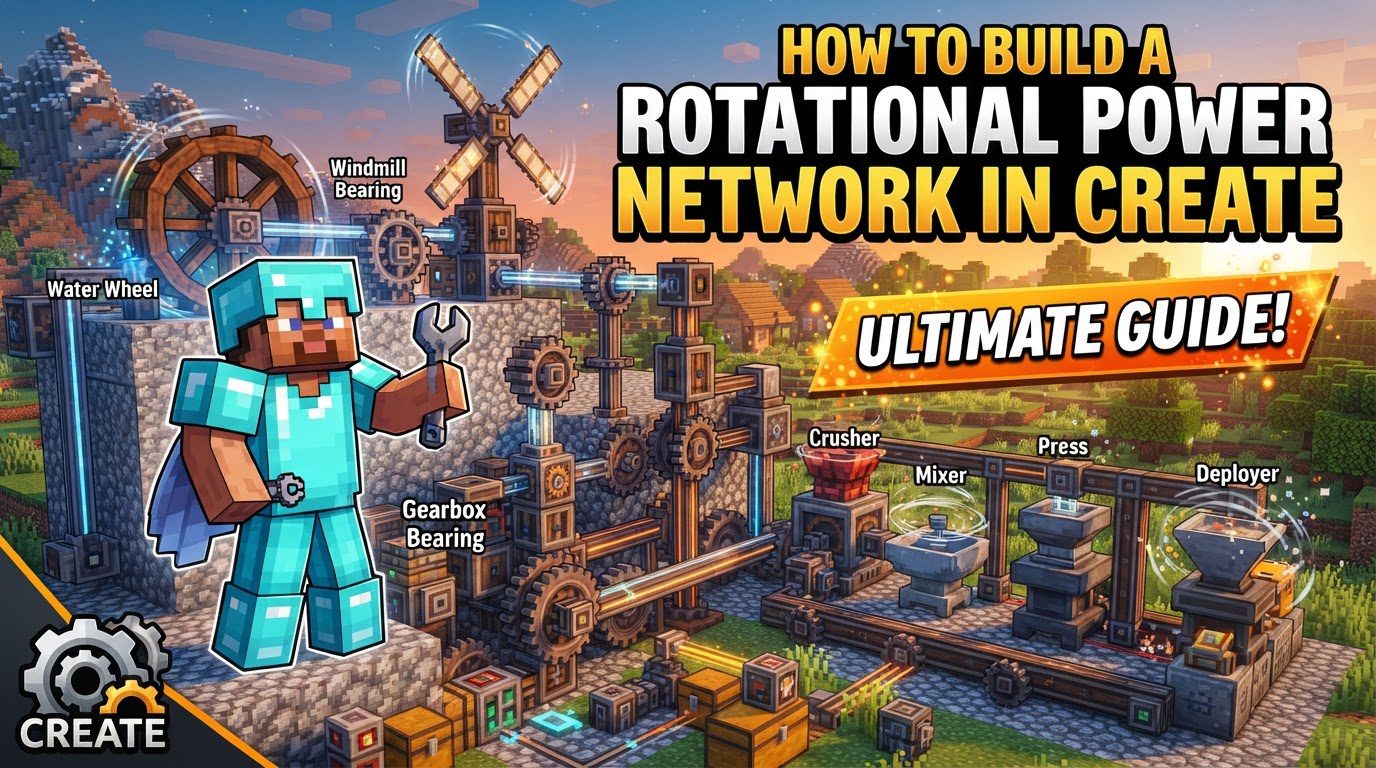
- Water Wheel: A reliable early-to-mid-game generator. A small Water Wheel provides 256 SU, while a large one generates 512 SU. For consistent operation, flowing water must pass over one side of the wheel’s blades.
- Windmill: A significant power source that is a multi-block structure. It requires a Windmill Bearing as its central component and a minimum of 8 sails (made of wool or dedicated Windmill Sails). Crucially, the entire windmill structure must be glued together using Super Glue to function correctly.
- Steam Engines: These provide substantial power, making them ideal for large-scale operations. However, they are more complex to set up and manage compared to other generators.
Transmission Components: Moving the Force
Once power is generated, it needs to be efficiently transmitted to your machines:
- Shafts: These are fundamental for transferring rotation in a straight line. They can be placed directly from a power source, and their axis can be rotated with a wrench for proper alignment.
- Cogwheels: Versatile components used to transfer power, change the direction of rotation (connected cogwheels rotate opposite to each other), and adjust speed or torque. Large cogwheels can also facilitate 90-degree turns when meshed with another cogwheel.
- Mechanical Belts: Ideal for transmitting rotation over distances, Mechanical Belts can connect two shafts or rotational components up to 20 blocks apart.
- Encased Chain Drives: An aesthetic alternative for linear and angled power transmission. They relay rotation along their length and can be rotated 90 degrees with a wrench without changing the direction of the rotation they transmit.
- Gearboxes: Compact blocks that allow for efficient management of multiple cogwheels within a single unit, useful for changing rotation direction or adjusting speed in tight spaces.
- Clutches: These components allow you to stop outgoing rotation when powered by a Redstone signal. This is useful for disengaging parts of your factory when not in use.
- Gearshifts: Activated by Redstone, Gearshifts invert the direction of the rotation they transmit, offering dynamic control over machine operation.
Step-by-Step Process for Building Your Network
- Generate Power:
Start by choosing and setting up your primary power source. For a Water Wheel, ensure consistent flowing water over one side. For a Windmill, place a Windmill Bearing, attach at least 8 sails, and then use Super Glue to combine all components into a single multi-block structure. This establishes the total SU available to your network.
- Transfer Power:
Route the generated power to your desired locations.
- Shafts: Extend shafts directly from your power source. Use a wrench to adjust their orientation.
- Cogwheels: Connect cogwheels to shafts or other cogwheels to change direction or modify speed/torque. Large cogwheels are key for 90-degree directional changes.
- Belts: For longer distances, use Mechanical Belts to connect shafts up to 20 blocks apart.
- Encased Chain Drives: Utilize these for aesthetic linear or angled power transmission, noting they can be rotated with a wrench without altering rotation direction.
- Connect to Machines:
Finally, bring the rotational power to your specific machines and contraptions. Ensure the rotational force is delivered with the correct speed and direction for optimal machine operation, adjusting with cogwheel ratios if necessary.
Important Tips for an Optimized Network
- Monitor Performance: Regularly check your network’s health. Engineer’s Goggles allow you to see individual component stress requirements and production. A Stressometer provides a total overview of your network’s stress consumption, helping you identify potential issues.
- Optimize Speed and Torque: Use cogwheel ratios strategically. A small cogwheel driving a large one will decrease speed but increase torque, while a large cogwheel driving a small one will increase speed but decrease torque. Balance these for machine efficiency.
- Aesthetics: For a cleaner and more integrated look, cover exposed shafts with Andesite Casing. Encased Chain Drives are often preferred for their sleek appearance in visible power transmission lines.
- Efficiency: Implement Clutches or Redstone switches to disengage parts of your factory when not in use. This reduces the overall stress on your power network, preventing overstress and conserving generated SU.
- Multi-block Structures: Always remember to glue multi-block generators, such as windmills, together using Super Glue. This ensures they function as a single unit and correctly generate power.
Common Mistakes to Avoid
- Overstressing: The most frequent error is connecting too many machines or running components at excessively high speeds without sufficient power generation. This will cause your entire network to halt.
- Incorrect Rotation Direction: Ensure all connected components rotate in a compatible direction. Conflicting rotations can cancel out movement. Use a Gearshift if you need to invert rotation.
- Insufficient Windmill Sails: Windmills require a minimum of 8 sails to assemble and function correctly. Fewer sails will prevent power generation.
- Forgetting Glue: Multi-block structures like windmills will not operate unless all their constituent parts are glued together with Super Glue, treating them as a single entity.
- Improper Cogwheel Placement: Large cogwheels cannot be placed directly adjacent to regular cogwheels for meshing. They need to be positioned diagonally to connect properly and achieve desired power transfer or 90-degree turns.
Building a rotational power network in Create is a rewarding process that combines engineering with creativity. By understanding the core mechanics, wisely choosing your generators and transmission components, and diligently monitoring your network, you can construct efficient and impressive automated systems. Always remember to balance power generation with consumption, optimize for speed and torque, and pay attention to the details of component placement and multi-block assembly. With these principles in mind, you’re well-equipped to power your Minecraft world.

