Adding Modifiers to a Tinkers’ Construct Tool — A Quick Guide
Tinkers’ Construct offers an unparalleled level of customization for your tools and weapons, allowing you to tailor them precisely to your needs. This comprehensive guide will walk you through the process of adding modifiers to your Tinkers’ Construct creations, transforming them from basic implements into powerful, specialized gear.
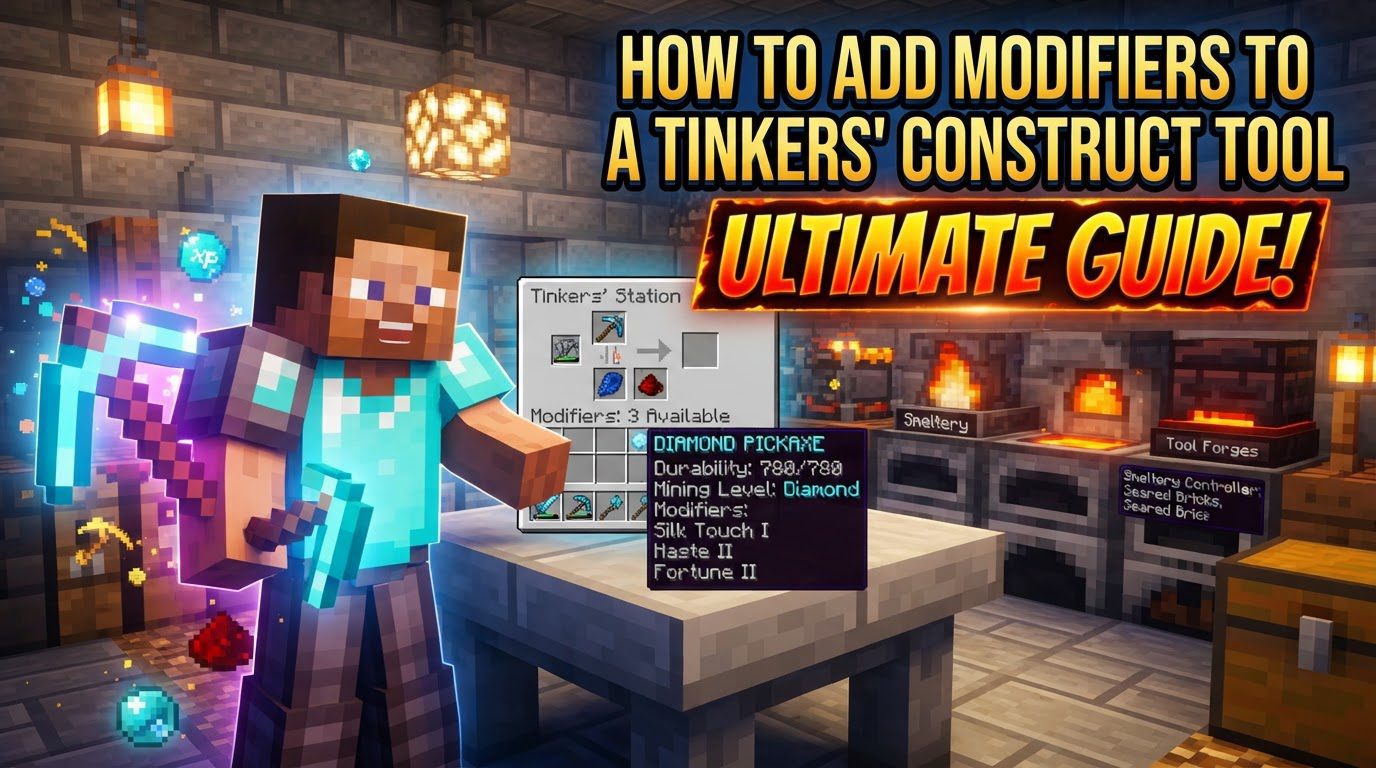
Understanding Key Modifier Mechanics
At its core, modifying a Tinkers’ Construct tool or weapon involves imbuing it with extra abilities. These abilities are granted by “modifiers,” and each modification typically consumes one of your tool’s precious modifier slots. Most tools begin their journey with a default allocation of three modifier slots, providing a good starting point for customization.
However, the default three slots are often not enough for the ambitious crafter. Fortunately, there are several methods to expand your tool’s modification capacity:
- Paper in Tool Crafting: In older versions of Tinkers’ Construct, incorporating Paper into the initial crafting recipe of your tool could grant additional modifier slots. Each piece of Paper used in the tool’s construction would add one modifier slot, with the potential to reach a total of six slots if the tool was crafted entirely from Paper components.
- Diamond and Gold Block Combination: A classic method involves combining a Diamond with a Gold Block. This potent combination, when applied to a tool, grants one additional modifier slot. It’s important to note that this is a single-use application for each Diamond and Gold Block pair.
- Enchanted Golden Apple and Diamond Block: For an even more powerful boost, an Enchanted Golden Apple paired with a Diamond Block can also be used to grant one additional modifier slot. Similar to the Diamond and Gold Block, this is a single-use enhancement.
- Nether Star: The rare and powerful Nether Star can be applied to a tool to bestow one additional modifier slot. This is another single-use item for this purpose, reflecting its high value.
- Tinkers’ Tool Leveling Mod: If you are playing with the Tinkers’ Tool Leveling mod installed, tools can gain additional modifier slots as they level up through use and experience. This provides a progressive way to enhance your tools’ modification potential over time.
It’s also crucial to understand that not all modifiers consume a slot in the same way. Some advanced modifiers, such as certain levels of Luck (Fortune) or Sharpness, or even Looting, are designed to stack multiple times. Despite requiring multiple applications or items to reach their full potential, these specific modifiers might only occupy a single modifier slot once they are fully leveled up or have reached their maximum effect within that slot. This allows for powerful enhancements without consuming an excessive number of slots.
Step-by-Step Process for Applying Modifiers
Applying modifiers to your Tinkers’ Construct tools is a straightforward process once you have your tool and the necessary materials. Follow these steps:
- Craft Your Desired Tool or Weapon: Begin by crafting the base tool or weapon you wish to modify. This is done using the Part Builder to create individual components, and then assembling them in either a Tool Station or a Tool Forge. The Tool Forge is typically used for more advanced tools or those requiring specific materials.
- Access a Tool Station or Tool Forge GUI: Once your tool is complete, you will need to interact with either a Tool Station or a Tool Forge to access its graphical user interface (GUI). These blocks are your primary workstations for all tool modifications.
- Place the Tool in the Designated Slot: Within the Tool Station or Tool Forge GUI, there will be a specific slot intended for the tool you wish to modify. Place your crafted tool into this slot.
- Place Required Items for the Modifier: Next, identify the item or items required for the specific modifier you wish to apply. These items are placed into the appropriate modifier input grid within the GUI. The interface will usually show you what modifier will be applied and what effect it will have.
- Modifier Application: Upon placing the correct items, the modifier will be automatically applied to your tool. This action consumes the item(s) you placed in the input grid and, if required, one of your tool’s available modifier slots. You will see the tool’s stats update and potentially its appearance change, reflecting the new modification.
Important Tips for Effective Modifier Application
To get the most out of your Tinkers’ Construct tools and avoid common pitfalls, consider these important tips:
- Visual Aesthetics and Modifier Order: The order in which you apply modifiers can significantly impact the visual appearance of your tool. Some modifiers, such as Auto-Repair (which uses Moss), might apply a texture that covers other visual effects if applied last. If aesthetics are important to you, it’s recommended to experiment in creative mode to find the best order for your desired look.
- Consult In-Game Resources: Tinkers’ Construct provides excellent in-game documentation. Always utilize resources like the “Materials and You” book or, in newer versions, the “Tinkers’ Complement” book. These guides offer a comprehensive list of available modifiers, their recipes, and their effects, which can vary between game versions.
- Just Enough Items (JEI) for Newer Versions: For players using newer versions of Minecraft with the Just Enough Items (JEI) mod installed, a convenient feature exists. By right-clicking a Tinkers’ tool within the JEI interface, you can directly view all available modifiers for that tool type and the items required to apply them. This is an invaluable tool for planning.
- The Power of Reinforced: The Reinforced modifier is a particularly powerful enhancement. It adds a chance for your tool to not consume durability when used. Applying multiple levels of Reinforced can progressively increase this chance, with Reinforced V making a tool completely unbreakable, eliminating the need for repairs.
- Stacking Modifiers and Single Slot Use: For modifiers that are designed to stack, such as Redstone for increasing mining speed, Nether Quartz for boosting damage, or Lapis Lazuli for increasing Luck/Fortune, you will often need to add multiple units of the material to reach higher levels of the modifier. However, for many of these, the entire progression of that specific modifier (e.g., from Redstone I to Redstone V) might only consume a single modifier slot, making them highly slot-efficient enhancements.
Common Mistakes to Avoid
Even experienced players can sometimes make mistakes when modifying Tinkers’ Construct tools. Being aware of these common pitfalls can save you time and resources:
- Running Out of Modifier Slots: This is perhaps the most common issue. Tools have a finite number of modifier slots, and once they are all used, you cannot add any more unique modifiers unless you gain additional slots through the methods described earlier. Always plan your desired modifications carefully, prioritizing the most crucial enhancements for your tool’s intended purpose.
- Incompatible Modifiers: Not all modifiers are compatible with each other or with all tool types. For instance, modifiers like Silk Touch and Fortune are often mutually exclusive; you typically cannot have both on the same tool. Attempting to apply an incompatible modifier may result in no action being taken, or the game might display an error message, preventing the application. Always check compatibility if you’re unsure.
- Version Differences: Tinkers’ Construct has evolved significantly across different Minecraft versions. Methods for gaining modifier slots, specific modifier recipes, and even the availability of certain modifiers can differ. For example, while older versions might use a Diamond and Gold Block for an extra modifier, newer versions might introduce alternative items like a Book and Quill or an End Crystal for similar “upgrade slots.” Always ensure that the information you are consulting is relevant to your specific game version to avoid confusion and wasted materials.
- Not Fully Completing Modifier Levels: For modifiers that require multiple items to level up (such as adding multiple stacks of Lapis for a higher Luck/Fortune level or multiple Nether Quartz for increased damage), the full bonus or effect of that modifier may not activate until a complete level is achieved. Even if you’ve added some items towards the next level, the tool might not reflect the desired enhancement until the full requirement for that level is met. Always aim to complete a full level of a progressive modifier to unlock its benefits.
By understanding these mechanics, following the step-by-step process, and heeding the important tips and warnings, you will be well-equipped to master the art of Tinkers’ Construct tool modification, crafting truly personalized and powerful equipment for your Minecraft adventures.
Tags:
YOU MAY ALSO LIKE...