Setting Up an Ender IO Enchanter, Explained
The Ender IO Enchanter stands as a highly valued block within the Minecraft modding landscape, offering players an unprecedented level of control over the enchanting process. Unlike the often-random outcomes of a traditional enchanting table, the Enchanter empowers users to craft specific enchanted books with chosen enchantments and levels, transforming a game of chance into a strategic endeavor.
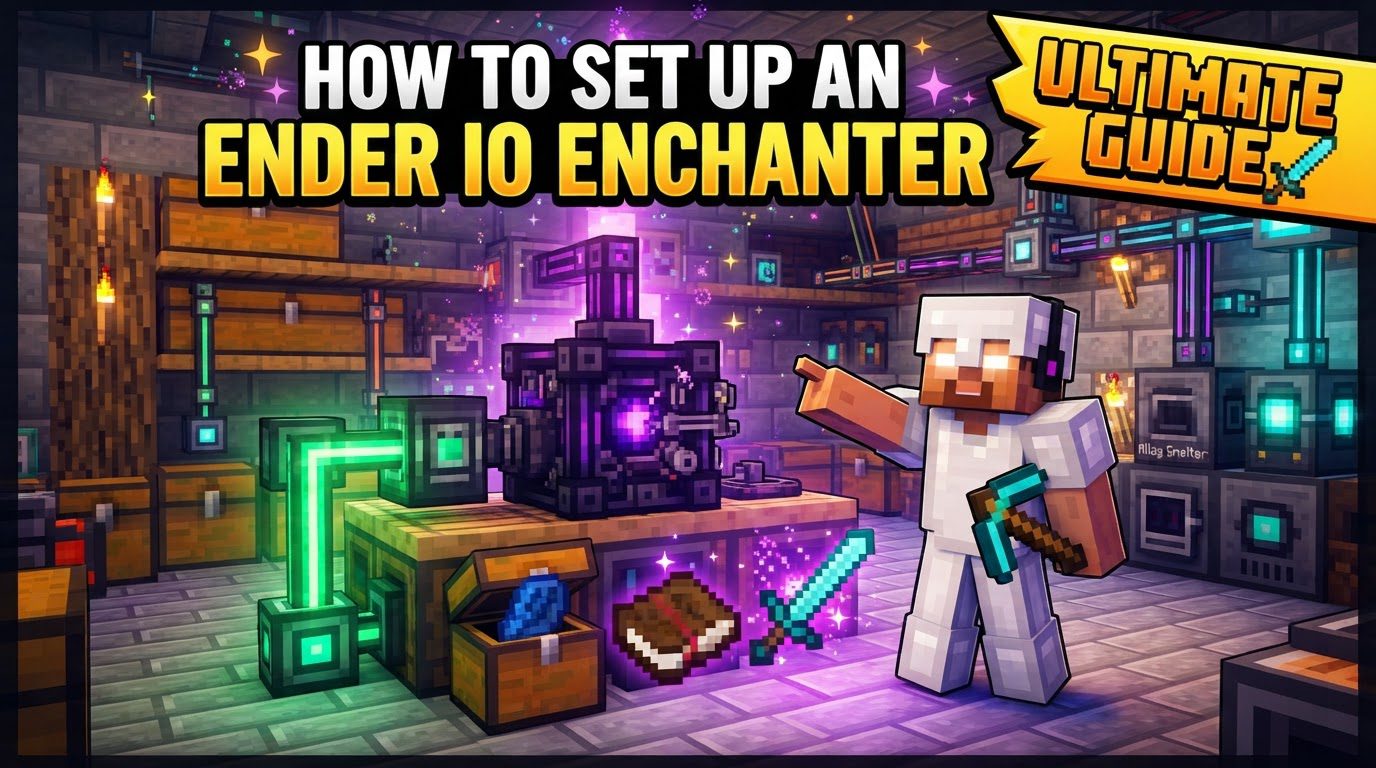
Its core functionality revolves around combining a Book and Quill with specific enchantment-related items and a set amount of the player’s experience (XP). This method effectively removes the element of luck, allowing for precise enchantment acquisition. A key feature is the display of the enchantment’s cost, clearly indicating the required experience levels. Furthermore, the Enchanter supports the addition of multiple items to achieve higher enchantment levels, though this naturally comes with an increased XP cost. Given its direct consumption of player XP, efficient XP storage and generation systems become invaluable companions to this powerful machine.
Crafting and Placement
To begin your journey into controlled enchanting, you must first craft the Ender IO Enchanter. The recipe typically calls for foundational materials that reflect its advanced capabilities. You will need Dark Steel ingots, which are themselves a product of industrial refinement. Dark Steel is created in a smelter by combining iron ingots, coal dust, and obsidian. Once you have acquired the necessary Dark Steel ingots, along with diamonds and a standard book, you can assemble the Enchanter. After crafting, simply place the Enchanter block in your desired location within your base, much like any other utility block. It typically does not require external power to operate, simplifying its initial setup.
Step-by-Step Process for Enchanting
Utilizing the Ender IO Enchanter is a straightforward process once you understand its mechanics. Follow these steps to produce your custom enchanted books:
- Accessing Recipes: The first crucial step is to understand what items are needed for your desired enchantment. Upon opening the Enchanter’s Graphical User Interface (GUI), you will find a comprehensive list of all available enchantment recipes. This integrated display shows not only the enchantment itself but also the specific items required and the associated XP costs. For an even broader view and easier search functionality, it is highly recommended to integrate the Enchanter with inventory management mods such as Not Enough Items (NEI) or Just Enough Items (JEI). These mods allow you to search for specific enchantments and instantly see the Enchanter’s recipe, streamlining your planning.
- Gathering Ingredients: Once you’ve identified your desired enchantment and its recipe, gather the necessary materials. Every enchantment begins with a Book and Quill as the base item. Alongside this, you’ll need specific enchantment-related items. These can vary widely depending on the enchantment and its level, ranging from common resources like Lapis Lazuli and Redstone to more valuable materials such as Dark Steel Ingots, diamonds, blaze rods, or even mod-specific components. Critically, you must also possess a sufficient amount of player experience levels. The Enchanter consumes these levels directly from your character, so ensure your XP bar is adequately filled before proceeding.
- Initiating the Enchantment: With all ingredients in hand, return to the Enchanter’s GUI. Place the Book and Quill into its designated slot, followed by the specific enchantment-related item(s) required for the recipe. As you add these items, the Enchanter will update, displaying the resulting enchantment and its level, along with the precise XP cost. Once all inputs are correctly provided and you have the necessary XP, the Enchanter will process these inputs. It will consume the physical items and deduct the specified experience levels from your character to produce the enchanted book.
- Applying the Enchantment: After the Enchanter has successfully created your custom enchanted book, the final step is to apply it to your gear. Take the newly created enchanted book to an anvil. Combine the enchanted book with your desired tool, weapon, or armor piece. The anvil will then apply the enchantment to your item, consuming the book in the process. This method ensures that you can precisely control which enchantments go onto your equipment, tailoring your gear to your exact needs.
Important Tips for Efficiency
To maximize your efficiency and get the most out of your Ender IO Enchanter, consider these valuable tips:
- Always Check Recipes: Before committing resources, make it a habit to double-check the exact item and XP requirements for each enchantment. Whether through the Enchanter’s GUI or using JEI/NEI, confirming the recipe prevents wasted materials and experience. Recipes can sometimes vary between modpack versions or configurations.
- Stack Items for Higher Levels: Many enchantments allow for higher levels to be achieved by adding more of the same enchantment-related item. For instance, instead of just one piece of Redstone yielding Efficiency I, adding several pieces might allow you to craft an Efficiency V book directly. Experiment with stacking items in the Enchanter’s input slots to see the potential for increased enchantment levels, always noting the corresponding rise in XP cost.
- Manage Your XP: Given that the Enchanter directly consumes player XP levels, having a reliable system for experience management is crucial. Setting up an XP obelisk or another mod-specific XP storage system is highly recommended. These systems allow you to store large quantities of XP, which can then be easily retrieved as needed for enchanting. This ensures you always have a ready supply of experience without having to constantly farm for it, making your enchanting process smoother and more efficient.
Common Pitfalls and Troubleshooting
While the Ender IO Enchanter is powerful, users can sometimes encounter issues. Being aware of common mistakes can help you troubleshoot effectively:
- Incorrect Ingredients: This is perhaps the most frequent error. The Enchanter is precise; it requires the exact items and quantities specified for a particular enchantment. If the Enchanter shows no recipe or an incorrect one, double-check that every item, down to its metadata or specific type (e.g., a specific type of dust vs. a generic one), matches the recipe.
- Insufficient XP: The Enchanter will not process an enchantment if you do not have the required player experience levels. The cost is displayed prominently in the GUI. If you’re short on XP, the enchantment will remain unavailable. Ensure your character has enough levels before attempting to craft the book.
- Modpack Configuration: Be aware that modpacks can alter default settings. In some modpacks, such as FTB Infinity Evolved, the Ender IO Enchanter might be disabled entirely, or its recipes could be significantly changed or made more expensive. Always consult your modpack’s documentation or community resources if you suspect altered functionality.
- Unstackable Items for Higher Levels: For certain high-level enchantments, the recipe might call for multiple unstackable items. If the Enchanter’s input slots do not accommodate multiple unstackable items of the same type (which is often the case), directly crafting the highest-level book might not be possible. In such scenarios, a common workaround is to craft multiple lower-level enchanted books and then combine them using an anvil to reach the desired higher level.
- “Idle” Status: If your Enchanter displays an “idle” status and isn’t processing anything, it’s typically an indication that one of the requirements isn’t met. Since the Enchanter generally does not require external power, the most common reasons for idleness are missing input items (Book and Quill, enchantment-specific items), incorrect quantities of items, or insufficient player experience levels. Methodically check each input slot and your XP bar to resolve the issue.
By understanding its mechanics, adhering to the steps, and being mindful of common pitfalls, the Ender IO Enchanter becomes an indispensable tool for any Minecraft player seeking precise and powerful enchantments for their adventures.
Tags:
YOU MAY ALSO LIKE...