

Crafting a BuildCraft Automatic Crafting Table, Explained
The BuildCraft Automatic Crafting Table stands as a pivotal component in any automated Minecraft base leveraging the BuildCraft mod. It revolutionizes the crafting process by allowing players to set up recipes that are automatically executed, eliminating the tedious manual effort typically associated with large-scale production. Essentially, it functions much like a standard crafting table, but with the crucial enhancement of automation, making it an indispensable tool for advanced logistical systems.
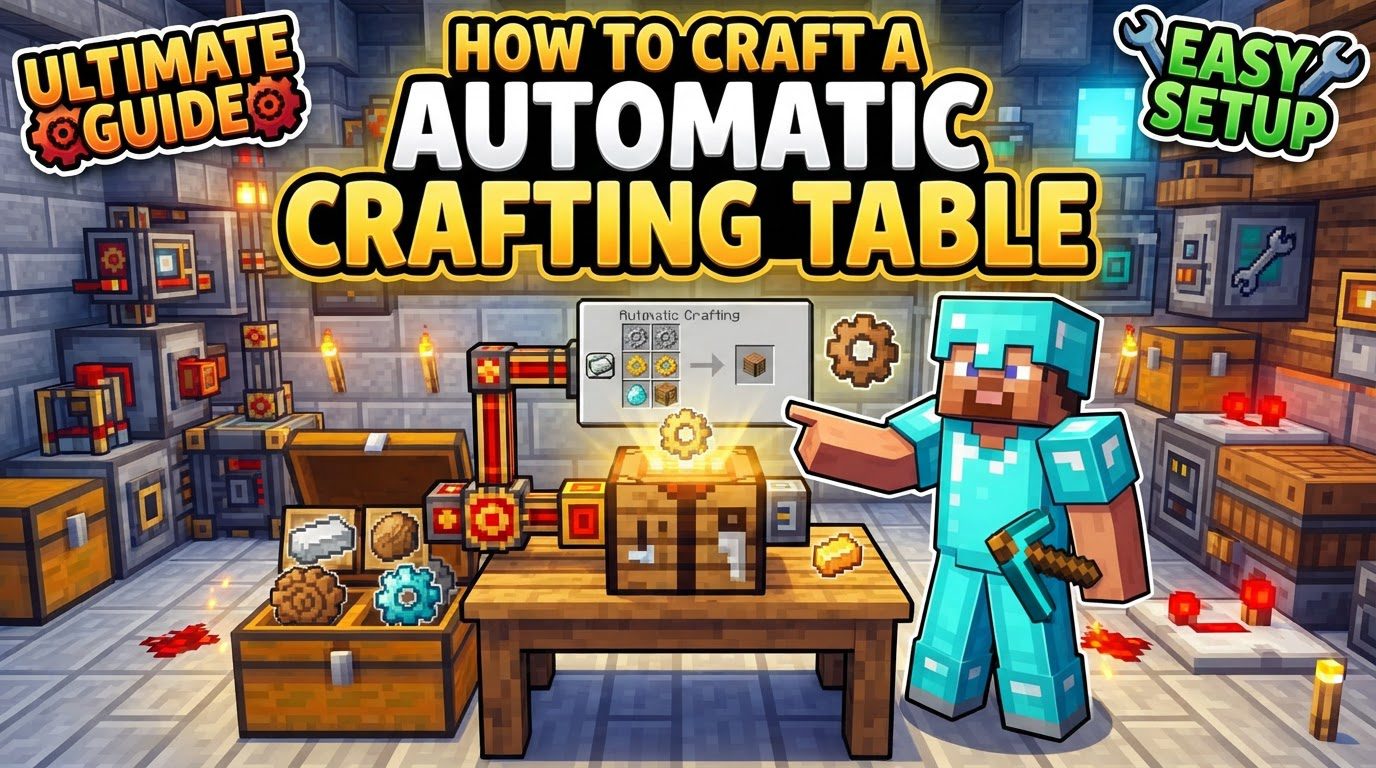
This remarkable block is designed to integrate seamlessly with BuildCraft’s pipe network, enabling items to be both inserted into its crafting grid and extracted from its output slot without direct player intervention. Once a desired recipe is configured within the table’s crafting grid, the items used to define this recipe remain in place, serving as a permanent template. This “template” ensures the Automatic Crafting Table consistently produces the intended item whenever raw materials are supplied. Furthermore, it possesses the convenient ability to draw necessary raw materials directly from an adjacent chest or barrel, simplifying the setup for ingredient supply.
Understanding the Core Mechanics
To effectively utilize the Automatic Crafting Table, a thorough understanding of its operational mechanics is essential. These principles dictate how items flow, how recipes are maintained, and what conditions must be met for continuous operation.
-
Automated Crafting Capability: At its heart, the Automatic Crafting Table mimics a regular crafting table, but with the added intelligence to craft items repeatedly as long as ingredients are available and the output slot is clear. This forms the backbone of any automated production line for crafted goods.
-
Pipe Integration for Item Flow: Items are designed to be inserted into and extracted from the Automatic Crafting Table using BuildCraft pipes. This connectivity is fundamental to integrating the table into a larger automated system, allowing for the delivery of raw materials and the collection of finished products.
-
Recipe Configuration and Persistence: To set a recipe, you simply place the required items into the crafting grid of the Automatic Crafting Table, exactly as you would with a vanilla crafting table. Crucially, these items then remain in the table’s grid, acting as the permanent template for that specific craft. The table will not craft anything else until these template items are manually changed.
-
Drawing Raw Materials from Adjacent Containers: For convenience, the Automatic Crafting Table can automatically pull raw materials from an adjacent chest or barrel. This feature significantly streamlines the input side of your automated setup, as you don’t necessarily need complex pipe systems for every single ingredient; a simple storage container next to the table can suffice.
-
Output Extraction is Critical: A key operational aspect to remember is that the crafting process will immediately pause if the resulting crafted item is not extracted from the output slot. If the output slot becomes full, the table stops crafting until space is made. This emphasizes the necessity of a reliable and consistent extraction system.
-
Intelligent Pipe Interaction: BuildCraft pipes exhibit smart behavior when interacting with the Automatic Crafting Table. They will not place items into input slots that are empty if a recipe has already been set, as the template items occupy those slots. Furthermore, pipes are programmed not to remove the last item defining the recipe, safeguarding your configured craft from accidental deletion.
-
No Power Requirement for Operation: One of the notable advantages of the Automatic Crafting Table itself is that it does not require any power to operate. Its internal mechanisms for crafting are self-sufficient. However, it’s important to remember that any BuildCraft pipes used for item extraction, particularly Wooden Transport Pipes, will still require an engine to function.
Crafting Your Automatic Crafting Table
Creating an Automatic Crafting Table is a straightforward process, requiring only a few basic components, primarily derived from wood. Here’s a step-by-step guide to assembling this essential automation block:
-
Craft a Standard Crafting Table: Begin by crafting a standard Minecraft Crafting Table. This is the foundational component for your automated version. You’ll need four wooden planks of any type arranged in a 2×2 square in your inventory or a crafting grid.
-
Create Four Wooden Gears: Next, you’ll need to craft four Wooden Gears. Each Wooden Gear requires four sticks. Therefore, to obtain the four necessary gears, you will need a total of sixteen sticks. Sticks are crafted from two wooden planks placed vertically in a crafting grid.
-
Assemble the Automatic Crafting Table: Once you have your standard Crafting Table and the four Wooden Gears, open a crafting grid (either your inventory’s 2×2 grid or a standard 3×3 crafting table). Place the standard Crafting Table in the very center slot of the 3×3 grid. Then, surround this central Crafting Table with the four Wooden Gears, placing one in each of the immediately adjacent cardinal directions (top, bottom, left, and right). The remaining corner slots should be left empty. This specific arrangement will yield your BuildCraft Automatic Crafting Table.
Optimizing Your Automated Crafting Setup
To ensure your Automatic Crafting Table operates at peak efficiency and avoids common bottlenecks, consider these important tips:
-
Robust Extraction System: The most critical aspect of a continuous crafting setup is the reliable extraction of crafted items. Connect a Wooden Transport Pipe to the Automatic Crafting Table’s output side. This pipe must then be powered by an engine to actively pull items out. Suitable engines include a Redstone Engine (for low-volume, continuous extraction), a Stirling Engine (a versatile choice for moderate to high volume), a Combustion Engine (for high throughput, requiring fuel and cooling), or an Autarchic Gate (a compact, self-contained power source often used with pipes). Without a powered extraction system, the output slot will fill, and crafting will cease.
-
Buffering Ingredients for Complex Recipes: For recipes that demand a large variety or quantity of ingredients, or those where ingredient supply might fluctuate, placing a chest next to the Automatic Crafting Table can be highly beneficial. By having a Hopper feed items from this chest into the table, you create a buffer. This setup helps manage the flow of ingredients, preventing the transport system from becoming clogged and ensuring a steady supply even if input pipes temporarily lag. The Hopper will intelligently feed the correct items into the table’s input slots, respecting the set recipe.
-
Maintaining the Recipe Template: Always ensure that the “template” items you used to define your recipe remain in the crafting grid of the Automatic Crafting Table. These items are crucial for the table to remember and perform the desired craft. BuildCraft pipes are designed not to remove these template items, but manual intervention or misconfigured systems could potentially disrupt the template. Regularly verifying that your recipe is still correctly configured is a good practice.
Common Mistakes to Avoid
Even with a solid understanding of the mechanics, certain pitfalls can hinder your automated crafting efforts. Being aware of these common mistakes can save you significant troubleshooting time:
-
Neglecting Crafted Item Extraction: This is arguably the most frequent cause of automated crafting failures. If the output slot of the Automatic Crafting Table remains full because there’s no extraction system, or if the system isn’t functioning correctly (e.g., engine out of fuel, pipe blocked), the table will stop crafting. Always prioritize a robust, well-powered extraction line for the crafted products.
-
Incorrect Item Input: The Automatic Crafting Table is intelligent about its inputs. It will only accept items that precisely fit the set recipe. If you attempt to feed items that are not part of the current recipe, the table will either reject them outright (pipes won’t insert them) or, if they somehow get into an input slot, they will often be ejected by the pipes or the table itself, potentially causing item loss or system clogs. Ensure your input streams are delivering only the correct ingredients.
-
Deleting Excess Items with ME Systems (Applied Energistics 2): If you are integrating the Automatic Crafting Table with an Applied Energistics 2 (AE2) ME System, specifically using ME Export Buses, exercise caution. If an ME Export Bus is configured to export items into a crafting slot that is already full, and it is not set to export full stacks, it can lead to the deletion of excess items. This is a crucial interaction to manage carefully to prevent material loss.
-
Confusion with Newer Minecraft Features: It’s important to distinguish the BuildCraft Automatic Crafting Table from the “Auto Crafter” or “Crafter” block introduced in vanilla Minecraft 1.21. These are entirely separate blocks with different crafting recipes, mechanics, and integration methods. The BuildCraft version is part of the mod and operates according to the rules outlined here, while the vanilla Crafter is a separate game feature.
-
Issues with Unstackable Items (Older Versions): In some older versions of BuildCraft, particularly around Minecraft 1.7, the Automatic Crafting Table occasionally encountered difficulties when attempting to accept or craft with unstackable items. If you are playing on an older modpack and experience issues with items like tools or armor in your automated setup, this historical bug might be the cause. Modern versions typically have resolved this.
By understanding these mechanics, carefully following the crafting instructions, implementing the optimization tips, and being mindful of common pitfalls, you can successfully integrate the BuildCraft Automatic Crafting Table into your automated world, streamlining production and freeing you for other endeavors.

