

Configuring Toggle Sneak Versus Hold Sneak (Step by Step)
In the vast, blocky world of Minecraft, movement and interaction are fundamental. Among the various movement mechanics, sneaking (or crouching) holds a crucial role, allowing players to navigate precarious ledges, remain undetected, and interact with blocks without falling. Traditionally, sneaking required players to continuously hold down a designated key, typically Shift. However, for many, this “hold sneak” method can lead to discomfort and fatigue during extended gameplay sessions. This is where “toggle sneak” comes into play, offering a more ergonomic and often preferred alternative. Understanding how to configure and utilize both methods is key to a more comfortable and efficient Minecraft experience.
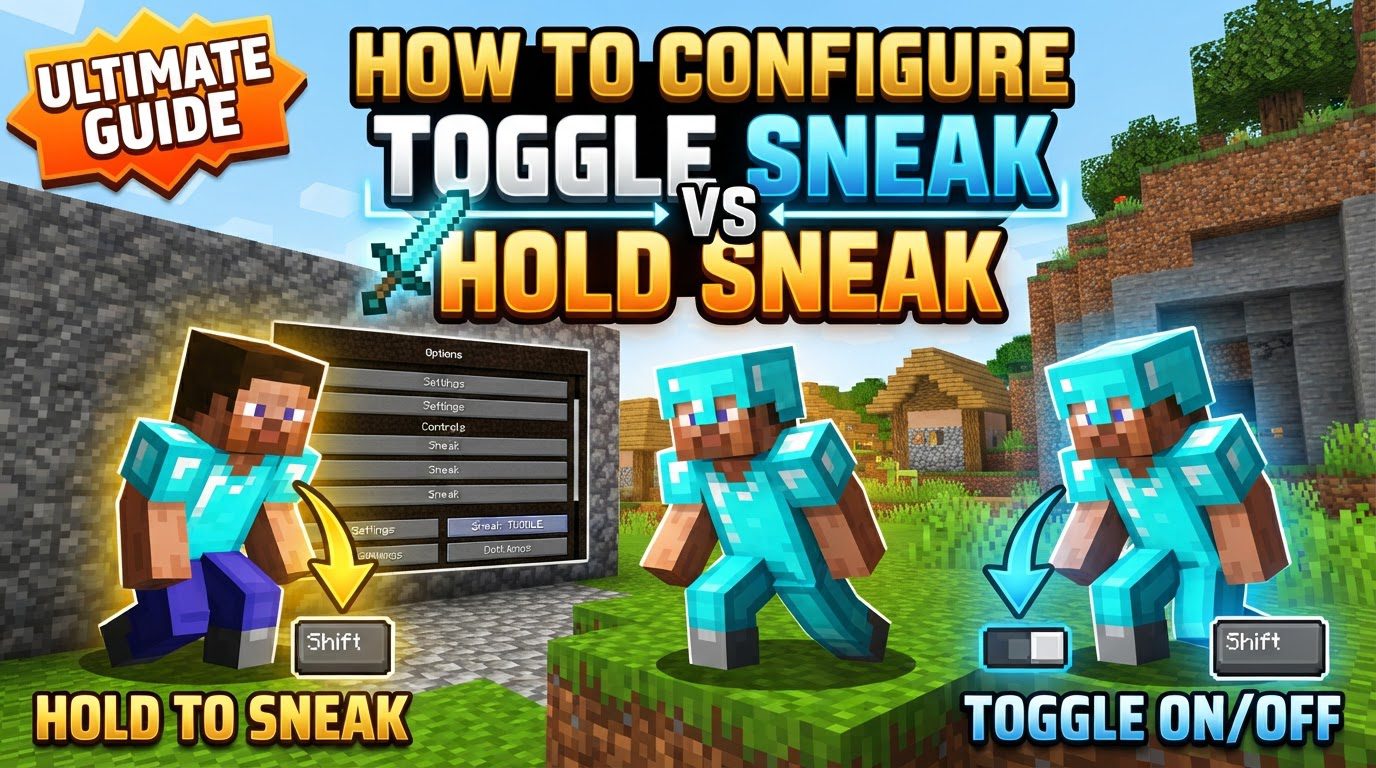
Understanding Sneak Mechanics: Hold vs. Toggle
Before diving into configuration, it’s essential to grasp the core differences and functionalities of both hold sneak and toggle sneak.
- Hold Sneak: This is the classic and default method. The player initiates a sneaking (crouching) posture only as long as the assigned sneak key (by default, Shift) is physically held down. Releasing the key immediately causes the player to stand upright.
- Toggle Sneak: With toggle sneak, a single press of the sneak key activates the sneaking state. The player remains crouched without needing to keep the key pressed. A subsequent press of the same key deactivates sneaking, causing the player to stand up.
Regardless of whether you use hold or toggle, the fundamental benefits of sneaking remain the same. Sneaking prevents players from accidentally falling off the edges of blocks, a critical feature for building at heights or navigating dangerous terrain. It also lowers the player’s hitbox, making them a smaller target in combat or allowing them to fit into one-and-a-half-block high spaces. Furthermore, sneaking significantly reduces movement speed and makes players less detectable by most hostile mobs, providing a tactical advantage in various situations.
A notable feature specific to Java Edition is how toggle sneak interacts with in-game interfaces. When toggle sneak is enabled, players will remain crouched even when opening and interacting with blocks that have a user interface, such as chests, crafting tables, or furnaces. This ensures continuity in their sneaking state, which can be particularly useful in specific scenarios.
It’s important to note that since Minecraft Java Edition 1.15 and all subsequent versions, toggle sneak has been integrated directly into the game as a built-in accessibility option, making it readily available to a wide range of players without requiring external modifications.
Configuring Toggle Sneak in Vanilla Minecraft Java Edition (1.15+)
For players using Minecraft Java Edition version 1.15 or newer, enabling toggle sneak is a straightforward process accessible directly within the game’s settings. Follow these simple steps:
- Step 1: Open Minecraft. Launch your game client and load into either the main menu or an active world.
- Step 2: Navigate to “Options.” From the main menu, click on the “Options” button. If you are already in a game world, press the Escape key to open the in-game pause menu, and then select “Options.”
- Step 3: Select “Accessibility Settings.” Within the “Options” menu, locate and click on “Accessibility Settings.” This menu contains various options designed to enhance gameplay for all users.
- Step 4: Locate and Adjust “Sneak.” Inside the “Accessibility Settings” menu, find the option labeled “Sneak.” By default, this setting is usually set to “Hold.” Click on it to change its state. Each click will toggle it between “Hold” and “Toggle.” Ensure it displays “Toggle.”
Once you’ve set the “Sneak” option to “Toggle,” the change is applied immediately. You can then exit the menus and experience the convenience of toggle sneaking in your game.
Benefits and Advanced Solutions
The primary advantage of toggle sneak is the significant reduction in finger strain. For players engaged in prolonged building sessions, where constant sneaking is necessary to avoid falls, or during intense Player-versus-Player (PvP) encounters that demand precise movement and evasive maneuvers, toggle sneak allows for a more relaxed hand posture and less fatigue. This can lead to increased comfort and improved performance over extended periods.
While native toggle sneak is a welcome addition to newer Java Edition versions, players using older Minecraft versions (pre-1.15 Java) or those seeking more advanced features will often turn to client-side modifications. Popular mods such as “ToggleSneak” or “Auto Sneak & Sprint” provide toggle sneak functionality for these older versions. Beyond basic toggle sneak, some mods offer additional capabilities, such as toggle sprint, or even allow for simultaneous hold and toggle modes, giving players ultimate flexibility. Many of these mods also include visual indicators, often displayed on the Heads-Up Display (HUD), to show the current sneak and sprint status, offering clear feedback to the player.
For situations where native support or modding isn’t an option, or for systems that lack specific accessibility features, external tools like AutoHotkey can be employed. AutoHotkey is a free, open-source scripting utility for Windows that allows users to create custom hotkeys and macros. With a simple script, a player can configure their sneak key to behave as a toggle, effectively mimicking the in-game functionality through an operating system-level solution.
Common Mistakes and Important Considerations
While toggle sneak offers numerous advantages, players should be aware of several potential pitfalls and important considerations:
- Server Rules: If you play on multiplayer servers, it is absolutely crucial to check their specific rules regarding client-side modifications. Some servers may consider certain toggle sneak mods as an unfair advantage, especially in competitive environments, and using them could lead to a ban. Always consult server guidelines or contact administrators if you are unsure.
- Bedrock Edition Limitations: As of recent versions, Minecraft Bedrock Edition on PC reportedly lacks a native toggle sneak option within its accessibility settings, unlike its Java counterpart. This means Bedrock players on PC cannot enable toggle sneak through the in-game menu and would need to explore external solutions (like AutoHotkey) if they desire this functionality.
- Inventory Interaction Bug (1.21.9+): Players using Minecraft versions around 1.21.9 and later might encounter a specific bug where opening their inventory automatically cancels the toggle sneak state, causing the player to stand up. This can be disruptive, particularly during building or other activities where maintaining a crouch is essential. Fortunately, the Minecraft community is proactive, and community-made mods often emerge to revert or fix such behaviors.
- Keybind Conflicts: When utilizing mods for toggle sneak or toggle sprint, always ensure that the chosen keybinds do not conflict with existing in-game actions. Minecraft frequently introduces new features and associated keybinds, such as the “Quick Actions” introduced in Minecraft 1.21.6. A conflict can lead to unintended actions or prevent a function from working correctly. It’s good practice to review your keybind settings periodically.
- Mod Compatibility: If you opt for a client-side mod to enable toggle sneak or for additional features, verifying its compatibility is paramount. Ensure that the mod explicitly supports your specific Minecraft version (e.g., 1.16.5, 1.18.2, 1.20.1) and is designed for your chosen mod loader (e.g., Forge or Fabric). Using an incompatible mod can lead to game crashes, instability, or simply the mod not functioning as intended.
In conclusion, the choice between hold sneak and toggle sneak significantly impacts player comfort and control in Minecraft. While Java Edition 1.15 and newer versions offer a convenient built-in toggle option, players on older versions or Bedrock Edition, or those seeking expanded features, can leverage client-side mods or external tools. By understanding the mechanics, configuration steps, and potential issues, players can optimize their sneaking experience, leading to more enjoyable and less fatiguing gameplay.

