

Using Chemistry Resources in Education Edition — A Quick Guide
Mastering Chemistry in Minecraft Education Edition
The Minecraft Education Edition offers a unique and engaging platform for learning, and its Chemistry Update significantly expands these educational opportunities. By integrating core scientific principles into the familiar block-based world, players can explore elements, compounds, and chemical reactions through hands-on experimentation. This comprehensive guide will walk you through the essential tools and processes required to harness the power of chemistry within Minecraft Education Edition, transforming your world into a dynamic laboratory.
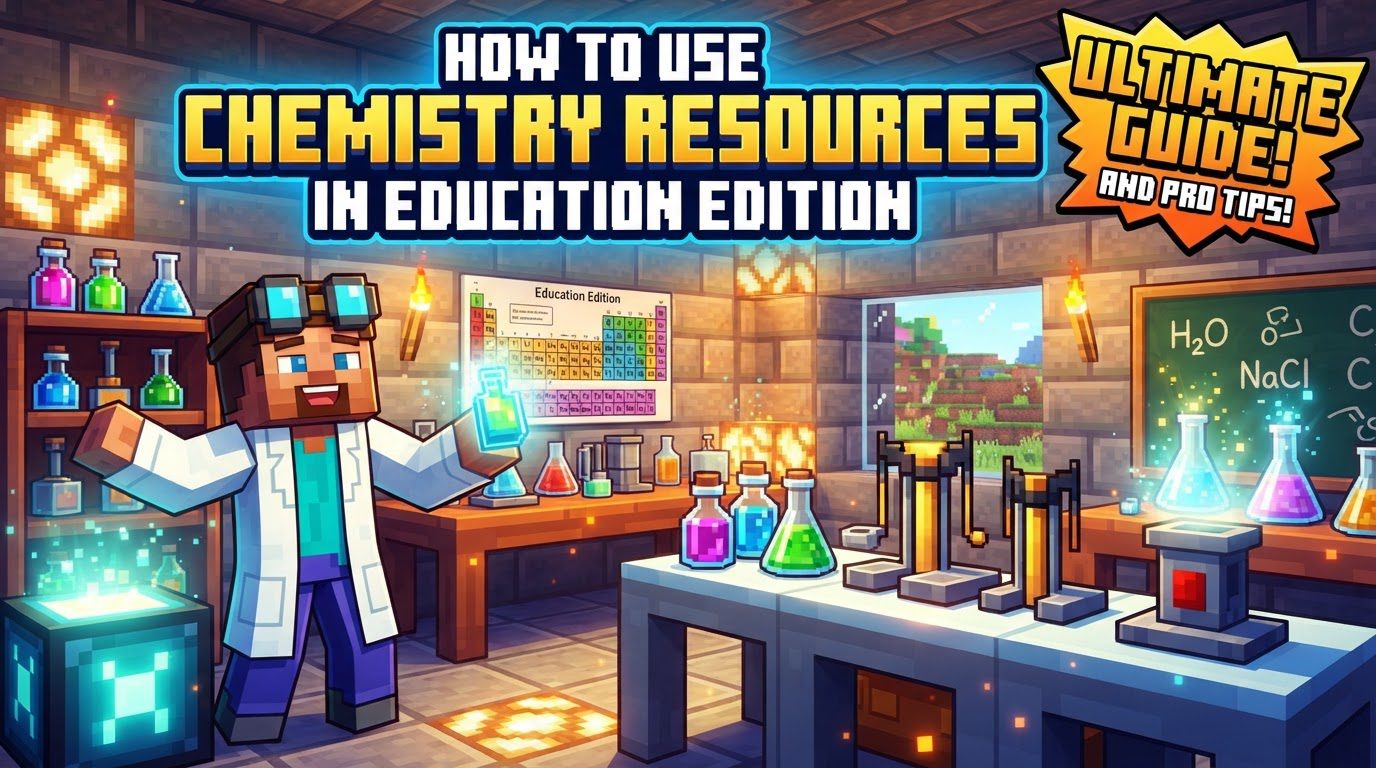
The Chemistry Update introduces a suite of new elements, compounds, and a variety of craftable items that open up new possibilities for exploration and creation. At the heart of this system are four fundamental chemistry tools: the Element Constructor, the Compound Creator, the Lab Table, and the Material Reducer. These tools are your gateway to understanding the building blocks of matter and their interactions. Elements serve as the foundational components, which can either be conveniently collected from the Creative menu or meticulously crafted. These elements then combine to form compounds, which in turn unlock the creation of a wide array of other specialized items.
Among the exciting new items craftable through chemistry are practical tools and fun gadgets alike. You can create ice bombs, effective cleaning solutions like bleach, heat blocks for environmental control, and super fertilizer to boost your crops. Decorative items include colored torches and glow sticks, while novelty items like balloons and sparklers add a touch of flair. For underwater adventures, you can craft specialized underwater TNT and underwater torches. Beyond crafting, chemical elements also interact with brewing stands, allowing for the creation of unique potions: antidotes can be brewed using Silver, elixirs with Cobalt, eye drops with Calcium, and tonics with Bismuth, each offering distinct effects within the game world.
The Chemistry Tools: A Step-by-Step Guide
The Element Constructor
The Element Constructor is your primary tool for delving into the atomic structure of matter. It allows you to create any of the 118 known elements, along with over 400 different isotopes, by manipulating their subatomic particles. To use this powerful device, you will interact with sliders or input numbers to precisely set the desired count of protons, electrons, and neutrons. The number of protons determines the element itself, while the combination of protons and neutrons defines the specific isotope. For instance, to create a stable isotope of hydrogen, you would set one proton, one electron, and zero neutrons. To create deuterium, an isotope of hydrogen, you would keep one proton and one electron, but add one neutron.
A useful feature of the Element Constructor is its ability to analyze existing elements. By placing an element into the output box, the Constructor will display its subatomic particle count, providing immediate insight into its atomic structure. This can be particularly helpful for understanding the composition of elements you find or create. When using the Element Constructor, a strong understanding of atomic weights, specifically the roles of protons, neutrons, and electrons, is essential. A common mistake to avoid is incorrectly setting the number of protons, electrons, and neutrons, which will prevent you from successfully creating the intended element. Precision is key to scientific accuracy and successful synthesis in this tool.
The Compound Creator
Once you have your elements, the Compound Creator is where you can begin to form more complex substances. This tool allows you to combine elements to create over 30 different compounds, which are crucial for crafting many of the new chemistry-specific items. The Compound Creator features a 3×3 grid, similar in appearance to a traditional crafting table. To form a compound, simply place the required elements into this grid. For example, to create water (H2O), you would place two Hydrogen elements and one Oxygen element into the grid. A significant advantage of the Compound Creator is its “shapeless” nature: the specific placement of elements within the 3×3 grid does not affect the outcome. As long as the correct elements and quantities are present, the compound will be formed. This flexibility makes experimentation and compound creation straightforward and forgiving, allowing players to focus on the chemical composition rather than exact placement.
The Lab Table
The Lab Table is where true experimentation and product creation take place. This tool allows you to combine elements and/or compounds to design experiments and synthesize a wide range of useful products. This is where you will create items such as bleach, super fertilizer, ice bombs, and glow sticks. Similar to the Compound Creator, the Lab Table also features a grid for placing your materials. After arranging the necessary elements and compounds according to a specific recipe, you simply click the ‘Combine’ button. If the combination is successful, the output will animate, visually indicating whether the resulting product is a liquid, gas, or solid. Much like the Compound Creator, the Lab Table operates with a “shapeless” mechanic; the location of materials on the grid does not affect the outcome. This means you don’t need to worry about precise positioning, only about having the correct ingredients in the correct quantities. It’s important to remember that many chemistry-specific items require at least one chemistry set item and are almost always crafted at the Lab Table or Compound Creator, not a traditional Minecraft crafting table.
The Material Reducer
The Material Reducer offers a unique way to understand the chemical composition of the Minecraft world around you. This tool allows you to place any standard Minecraft block into it and break it down into its constituent elements. Upon reduction, the tool will reveal the block’s elemental composition by percentage, providing a fascinating glimpse into the chemistry of everyday Minecraft materials. For example, reducing a block of dirt might show percentages of silicon, oxygen, aluminum, and other elements. This tool is excellent for exploring the hidden chemistry of the game world and can be a great way to introduce concepts of material composition and elemental abundance. However, it’s worth noting that some Minecraft blocks, such as soul sand and netherrack, contain elements not found in the real world. While this adds to the game’s unique lore, it’s a point to be aware of if focusing purely on scientific accuracy in a real-world context.
Important Tips for Effective Chemistry Use
- Explore the “World of Chemistry” Map: To get a hands-on introduction to all the chemistry features, download and play the “World of Chemistry” map. It provides an excellent tutorial and a dedicated testing area for experimentation.
- Utilize the “Chemistry Lab Journal”: For a comprehensive reference, download the “Chemistry Lab Journal.” This invaluable guide details all the crafting stations, items, and recipes available in the Chemistry Update.
- Creative Mode Advantage: When playing in Creative mode, all elements are readily accessible directly within your inventory, streamlining the experimentation process and allowing for quick access to any building block you need.
- Atomic Knowledge is Power: When using the Element Constructor, a basic knowledge of atomic weights, specifically how protons, neutrons, and electrons define an element and its isotopes, is crucial for accurate creation.
- Shapeless Crafting: Remember that the location of elements in the Compound Creator and the combination of materials in the Lab Table are “shapeless.” This means their position in the grid does not affect the outcome, simplifying the crafting process.
Common Mistakes to Avoid
- Incorrect Element Constructor Settings: Always double-check your proton, electron, and neutron counts in the Element Constructor. Incorrect settings will prevent you from creating the intended element or isotope.
- Using the Wrong Crafting Station: Avoid attempting to craft chemistry-specific items using a traditional Minecraft crafting table. These items almost always require at least one chemistry set item and must be crafted at either the Lab Table or the Compound Creator.
- Misinterpreting Fictional Elements: Be aware that certain Minecraft blocks, such as soul sand and netherrack, contain elements that do not exist in the real world. While this is part of Minecraft’s unique charm, it’s important to distinguish between in-game lore and real-world scientific principles when using the Material Reducer.
- Acknowledging Inaccuracies: While Minecraft Education Edition is a powerful educational tool, it’s important to recognize that there might be some minor inaccuracies in the representation of geology and chemistry. Encourage critical thinking and comparison with real-world science.
By understanding and utilizing these tools and tips, you can unlock a vast new dimension of learning and creativity within Minecraft Education Edition. Dive in, experiment, and discover the wonders of chemistry in a truly interactive and engaging way!

