Identifying a Fake or Malicious Server IP (Step by Step)
Identifying a Fake or Malicious Minecraft Server IP
In the vast and exciting world of Minecraft, connecting with friends and exploring new realms is a core part of the experience. However, the digital landscape also harbors risks, and malicious actors often attempt to exploit players through fake or compromised servers. Understanding how to identify these threats is crucial for protecting your account and personal information. Malicious servers frequently rely on sophisticated social engineering tactics, phishing attempts, and malware disguised as essential downloads to compromise user accounts or devices.
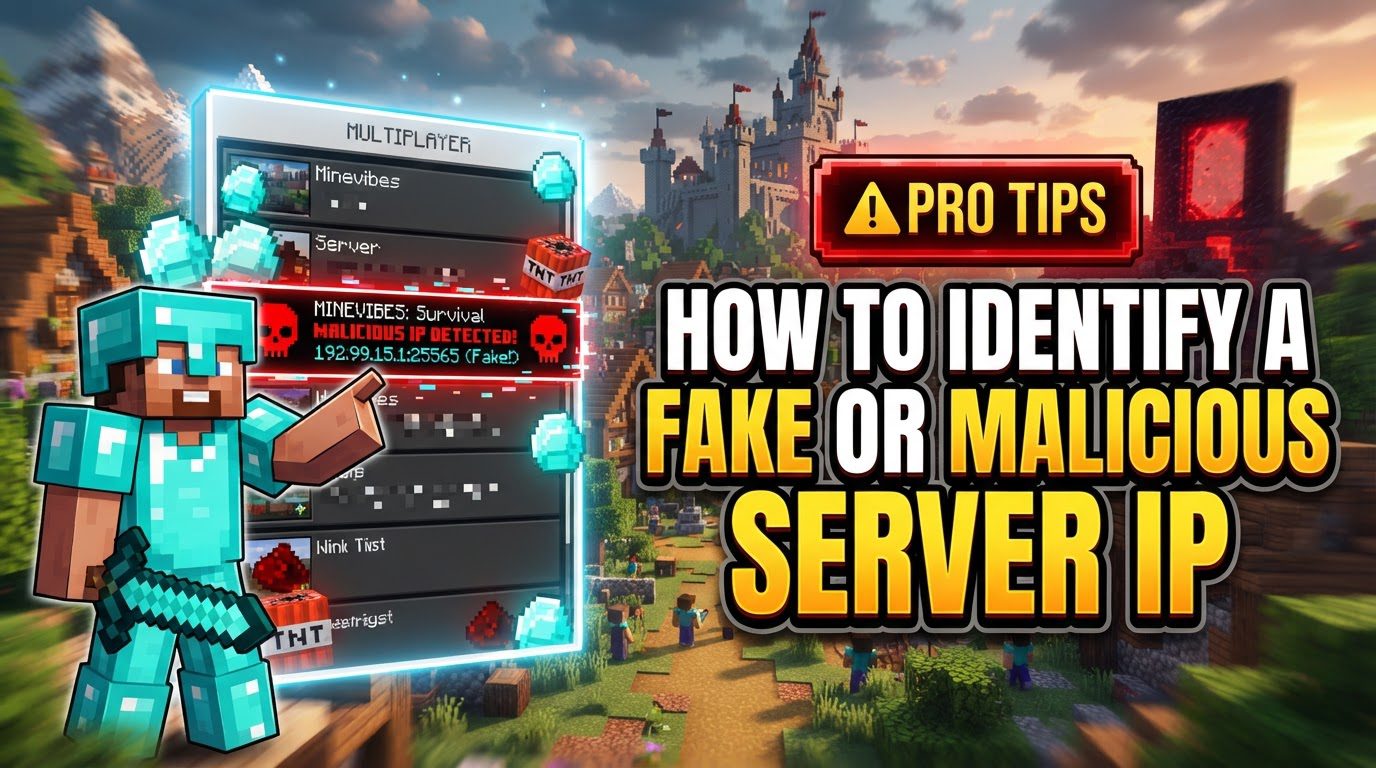
Scammers are adept at creating convincing environments, often setting up fake Discord servers or in-game lobbies populated with bots to simulate legitimacy. Their goal is to lure unsuspecting players into “verification” scams, which are designed to steal login details. These fake server verification processes typically request sensitive information such as Minecraft usernames, emails, or even one-time authentication codes. Once obtained, this information can be used to take over your accounts. Furthermore, seemingly innocuous modpacks can be weaponized, containing JAR files specifically designed to steal credentials, including Minecraft accounts, Discord tokens, and browser cookies, or to execute harmful commands on your system without your knowledge.
Step-by-Step Process for Identification
Protecting yourself begins with a methodical approach to evaluating any new server or unsolicited invitation.
- Check for Red Flags: Always be wary of unsolicited invites to servers. These often come with unrealistic promises, such as free in-game currency, exclusive items, or access to private beta tests. Servers using overly provocative titles or promising an experience that seems too good to be true should immediately raise suspicion. Such invitations are a common tactic used by scammers to attract a large number of potential victims quickly.
- Verify Server Status (Initial Check): Before committing any time or resources, use reliable online Minecraft server status checkers. Tools like mcsrvstat.us or Minecraft Pinger allow you to enter the server’s IP address and port (the default port for Minecraft is 25565). These checkers will provide vital information, including whether the server is currently online, its true player count, the Message of the Day (MOTD), and the Minecraft version it runs. A significant red flag is if a server claims to have a high number of players but the status checker shows few or none. This discrepancy is a strong indicator that the server might be fake or using deceptive practices to appear popular.
- Inspect Modpacks/Plugins: Many Minecraft servers require custom modpacks or plugins to function as intended. If a server demands that you download such files, it is absolutely critical to only obtain them from official and trusted sources. Platforms like SpigotMC, Bukkit, CurseForge, or Modrinth are reputable repositories for Minecraft modifications. Once downloaded, exercise caution and examine the contents. Look for unfamiliar JAR files, oddly named executables, or unusually small “modpacks” that seem too light for the features they claim to offer. These anomalies can be a strong indication that the files contain malware or other malicious code designed to compromise your system. Avoid downloading anything from direct Discord messages, unofficial websites, or unknown individuals, as these are common vectors for malware distribution.
- Analyze Verification Requests: If a server or its associated Discord community asks you to undergo a “verification” process, scrutinize it with extreme caution. Legitimate verification usually involves simple, non-intrusive actions, such as reacting to a specific message in a Discord channel to gain roles. It should never involve providing sensitive login credentials or one-time authentication codes. If you are ever prompted to log in as part of a verification process, always ensure that you are on official Mojang or Microsoft websites. Scammers often create convincing fake login pages that mimic the appearance of official sites to trick users into divulging their credentials. Double-check the URL in your browser’s address bar to confirm its authenticity.
Important Tips for Enhanced Security
Adopting robust security practices is your best defense against malicious server operators and scammers.
- Enable Two-Factor Authentication (2FA): This is a critical security measure. Enable 2FA on your Microsoft/Minecraft account, as well as any associated Discord accounts. 2FA adds an extra layer of security by requiring a second form of verification, such as a code from your phone, in addition to your password. This makes it significantly harder for unauthorized individuals to access your accounts, even if they manage to steal your password.
- Strong, Unique Passwords: Always use complex and unique passwords for your Minecraft and all related accounts. Avoid using easily guessable information like birthdays or common phrases. Utilize a combination of uppercase and lowercase letters, numbers, and symbols. Regularly changing these passwords adds another layer of protection. Consider using a password manager to help generate and store strong, unique passwords.
- Official Sources Only: This cannot be stressed enough. Only download mods, plugins, resource packs, or any other server-related files from well-known, trusted platforms. Steer clear of “leaked” or “cracked” plugins or software, as these are notorious for containing malicious code designed to compromise your system or steal your data. Trustworthy platforms rigorously vet content to ensure it is safe.
- Skepticism of Unsolicited Communications: Maintain a healthy level of skepticism regarding unexpected messages or links. This applies even if they appear to originate from friends or official sources. Accounts can be compromised, and scammers often impersonate trusted contacts. For official communications, always verify the sender’s email domain to ensure it is legitimate and not a cleverly disguised phishing attempt. If in doubt, directly contact the supposed sender through an independent, verified channel.
- Monitor Account Activity: Regularly check your Microsoft account for any unusual login attempts or unfamiliar linked third-party applications. Most account providers offer security dashboards where you can review recent activity. Promptly investigate any suspicious activity, as it could indicate that your account has been compromised.
Common Mistakes to Avoid
Being aware of common pitfalls can significantly reduce your risk of falling victim to scams.
- Entering Login Credentials on Non-Official Sites: This is perhaps the most critical mistake to avoid. Never provide your Minecraft or Microsoft login details on any website other than the official Mojang, Minecraft, or Microsoft websites. Always double-check the URL to ensure its authenticity before entering any sensitive information. Phishing sites are designed to look identical to official sites but have different URLs.
- Sharing One-Time Passwords or Security Codes: Do not share any one-time passwords, security codes, or 2FA codes sent to your email or phone with anyone, under any circumstances. These codes are meant for your eyes only and are the final barrier to accessing your account. Legitimate services will never ask you for these codes directly.
- Downloading from Untrusted Sources: Avoid downloading mods, plugins, server files, or any other software from unofficial websites, direct Discord messages from unknown individuals, or suspicious links. These sources are frequently used to distribute malware, keyloggers, or other harmful software that can compromise your computer and steal your personal data.
- Clicking Suspicious Links: Exercise extreme caution with links, especially those found in unsolicited messages, emails, or in-game chats. Clicking on suspicious links can lead you to phishing sites designed to steal your credentials or initiate automatic downloads of malware onto your system. If a link seems questionable, it’s best to avoid it entirely.
- Rushing into Verification: Do not feel pressured to quickly join a server or complete a verification process. Scammers often employ tactics that create a sense of urgency, hoping to bypass your critical thinking and prompt you into making hasty decisions. Take your time, verify all information, and if something feels off, disengage from the process.
Tags:
YOU MAY ALSO LIKE...