

Setting Up Crate Keys As Vote Rewards
Setting Up Crate Keys as Vote Rewards in Minecraft
In the dynamic world of Minecraft server administration, engaging players and rewarding their loyalty is crucial for fostering a thriving community. One highly effective method to achieve this is by integrating crate keys as incentives for voting. This system not only encourages players to support your server on listing sites but also provides an exciting in-game reward mechanism. Server administrators typically implement this by utilizing plugins that seamlessly connect voting systems with custom crate mechanics.
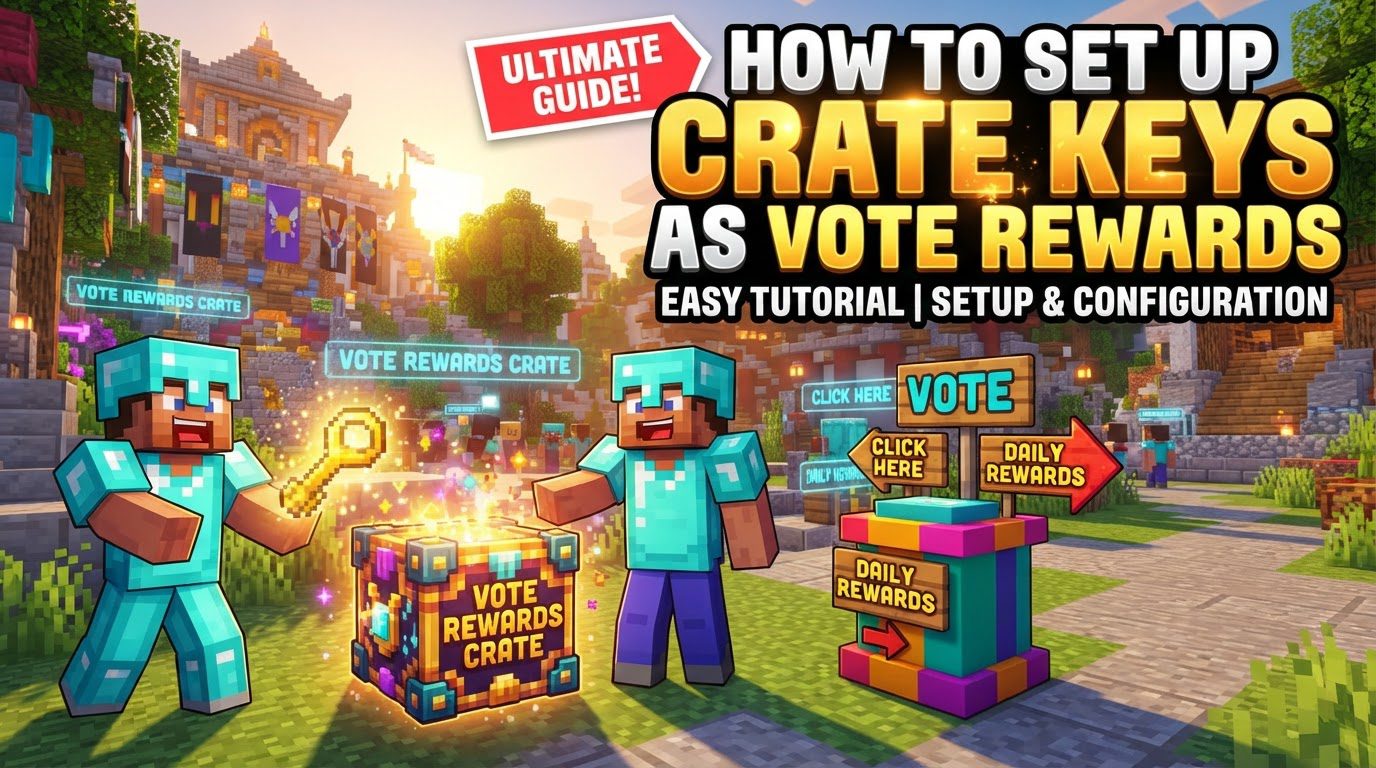
Understanding Crate Key Mechanics
Before diving into the setup process, it’s essential to grasp the fundamental mechanics behind crates and keys:
- Crates Defined: Crates are essentially virtual or physical containers within the game. Each crate is pre-configured to hold a diverse range of rewards, and each reward has a specific, defined probability of being obtained. This element of chance adds excitement to the player experience.
- Key Usage and Animation: When a player possesses a corresponding key, they can use it on a crate. This action often triggers a captivating animation, simulating the opening of the crate. Following the animation, the player receives a random reward drawn from that specific crate’s predetermined loot table.
- Diverse Reward Types: The versatility of crate rewards is a significant draw. These can encompass a wide array of in-game benefits, including:
- In-game currency, which players can use for various purchases.
- Experience points, aiding in player progression.
- Valuable items, such as building blocks, specialized tools, or rare gear.
- Pre-defined kits, offering collections of useful items.
- Player ranks, granting special permissions or perks.
- Temporary boosts, enhancing aspects like experience gain or resource drops.
- Even keys for other, potentially more valuable or exclusive crates, creating a tiered reward system.
- Physical vs. Virtual Keys: Crate keys can manifest in two primary forms. Physical keys exist as tangible items within a player’s inventory, similar to any other in-game object. Virtual keys, on the other hand, are not physical items but are instead linked directly to a player’s account. Virtual keys are often preferred for automated reward systems, such as vote rewards, as they eliminate the risk of players losing their keys due to death or inventory management issues.
- Earning Vote Keys: The core of this system is that players earn these valuable vote keys by actively supporting the server. This is typically done by voting for the server on various server listing websites, which helps increase the server’s visibility and attract new players.
Step-by-Step Guide to Setting Up Vote Crate Keys
Implementing a vote-rewarded crate key system requires careful configuration. Follow these steps to set up your system effectively:
- 1. Select and Install Necessary Plugins:
The foundation of your system relies on robust plugins. You’ll need at least one plugin for crate management (e.g., CratesPlus, CrazyCrates) and one for voting integration (e.g., CustomVoting, Votifier). Once you’ve chosen suitable plugins, download their `.jar` files and place them into your server’s `plugins` folder. After placing the files, it is crucial to restart your Minecraft server to allow the plugins to load correctly and generate their configuration files.
- 2. Create Your Crates:
With the crate plugin installed, the next step is to define the crates themselves. This is typically done either through specific in-game commands provided by the plugin or by directly editing its configuration files. Assign each crate a unique and descriptive name. This name will be used to reference the crate in commands and configurations.
- 3. Configure Rewards for Each Crate:
This is where you determine what players can win. For each crate you’ve created, you must specify the exact items, commands (e.g., to grant a rank or execute a special ability), or amounts of in-game currency that can be obtained. Crucially, you will also set the percentage chance for a player to receive each specific reward. This allows you to balance the rarity and value of different items within the crate.
- 4. Place Crate Blocks (If Using Physical Crates):
If your chosen crate plugin utilizes physical blocks that players interact with, you need to place these blocks in the game world. Select a suitable block type (commonly a chest or custom block) and place it in a secure and easily accessible location. Areas like the server’s spawn point are ideal. Ensure this area is protected from griefing or unauthorized modifications, as players will right-click these blocks to open their crates.
- 5. Integrate Your Voting System:
To connect player votes with your crate system, you must link your Minecraft server with various voting websites. This is typically achieved through a voting plugin like Votifier, which listens for successful votes. Configure this plugin to recognize votes from chosen server listing sites and to trigger rewards accordingly.
- 6. Set Key Granting Upon Vote:
This is the critical link between voting and crates. Configure your voting plugin (or the crate plugin’s integration with it) to automatically give players the designated crate keys whenever they successfully vote for your server. Specify whether these should be physical keys (placed in their inventory) or virtual keys (linked to their account), with virtual keys often being the preferred choice for automated rewards due to their convenience and loss prevention.
- 7. Inform Your Players:
Even the best system is useless if players don’t know how to use it. Clearly announce to your player base how they can vote for the server (e.g., by using a `/vote` command that lists voting sites). Additionally, provide clear instructions on where and how to use their acquired keys (e.g., by directing them to a specific warp like `/warp crates` or explaining how virtual keys are automatically used).
Important Tips for a Successful Crate System
To maximize player engagement and ensure a fair system, consider these best practices:
- Balance Reward Chances: Carefully distribute the probabilities for each reward. Common items should be frequent, while rare and valuable items should be genuinely exciting and challenging to obtain. An unbalanced system can quickly lead to player frustration or an oversaturated economy.
- Diverse Loot Tables: Keep players interested by offering a wide variety of rewards across different crates. Regularly updating or introducing new crates with fresh loot prevents the system from becoming stale.
- Utilize Visuals: Enhance the player experience by incorporating engaging animations when crates are opened. Holograms displaying crate names or contents, and graphical user interfaces (GUIs) for previewing rewards, can significantly improve visual appeal and immersion.
- Transparency is Key: Always be transparent with your players. Clearly display the potential rewards available within each crate and, if possible, their respective chances of acquisition. Many plugins offer preview commands for this purpose.
- Regular Updates: To maintain long-term player interest, periodically rotate or refresh the loot tables of your crates. Introducing seasonal items or limited-time rewards can keep the system feeling new and exciting.
- EULA Compliance: Adhere strictly to Mojang’s End User License Agreement (EULA). When setting up vote rewards, ensure that any valuable, gameplay-altering items are obtainable exclusively through voting or other in-game methods, and not through direct real-money purchases. Rewards acquired through voting are generally considered EULA-compliant, as they encourage community support rather than direct financial transactions for gameplay advantages.
Common Mistakes to Avoid
Even experienced administrators can fall prey to common pitfalls when setting up crate systems:
- Unbalanced Reward Economy: Granting rewards that are too easy to acquire or excessively powerful can quickly devalue other in-game progression systems, leading to a broken economy and diminished player motivation.
- Ignoring Mojang’s EULA: A significant mistake is selling crate keys for real money that grant substantial gameplay advantages (often referred to as “pay-to-win”). This practice violates Mojang’s EULA and can lead to severe consequences for your server.
- Lack of Clear Instructions: If players do not understand how to vote, where to receive their keys, or how to use them, the system will fail to engage them. Always provide clear, accessible instructions.
- Inaccessible Crate Locations: Placing physical crates in obscure, hard-to-find, or difficult-to-reach areas will frustrate players and discourage participation. Ensure they are in a prominent and easily navigable location.
- Insufficient Testing: Failing to thoroughly test the crate mechanics, reward distribution, and key granting process can lead to exploits, broken systems, or unintended outcomes that negatively impact player experience.
- Not Restarting the Server: A very common oversight is forgetting that many plugin configuration changes, especially new installations or major updates, require a full server restart to take effect.
- Placing Physical Crates in Unprotected Areas: If you use physical crate blocks, placing them outside of a spawn-protected zone or other grief-protected areas leaves them vulnerable to destruction or theft by malicious players. Always secure crate locations.
By carefully following these guidelines and avoiding common pitfalls, you can successfully implement a rewarding and engaging crate key system linked to player votes, significantly boosting your server’s popularity and player satisfaction.
Tags:
YOU MAY ALSO LIKE...


