

Configuring an Auction House Plugin — A Quick Guide
A Minecraft auction house plugin is an indispensable tool for cultivating a vibrant, player-driven economy on your server. It serves as a central marketplace, enabling players to list their valuable items for sale to other players, fostering dynamic trade and interaction. The system typically operates through an intuitive graphical user interface (GUI), simplifying the process of browsing available listings, purchasing desired items, and putting one’s own goods up for auction. For its core functionality, the auction house must integrate seamlessly with an existing economy plugin, such as EssentialsX, and the Vault API, which collectively manage all in-game currency transactions and economic interactions.
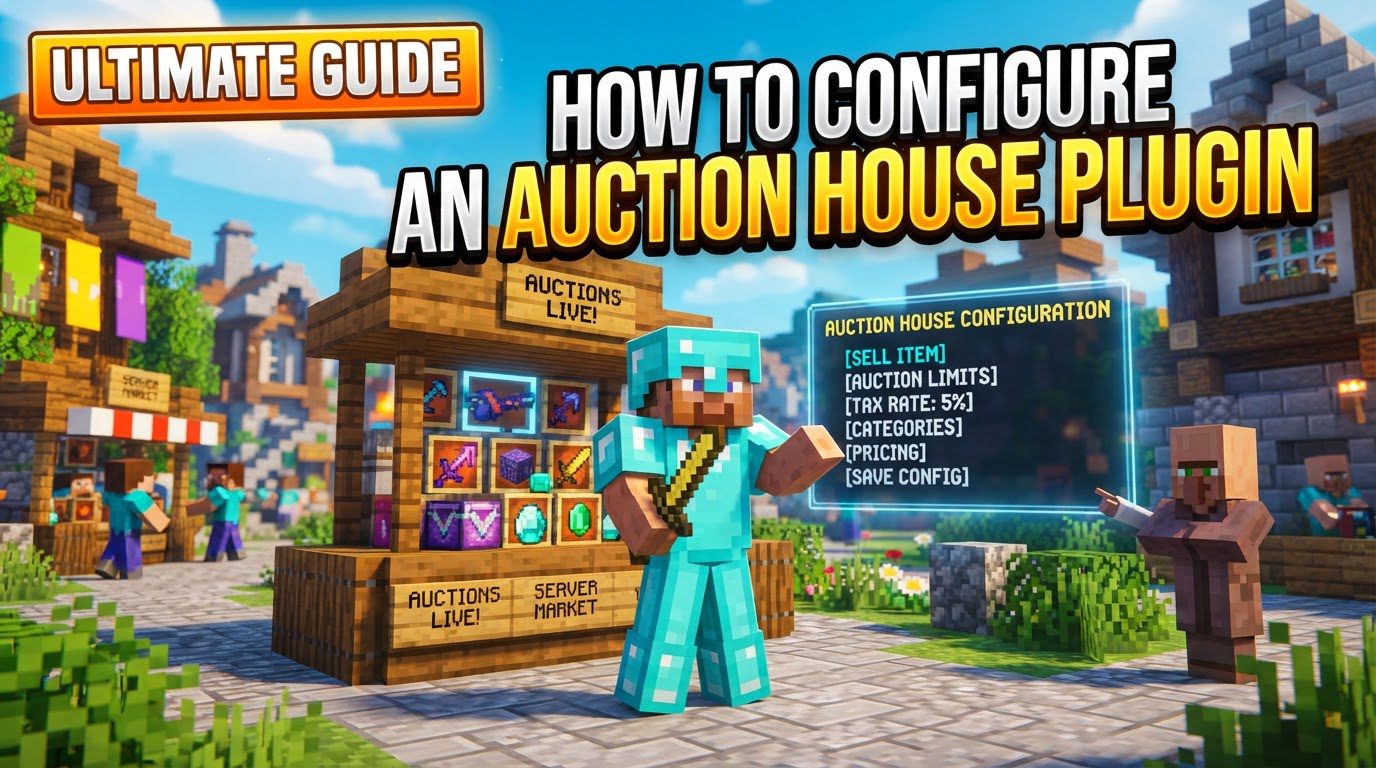
Beyond basic buying and selling, these plugins are engineered with a comprehensive suite of features. These often include robust search capabilities to help players locate specific items, various sorting options to organize listings, the ability for sellers to cancel their active listings, and a dedicated mechanism for players to claim items that have either expired or been canceled. The flexibility of such plugins also extends to supporting server-listed items, which can be configured as one-time offerings or as items with unlimited stock, alongside diverse filtering options to enhance the browsing experience. Furthermore, modern auction house plugins typically offer extensive customization options for in-game messages, the visual appearance of GUI buttons, sound effects, and even integration with external platforms like Discord, allowing for a highly personalized and engaging player experience tailored to your server’s unique identity.
Step-by-Step Installation and Basic Usage
Setting up an auction house plugin on your Minecraft server involves a clear sequence of steps, ensuring all dependencies are met and the plugin is correctly integrated into your server environment.
- Prerequisites: Before you begin with the auction house plugin, it is absolutely crucial to ensure your Minecraft server is running a compatible version of Minecraft. Equally important is the prior installation of an economy plugin, such as EssentialsX, and the Vault plugin. These two components are fundamental, as the auction house relies on them for all currency-related transactions and economic management. Without them, the auction house will not function correctly.
- Download: The next step involves acquiring the auction house plugin itself. You should always obtain the plugin’s
.jarfile from a reputable and trusted source, with SpigotMC being a widely recognized and reliable platform for Minecraft server plugins. Downloading from unofficial or unknown sources can pose security risks or lead to compatibility issues with your server. - Installation: Once you have successfully downloaded the
.jarfile, transfer it to your server. This is typically done by uploading the file directly into your server’s designatedpluginsfolder. This folder serves as the standard location for all server-side plugins, allowing the server to discover and load them automatically upon startup. - Restart: After placing the
.jarfile in thepluginsfolder, a full restart of your Minecraft server is necessary. This action forces the server to re-scan its plugin directory, load the newly added auction house plugin, and initialize all its components and default configurations. Without a restart, the plugin will not be active. - Access: With the plugin successfully loaded, players can typically access the auction house GUI. This is usually achieved by executing a specific in-game command, most commonly
/ahor/ah menu. These commands open the graphical interface, allowing players to begin interacting with the auction house, browsing items, and making purchases. - Sell Item: To list an item for sale on the auction house, a player must first hold the desired item in their main hand. Following this, they use a designated command, such as
/ah sell <price>, replacing<price>with the specific amount of in-game currency they wish to sell the item for. This action places the item onto the auction house for other players to purchase. - Configure: After the initial setup and basic functionality are confirmed, you will likely want to customize the plugin to better suit your server’s specific needs and economy. The primary configuration file is typically named
config.ymland can be found within theplugins/AuctionHousefolder on your server’s file system. This YAML file contains a wide array of settings that can be adjusted. - Reload: Any modifications made to the
config.ymlfile will not take effect immediately. To apply these changes, you must either reload the plugin using its specific reload command (e.g.,/ah reload) or perform another full restart of the server. Reloading is generally quicker for minor adjustments, but a full restart ensures all changes are thoroughly applied across the entire server.
Important Configuration Tips
Effective configuration of your auction house plugin goes beyond basic setup; it involves fine-tuning various aspects to create a balanced, enjoyable, and secure trading environment for your players, while also protecting your server’s economy.
- Dependencies: Reaffirming a critical point, always prioritize the installation of Vault and a compatible economy plugin (like EssentialsX) before attempting to install the auction house plugin itself. These are not optional additions but foundational requirements for the auction house to operate and manage your server’s economy correctly. Without them, the plugin will inevitably fail.
- Compatibility: Before downloading and installing any plugin, it is paramount to verify that the specific version of the auction house plugin you choose is fully compatible with your server’s current Minecraft version. Incompatibility can lead to various issues, including plugin errors, unexpected behavior, or the complete failure of the plugin to load.
- Customization: The
config.ymlfile offers extensive opportunities for personalization. You can tailor the appearance and functionality of the graphical user interface (GUI) elements, ensuring they align with your server’s aesthetic and branding. All in-game messages displayed by the plugin can be customized to reflect your server’s tone and language. Crucially, you can define listing fees and sales taxes, which are essential for managing the server’s economy and preventing market saturation. Adjusting listing durations allows you to control how long items remain on the auction house, and setting maximum listings per player can prevent a single player from dominating the market. - Item Restrictions: To maintain game balance and prevent the sale of unintended or potentially game-breaking items, actively utilize the blacklist options provided in the configuration. This feature allows you to specify items that cannot be listed on the auction house, such as administrative tools, uncraftable items, or items that could be exploited for unfair advantages.
- Permissions: A robust permission system is vital for controlling who can access which features within the auction house. Configure permissions for players to use auction house commands (e.g.,
/ah,/ah sell) and other specific functionalities. This ensures that only authorized players or groups can perform certain actions, enhancing security and preventing misuse or abuse of the system. - Cooldowns: To combat spam and ensure fair market practices, implement a cooldown period between item listings. This setting prevents players from rapidly listing multiple items in quick succession, which can overwhelm the auction house interface, create an unfair advantage, or simply annoy other users.
- Admin Listings: Many auction house plugins offer special functionalities for server administrators. This includes the ability for administrators to list items directly onto the auction house, either as one-time offerings or as items with unlimited stock. This feature can be incredibly useful for setting up server shops, distributing event rewards, or strategically introducing specific items into the economy.
Common Mistakes to Avoid
While configuring an auction house plugin, being aware of common pitfalls can save significant time and prevent potential disruptions to your server’s economy and overall player experience.
- Missing Dependencies: One of the most frequent errors encountered is neglecting to install essential dependencies. Forgetting to install the Vault plugin or an economy plugin, such as EssentialsX, will invariably lead to the auction house failing to function correctly. The plugin relies heavily on these for currency management and economic transactions, rendering it inoperable without them.
- Incorrect Plugin Version: Using an auction house plugin version that is incompatible with your server’s specific Minecraft version can cause a range of issues. This includes plugin errors, unexpected behavior during gameplay, or the plugin simply failing to load altogether. Always cross-reference version compatibility before installation to ensure smooth operation.
- Not Restarting/Reloading: A common oversight is expecting configuration changes to apply instantly. Any modifications made to the plugin’s configuration files will not take effect until the server is properly restarted or the plugin is explicitly reloaded using its dedicated command (e.g.,
/ah reload). Failure to do so will result in the old settings remaining active. - Overlooking Blacklists: Neglecting to properly configure item blacklists can have severe consequences. If blacklists are not set up, players might be able to sell unintended or even game-breaking items, which could disrupt your server’s economy, provide unfair advantages, or lead to exploits that compromise gameplay integrity.
- Poor Economy Balancing: Inadequate attention to economic parameters can significantly harm your server’s economy. Not setting appropriate listing fees, sales taxes, or minimum/maximum prices can lead to hyperinflation, deflation, market saturation, or make it too easy for players to gain wealth, ultimately unbalancing the game and reducing its challenge.
- Permission Issues: Incorrectly configured permissions are a frequent source of player frustration and support requests. If permissions are not set up correctly, players may be unable to use essential auction house commands or access specific features, leading to confusion and a diminished experience. Ensure all necessary permissions are granted to the appropriate player groups.
- Reload Command Issues: While
/ah reloadis generally a convenient command for applying configuration changes, it’s important to be aware that in some specific instances or with certain plugin versions, this command might not always work perfectly. It could potentially cause issues like displaying false messages or, in rare cases, lead to purchasing errors. If you encounter strange behavior after a reload, a full server restart is often a safer and more reliable alternative. - GUI Exploits: A more serious concern is the potential for GUI exploits. Be vigilant for “duplication” bugs, which can sometimes occur when players quickly shift-click items within graphical user interfaces and then rapidly exit the menu. Such exploits might allow players to acquire items without the intended payment, severely impacting your server’s economy and integrity. Regular updates to both your server software and plugins, along with monitoring for unusual activity, can help mitigate these risks.

