Setting Up a Combat Logging Penalty System (Step by Step)
Understanding Combat Logging and Its Prevention
Combat logging, a prevalent issue in many player-versus-player (PvP) environments within Minecraft, refers to the act of a player intentionally disconnecting from a server while actively engaged in combat. This tactic is typically employed to circumvent undesirable consequences such as death, the loss of valuable inventory items, or other in-game penalties. To foster a fairer and more competitive environment, server administrators often implement a combat logging penalty system.
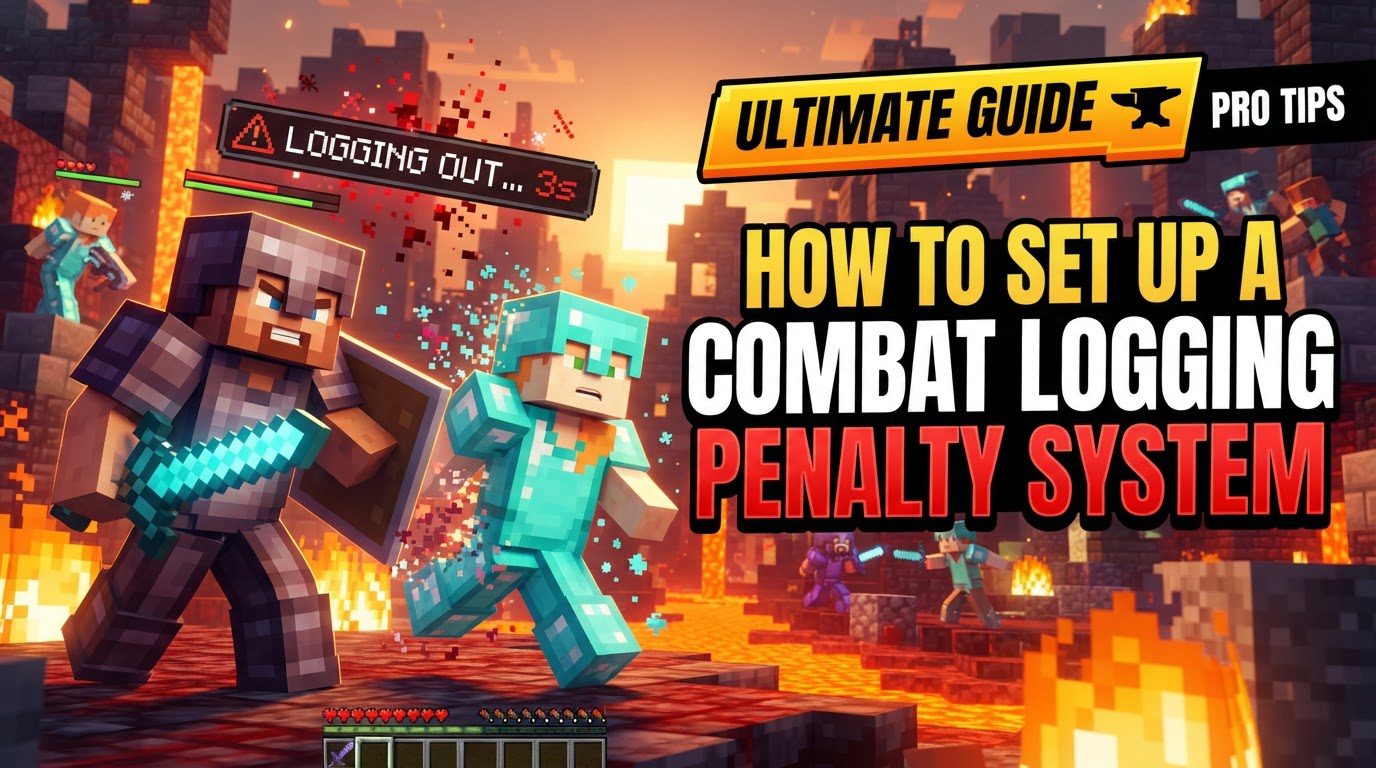
Such a system is designed to deter players from prematurely exiting combat by imposing predetermined penalties. The core mechanism involves initiating a “combat timer” whenever a player enters combat. If the player logs out before this timer fully expires, the system automatically applies the specified penalty. These penalties can vary significantly, ranging from killing the player in-game, causing them to drop their entire inventory, deducting in-game currency, or even imposing a temporary ban from the server. Beyond just penalties, these systems often impose restrictions on player actions during combat, preventing the use of commands like /home or /tpa, disallowing teleportation via Ender Pearls or Chorus Fruit, prohibiting flying, or blocking attempts to switch gamemodes. Combat can be triggered by direct player-to-player damage, and some systems offer the flexibility to configure mob damage as an additional trigger for the combat timer.
Step-by-Step Implementation Guide
Implementing a combat logging penalty system primarily involves either utilizing server plugins for Java Edition or setting up a series of command blocks for Bedrock Edition.
For Java Edition Servers (Using Plugins)
- Select a Plugin: The first crucial step is to choose an appropriate combat logging plugin. Popular and commonly used options for Java Edition servers include CombatLogX and PvPControl. These plugins offer robust features and are generally well-supported within the Minecraft community.
- Download the Plugin: Once you’ve selected your desired plugin, proceed to download its `.jar` file(s) from a reputable source. Official plugin repositories like SpigotMC or CurseForge are recommended to ensure you obtain legitimate and up-to-date versions.
- Install on Server: After downloading, the plugin file(s) must be uploaded to your Minecraft server. This is typically done by connecting to your server’s file system via File Transfer Protocol (FTP) or by using the file manager provided within your server hosting panel. The `.jar` files should be placed directly into the `plugins` folder located in your server’s main directory.
-
Restart Server: For the newly installed plugin to become active and loaded into your server’s memory, you must restart your Minecraft server. Alternatively, some plugins, such as CombatLogX, may offer an in-game command (e.g.,
/clx reload) that allows you to reload the plugin without a full server restart, though a full restart is often recommended for initial setup. -
Configure Settings: This is a critical stage where you tailor the system to your server’s specific needs. Access the plugin’s configuration file, which is almost always named `config.yml` and can be found within the plugin’s dedicated folder inside the `plugins` directory. Within this file, you can customize various parameters, including:
- The duration of the combat timer (e.g., 10-60 seconds).
- The specific penalties to apply if a player combat logs (e.g., killing the player, dropping inventory, deducting currency, temporary ban).
- A list of commands that should be blocked during combat (e.g.,
/home,/tpa). - Custom in-game messages to inform players about their combat status and potential penalties.
- Whether mob damage should also trigger the combat timer.
For Bedrock Edition Servers (Using Command Blocks)
While plugins are the standard for Java Edition, Bedrock Edition servers can implement a basic combat logging system using command blocks:
-
Create Scoreboard Objective: Begin by using the command
/scoreboard objectives add combat_timer dummy "Combat Timer"to create a new scoreboard objective that will track each player’s combat status. - Detect Hits and Apply Score: Set up a repeating command block that continuously checks for players taking damage. When a player is hit by another player (or a configured mob), a chain of command blocks should then apply a score to their `combat_timer` objective. This score represents the duration of the combat timer.
- Count Down Score: Another set of repeating and chain command blocks will be needed to periodically decrease the `combat_timer` score for all players who have an active timer.
-
Execute Punishments: Finally, implement a system that detects when a player disconnects while their `combat_timer` score is active (i.e., greater than zero). If such a disconnection occurs, an appropriate punishment can be executed, such as using the
/bancommand or spawning specific items at their last known location to simulate inventory drop. This part can be complex and may require more advanced command block logic.
Important Tips for a Successful System
- Communicate Rules Clearly: One of the most vital aspects of implementing a combat logging system is ensuring transparency. Clearly inform your players about the combat logging rules, what constitutes combat, and the exact penalties for logging out prematurely. This clarity promotes fairness and helps players understand the system’s purpose.
- Set a Fair Timer Duration: The length of your combat timer is crucial. It needs to be long enough to effectively prevent players from escaping active combat (e.g., 10-60 seconds) but not so excessively long that it becomes an annoyance for legitimate disconnections or brief skirmishes. A balanced timer is key to player satisfaction.
- Utilize Customizable Messages: Leverage the plugin’s ability to customize in-game messages. These messages can be used to warn players when they enter combat, notify them when they are safe to log out, and explicitly state what will happen if they attempt to combat log. Clear, timely messages enhance the player experience and reduce confusion.
- Integrate with Other Plugins: For enhanced functionality and more nuanced control, consider integrating your combat logging plugin with other server management tools. Permissions management plugins, such as LuckPerms, can help define who can bypass the system or manage its settings. Region protection plugins, like WorldGuard, can be used to designate specific combat-free zones where the system is inactive, such as spawn areas or safe trading hubs.
- Manage Permissions Effectively: Ensure that both regular players and server operators have the correct permissions. Players should interact with the system as intended, receiving warnings and penalties. Server operators might require specific permissions to manage the plugin, bypass its effects for administrative tasks, or resolve disputes. Incorrect permissions can lead to either players unfairly circumventing the system or administrators being unable to manage it properly.
Common Mistakes to Avoid
While setting up a combat logging system can greatly improve server fairness, several common pitfalls can lead to player dissatisfaction or system malfunction:
- Unclear Definitions: Failing to clearly define what actions trigger “combat” and what constitutes “combat logging” can lead to significant player confusion and disputes. Players need to understand the boundaries to avoid accidental penalties.
- Unfair Punishments for Crashes: A significant challenge is distinguishing between intentional combat logging and legitimate game crashes or network issues. If the system cannot differentiate, players who experience unavoidable technical difficulties may receive unfair penalties, leading to frustration and resentment.
- Incorrect Timer Length: Setting a combat timer that is either too short or too long can render the system ineffective or frustrating. A timer that is too short might not prevent logging during crucial combat moments, while one that is too long can punish players unnecessarily for legitimate disconnections long after combat has ended.
- Lack of Communication: Implementing a robust system without adequately informing the player base about its rules, mechanics, and penalties is a recipe for confusion and potential backlash. Players should be educated on the system before it goes live.
- Outdated Configurations: Server environments are dynamic, with frequent updates to Minecraft, plugins, and server software. Not regularly reviewing and updating plugin configurations, especially after server or plugin updates, can lead to conflicts, unexpected behavior, or outdated rules that no longer align with server policy.
- Improper Permissions: Incorrectly configuring permissions is a common mistake. This can manifest in various ways, such as preventing legitimate players from using commands they should have access to, or, conversely, allowing players to bypass the combat logging system entirely due to overly broad permissions. Careful permission management is essential for the system’s integrity.
Tags:
YOU MAY ALSO LIKE...