Comparing Java Edition Versus Bedrock Edition Features — A Quick Guide
Minecraft, the global phenomenon, comes in two primary editions: Java Edition and Bedrock Edition. While both offer the core block-building and adventuring experience, they cater to different platforms, playstyles, and player preferences. Understanding the distinctions between these two versions is crucial for any player looking to dive into the game or optimize their existing experience. This guide will provide a comprehensive comparison of their features, helping you make an informed decision based on your specific needs.
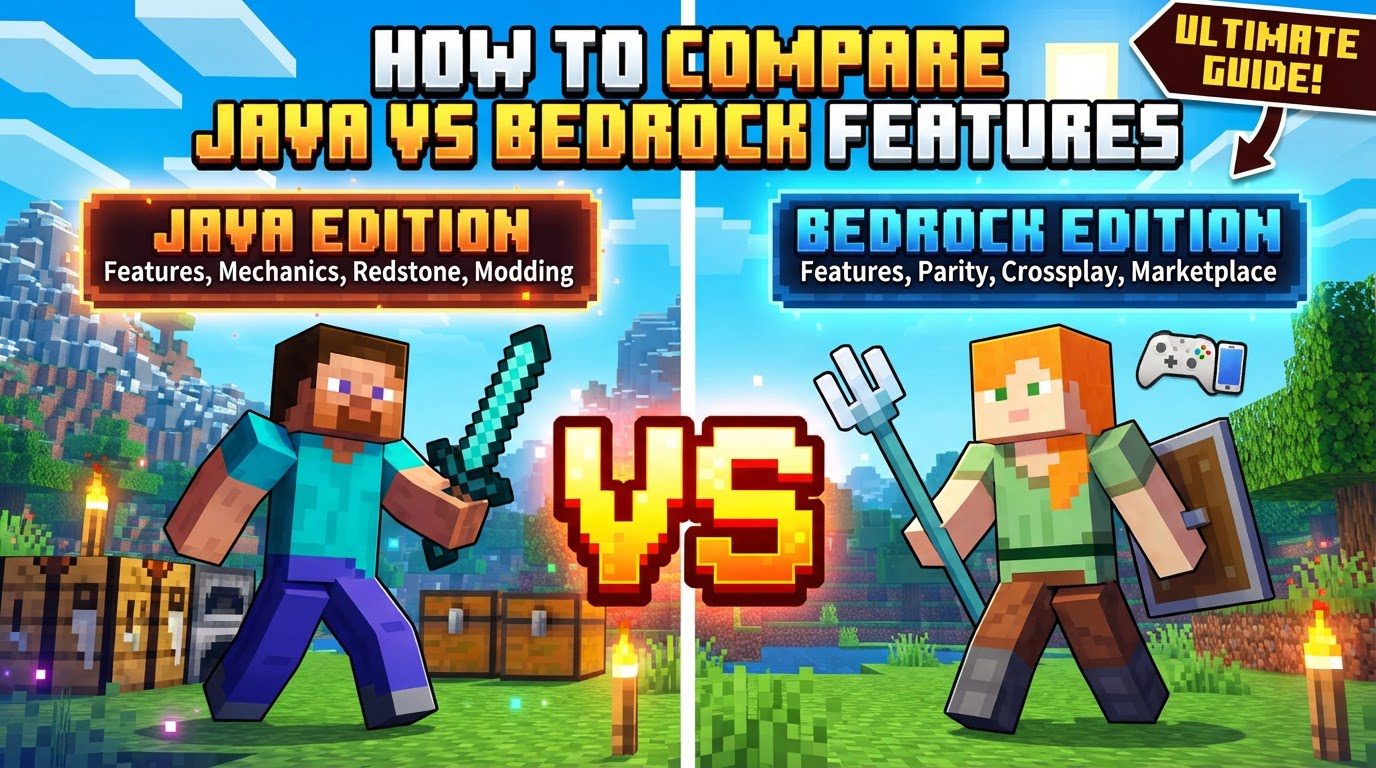
Key Mechanics: A Feature-by-Feature Comparison
- Platform Availability: The platforms on which you can play are a fundamental difference. Java Edition is exclusive to desktop operating systems, specifically Windows, macOS, and Linux. This limits its reach but provides a consistent experience across these PC environments. In contrast, Bedrock Edition boasts significantly broader accessibility, being available on Windows, Xbox consoles, PlayStation consoles, Nintendo Switch, Android, and iOS devices. This expansive availability makes Bedrock the go-to choice for players across a multitude of hardware.
- Cross-Platform Play: Multiplayer capabilities are heavily influenced by the chosen edition. Java Edition players are restricted to playing with other individuals who also own Java Edition. There is no native way for Java players to connect with Bedrock players. Conversely, Bedrock Edition is designed with robust cross-play functionality, allowing players on any Bedrock-compatible device to seamlessly join games together, fostering a unified multiplayer experience across different systems.
- Modding and Customization: The approach to modifying the game is vastly different. Java Edition is renowned for its vibrant and extensive free modding community. Players can access a colossal array of user-created mods, custom shaders for enhanced visuals, and diverse resource packs to alter textures and sounds, all typically available without charge. Bedrock Edition, while offering customization, primarily does so through its integrated Marketplace, where players can purchase official add-ons, skins, and texture packs. The free modification options in Bedrock are generally less extensive and more limited compared to Java’s open ecosystem.
- Redstone Mechanics: For players interested in engineering complex in-game contraptions, Redstone behavior is a critical point of comparison. Java Edition’s Redstone is characterized by its precision and includes a unique feature known as “quasi-connectivity.” This allows for highly technical and intricate circuits that react predictably, enabling advanced automation and machinery. Bedrock Edition’s Redstone, however, can be less predictable in its behavior and notably lacks quasi-connectivity. This difference means that many sophisticated Redstone designs perfected in Java Edition may simply not function correctly or consistently when replicated in Bedrock.
- Performance: Optimization for various hardware configurations is another key differentiator. Bedrock Edition is generally more optimized and delivers smoother performance across a wider spectrum of devices, including those with lower specifications. Its design prioritizes efficiency, making it accessible to more players. Java Edition, particularly when running with high-resolution texture packs or demanding shaders, can be more resource-intensive and requires a more powerful PC to achieve optimal graphical fidelity and frame rates.
- World Format: The underlying structure for saving game worlds differs between the editions. Java Edition utilizes the Anvil format for world storage, a long-standing standard within its community. Bedrock Edition, on the other hand, employs the LevelDB format. This distinction in world format can impact compatibility with various third-party tools designed for world editing, backup, or conversion, as tools often specialize in one format over the other.
- Updates: The release schedule for new content and features also varies. Java Edition typically receives major updates and experimental features, often referred to as “snapshots,” earlier than Bedrock Edition. This allows Java players to test upcoming content and experience the latest changes first, contributing to the development process. Bedrock Edition usually follows with its updates after the Java version has been refined.
- Servers: Multiplayer server options present another contrast. Java Edition boasts a vast and diverse community-driven ecosystem with countless third-party multiplayer servers, ranging from mini-game hubs to expansive survival worlds, often with unique modifications. Bedrock Edition primarily features official Mojang-managed servers and ‘Realms,’ which are subscription-based personal servers, providing a more curated and often simpler multiplayer experience.
- Controls: While both editions support standard mouse and keyboard controls for PC gameplay, Bedrock Edition offers broader native control versatility. In addition to mouse and keyboard, Bedrock provides built-in, native controller support across all its platforms, and intuitive touch controls for mobile devices. This makes Bedrock highly adaptable to different gaming setups and preferences.
- Unique Features (Examples): Each edition also holds a few exclusive gameplay quirks. Bedrock Edition includes features such as stackable cakes, the ability to craft cobwebs into string, sheep retaining their wool color after being sheared, and tridents being fireable from dispensers. Java Edition offers its own unique aspects, including the ability to choose and play any past release version directly from its launcher, support for custom fonts, and the integration of GLSL shaders for advanced visual effects.
Step-by-Step Process for Choosing an Edition
Selecting the right Minecraft edition involves a thoughtful consideration of your individual gaming habits and preferences. Follow these steps to guide your decision:
- Identify your primary gaming device(s): Determine where you will mostly be playing Minecraft. If your gaming is exclusively on a PC (Windows, Mac, or Linux) and you desire extensive customization, Java Edition is a strong contender. However, if you play on consoles (Xbox, PlayStation, Switch), mobile devices (Android, iOS), or a combination of these, Bedrock Edition is the only viable option for cross-platform play.
- Consider who you play with: Think about your friends and family who also play Minecraft. If your social circle uses a variety of platforms-for example, some on Xbox, others on PlayStation, and some on mobile-then Bedrock Edition is absolutely necessary to enable multiplayer interactions with them due to its robust cross-play capabilities.
- Evaluate your interest in modding and technical builds: Your level of interest in game modification and complex mechanics is crucial. For deep, free, and community-driven mods, along with the ability to construct intricate Redstone contraptions that rely on precise mechanics like quasi-connectivity, Java Edition is undeniably superior. For simpler add-ons and content available through an official marketplace, Bedrock Edition will suffice.
- Assess your hardware’s capability: Consider the power of your gaming setup. If you possess a lower-end PC or simply prefer consistent, optimized performance across various devices, Bedrock Edition is typically the better choice due to its superior optimization. If you have a powerful PC and aspire to push graphical limits with advanced shaders, Java Edition offers that potential.
Important Tips for Your Decision
Keep these practical tips in mind to help solidify your choice and enhance your Minecraft experience:
- Prioritize friends’ platforms: The most critical factor for many players is multiplayer. If playing with friends is a key aspect of your Minecraft experience, always choose the edition that your friends primarily play on to ensure compatibility.
- PC users can sometimes get both: For players on Windows 10 or 11 PCs, there’s a potential bonus. You might find that purchasing one edition grants you access to the other, or you could receive one free if you already own the counterpart, making it possible to experience both.
- Java for creators: If your passion lies in building highly complex Redstone machinery, developing extensive game modifications, or diving into intricate server configurations, Java Edition’s precise mechanics, open modding ecosystem, and vast community support make it the advantageous choice.
- Bedrock for casual cross-platform play: For players who prioritize seamless accessibility, ease of play, and the ability to connect with friends across any device without hassle, Bedrock Edition is the ideal solution, offering a streamlined and unified experience.
Common Mistakes to Avoid
Being aware of common misconceptions can prevent frustration and ensure you choose the edition that best suits your expectations:
- Assuming cross-edition multiplayer: Do not fall into the trap of believing that Java Edition and Bedrock Edition players can naturally play together. They operate on entirely separate server infrastructures, meaning direct cross-edition multiplayer is not supported.
- Expecting identical Redstone behavior: Avoid the mistake of thinking that complex Redstone contraptions designed in Java Edition will translate perfectly to Bedrock. Designs that rely on Java’s “quasi-connectivity” will almost certainly fail or behave inconsistently in Bedrock Edition.
- Misunderstanding modding options: Do not expect Bedrock’s add-ons to offer the same depth, variety, or, crucially, the same free availability as the extensive and open modding community found in Java Edition. Their approaches to customization are fundamentally different.
- Ignoring hardware requirements: While Bedrock is highly optimized for performance across many devices, Java Edition can be significantly more hardware-intensive, especially with graphical enhancements. Attempting to run Java on a low-spec PC without performance-enhancing mods might lead to a frustrating and unplayable experience.
Ultimately, the “best” edition of Minecraft is subjective and depends entirely on your personal priorities. By carefully considering your preferred gaming devices, who you wish to play with, your interest in customization, and your hardware capabilities, you can confidently choose the edition that will provide you with the most enjoyable and tailored Minecraft adventure.
Tags:
YOU MAY ALSO LIKE...