

Designing a Custom Obstacle Course Map (Step by Step)
76
views ❘
July 12, 2026
Designing a custom obstacle course map in Minecraft offers a rewarding blend of creativity, strategic planning, and a deep understanding of the game’s mechanics. Crafting a compelling course requires careful consideration of player experience, difficulty balancing, and innovative use of the vast array of blocks and systems Minecraft provides. From simple jump puzzles to complex redstone-powered challenges, the possibilities are extensive for creating an engaging and memorable map.
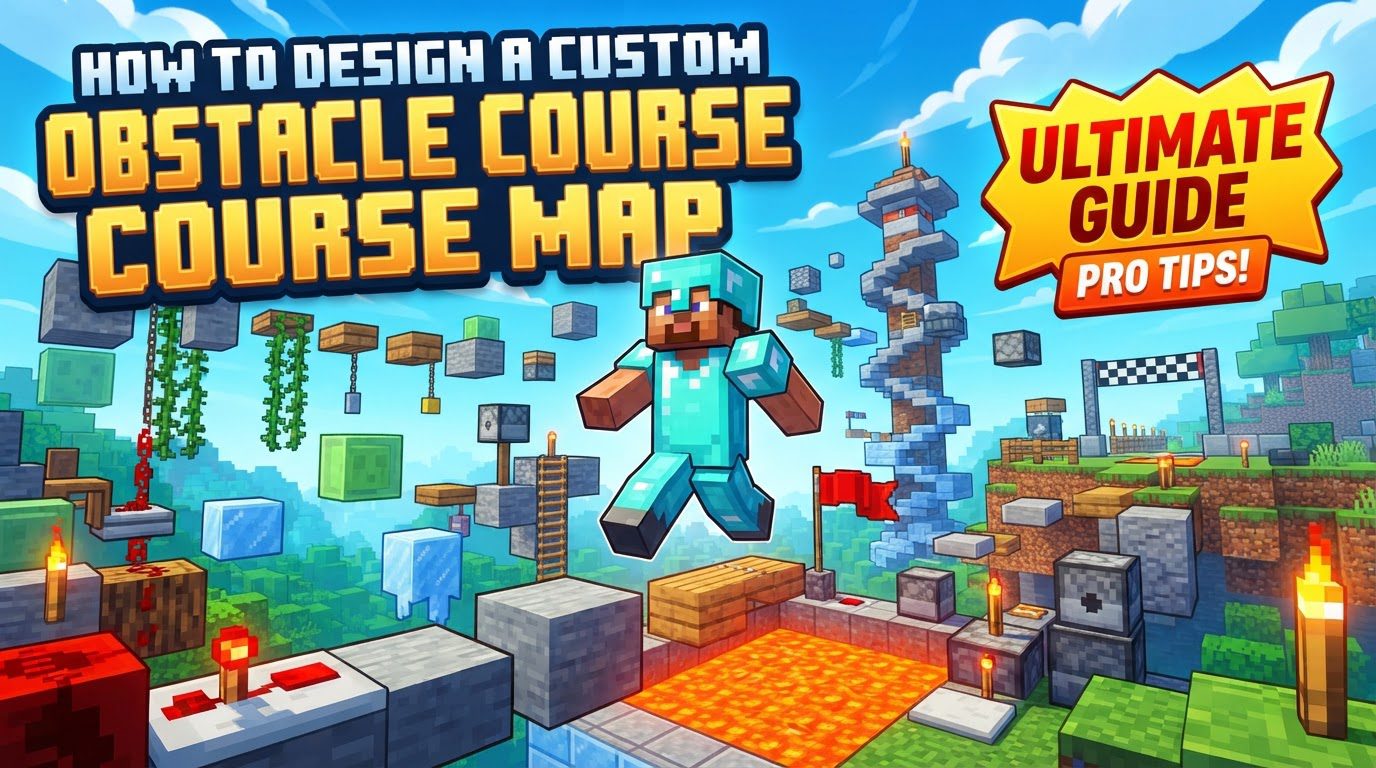
Key Mechanics for Obstacle Courses
- Jumps: Players navigate platforms of varying sizes and distances. A standard jump covers one block length, the basic unit for spacing. Precise jumps are crucial.
- Parkour: Involves precise jumps between blocks at different heights and with varying gaps, challenging timing, balance, and spatial awareness.
- Ladders: Players climb up or down vertical surfaces, integrating them into sequences combining horizontal and vertical movement.
- Traps: Created using redstone mechanisms (pistons, dispensers, pressure plates, tripwires) to surprise or slow players. Lava can be used, but with caution.
- Checkpoints: Essential for progression, allowing restarts near failure. Implement with beds, respawn anchors, or command blocks for teleportation.
- Redstone: Allows complex mechanisms: automatic traps, moving platforms, and timers for speedruns. Key to dynamic challenges.
- Boats: Provide unique water or ice-based obstacle challenges, requiring different control and precision.
Step-by-Step Guide to Designing Your Course
- Plan and Sketch: Sketch a layout including start, checkpoints, finish, and a logical progression of difficulty. Visualizing the flow helps create a cohesive map.
- Create in Creative Mode: Open Minecraft in Creative mode to build without limitations, an ideal environment for construction.
- Mark Start and Finish: Clearly mark start and finish points using bright blocks or banners for player clarity.
- Build Obstacles: Construct various obstacles: jump sections with spaced platforms, ladder climbs, and parkour stretches with varied heights and gaps. Varying obstacles keeps engagement.
- Add Traps: Integrate at least one trap using dispensers, pressure plates, or pistons for challenge and surprise.
- Implement Checkpoints: Place beds or respawn anchors in safe alcoves. The
/spawnpointcommand can also set precise locations. - Test Thoroughly: Run through the course solo to balance difficulty, identify impossible jumps, and time your runs.
- Gather Feedback: Invite friends for multiplayer testing to observe play, note struggles, and collect improvement ideas.
- Refine and Improve: Adjust distances, obstacle spacing, traps, and checkpoints based on testing and feedback for a fairer experience.
- Personalize: Add theme-specific decorations, mobs, a redstone timer, or a leaderboard for an advanced, unique touch.
Important Tips for an Engaging Course
- Choose a Theme: A fun theme (e.g., jungle, castle, space) makes building engaging and adds player immersion, guiding aesthetic choices.
- Consider Difficulty: Adjust obstacle complexity based on target age. Younger players need wider platforms; older players handle tighter gaps and complex redstone.
- Use Diverse Materials: Utilize solid blocks, slabs, stairs, fences, ladders, vines, and signs. For mechanics, use slime blocks, water, pistons, dispensers, pressure plates, tripwire hooks, redstone dust, and repeaters.
- Playtest Continuously: Test as you build to ensure fair, balanced challenges. Iterative testing allows immediate adjustments, preventing major reworks.
- Redstone Contraptions: Activated by levers, pressure plates, buttons, or tripwires, enabling automated actions like trapdoors, piston doors, and dispensers.
- Provide Clear Pathways: If using flowing water for upward movement or specific routes, create a clear, intuitive pathway.
Common Mistakes to Avoid
- Poor Checkpoint Placement: Sparse checkpoints lead to frustration after difficult sections. Place them strategically to prevent map abandonment.
- Unfair Jumps: Excessively difficult or pixel-perfect jumps are frustrating. Widen platforms or add intermediate steps for forgiving landings.
- Over-reliance on One Obstacle: Repeatedly using the same jump type (e.g., “2 block ceiling 1 block”) makes the map repetitive. Strive for variety.
- Blocks Near the Kill Floor: Placing blocks too close to death areas can cause players to die even if they make a jump. Ensure sufficient space.
- Redstone Malfunctions: Redstone contraptions can stop working. Reloading the map often fixes these transient issues.
- Misjudging Fall Damage: Fall damage scales quickly; over three blocks causes damage. Design with this, providing safe landings or calculated risks.
- Lack of Player Perspective: Failing to playtest from a player’s perspective leads to overly difficult or unintuitive challenges. Regular fresh viewpoint testing is crucial.
Click to rate this post!
[Total: 0 Average: 0]
Tags:
YOU MAY ALSO LIKE...
Using the Updated Minecraft:block_rot Processor — A Quick Guide
45
views
The landscape of custom world generation in Minecraft is constantly evolving, offering creators unprecedented control…
Using Waypoints to Navigate Large Worlds — A Quick Guide
94
views
Navigating the expansive landscapes of Minecraft is a core aspect of gameplay, and as worlds…

Using Wind Charge Knockback Tactically — A Quick Guide
69
views
The Wind Charge, a unique projectile introduced to Minecraft, stands out not for its destructive…
Using Worldedit’s Brush Tools (Step by Step)
200
views
Unleashing Creativity: A Comprehensive Guide to WorldEdit's Brush Tools WorldEdit's brush tools are powerful instruments…
Using Worldedit’s Copy and Paste Commands — A Quick Guide
274
views
WorldEdit's copy and paste commands are fundamental tools for any serious builder or server administrator…

Using Worldedit’s Selection Wand
126
views
Mastering WorldEdit's selection wand is fundamental for efficient and precise construction and modification within Minecraft.…

How to verify a Minecraft server’s official status
55
views
For Minecraft players navigating the vast online world, understanding how to identify a reputable server…

Verifying a Mod’s File Integrity Before Installing
169
views
Understanding Mod Integrity: Key Principles Before diving into the practical steps of verifying a Minecraft…

How to verify an official Minecraft download source
87
views
A surprising number of Minecraft players, eager to jump into their next adventure, inadvertently download…