

Creating a Capture the Flag Minigame — A Quick Guide
99
views ❘
July 12, 2026
Key Mechanics of Capture the Flag
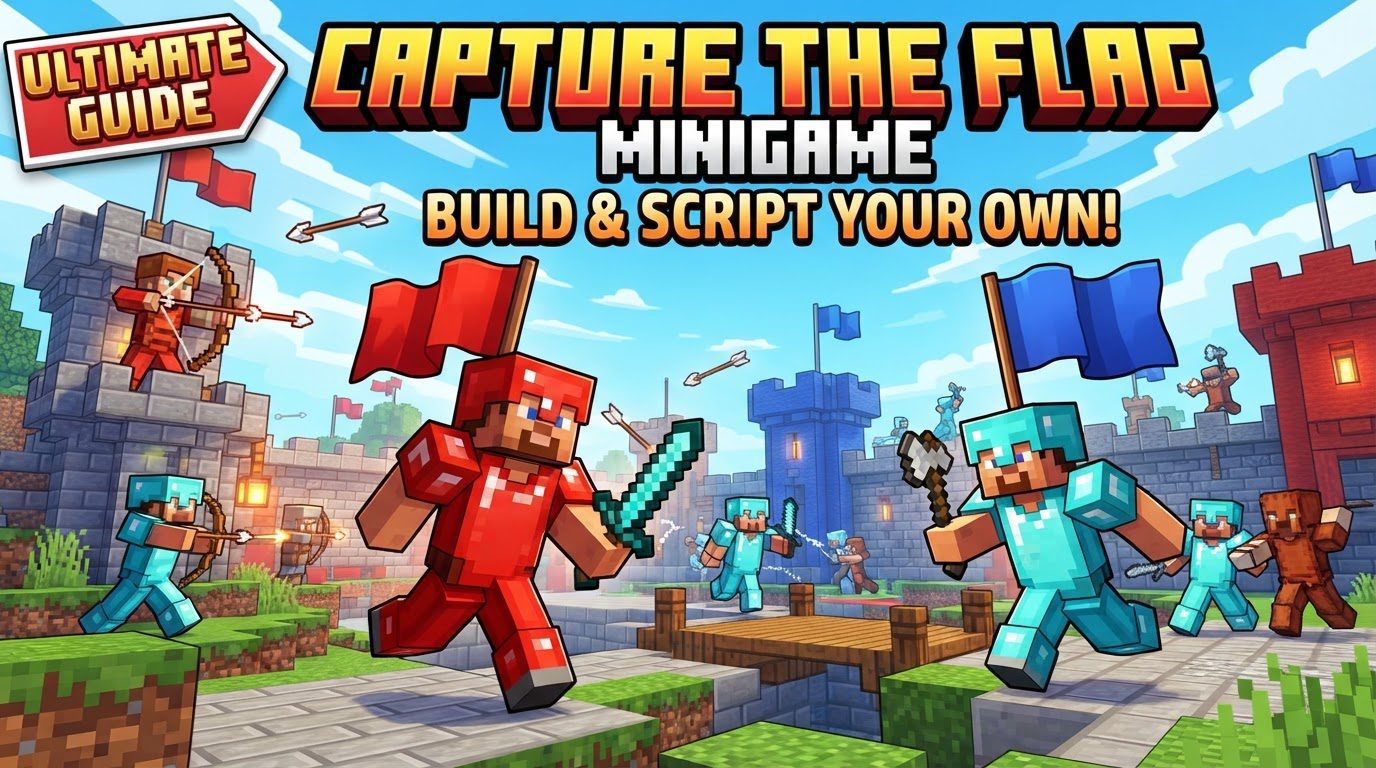
Capture the Flag is a classic team-based game focused on strategic offense and defense. Typically involving two teams, such as Red and Blue, the primary objective is to infiltrate the opposing team’s base, steal their flag, and successfully return it to your own base to score points.
- Players generally begin at their designated team base, which serves as their spawn point and houses their flag.
- To achieve a capture, a player must acquire the enemy’s flag, often represented by a specific item like a banner or a unique block, and then bring it back to their own base.
- Should a flag carrier be eliminated, they will drop the flag. This dropped flag can then be picked up by a teammate to continue the capture attempt, or it will automatically return to its original base after a predetermined duration, such as 30 seconds.
- The game concludes when one team reaches a set number of captures (e.g., three points) or when a timer expires, with the team holding more points declared the winner.
- The core elements that drive the gameplay are combat, strategic defense of your own flag, and effective teamwork among players.
Step-by-Step Process (using Command Blocks for Bedrock Edition)
Setting up a CTF minigame in Minecraft Bedrock Edition heavily relies on the precise use of command blocks. Follow these steps to build the foundation of your game.
Initial Setup and Preparations
- Disable Command Feedback and Add Ticking Area: To prevent chat spam from command block executions, begin by disabling command feedback with the commands
/gamerule sendcommandfeedback falseand/gamerule commandblockoutput false. To ensure your command blocks are always active regardless of player proximity, create a ticking area using/tickingarea add circle ~ ~ ~ 4 [name], replacing[name]with a descriptive identifier for your area. - Give Yourself Command Blocks: Obtain the necessary tools by giving yourself a command block with the command
/give @s command_block.
Map and Flag Establishment
- Set Up Bases: Design two distinct and clearly identifiable bases for each team, for example, a Red base and a Blue base. These bases should be relatively symmetrical in design to ensure fair gameplay.
- Establish Flags: Within each base, place the “flags” that teams will aim to capture. These can be represented by banners of the team’s color, specific wool blocks, or even a unique item like a Netherite helmet placed on an armor stand, depending on your preferred aesthetic.
Implementing the Scoring System
- Create Scoreboard Objectives: Establish scoreboard objectives to track captures for each team. For instance, use
/scoreboard objectives add Red dummy Redfor the Red team and/scoreboard objectives add Blue dummy Bluefor the Blue team. These objectives will display the current score.
Flag Capture Detection and Mechanics (Command Chain)
This is the most complex part and requires careful sequencing of command blocks.
- Placement: Underneath each flag (or near the flag return point in each base), place a chain of command blocks.
- Detection: Use a repeating command block set to “Always Active” to constantly detect when an opposing player holding the enemy’s banner enters a specific radius around your base’s flag return point. For example, to detect a Blue player with a Red banner entering the Blue base’s return area, you might use:
/testfor @a[r=2.5,tag="blue",hasitem={item=minecraft:banner,data=1}](assuming data 1 is for a red banner). Ther=2.5specifies a 2.5-block radius. - Playsound & Message: Chain conditional command blocks to the detection block. When a capture is detected, these blocks should play a celebratory sound (e.g.,
/playsound random.levelup @a) and broadcast a message to all players announcing the capture (e.g.,/say Blue Team has captured the Red Flag!). - Structure Load for Flag Reset: To reset the captured flag to its original position, utilize structure blocks. First, save the initial state of each flag using a structure block (e.g., saving a single red banner at coordinates X Y Z as “red_flag”). Then, chain a conditional command block to load this structure after a capture. For example,
/structure load red_flag X Y Zwill place the red flag back at its starting location. - Score Update: Immediately after the flag reset, add another conditional command block to increase the capturing team’s score. For instance, if the Blue team captured the Red flag, use:
/scoreboard players add @a Blue 1(or target a specific dummy player if you prefer, e.g.,/scoreboard players add BlueTeamScore Blue 1).
Optional but Recommended Features
- Flag Stolen Notification: Create a separate command chain with a delay to announce when a flag has been taken from its base. This can involve using a repeating command block to check if the flag block is missing (e.g.,
/testforblock X Y Z air) and then chaining a conditional command block to broadcast a message like “Red Flag has been stolen!” - Flag Return (Automatic): Implement a system to automatically return a player’s *own* flag if they mistakenly pick it up. This can be done by detecting if a player tagged for a specific team (e.g., “blue”) has an item corresponding to their own flag (e.g.,
/testfor @a[tag="blue",hasitem={item=minecraft:banner,data=12}]for a blue banner). If detected, use a/clearcommand to remove the item from their inventory and then a/structure loadcommand to place the flag back in its base.
Player Management and Boundaries
- Team Assignment: Use tag commands to assign players to their respective teams at the start of the game. For example,
/tag @p add redwill assign the nearest player to the red team. This is crucial for the/testforcommands to differentiate between teams. - Respawn System: Consider implementing a custom respawn system, perhaps with a short timer (e.g., 5 seconds) before players are returned to their base. This can be done with a combination of scoreboards, tags, and teleport commands.
- Map Boundaries: Clearly define the playable area of your map. This can be visually indicated using distinct blocks like gold blocks as borders, or enforced with barrier blocks.
Important Tips for CTF Gameplay
Beyond the technical setup, understanding effective strategies can greatly enhance the CTF experience for players.
- Teamwork: Emphasize the importance of working together. Attacking or defending in coordinated groups is almost always more effective than individual efforts.
- Defense:
- Always have players dedicated to defending your own flag, especially the immediate flag room, to prevent easy captures.
- Construct strategic defenses outside the direct flag zone to slow down and hinder enemy advances.
- When building defenses, consider using alternating layers of different materials, such as wood and concrete, to make them harder and more time-consuming for opponents to break through.
- In competitive scenarios, using buttons as defensive barriers can be effective, as players cannot easily place blocks on them, creating a temporary obstacle.
- Offense/Capturing:
- When attempting a capture, prioritize minimizing direct conflict. A stealthy approach can often be more successful than a full-frontal assault, which draws attention.
- Remember that even if your own flag has been stolen, you are still able to capture the enemy’s flag to score points.
- If an enemy player is pursuing you while you carry their flag, try to defeat them before they can return it to their base.
- Be mindful of your environment; avoid water when carrying a flag, as it significantly slows down your movement, making you an easier target.
- Map Knowledge: Encourage players to learn the different strategies, shortcuts, and common routes available on each map. This familiarity provides a significant advantage.
- Resource Management: In game modes that include resource gathering, focus on quickly acquiring essential gear like an iron sword and chestplate rather than spending excessive time on deep mining.
- Customization: Offer different player kits with specialized abilities or starting gear, such as a Warrior (melee focus), Archer (ranged combat), or Scout (speed and reconnaissance), to add variety and strategic depth.
Common Mistakes to Avoid
To ensure a smooth and enjoyable CTF experience, be aware of these common pitfalls.
- Ignoring Team Play: Players who attempt to go solo without coordinating with their teammates often find themselves outnumbered and easily defeated, leading to frustration.
- Neglecting Defense: Focusing solely on offense and leaving your own flag completely undefended creates an easy target for the enemy team, allowing them to score points effortlessly.
- Getting Trapped with the Flag: A common mistake for flag carriers is running into an area with no escape, or getting cornered by enemies. This usually results in losing the flag and undoing the capture effort.
- Lack of Clear Rules: Without established and communicated rules regarding allowed items, building restrictions, and clear win conditions, games can become unbalanced, confusing, and frustrating for players.
- Poor Command Block Setup (Bedrock): Incorrectly placing command blocks (e.g., facing the wrong direction), using the wrong block type (e.g., impulse instead of repeating), or incorrect command syntax are frequent causes of minigame malfunction. Double-check all commands and block configurations.
- Not Testing Thoroughly: Complex command block systems are prone to glitches. Always test all mechanics, capture conditions, scoring, and resets multiple times with different scenarios to ensure everything works as intended before releasing the game.
Click to rate this post!
[Total: 0 Average: 0]
Tags:
YOU MAY ALSO LIKE...
Creating a Custom Modpack Using Modrinth — A Quick Guide
195
views
Understanding Custom Modpacks and Modrinth Minecraft modpacks represent a meticulously curated compilation of modifications, configuration…

Creating a Formatted Written Book — A Quick Guide
75
views
Mastering the Art of the Formatted Written Book in Minecraft In the expansive world of…

Creating a Function File for a Datapack (Step by Step)
80
views
Understanding Minecraft Datapacks and Function Files Minecraft datapacks offer a powerful way to customize your…
Creating a Hide and Seek Minigame Map (Step by Step)
73
views
Understanding the Core Mechanics of Hide and Seek Creating an engaging hide and seek minigame…

Creating a Vote-for-rewards System for a Server, Explained
49
views
Creating a vote-for-rewards system on a Minecraft server is a highly effective method to boost…
How to create custom advancements using a datapack
120
views
Understanding Custom Advancements with Datapacks Minecraft's advancement system provides players with a guided progression through…

Crossing a Lava Lake Without Fire Resistance — A Quick Guide
65
views
Navigating the Fiery Depths: Crossing a Lava Lake Without Fire Resistance Crossing a vast lava…
How to Cure a Zombie Villager in Minecraft: A Quick Guide
75
views
In Minecraft, zombie villagers can ruin your day by destroying your village or stealing your…

How to Cure a Zombie Villager in Minecraft for Massive Trade Discounts
134
views
Why Cure Zombie Villagers? The Economics of Discounts In Minecraft, trading with villagers is the…