

Building a UHC-style Survival Games Map (Step by Step)
Creating a UHC-style survival games map in Minecraft offers a unique, challenging experience, blending intense battle royale with core survival mechanics. This guide covers essential steps and considerations to build a compelling UHC map, ensuring a fair and exciting environment.
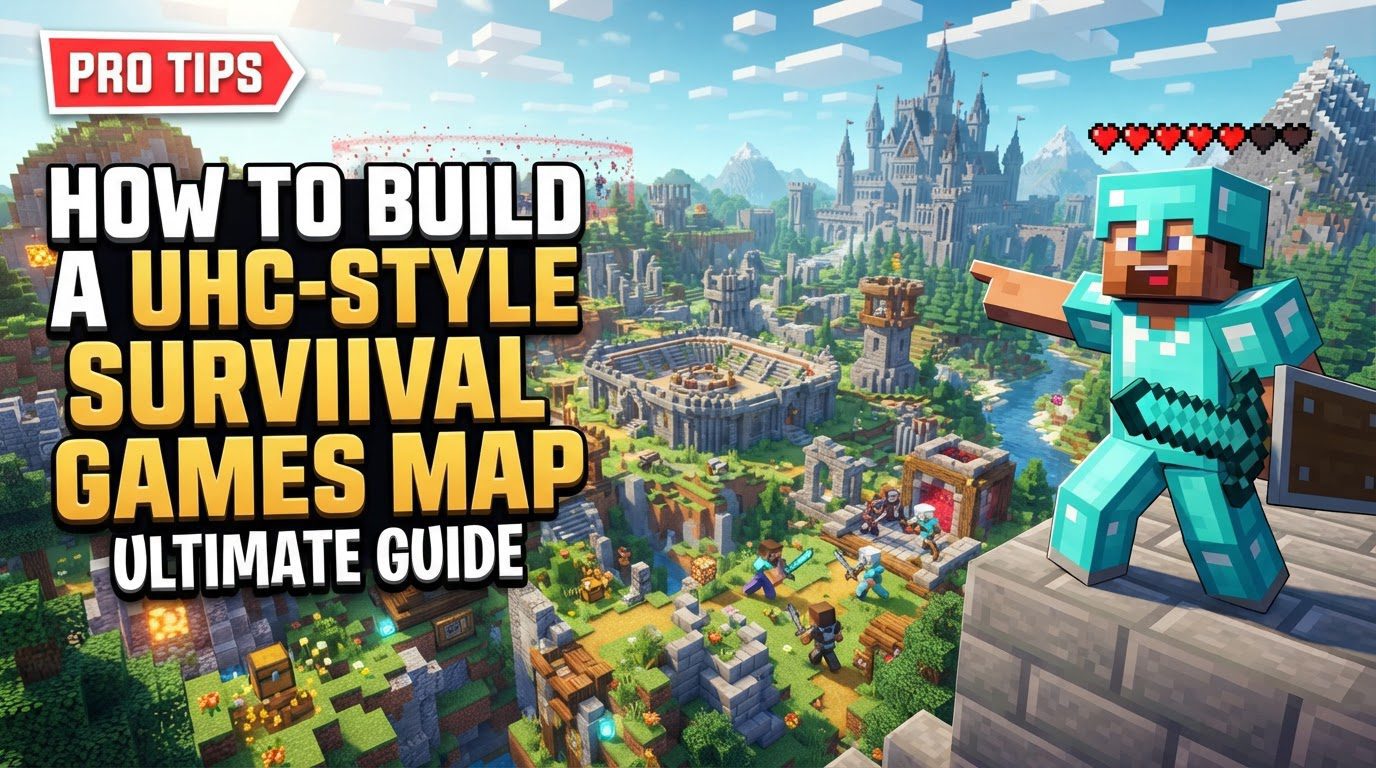
Understanding UHC Core Mechanics
UHC (Ultra Hardcore) maps draw inspiration from survival game modes like the Hunger Games. Players are typically dropped into a bounded landscape with no starting items, forced to scavenge, craft tools, and engage in player-versus-player combat. The goal is to be the last player or team standing.
- Disabled Natural Health Regeneration: A defining UHC modification is disabling natural health regeneration. Damage is permanent, requiring players to rely on golden apples or potions for healing, making resource management and combat strategy critical.
- Player Interaction Focus: The night/day cycle is often disabled to encourage player encounters and reduce passive gameplay, preventing hiding from aggressive mobs.
- Playable Area Definition: A world border or bedrock wall defines the playable area. This border typically shrinks, forcing players closer and accelerating the game’s climax.
- Starting Conditions: Players begin with no items, emphasizing early-game resource gathering. Prioritizing iron armor, food, and an iron sword is key.
- Scoreboard Implementation: Scoreboards can track objectives like player kills, collected gold ingots, or other custom metrics, adding unique gameplay twists.
Step-by-Step Map Creation Process
Building your UHC map requires careful attention to detail, from world generation to setting game rules and player distribution.
World Setup and Initial Commands
- World Creation: Create a new Minecraft world, setting the game mode to Hardcore. Enable cheats during creation for commands.
- Disable Natural Regeneration: Execute
/gamerule naturalRegeneration falseimmediately. This critical step disables natural health recovery, reinforcing the ‘Ultra Hardcore’ aspect.
Map Selection and Generation
- Map Seed Selection: Map seed choice significantly impacts gameplay. Tools like Amidst (for older versions) help find suitable seeds, ideally without excessive water at 0,0 coordinates to prevent ocean spawns or resource disadvantages. For newer versions, default terrain generation is often sufficient, but previewing is recommended.
- Centering the Map: Ensure the map’s primary features and intended starting area are centered around 0,0 coordinates. This is a common convergence point and aids balanced player distribution.
- Pre-generating Chunks: To prevent lag, pre-generate all necessary chunks by teleporting around the map’s boundaries (e.g., from -1000, 128, -1000 to 1000, 128, 1000 for a 2000×2000 map). This forces the game to load and save all terrain data, preventing generation slowdowns during gameplay.
Setting World Borders and Spawn Points
- Defining the Playable Area:
- World Border (Minecraft 1.8+): Use built-in world border commands. Set initial size (e.g.,
/worldborder set 2000) and center (e.g.,/worldborder center 0 0). Configure it to shrink over time (e.g.,/worldborder shrink 500 300). - Bedrock Wall (Minecraft 1.7.10 or below): For older versions, construct a physical bedrock wall around the map perimeter.
- World Border (Minecraft 1.8+): Use built-in world border commands. Set initial size (e.g.,
- Setting the World Spawn Point: Use
/set world spawnto designate the initial player spawn. Place it in an open, neutral area with good visibility for player orientation.
Player Distribution and Enhancements
- Spreading Players: The
/spreadplayerscommand distributes players fairly. It randomly teleports players within a specified radius, ensuring distance from each other and within map boundaries. Example:/spreadplayers 0 0 100 500 false @aspreads players around 0,0, with a 100-block minimum distance, within a 500-block radius. - Optional Enhancements:
- Command Blocks: Utilize command blocks for advanced features like team assignment, custom game events, or managing unique scoreboard objectives.
- Custom Scoreboards: Customize scoreboards to track gold ingots, specific mob kills, or other objectives, adding gameplay layers.
Important Tips for Map Design and Gameplay
Consider these tips for a balanced and engaging UHC experience. Many apply to player strategy, critical for success on a UHC map.
- Resource Management: Players prioritize collecting wood for basic tools, upgrading to stone tools, and gathering food. The early game is a race for essential resources.
- Caving Strategy: Caving is paramount; efficient caving involves quickly lighting areas to prevent mob spawns, which are deadly without natural regeneration. Prioritize mining coal for torches and gold for golden apples, saving iron for armor and weapons.
- Healing: Golden apples are the primary source of healing, crafted by surrounding an apple with 8 gold ingots. Ensure gold ore is reasonably available, but not trivializing healing.
- Combat: High ground provides an advantage in combat, allowing critical hits and better aiming with bows. Map design can subtly influence tactical positioning. Avoiding early fights when under-geared is generally wise.
- Movement: Sprinting covers ground quickly; strategically placing torches in caves maximizes efficiency and prevents ambushes.
- Map Design: When selecting a map seed, avoid excessive water or biomes that disadvantage players (e.g., a desert spawn without trees). A balanced distribution of biomes and resources enhances fairness.
- Allow Cheats: Always enable cheats during world creation for using commands like
/gamerule,/worldborder,/setworldspawn, and/spreadplayers, and for command blocks.
Common Mistakes to Avoid
Preventing these pitfalls ensures your UHC map functions as intended and provides a fair challenge.
- Ignoring Natural Regeneration: Forgetting to disable natural regeneration is a fundamental error. It undermines the ‘Ultra Hardcore’ aspect, making the game less challenging and removing healing item importance.
- Not Pre-Generating Chunks: Failing to pre-generate chunks leads to significant server lag as players explore new areas, severely disrupting gameplay.
- Poor Map Seed Selection: Choosing an unbalanced map seed, like one dominated by water or an unviable central biome, can unfairly disadvantage players. Always preview or carefully select your seed.
- Building Too Big Too Early: Players often attempt to build massive bases early. In UHC, resources are scarce; focus on survival and combat readiness, not elaborate structures.
- Overcomplicating Layouts: Overly complex base layouts or early builds are inefficient, diverting precious resources from essential survival tasks like gearing up and finding food.
- Not Planning for Defenses: Ignoring defensive considerations for shelters or strategic positions can lead to quick elimination. Players must be mindful of vulnerability.
By following these guidelines, you can construct a robust and engaging UHC-style survival games map, offering countless hours of intense, competitive gameplay.

