Hosting a Build Battle Event with Friends — A Quick Guide
Understanding Build Battle Mechanics
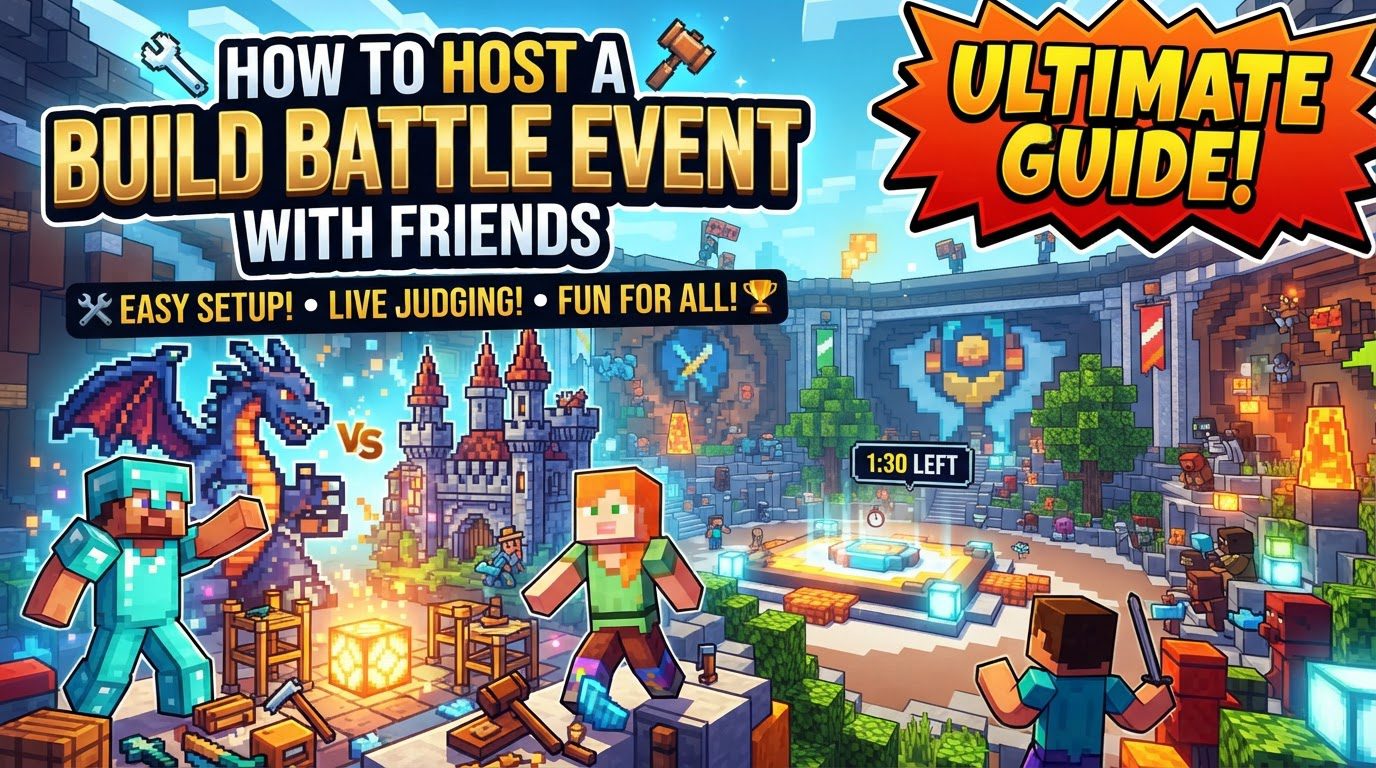
A Build Battle event is a structured competition where players showcase their building prowess under specific constraints. Understanding these core mechanics is crucial for both hosting and participating effectively.
-
Theme and Time Limits: At the heart of a Build Battle, participants are presented with a specific theme. This theme acts as the creative prompt, guiding their construction. Alongside the theme, a strict time limit, typically ranging from 5 to 8 minutes, is enforced. This constraint adds an exciting challenge, forcing players to think quickly and prioritize their building efforts.
-
Designated Plots: Each competitor is assigned their own private plot within the game world. These plots are usually of standardized dimensions, such as 41x41x50 blocks, providing a consistent canvas for all participants. This ensures fairness and prevents players from interfering with each other’s creations.
-
Creative Mode Access: To facilitate unrestricted creativity, players are typically granted full access to all blocks and items available in Minecraft’s creative mode. This allows for a vast array of materials and tools, enabling intricate and diverse builds without resource limitations.
-
Voting and Judging: After the building phase concludes, the creations are put to a vote. Players, or designated judges, then rate each other’s builds. The common method involves rating from worst to best, allowing for a clear ranking of the entries based on their adherence to the theme, creativity, and overall execution.
-
Determining the Winner: The player or team that accumulates the highest score or receives the most votes is declared the winner of that particular round. This competitive element adds excitement and a clear objective to the event.
-
Variety of Game Modes: Build Battle events can be customized with various game modes to keep things fresh and engaging. These can include Solo competitions for individual builders, Team battles for collaborative efforts, Pro modes for experienced players seeking a higher challenge, Guess the Build where players try to identify the theme of others’ creations, and Speed Builders which emphasizes rapid construction.
Step-by-Step Guide to Hosting Your Event
Setting up your Build Battle event involves a few key stages, from choosing your server environment to managing the gameplay itself.
Server Setup
The foundation of your Build Battle event is the server. You have several options for how to host it:
-
Choosing a Hosting Method:
- Dedicated Server: For a more robust and persistent experience, you can rent a dedicated server from a hosting provider, such as Apex Hosting. This option often provides better performance and reliability.
- Build Battle Plugin (Self-Hosting): If you prefer to self-host your Minecraft server, you can install a specific “Build Battle” plugin. This plugin automates many aspects of the game mode, including plot generation, theme selection, and voting. Ensure that any old server files are removed before installing a new plugin or gametype to prevent conflicts that could disrupt the event.
- Single-Player World with World Host: For a simpler, more casual setup, especially for Java Edition players, you can open a single-player creative world to friends using a mod like World Host. This method avoids the complexity of a dedicated server but might have limitations depending on your internet connection and computer resources.
-
Plugin/Gametype Installation and Configuration: If you opt for a dedicated server or self-hosting with a plugin, the next step is to install the “Build Battle” gametype or plugin. Once installed, it’s crucial to configure its settings. This includes defining the game type (e.g., Solo, Teams), setting the minimum and maximum number of players required to start a round, and specifying available map names or plot configurations.
Event Preparation
Once the server is ready, some pre-event planning will ensure a smooth experience:
-
Plot Designation: If you’re not using a plugin that automatically provides plots, you’ll need to manually designate specific areas or pre-build plots for each participant. These should be clearly separated and of a consistent size to maintain fairness.
-
Establishing Clear Rules: Before the event begins, communicate clear rules to all participants. This includes guidelines on build size (if not using predefined plots), any restrictions on allowed blocks (though typically all creative blocks are permitted), and the precise time limits for each building round. Clarity here prevents confusion and disputes during the event.
Playing the Event
With everything set up, it’s time for the competition to begin:
-
Player Onboarding: All participants join the server or world. Ensure everyone can connect and understands the basic controls and rules.
-
Theme Selection: Players typically vote on a theme from a selection of options provided by the game mode or the host. This democratic process often leads to more engaging themes for everyone.
-
Building Phase: Once a theme is chosen, players are transported to their respective plots and the building timer begins. Participants focus on constructing their interpretation of the theme within the allotted time.
-
Viewing and Voting: After the time expires, building stops. Players are then typically transported through each plot to view and vote on each other’s builds, rating them according to the established criteria.
-
Winner Announcement: Following the voting phase, the scores are tallied, and the winner of the round is announced based on the highest number of votes or the top score.
Important Tips for Builders
To excel in a Build Battle and impress the judges, consider these strategic tips:
-
Build Big: Aim for larger, more impressive builds. Expansive creations tend to stand out more and can often attract higher ratings from voters. Utilize the full dimensions of your plot to create a significant presence.
-
Plan Your Build: Dedicate a few precious seconds at the very start of the round to conceptualize your design. A quick mental sketch or block-out plan can save significant time during construction by providing a clear direction and preventing aimless building.
-
Prepare Your Hotbar: Efficiency is key in a time-limited environment. Keep your most frequently used blocks and tools readily accessible in your hotbar. This minimizes the time spent searching through your inventory and maximizes actual building time.
-
Add Depth and Variation: Avoid creating flat, two-dimensional structures. Incorporate different blocks, textures, and structural depth to make your build visually engaging. Varying materials and pushing out or recessing sections of your build adds realism and interest.
-
Focus on the Main Subject: Ensure the core element or subject of your build is prominent and easily recognizable. While details are important, the main idea should be immediately apparent to viewers, especially given the quick viewing times during voting.
-
Include Terrain and Decorations: Don’t limit your build to just the main structure. Enhance your creation by adding surrounding terrain features, such as hills, water, or foliage, and decorative elements like custom trees, lamps, or small props. These additions create a more complete and immersive scene.
-
Master Controls: Practice and become proficient with Minecraft’s building controls. Efficient movement, precise block placement, and quick inventory management are critical skills that allow you to build rapidly and accurately within the tight time constraints.
-
Use Color Effectively: Strategic use of color can dramatically improve the visual appeal of your build. Choose and combine colors and textures thoughtfully to create visual gradients, highlight features, and evoke specific moods or themes.
Common Mistakes to Avoid
Being aware of common pitfalls can help you improve your building and hosting skills, leading to more successful events.
-
Building Too Small: One of the most frequent errors is creating builds that are undersized. Small builds often fail to impress voters as much as larger, more detailed constructions, making them less likely to score highly.
-
Monochromatic or Flat Designs: Relying on a single block type or building structures that lack depth and variation makes creations appear plain and uninteresting. This absence of visual texture and form can significantly detract from the overall appeal.
-
Lack of Planning: Starting to build without a clear idea or plan for your creation can lead to wasted time, inefficient building, and ultimately, an unfinished or disjointed build. A few seconds of planning can save minutes of rework.
-
Neglecting the Plot’s Surroundings: Focusing exclusively on the main structure while ignoring the overall presentation of the plot is a common mistake. The surrounding terrain and context contribute significantly to the build’s overall impact and aesthetic appeal.
-
Poor Roof Design: Flat or disproportionate roofs can severely detract from the overall aesthetic of a building. Ensure roofs have appropriate depth, overhangs, and a design that complements the structure below, rather than appearing as a simple cap.
-
Inefficient Block Management: Wasting valuable building time searching for blocks in your inventory instead of having them readily available in your hotbar can be a major setback. Pre-planning and efficient inventory use are crucial.
-
Lack of Server Backups (for Self-Hosted Events): For those hosting their own server, failing to regularly back up the server files is a critical mistake. Without backups, any unforeseen issues, such as corrupt files or accidental deletions, can result in the permanent loss of progress and event data.
By following these guidelines, both hosts and participants can enjoy a well-organized, fun, and competitive Minecraft Build Battle event with friends, fostering creativity and friendly rivalry.
Tags:
YOU MAY ALSO LIKE...