Filtering Specific Items Using Hopper Comparators (Step by Step)
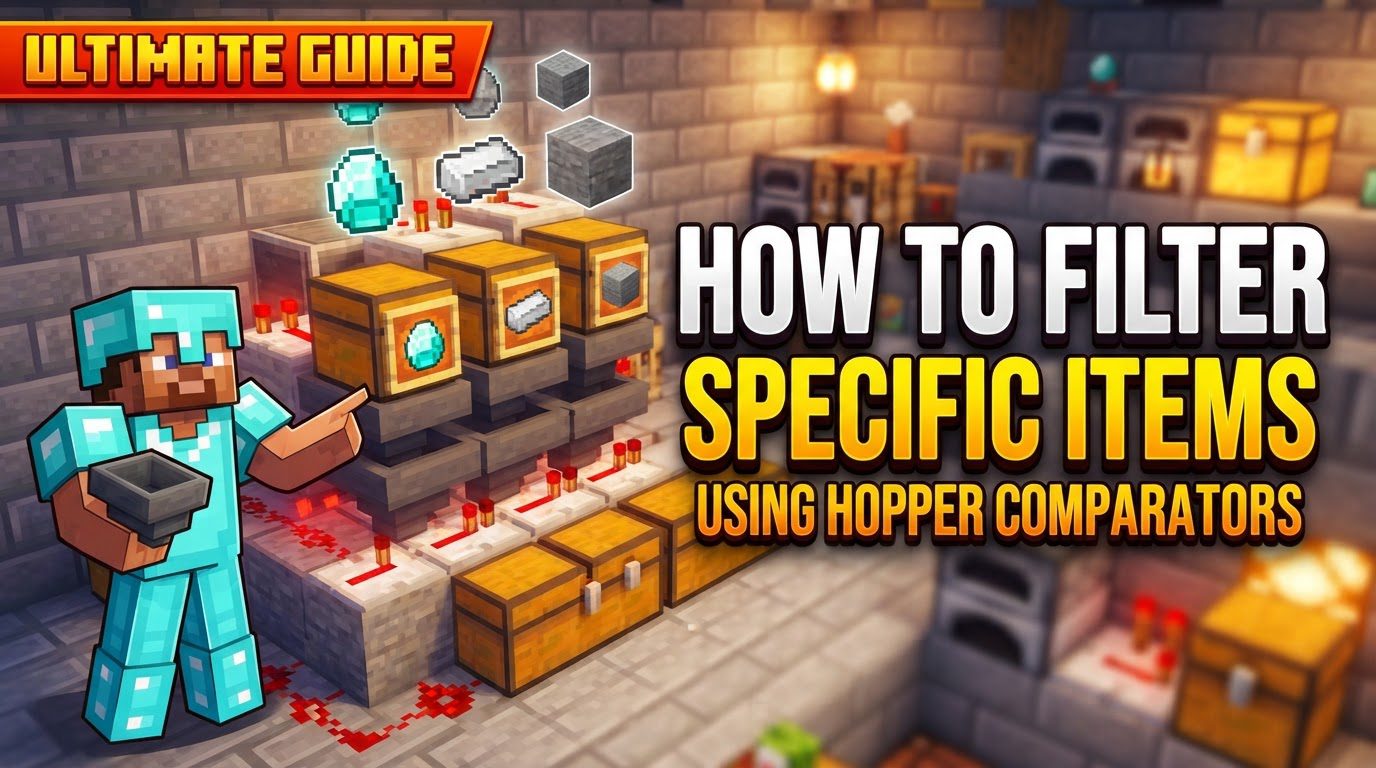
Building efficient item sorting systems is a cornerstone of advanced Minecraft automation. Among the various methods, using hopper comparators stands out for its reliability and tileable design, allowing players to sort specific items into designated storage. This guide will walk you through the mechanics, construction, and optimization of such a system, ensuring your base remains organized and your resources are managed effectively.
Understanding the Core Mechanics
At the heart of this sorting system is the interplay between hoppers, comparators, and Redstone. Each component plays a crucial role in detecting, processing, and redirecting items.
- The Hopper Comparator’s Role: A Redstone comparator is a key component. Its primary function in this setup is to read the fill level of a container, specifically a “filter hopper.” When items are placed into this hopper, the comparator emits a Redstone signal whose strength is directly proportional to the number of items currently held within that hopper. More items mean a stronger signal.
- The Filter Hopper: This specialized hopper is where the magic of item detection happens. It is intentionally pre-filled with a specific quantity of the item you wish to filter. Crucially, it also contains “filler” items in its other inventory slots. These filler items prevent unwanted items from stacking in the filter hopper and disrupting the delicate balance required for the filter to function.
- Signal Detection and Activation: When an additional desired item-one that matches the item pre-loaded into the filter hopper-enters this filter hopper, the total item count inside increases. This slight increase is enough for the comparator to detect a change, causing it to output a stronger Redstone signal than its baseline.
- The Locking Mechanism: This stronger Redstone signal is then channeled into a Redstone circuit. This circuit is designed to momentarily deactivate a Redstone torch. This torch typically keeps a lower hopper, positioned directly beneath the filter hopper, in a “locked” state. When a hopper is locked, it cannot pull or push items.
- Item Transfer and Re-locking: The temporary deactivation of the Redstone torch unlocks the lower hopper for a brief moment. During this short window, the now-unlocked hopper pulls exactly one item from the filter hopper above it. This single item is then passed down into a collection chest or further along the sorting system. As soon as the item is pulled, the item count in the filter hopper drops back to its original level, causing the comparator’s signal to weaken. This, in turn, reactivates the Redstone torch, re-locking the lower hopper until another matching item arrives.
- Initial Hopper State: It’s important to note that the lower hopper, which feeds into the collection chest, is typically kept locked by the Redstone torch when the comparator’s signal is at its baseline, indicating no new items have arrived or processed. This ensures items only move when the specific filter criteria are met.
Step-by-Step Construction Guide
Follow these instructions carefully to build a functional item filter. Precision in placement and configuration is essential for success.
- Build the Base:
- Begin by placing a chest on the ground. This chest will serve as the primary storage for your filtered items.
- Place a hopper directly on top of the chest, ensuring its “tail” points downwards into the chest. This hopper will receive the sorted items and feed them into storage.
- Comparator Setup:
- Above the hopper that feeds into the chest, place a solid block. This block will act as a platform for your comparator.
- On top of this solid block, place a Redstone comparator. Make sure the comparator is facing away from the chest. Its output end should be pointing towards where your Redstone circuit will be.
- Redstone Circuit:
- Place another solid block directly in front of the comparator’s output. This block will be used to carry the Redstone signal.
- Behind this block (on the side opposite the comparator), place a Redstone repeater. Ensure the repeater is facing towards the solid block. This repeater will strengthen the signal and delay it slightly.
- On the side of the solid block (the one that the repeater is facing), place a Redstone torch. This torch is crucial; it will typically be ON, locking the lower hopper, and will momentarily turn OFF when the comparator detects a new item.
- Filter Hopper Placement:
- Position another hopper directly above the comparator setup. This is your “filter hopper.” Crucially, its “tail” must point towards the solid block where the Redstone torch is attached, or towards the comparator itself, ensuring items flow into the comparator’s input side. It should NOT point downwards into the locked hopper below.
- Configure the Filter Hopper:
- Open the inventory of the filter hopper.
- In the first slot, place exactly 41 of the specific item you wish to filter. This is the magic number for items that stack to 64.
- In the remaining four slots (slots 2, 3, 4, and 5), place one “filler” item in each. Filler items should be something you are unlikely to sort or find in your incoming item stream (e.g., renamed signs, renamed dirt blocks, or renamed cobblestone).
- Item Input System:
- Construct an efficient item transport system directly above the filter hopper. This system will feed all your unsorted items into the filter hopper. This could be a line of hoppers, a water stream, or even a minecart with a hopper.
Important Tips for Optimal Performance
To maximize the efficiency and reliability of your item sorting system, consider these expert tips:
- Renamed Filler Items: This is a critical step. Always rename your filler items using an anvil. If you don’t, any incoming item that matches your filler item will stack with it, potentially breaking the filter by filling up the filter hopper and causing incorrect Redstone signals. Renaming makes items unique, preventing them from stacking with their non-renamed counterparts.
- Overflow Management: When designing a large sorting system with multiple filters side-by-side, it’s vital to prevent Redstone signals from “bleeding” or overlapping between adjacent filters. This can cause one filter to activate or deactivate another unintentionally, leading to sorting errors. Ensure sufficient spacing or use non-conductive blocks to isolate Redstone circuits.
- Stack Size Considerations: The “41 items” rule in the first slot is for items that stack to 64. For items that stack only to 16 (e.g., Ender Pearls, Snowballs, Signs), the required number of filter items in the first slot will be different. You will need fewer items to achieve the necessary signal strength. Experiment with smaller quantities (e.g., 10-14 items) to find the correct threshold.
- Non-Stackable Items: This particular filter design, relying on item count and stackability for Redstone signal strength, is generally not suitable for sorting non-stackable items (e.g., tools, armor, boats). Specialized filter designs are required for such items.
- Tileable Design: The beauty of this comparator-based filter is its tileable nature. Once you have one functional unit, you can easily replicate it side-by-side to create a multi-item sorting system, allowing you to sort dozens or even hundreds of different item types into their respective storage units.
- Transport Efficiency: While hoppers are reliable for transporting items, they can be slow, especially over long distances. For high-throughput systems, consider using faster item transport methods to feed items into your sorting array. Water streams on ice blocks (ice conveyor belts) or minecart systems can transport items much more rapidly to your input hopper, preventing bottlenecks.
Common Mistakes to Avoid
Even experienced players can make small errors that disrupt the functionality of a Redstone sorting system. Be mindful of these common pitfalls:
- Incorrect Hopper Orientation: This is one of the most frequent mistakes. Ensure that the filter hopper (the one containing the 41 items) is NOT pointing directly downwards into the locked hopper below it. If it does, items might bypass the filter mechanism entirely. The filter hopper should direct items towards the block that the comparator reads, typically meaning its tail points horizontally into the comparator or the block next to it.
- Improper Filter Item Count: Not having the precise amount of the filtered item (typically 41 for 64-stackable items) in the first slot, or failing to place one unique filler item in each of the other four slots, will prevent the filter from working correctly. The comparator needs this exact setup to generate the specific Redstone signal strength required for activation.
- Signal Bleed: Placing your individual filter units too close together can lead to Redstone signals from one filter inadvertently activating or deactivating an adjacent filter. This “signal bleed” causes sorting errors where items might end up in the wrong chest or not get sorted at all. Always leave sufficient space or use non-conductive blocks to insulate Redstone lines.
- Hopper Speed Issues: If the item transport system feeding into the filter hopper is too fast, or if a hopper below is pulling items too quickly, the comparator might not have enough time to register the increased item count before the item is pulled away. This can cause items to slip through unsorted. Ensure a steady flow that the comparator can reliably detect.
- Incorrect Redstone Wiring: Double-check every component of your Redstone circuit. Ensure Redstone dust, repeaters, and torches are placed accurately and facing the correct direction. A misplaced repeater or an incorrectly oriented torch can completely break the locking and unlocking mechanism, causing the filter to fail.
By understanding these principles and carefully following the construction steps, you can build a robust and efficient item sorting system that will greatly enhance your Minecraft experience, turning chaotic storage into a perfectly organized inventory.
Tags:
YOU MAY ALSO LIKE...