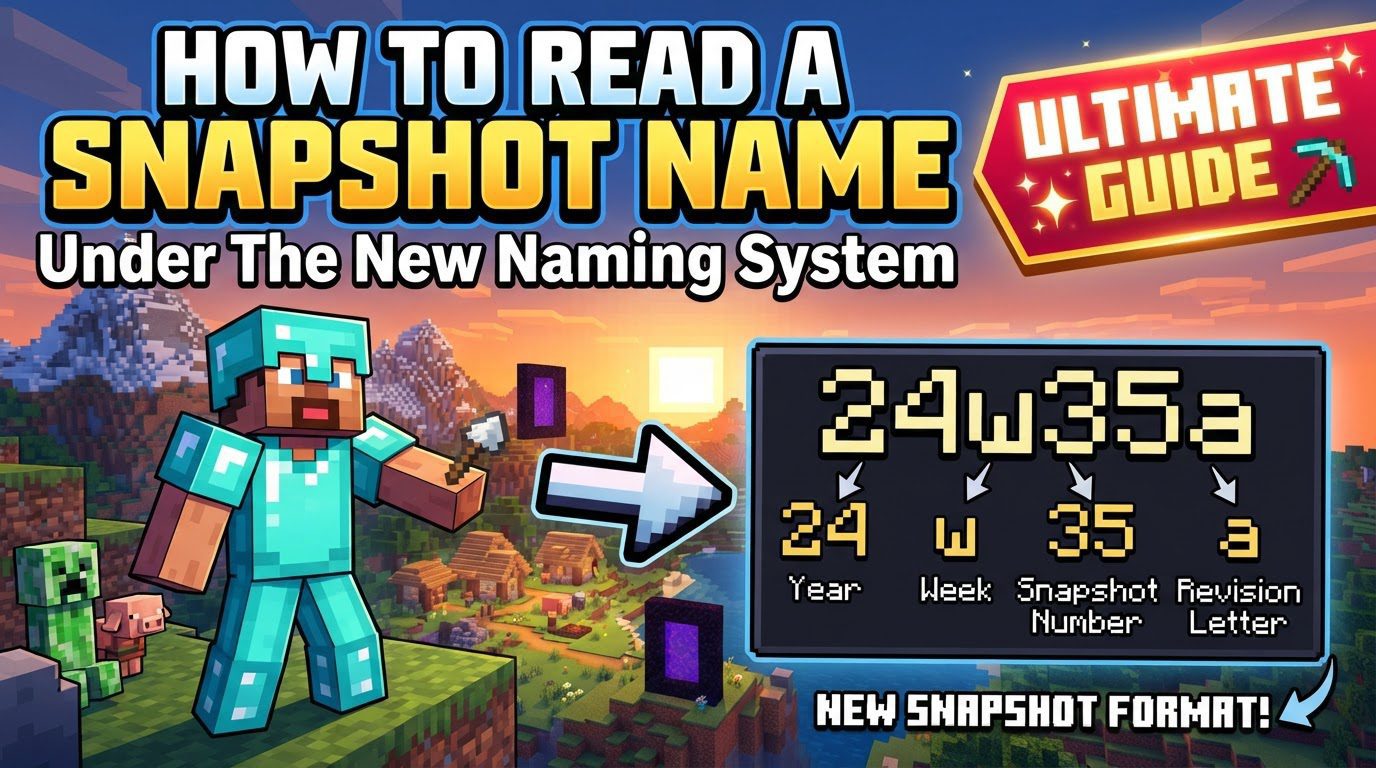
Reading a Snapshot Name Under the New Naming System
Understanding Minecraft’s New Snapshot Naming System
Minecraft has recently introduced a significant overhaul to its version naming conventions, particularly for snapshots. This change aims to make the identification and understanding of updates more straightforward and descriptive for everyone in the community, including players, content creators, and mod developers. The new system bases its version numbers on the year of release and the specific major content update, often referred to as a “game drop,” to which the snapshot belongs. This guide will walk you through the intricacies of this new system, ensuring you can confidently interpret any snapshot name you encounter.
Key Mechanics of the New Snapshot Naming
The new naming system is built upon several core components that, when understood together, paint a clear picture of a snapshot’s origin and purpose. Each element contributes to a more organized and predictable versioning structure.
- Year-Based Prefix: All new updates and experimental builds, including snapshots, commence with a two-digit number representing the year of their release. For instance, a snapshot released in the year 2026 would begin with “26”. This immediate temporal context helps to quickly place the snapshot within a specific development cycle, clearly indicating its relevance to current or upcoming yearly content. It’s a foundational element that grounds the version in time, making it easy to discern newer builds from older ones at a glance.
- Game Drop Identifier: Following the year-based prefix and separated by a dot, this number signifies the specific “game drop” or major content update within that year to which the snapshot is associated. For example, if “26.1” is observed, it indicates that the snapshot pertains to the first major content release planned for 2026. This component is crucial for understanding the thematic context of the snapshot, as it ties it directly to a particular set of features or a significant update. It helps segment the year’s content into manageable and identifiable packages, allowing players and developers to track progress on specific upcoming features.
- Snapshot Designation: The inclusion of “-snapshot-” is a clear and unambiguous indicator that the build is a testing version. This specific string of characters immediately communicates that the version is not a stable release but rather an experimental or developmental build. This designation is vital for distinguishing these pre-release versions from final game updates, managing expectations, and informing users about the potential for bugs or unfinished features. It serves as a universal flag for pre-release content across the new system.
- Sequential Snapshot Number: Appended after “-snapshot-“, this number denotes the sequential order of the snapshot within its specific game drop. If you see “26.1-snapshot-1”, it means it’s the very first snapshot released for the first game drop of 2026. A subsequent snapshot for the same game drop would then be “26.1-snapshot-2”, and so on. This sequential numbering allows for precise tracking of development iterations, making it easier to refer to specific versions, report bugs, or discuss changes between different builds for a particular update. It provides a granular level of detail regarding the progression of a specific game drop’s features.
- Purpose of the System: The overarching goal of these key mechanics is to enhance clarity. The new system is designed to make it unequivocally clear which snapshot contains features for a particular upcoming game update. This streamlined communication benefits players by helping them understand what new content to expect, aids creators in planning their content around upcoming features, and assists modders in adapting their creations to specific game updates. It fosters a more informed and coherent ecosystem around Minecraft’s development.
Step-by-Step Process: How to Read a Snapshot Name
Interpreting a new Minecraft snapshot name is a straightforward process once you understand each component. Let’s break it down using a hypothetical example, “25.4-snapshot-1”, to illustrate each step.
- Identify the Year: The very first two digits you encounter in the snapshot name are your primary indicator of the release year. In our example, “25” in “25.4-snapshot-1” explicitly tells us that this particular snapshot was released in the year 2025. This step immediately grounds the snapshot in a specific annual development cycle, providing crucial temporal context for its features and changes. It’s the first piece of information that helps you understand the snapshot’s relevance to the game’s ongoing development.
- Determine the Game Drop: Following the year and a separating dot, the next number indicates the specific major content release or “game drop” that the snapshot is associated with within that year. For “25.4-snapshot-1”, the “4” signifies that this snapshot belongs to the fourth major content update planned for 2025. Understanding the game drop is vital because it tells you which collection of features or thematic content the snapshot is testing. It helps you focus your attention on specific new additions or changes that are part of that particular update package.
- Recognize the Snapshot Type: The presence of the distinct string “-snapshot-” serves as an unequivocal identifier that you are dealing with a testing version of the game. If you see “-snapshot-” in the name, you know immediately that this is not a final, stable release but rather an experimental build intended for feedback and bug reporting. This recognition is crucial for setting expectations regarding stability and completeness, ensuring you approach the build as a developmental version.
- Note the Snapshot Iteration: The final number in the sequence, which appears after “-snapshot-“, specifies the sequential order of that particular snapshot for the identified game drop. In our example, the “1” in “25.4-snapshot-1” means this is the first snapshot released for the fourth game drop of 2025. This iteration number is important for tracking progress and referring to specific versions. If a second snapshot for the same game drop were released, it would be “25.4-snapshot-2”, allowing for clear differentiation between subsequent testing builds.
- Putting it Together (Example): When you combine all these elements, the name “25.4-snapshot-1” clearly translates to: “This is the first snapshot released for the fourth major content update of the year 2025.” This comprehensive understanding provides a precise context for the snapshot, detailing its release year, the specific update it pertains to, and its position within the testing phase for that update.
Important Tips for Navigating the New System
While the new naming system is designed for clarity, a few additional tips can help you fully grasp its implementation and nuances.
- Transition Point: It’s important to remember that this new numbering system officially commenced with updates that began landing in the year 2026. This means any snapshots or updates prior to 2026 would still adhere to the older naming conventions. This specific start date provides a clear historical demarcation, helping users understand when to apply the new interpretation rules. If you encounter a snapshot from 2025 or earlier, you should not expect it to follow this year-based, game-drop structure.
- Java and Bedrock Edition Differences: Although both Java and Bedrock Editions of Minecraft will utilize the year-based prefix as a common starting point, it is crucial to understand that the subsequent numbers and snapshot iterations might differ. This variance occurs due to the distinct development cycles, release schedules, and platform-specific limitations inherent to each edition. While the overarching structure of the new system applies to both, the precise numerical identifiers for game drops and snapshot iterations will often diverge. Therefore, always verify the full snapshot name for the specific edition you are interested in, rather than assuming identical numbering beyond the initial year prefix.
- Broader Application: The principles of this year-based system are not exclusive to snapshots. Pre-releases and release candidates, which represent later stages in the development cycle before a stable update, will also adhere to a similar year-based naming structure. This consistency across different types of developmental builds further solidifies the system’s clarity, allowing users to easily distinguish between early experimental builds (snapshots), near-final builds (pre-releases), and final testing versions (release candidates) while still understanding their annual and game-drop context.
Common Mistakes to Avoid
To fully leverage the benefits of the new naming system, it’s essential to be aware of and avoid certain common misunderstandings.
- Confusing with the Old System: One of the most frequent errors is to mistakenly apply the logic of the new system to old snapshot names, or vice-versa. The previous system, often seen as “YYwWWn” (e.g., “25w41a”), indicated the two-digit year, followed by ‘w’ for week, the two-digit week number within that year, and then a letter for the specific snapshot released that week. This old format is fundamentally different from the new “Year.GameDrop-snapshot-Iteration” structure. For example, “25w41a” meant the first snapshot of the 41st week of 2025, which provides a time-based reference but no direct link to a specific major content update or “game drop” like the new system does. It is imperative to completely discard the mental model of the old system when interpreting new snapshot names to prevent misidentification and confusion regarding the content and timing of updates.
- Assuming Identical Numbering for Java and Bedrock: While the year prefix (e.g., “26”) serves as a shared foundation for both Java and Bedrock Editions, it is a significant mistake to assume that the subsequent full version numbers, including game drop identifiers and snapshot iterations, will be identical across both platforms. As mentioned earlier, Java and Bedrock Editions often have different development timelines, feature sets, and release schedules due to their distinct technical bases and target platforms. Consequently, “26.1-snapshot-1” on Java Edition might correspond to a completely different set of features or be released at a different time than a “26.1-snapshot-1” (if such a matching number even exists) on Bedrock Edition. Always refer to the official announcements and version lists specific to the edition you are playing or developing for to ensure you have the correct and relevant snapshot information. This mindful approach will prevent confusion and ensure you are working with the correct build for your specific needs.
By understanding these mechanics, following the step-by-step process, and being mindful of common pitfalls, you will be well-equipped to navigate Minecraft’s new snapshot naming system with confidence. This improved system ultimately aims to provide greater clarity and organization, making the world of Minecraft updates more accessible and understandable for everyone.
Tags:
YOU MAY ALSO LIKE...