

Specifying a Damage Type Using the /damage Command — A Quick Guide
Mastering the /damage Command: Specifying Damage Types
The Minecraft world is full of interactions, and sometimes, for map creators, server administrators, or even curious players, the ability to precisely control these interactions is paramount. One such powerful tool is the /damage command. Introduced in Minecraft Release 1.18.10 for Bedrock Edition and Java 1.19.4+ for Java Edition, this command allows for dealing a specific amount of damage to entities while respecting the intricate game mechanics like armor, enchantments, and various status effects. Crucially, the /damage command shines in its ability to specify a “damage type” – the underlying reason or cause for the damage, which profoundly influences everything from death messages to how armor is calculated, and even what visual effects are displayed.
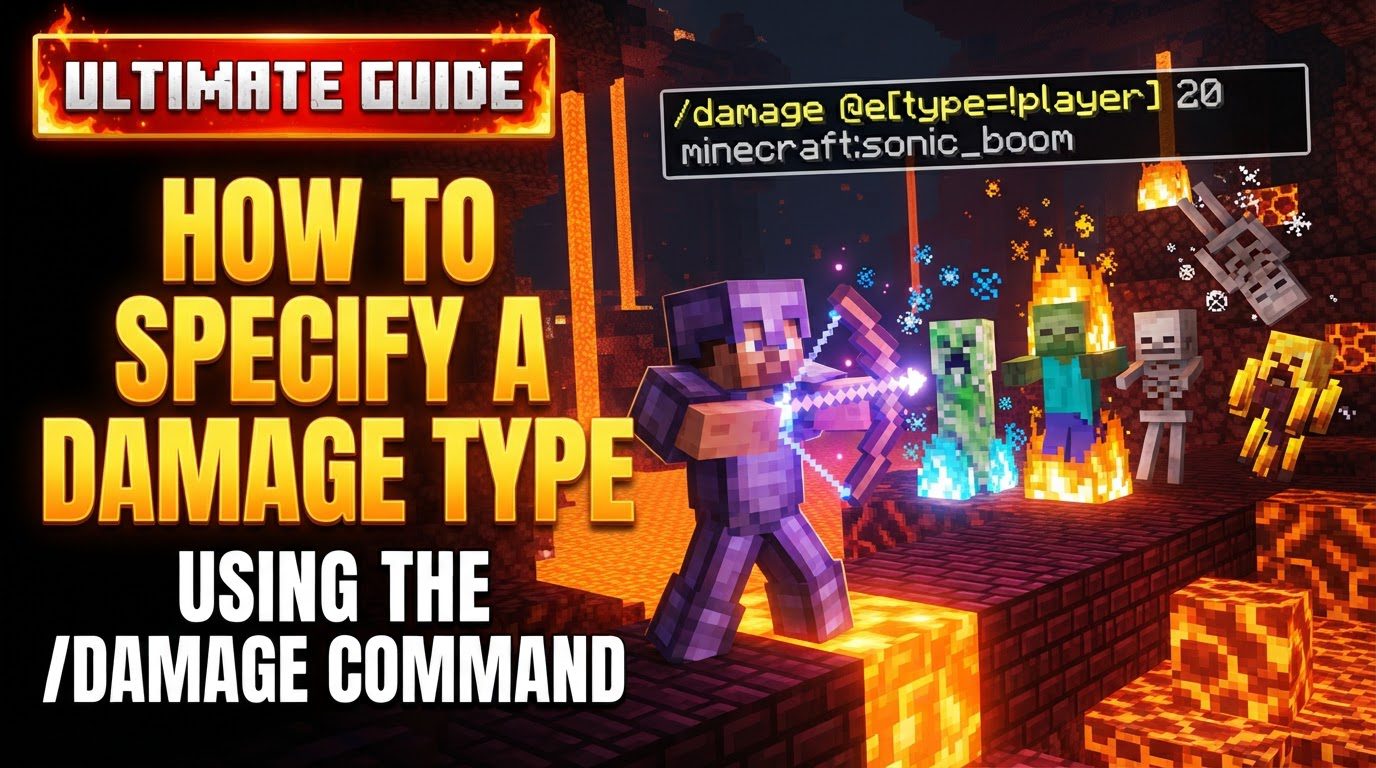
Understanding the Core Mechanics of /damage
At its heart, the /damage command is designed to simulate realistic damage events within the game. Unlike the instant removal of an entity by /kill, /damage applies damage as if it originated from a specific source or event. This means that if a player is wearing armor, it will reduce the damage, and enchantments like Protection will also play their part. Status effects, such as Resistance, will likewise mitigate the incoming damage. This fidelity to game mechanics makes it an invaluable tool for creating custom scenarios, challenges, or complex contraptions.
The concept of “damage types” is central to the command’s utility. Each damage type, or cause, represents a unique origin for the damage. For instance, damage from a fall is distinct from damage by fire or a magic spell. These distinctions are not merely cosmetic; they dictate how the game processes the damage. A damage type can influence whether armor is effective, if specific enchantments trigger, or even what kind of death message appears in the chat when an entity is defeated by the command. Furthermore, the command offers flexibility by allowing you to optionally specify a “damager” entity or a precise position from which the damage originates. This impacts knockback direction and can alter death messages to reflect an attacker. Interestingly, the command isn’t limited to inflicting harm; negative damage amounts can be used to heal entities, providing an additional layer of control over entity health.
Step-by-Step Guide: How to Use /damage with Damage Types
Utilizing the /damage command effectively, especially with specific damage types, requires understanding its structure and options. Here’s a detailed breakdown:
1. Open Chat or Command Block
To begin, you need to access the command input. This can be done in-game by pressing ‘T’ or ‘/’ to open the chat window. Alternatively, for automated or repeatable commands, you can place a command block and input the command there. Ensure you have the necessary permissions (e.g., operator status) to use commands.
2. Identify Your Target
Next, determine which entity or entities you wish to damage. This is done using target selectors:
@s: Targets yourself (the player executing the command).@p: Targets the nearest player.@a: Targets all players.@e: Targets all entities (can be filtered, e.g.,@e[type=zombie]).@r: Targets a random player.
For example, to damage yourself, you would use @s.
3. Specify the Damage Amount
The damage value is an integer that represents the number of half-hearts an entity will take. So, if you want to deal 10 hearts of damage, you would specify 20 as the amount. Remember this crucial distinction: 1 heart = 2 HP (Health Points).
4. Add the Damage Type (The Core of This Guide)
This is where the magic happens. After specifying the target and amount, you include the desired damage type ID. The syntax varies slightly between Java and Bedrock Editions:
-
Java Edition Syntax:
/damage <target> <amount> <damageType>The
damageTypeis typically prefixed withminecraft:, though it’s often optional for vanilla damage types ifminecraft:is the default namespace. For example:/damage @s 10 minecraft:fall(for fall damage)/damage @e[type=zombie,limit=1] 5 minecraft:fire(for fire damage)/damage @p 15 minecraft:magic(for generic magic damage)
-
Bedrock Edition Syntax:
/damage <target> <amount> [cause: DamageCause]In Bedrock, the damage type is specified using
cause:followed by the DamageCause identifier. The identifiers are generally not prefixed withminecraft:./damage @s 10 fall(for fall damage)/damage @e[type=skeleton,limit=1] 5 fire(for fire damage)/damage @a 15 magic(for generic magic damage)
5. Optional: Specify Damager/Source
You can further refine the damage event by specifying who or what caused the damage. This affects knockback and death messages.
-
Java Edition:
by <entity>: Specifies an attacking entity. Example:/damage @s 10 minecraft:generic by @e[type=zombie,sort=nearest,limit=1]at <position>: Specifies a source position for knockback. Example:/damage @s 10 minecraft:fall at ~ ~-5 ~
-
Bedrock Edition:
entity <damager>: Specifies the damager entity. This comes after the cause. Example:/damage @s 10 fall entity @e[type=chicken,limit=1](Imagine a chicken somehow causing fall damage!)
6. Execute the Command
Once your command is fully constructed, press Enter in the chat or activate the command block to execute it. The specified entity will take the damage according to the parameters you’ve set.
Beyond the Basics: Important Tips and Advanced Usage
Understanding the nuances of damage types can unlock even greater potential for the /damage command:
-
Damage Type Impact: Different damage types interact with game mechanics in unique ways. For instance, damage types like
magic,starve, andvoidare known to bypass armor, making them effective for dealing unavoidable damage. Other types, such asfireorfreezing, can apply additional effects like burning or the frozen status. The effectiveness of certain damage types can also scale with game difficulty settings. Experimenting with various types is key to understanding their full impact. -
Death Messages: A particularly useful feature is how the specified damage type directly influences the death message if the target entity is killed by the command. For example, using
minecraft:fall(Java) orfall(Bedrock) will result in a death message indicating the entity “fell from a high place,” providing immersive feedback. -
Player in Creative Mode: While players in Creative mode are generally immune to most forms of damage, certain damage types can still affect them. Notably,
voiddamage is one of the few types that can kill a player even in Creative mode if they fall into the void. This is important for map creators who need to enforce boundaries or reset players. - Custom Damage Types (Java Edition): For advanced Java Edition users, the game allows for the creation of custom damage types. These can be defined in JSON files within data packs, giving creators the ability to assign unique attributes, custom death messages, and specific interactions to their own damage causes. This opens up vast possibilities for highly customized gameplay experiences.
Common Pitfalls and How to Avoid Them
Even with a powerful command like /damage, missteps can occur. Being aware of common mistakes will help you use it more effectively:
-
Forgetting HP vs. Hearts: A frequent mistake is confusing hearts with Health Points (HP). The
amountargument in the/damagecommand is always in half-hearts (HP). So, if you intend to deal 5 hearts of damage, you must input10, not5. Always double-check your damage value. -
Incorrect Syntax for Edition: Minecraft’s two main editions, Java and Bedrock, often have subtle but significant differences in command syntax. This is particularly true for specifying the damage cause and damager. Always ensure you are using the correct syntax for the edition you are playing on (e.g.,
minecraft:fallfor Java vs.fallfor Bedrock). - Omitting Damage Type: While the damage type is often optional in the command’s basic structure, omitting it will usually result in a generic damage type being applied. This generic damage might not have the specific visual effects, armor interactions, or death messages you desire, leading to an unsatisfying or incorrect outcome. Always specify the damage type for precise control.
-
Multiple Damagers (Bedrock Edition): In Bedrock Edition, when using the
entity <damager>argument to specify the damage source, it can only target a single entity. Attempting to target multiple entities with this argument (e.g., using@ewithout a limit) will result in a command error. If you need multiple entities to be the “damager” for different targets, you’ll need separate commands. -
Expecting
/killBehavior: It’s crucial to remember that/damagesimulates actual damage. This means that an entity’s natural defenses, such as resistance effects, armor, or specific mob immunities (e.g., a Wither’s immunity to certain damage types), will still apply. If you need to instantly remove an entity regardless of its defenses, the/killcommand is the appropriate choice./damageis for controlled, realistic injury.
By mastering the nuances of damage types within the /damage command, you gain an incredibly precise and versatile tool for manipulating the health and interactions of entities in your Minecraft world. Whether for creating intricate minigames, testing mob behaviors, or simply adding a new layer of control to your game, understanding and correctly applying damage types is a fundamental skill for any command block enthusiast or server owner.

