Transmitting Rotational Force Using a Shaft, Explained
Understanding Rotational Force and Shafts in Create
In the intricate world of Minecraft’s Create mod, the transmission of rotational force is the cornerstone of virtually all mechanical contraptions. This force, often referred to as Rotational Force (RF), is the energy that powers various machines and allows for complex automation. Understanding how to effectively generate, transmit, and manage this force is crucial for any aspiring engineer within the mod.
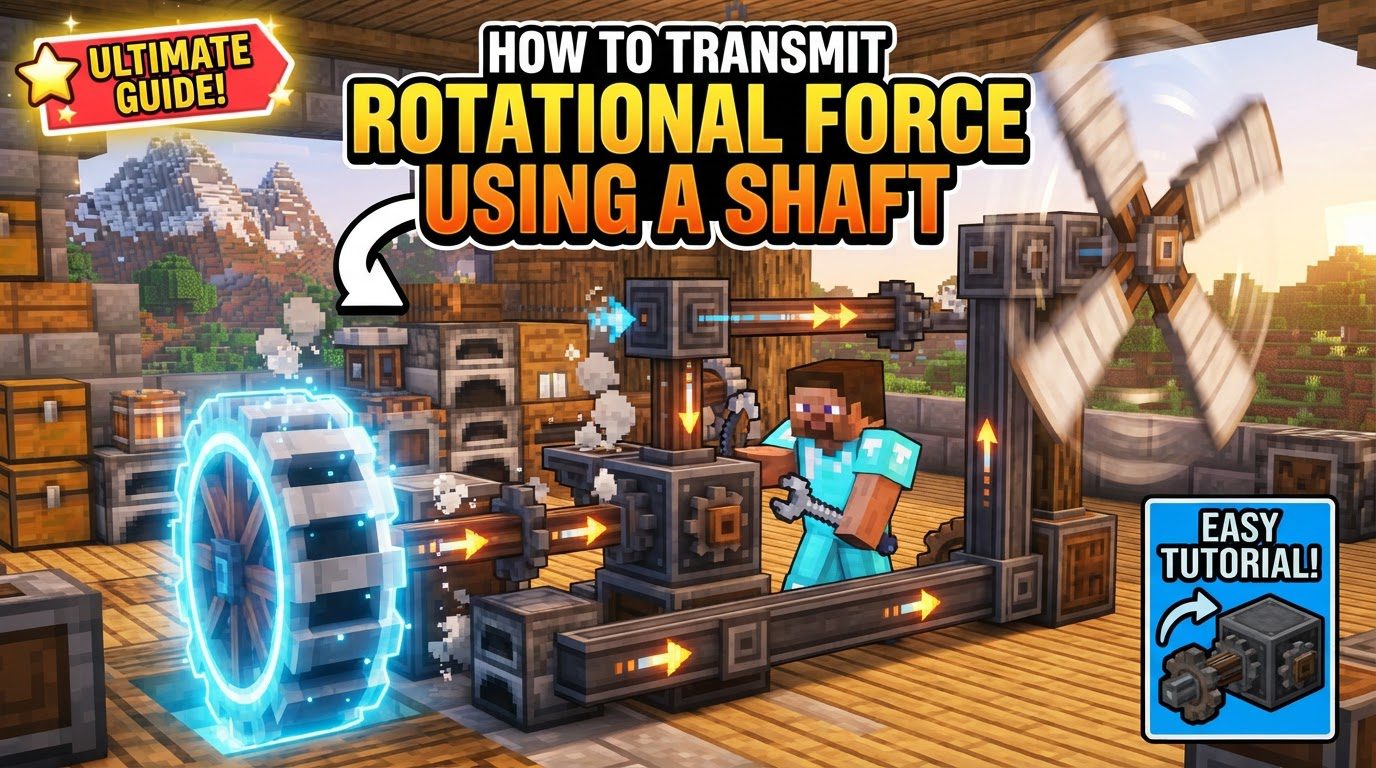
The fundamental metrics governing rotational power are Revolutions Per Minute (RPM) and Kinetic Stress Units (SU). RPM measures the rotational speed, indicating how fast a component is spinning, with a default maximum of 256 RPM for most systems. SU, on the other hand, quantifies the power generated by sources and consumed by machines. Every component in a connected mechanical network shares this stress. It is paramount to remain aware of your network’s total stress capacity, as exceeding it will lead to an “overstressed” condition, causing components to cease functioning or, in some cases, to break entirely.
At the heart of this transmission system are Shafts. These simple yet indispensable components serve as the primary conduits for rotational force, allowing it to travel in a straight line from one mechanical part to another. They are the backbone of any rotational network, connecting power sources to processing units, and ensuring the smooth flow of kinetic energy throughout your contraptions.
Generating and Extending Your Rotational Network
The initial step in any rotational system is to establish a reliable power source. Create offers several options for generating rotational force, each with its own characteristics. Common starting points include the manual Hand Crank, the renewable Water Wheel, or the atmospheric Windmill. Once you have a power source generating RPM and SU, the next critical phase involves extending this power to where it’s needed.
This is where Shafts come into play. By placing Shafts directly adjacent to your chosen power source or other rotational components, you can seamlessly extend the transmission of rotational force. Shafts are designed for linear propagation, meaning they transmit force in a straight line along their axis. This direct connection forms the basic framework of your mechanical network, allowing power to travel across distances and into the operational areas of your machines.
Adapting and Controlling Rotational Flow
While Shafts excel at linear transmission, complex contraptions often require changes in direction, speed, or even temporary disengagement of power. Create provides a suite of components to achieve this versatility.
- Cogwheels: These versatile components are essential for manipulating both the direction and speed of rotational force. When two Cogwheels mesh, they transfer rotation from one to another, simultaneously reversing the direction of spin. More strategically, Cogwheels can be arranged diagonally to modify speed and torque. A smaller Cogwheel driven by a larger one will double its rotational speed, effectively increasing RPM. Conversely, a larger Cogwheel driven by a smaller one will halve the speed, resulting in increased torque at the expense of RPM. This allows for fine-tuning power delivery to suit the requirements of different machines.
- Gearboxes: For clean and efficient directional changes, Gearboxes are indispensable. They allow for a precise 90-degree alteration in the transmission path of rotational force. This is particularly useful for routing power around corners, through walls, or in compact designs where space is at a premium, ensuring that your shafts can connect components that are not in a direct linear alignment.
- Mechanical Belts: When rotational force needs to traverse greater distances, or even connect shafts that are not directly adjacent but are offset, Mechanical Belts are the ideal solution. These flexible conduits can bridge gaps, including diagonal connections between shafts, offering a more versatile and often more aesthetically pleasing way to transmit power over spans where a direct shaft connection isn’t feasible.
- Gearshifts: For dynamic control over rotational direction, Gearshifts are invaluable. These components can invert the rotation of a connected shaft when activated by a Redstone signal. This allows for machinery that can operate in forward and reverse, or for selective redirection of power flow based on external triggers.
- Clutches: To temporarily halt the flow of rotational power to a specific section of your network without disassembling it, Clutches are used. When activated by Redstone, a Clutch will disengage, effectively severing the rotational connection and preventing power from passing through. This is extremely useful for starting and stopping machinery, implementing safety cut-offs, or controlling sequences in automated systems.
Monitoring Your Rotational System
Maintaining an efficient and stable rotational network requires careful monitoring. Create offers tools to help you keep track of key metrics:
- Speedometer: This device allows you to directly observe the RPM of any connected shaft. Monitoring RPM is crucial for ensuring that machines are receiving the correct speed for optimal operation and for identifying areas where speed might be too low or approaching the maximum limit.
- Goggles / Stressometer: To prevent costly breakdowns due to overstressing, it is vital to monitor the Stress Units (SU) within your network. Goggles, worn by the player, provide an overlay displaying SU consumption and generation when looking at Create components. Alternatively, a dedicated Stressometer block can provide a more static display of the network’s stress levels. Regularly checking SU ensures your system operates within its capacity, preventing components from stopping or breaking.
Aesthetic Integration and Practical Tips
Beyond pure functionality, the Create mod also allows for the aesthetic integration of its mechanics into your builds.
- Encased Shafts: To maintain a clean and integrated appearance, standard shafts can be converted into Encased Shafts. By right-clicking a shaft with either Andesite Casings or Brass Casings, the shaft becomes visually hidden within the casing, allowing you to run rotational power discreetly through walls, floors, or other structural elements without exposing the bare mechanics. This is perfect for complex factories where you want to hide the underlying machinery.
Common Mistakes to Avoid
Even experienced players can fall prey to common pitfalls when building rotational systems. Being aware of these can save significant time and resources.
- Overstressing: One of the most frequent errors is exceeding the Stress Unit (SU) capacity of your rotational network. Each component contributes to the overall stress, and if the total consumption surpasses the total generation, the entire network will become overstressed, causing all connected components to stop functioning or, in severe cases, to break. Always monitor your SU with Goggles or a Stressometer.
- Conflicting Rotations: Attempting to connect components that try to rotate a shaft in opposing directions will inevitably lead to breakage. This often occurs when power sources or rotational adapters are incorrectly oriented or connected, creating a tug-of-war effect. Always ensure that all connected components are attempting to rotate in a harmonious direction.
- Excessive Speed: While increasing RPM can be beneficial, pushing speeds beyond the default maximum of 256 RPM without specific configuration changes or specialized components can result in components breaking. Design your systems to operate within safe RPM limits unless you have intentionally configured them for higher speeds.
- Incorrect Water Flow for Water Wheels: Water Wheels are a common early-game power source, but they have a specific requirement for operation. They only require flowing water on one side to generate power. A common mistake is attempting to provide flowing water on multiple sides, which will actually prevent the water wheel from working at all. Ensure only one side has flowing water for proper function.
- Improper Shaft Orientation: Shafts are placed based on the player’s orientation at the moment of placement. If a shaft is not facing the desired direction, it won’t transmit power correctly. Fortunately, this is an easy fix: simply use a Wrench to reorient the shaft to align with your intended power transmission path.
Tags:
YOU MAY ALSO LIKE...