

Building a Mechanical Piston with Piston Extension Poles — A Quick Guide
Understanding the Create Mod’s Mechanical Piston System
In the expansive world of Minecraft, players often seek innovative ways to construct dynamic and automated systems. When it comes to advanced piston mechanics, particularly those involving “Piston Extension Poles,” it’s crucial to understand that these features are exclusive to the Create mod. Unlike vanilla Minecraft pistons, the Create mod introduces a sophisticated system that allows for far greater reach and versatility, enabling the creation of complex moving contraptions and automated structures.
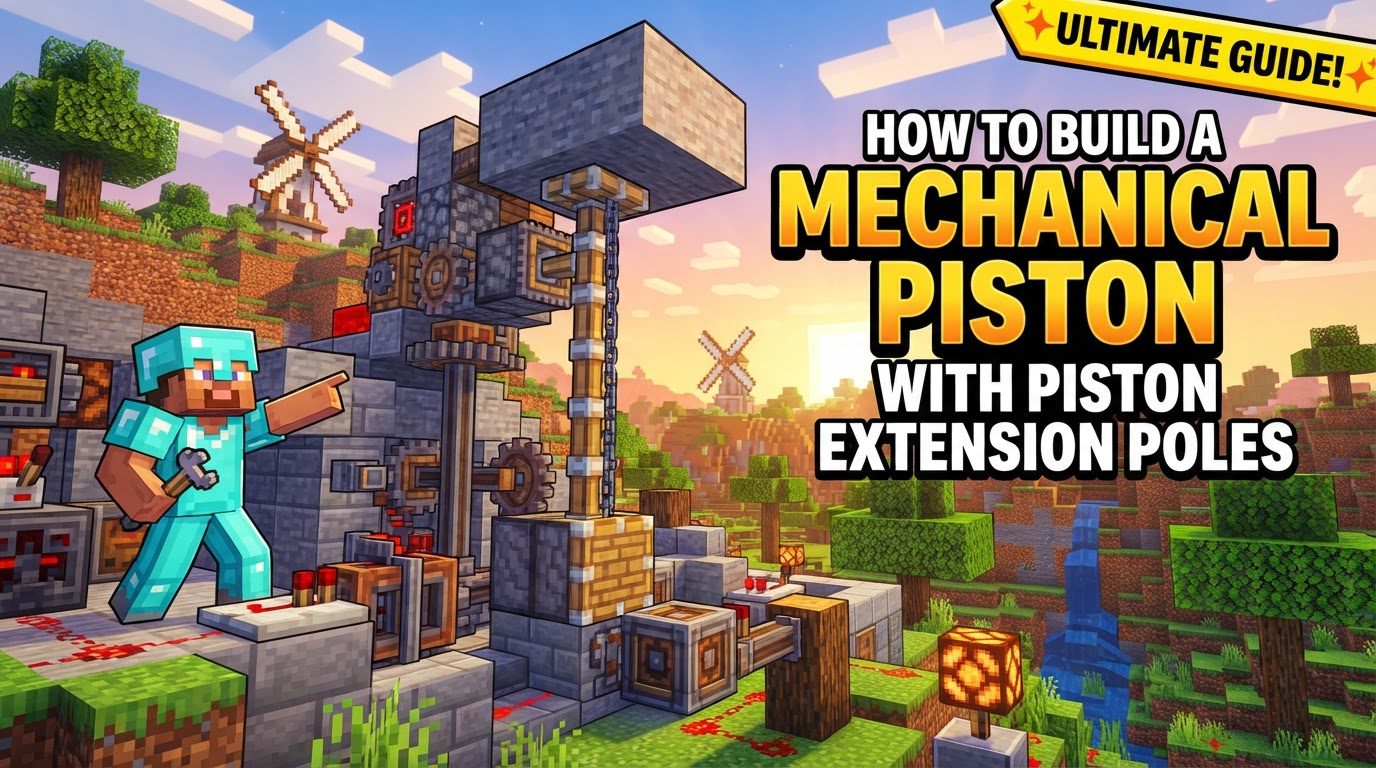
The Mechanical Piston, a cornerstone of the Create mod’s automation suite, operates on principles distinct from its vanilla counterpart. Its primary function is to push and, if configured, pull blocks over significant distances. However, its operation is entirely dependent on a unique component: Piston Extension Poles. Without these specialized poles, a Mechanical Piston will remain static, unable to perform any movement, regardless of power input. This fundamental requirement sets the Create piston apart and forms the basis of its extended capabilities.
Key Mechanics of the Mechanical Piston
- Dependence on Piston Extension Poles: The most critical aspect of a Mechanical Piston’s functionality is its reliance on Piston Extension Poles. These poles are not merely decorative; they are the physical manifestation of the piston’s reach. The number of poles placed directly behind the Mechanical Piston dictates the exact distance it can extend. This allows for precise control over the piston’s travel, from a single block to much greater lengths.
- Configurable Extension Limit: While Piston Extension Poles define the active extension length, there’s an inherent maximum. By default, a Mechanical Piston can extend up to 64 blocks. This substantial limit provides ample room for large-scale projects, and for those requiring even greater reach, this default limit can be further configured within the mod’s settings, offering unparalleled flexibility.
- Rotational Power Source: Unlike vanilla pistons that are activated by redstone signals, Mechanical Pistons in the Create mod are powered by rotational energy. This means they must be connected to a source of kinetic power, such as an axle driven by an engine (e.g., steam engine, water wheel, or wind mill). The continuous nature of rotational power allows for smooth and controlled movement, rather than simple on/off states.
- Sticky Mechanical Pistons: For applications requiring the piston to not only push but also pull blocks back upon retraction, the Mechanical Piston can be made “sticky.” This transformation is achieved by simply right-clicking the placed Mechanical Piston with a Slimeball. A sticky piston is invaluable for creating dynamic structures that need to manipulate blocks in both directions.
- Directional Control via Rotation: The rotational power input not only drives the piston but also dictates its movement direction. If the rotational input is in one direction, the piston will extend. Reversing the direction of this rotational input will cause the piston to retract. This elegant control mechanism allows for precise management of the piston’s state.
- Pushing Entire Contraptions: One of the most powerful features of the Create mod’s Mechanical Piston is its ability to push not just single blocks, but entire contraptions. This capability opens up a vast array of possibilities for moving bases, automated factories, and complex machinery that can traverse distances or reconfigure themselves.
Step-by-Step Guide: Building Your Mechanical Piston System
Constructing a functional Mechanical Piston setup with extension poles involves a clear sequence of steps to ensure proper operation. Follow these instructions carefully to bring your dynamic creations to life:
- Place a Mechanical Piston: Begin by placing the Mechanical Piston block in your desired location. The orientation of the piston head will determine the direction of its extension. Ensure it is facing the area where you intend blocks to be pushed or pulled.
- Attach Piston Extension Poles: Immediately behind the Mechanical Piston, you must place the Piston Extension Poles. These poles connect directly to the piston’s base and extend backward. Each pole represents one block of extension length. For example, if you want the piston to extend five blocks, you will place five Piston Extension Poles directly in a line behind the Mechanical Piston. Remember, without these poles, the piston will not move.
- Connect a Source of Rotational Power: The Mechanical Piston requires continuous rotational energy to operate. Connect an axle or gear train from a rotational power source (such as an engine, water wheel, or hand crank) to the side or back of the Mechanical Piston block. Ensure the connection is secure and capable of delivering sufficient power for your intended operation.
- (Optional) Make the Piston Sticky: If your design requires the piston to pull blocks back when it retracts, you must make it sticky. To do this, simply right-click on the Mechanical Piston block with a Slimeball in your hand. You will notice a visual change, indicating it is now sticky.
- Implement a Control Mechanism: To effectively control the piston’s extension and retraction, you need a mechanism to reverse the direction of the rotational input. A gearshift is the most recommended and straightforward method for this. Alternatively, a redstone circuit can be designed to control the direction of a gearbox connected to the piston, thereby reversing the rotational flow. Activating this control mechanism will either extend or retract the piston based on the current rotational direction.
Important Tips for Advanced Piston Applications
- Utilize a Gearshift for Control: While other methods exist, a gearshift is highly recommended for controlling your Mechanical Piston. Its simplicity and reliability in reversing rotational power make it ideal for quick and efficient extension and retraction cycles. Connecting a gearshift between your power source and the piston allows for easy toggling of movement direction.
- Versatility of Sticky Mechanical Pistons: The sticky variant of the Mechanical Piston is incredibly versatile for creating dynamic structures. Consider its application in:
- Sliding Doors: Create seamless entries and exits by having sticky pistons pull door blocks out of the way and push them back into place.
- Hidden Staircases: Conceal staircases that emerge or retract into walls or floors, adding an element of surprise and security to your builds.
- Gates: Construct large, moving gates for bases or farms that can be opened and closed with rotational power.
The ability to both push and pull significantly expands design possibilities.
- Superglue for Contraptions: When moving multiple blocks as a single, cohesive unit with your piston, Superglue is an indispensable item. By applying Superglue between adjacent blocks, you effectively bond them together, ensuring they move as one contraption when pushed or pulled by the Mechanical Piston. This is crucial for creating complex moving platforms, walls, or even parts of automated machines.
Common Mistakes to Avoid
While the Mechanical Piston system is powerful, certain oversights can lead to frustration. Be mindful of these common pitfalls:
- Operating Without Piston Extension Poles: A frequent mistake is attempting to power a Mechanical Piston without attaching any Piston Extension Poles behind it. As established, these poles are non-negotiable for movement. If your piston isn’t moving, the first thing to check is the presence and number of extension poles. Without them, the piston will simply consume rotational power without any visible effect.
- Forgetting to Make Piston Sticky: If your intention is for the piston to pull blocks back upon retraction, but it only pushes them, you’ve likely forgotten to make it sticky. Always remember to right-click the Mechanical Piston with a Slimeball if two-way block manipulation is required. A non-sticky piston will merely push blocks, leaving them behind when it retracts.
- Confusing Mod Mechanics: It’s easy to confuse the Create mod’s Mechanical Piston with vanilla Minecraft pistons or similar features from other mods like “Piston Push Limit Extender” or “More Pistons Mod.” Each mod has its own unique mechanics, power requirements, and limitations. The Create mod’s piston specifically uses rotational energy and Piston Extension Poles for its distinct functionality. Attempting to apply vanilla redstone logic or other mod’s principles to a Create Mechanical Piston will not yield desired results. Always remember that you are working within the Create mod’s ecosystem when utilizing these components.

