Linking Multiple Mechanical Crafters Together
Mastering Mechanical Crafters: A Comprehensive Guide to Linking Automation
Mechanical Crafters are a cornerstone of automated crafting within the Create mod for Minecraft, offering unparalleled flexibility in replicating even the most complex crafting recipes. Unlike traditional crafting tables, these blocks work in concert, forming intricate networks that process ingredients and assemble final products with rotational power. Linking multiple Mechanical Crafters together is the key to unlocking their full potential, allowing players to automate everything from basic tools to advanced Create machinery. This guide will walk you through the essential mechanics, a step-by-step process, crucial tips, and common pitfalls to ensure your crafting arrays run smoothly and efficiently.
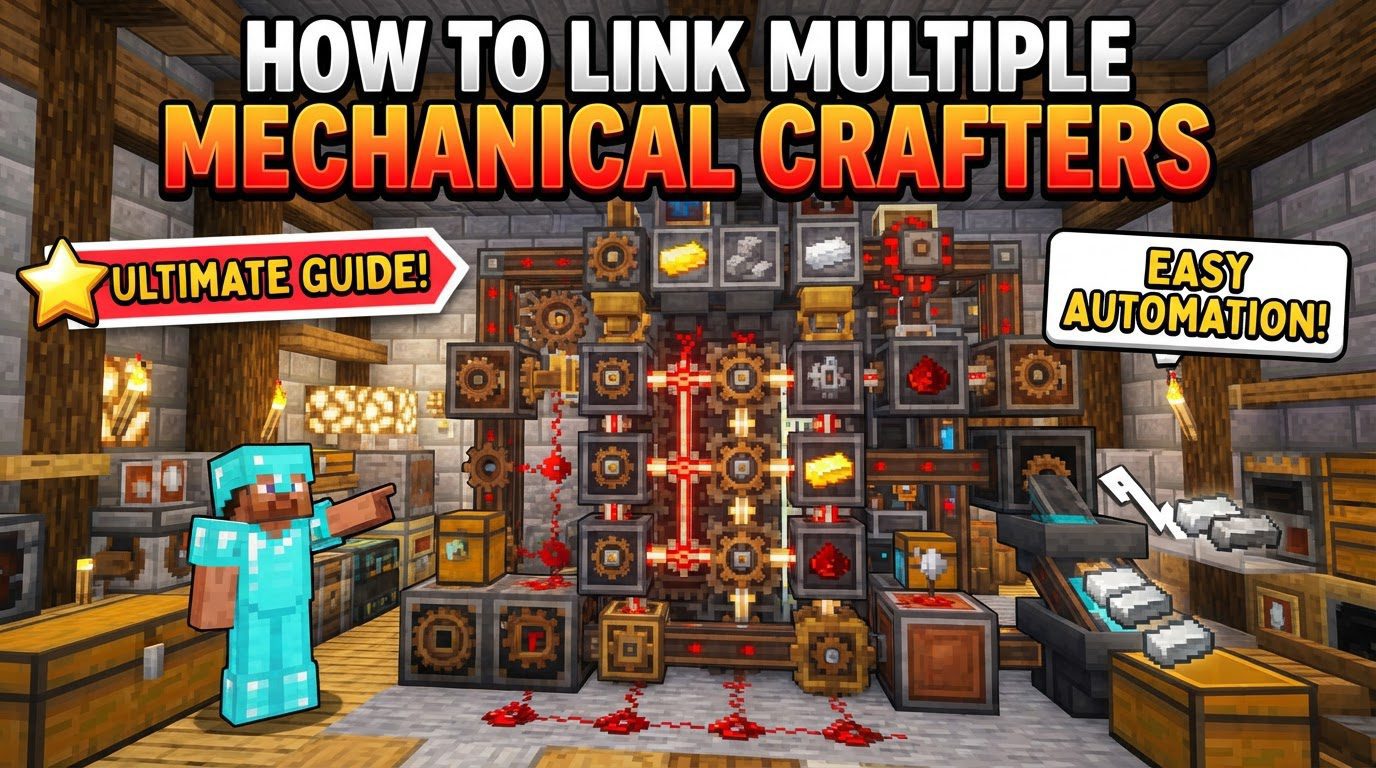
Understanding the Core Mechanics of Mechanical Crafters
Before diving into the construction of automated crafting arrays, it’s vital to grasp the fundamental principles that govern Mechanical Crafters. These blocks operate based on their placement, power, item flow, and precise configuration.
- Placement and Power
Mechanical Crafters must be strategically placed in an arrangement that precisely mirrors the crafting recipe you intend to automate. This means if a recipe requires ingredients in a 3×3 grid, your crafters should form a 3×3 grid. These blocks demand rotational force to function, typically supplied by a Cogwheel or a similar power source. Crucially, only one crafter in your setup needs to be directly connected to a power source; adjacent crafters will automatically receive and transmit power to their neighbors, creating a powered network.
- Item Flow
Each Mechanical Crafter features an arrow on its front face. This arrow is not merely decorative; it indicates the direction in which items will move during the crafting process. For a recipe to successfully complete, all necessary items and ingredients must eventually converge into a single crafter. This designated “output” crafter is where the final product will be assembled, making the correct orientation of these arrows paramount for a functional setup.
- Wrench for Configuration
The Wrench is an indispensable tool when working with Mechanical Crafters. It serves two primary configuration purposes:
- Changing Item Flow Direction: Right-clicking the front of a crafter with a Wrench will rotate the direction of its item flow arrow. This allows you to dictate how ingredients are channeled through your array.
- Connecting/Disconnecting Inventories: Right-clicking the borders, or seams, between two adjacent crafters with a Wrench will connect or disconnect their inventories. When connected, the bounding box between them disappears, allowing items placed in one crafter to automatically fill available slots in the linked adjacent crafter. This feature is incredibly useful for distributing bulk ingredients from a single input point to multiple crafters simultaneously. Conversely, disconnecting inventories allows crafters to act as independent input or output points.
- Crafting Initiation
Crafting within a Mechanical Crafter array can be initiated in one of two ways. The most common method for continuous automation is to ensure all its necessary ingredient slots are filled according to the recipe. Alternatively, a redstone signal can be provided to the crafter array to trigger the crafting process, offering more precise control over when items are produced.
Step-by-Step Guide to Linking Mechanical Crafters
Automating a crafting recipe with Mechanical Crafters involves a methodical approach. Follow these steps to build a reliable and efficient crafting array.
- Layout Crafters: Begin by placing your Mechanical Crafters in the exact pattern of the crafting recipe you wish to automate. For instance, if you’re crafting a 2×2 item, you’ll need four crafters arranged in a 2×2 square. More complex items, such as the Crushing Wheels from the Create mod, might require a significantly larger array, potentially needing as many as 21 crafters to replicate their unique shape. Precision in placement is key, as the crafters’ positions directly correspond to the ingredient slots of the recipe.
- Apply Rotational Power: Once your crafters are laid out, connect at least one of them to a spinning power source. This is typically a Cogwheel, powered by a shaft or gearbox. The rotational force will then propagate through all adjacent crafters in the array, ensuring they are all powered and ready to operate. You do not need to power every individual crafter, as they efficiently share power among themselves.
- Orient Item Flow (Arrows): This is a critical step for proper item movement. Use your Wrench to right-click the front face of each crafter, rotating its arrow. The goal is to configure all arrows to point inwards, guiding all recipe ingredients towards a single, designated “output” crafter. This output crafter is where the final product will be formed. Optionally, this final output crafter can be oriented to point outwards, facilitating the automatic release of the crafted item into an adjacent inventory or storage system.
- Connect Inventories (Optional but Recommended): For recipes that require ingredients to be distributed across multiple crafters, or when you want to feed a large quantity of a single ingredient into several crafters from one source, use your Wrench to right-click the seams between adjacent crafters. This action removes the visual bounding box separating them, effectively linking their inventories. When inventories are linked, items placed into one crafter can flow into and fill available slots in its connected neighbors, streamlining the input process and reducing the number of input mechanisms required.
- Input Ingredients: With the crafters laid out, powered, and configured, it’s time to supply the necessary ingredients. This can be done manually by placing items directly into the crafter slots. For automation, various Create mod components are ideal:
- Hoppers: Simple for dropping items from above.
- Funnels: More precise than hoppers, capable of pulling from inventories.
- Mechanical Arms: Highly versatile, able to pick up items from one location and place them into specific slots of a crafter, offering fine-grained control over ingredient placement.
- Initiate Crafting: The final step is to trigger the crafting process. This occurs automatically once all the necessary ingredient slots within the crafter array are filled according according to the recipe. Alternatively, you can provide a redstone signal to any crafter in the array, which will prompt the entire setup to craft, regardless of whether all slots are fully stocked (though items must still be present for the recipe to complete).
Important Tips for Efficient Automation
To maximize the efficiency and reliability of your Mechanical Crafter setups, keep these expert tips in mind.
- Converge to One: Always ensure that all item flow arrows ultimately lead to a single Mechanical Crafter. This designated crafter will be the assembly point for your final product. Ideally, this crafter should be positioned on the edge of your array, making it easier to extract the finished items without interfering with the input or internal item flow.
- Crafter Slot Covers: For recipes that do not utilize all nine slots of a crafting grid, such as 2×2 or 3×1 recipes, Mechanical Crafters might hesitate to craft if empty slots are present. To resolve this, use Crafter Slot Covers on any unused slots. This signals to the crafter that those slots are intentionally empty. Alternatively, providing a redstone signal can also trigger crafting even with empty slots, assuming the necessary ingredients are present.
- Automate Input/Output: For truly hands-off production, fully automate the input of raw materials and the output of finished products. Hoppers and Funnels are excellent for basic item transfer. Mechanical Arms, however, offer superior flexibility, allowing you to precisely place specific items into specific crafter slots and extract products from the designated output crafter.
- Speed Optimization: The speed at which your Mechanical Crafters operate is directly influenced by two factors:
- RPM (Rotations Per Minute): A higher RPM from your rotational power source will result in faster crafting cycles.
- Longest Chain of Crafters: The length of the longest chain of connected crafters in your setup also plays a role. Optimizing your layout to minimize this chain can contribute to faster processing.
- Repackagers: In complex automated crafting setups where ingredients might come from multiple sources, using a Repackager is highly recommended. A Repackager ensures that all items required for a single crafting recipe arrive at the Mechanical Crafters as a complete, pre-sorted package. This prevents partial crafts, where some ingredients arrive but others are delayed, leading to items being ejected or systems jamming.
Common Mistakes and Troubleshooting
Even experienced players can encounter issues with Mechanical Crafters. Understanding common mistakes can help you troubleshoot and build more robust systems.
- Incorrect Arrow Direction: One of the most frequent errors is misconfiguring the item flow arrows. If arrows are not correctly set to converge towards the output crafter, ingredients will not combine. This can result in items getting stuck, bouncing endlessly between crafters, or simply dropping out of the system, preventing any successful crafting.
- Unfilled Slots/Missing Redstone: Mechanical Crafters require either all necessary ingredient slots to be filled or a redstone signal to trigger crafting. If a recipe has empty slots and no redstone signal is provided, or if essential ingredients are missing, the crafters will not activate, and no product will be made.
- Unconnected Inventories: For recipes that spread ingredients across multiple crafters, failing to properly link their inventories with a Wrench will mean that items placed in one crafter cannot be shared with its neighbors. This leads to incomplete recipes and a lack of ingredient distribution, effectively halting the crafting process.
- Attempting Invalid Recipes: Mechanical Crafters are intelligent enough to recognize valid crafting recipes. If the assembled pattern of items within the crafter array does not correspond to any known recipe, the crafters will eject the items, signaling that the recipe is invalid or incorrectly arranged. Always double-check your layout against the recipe.
- Modpack Changes: Be aware that the functionality or recipes associated with Mechanical Crafters can sometimes be altered by specific modpacks. If you encounter unexpected behavior that doesn’t align with this guide or your expectations, it’s always a good practice to consult in-game resources like JEI (Just Enough Items) to check for any modpack-specific modifications.
Tags:
YOU MAY ALSO LIKE...