

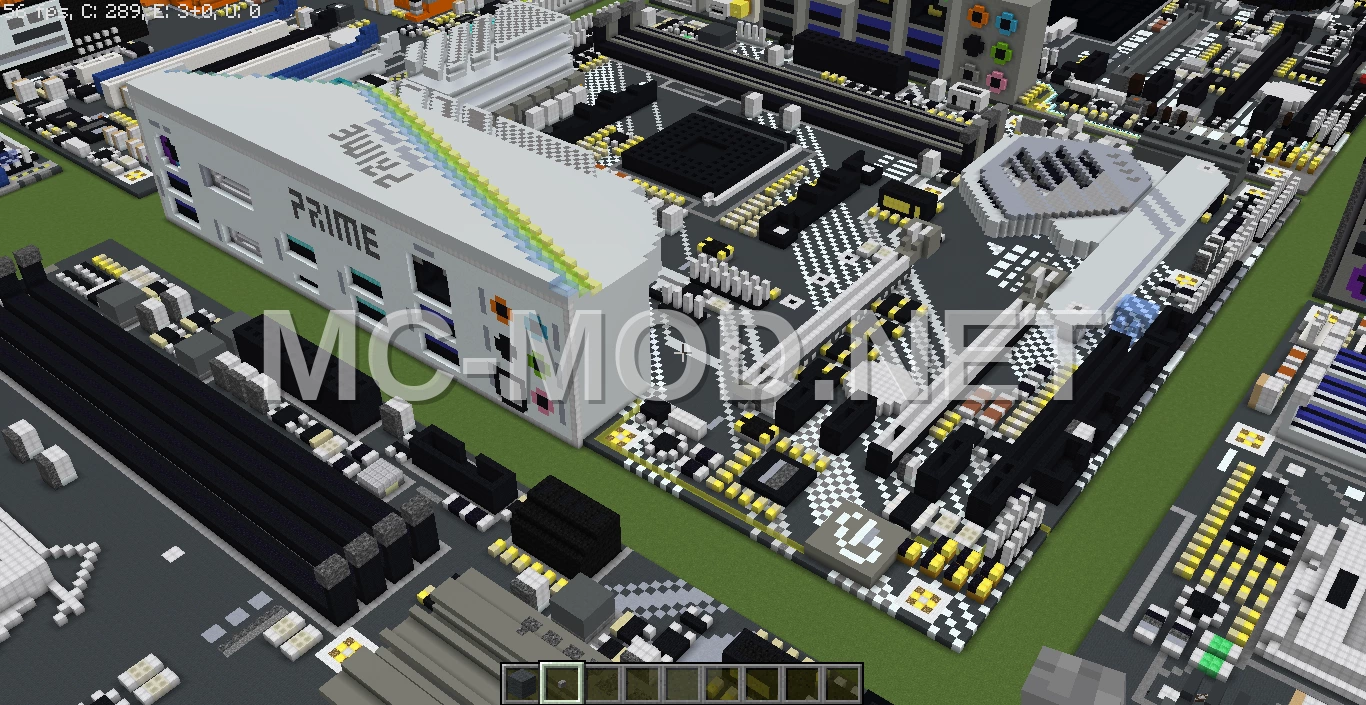
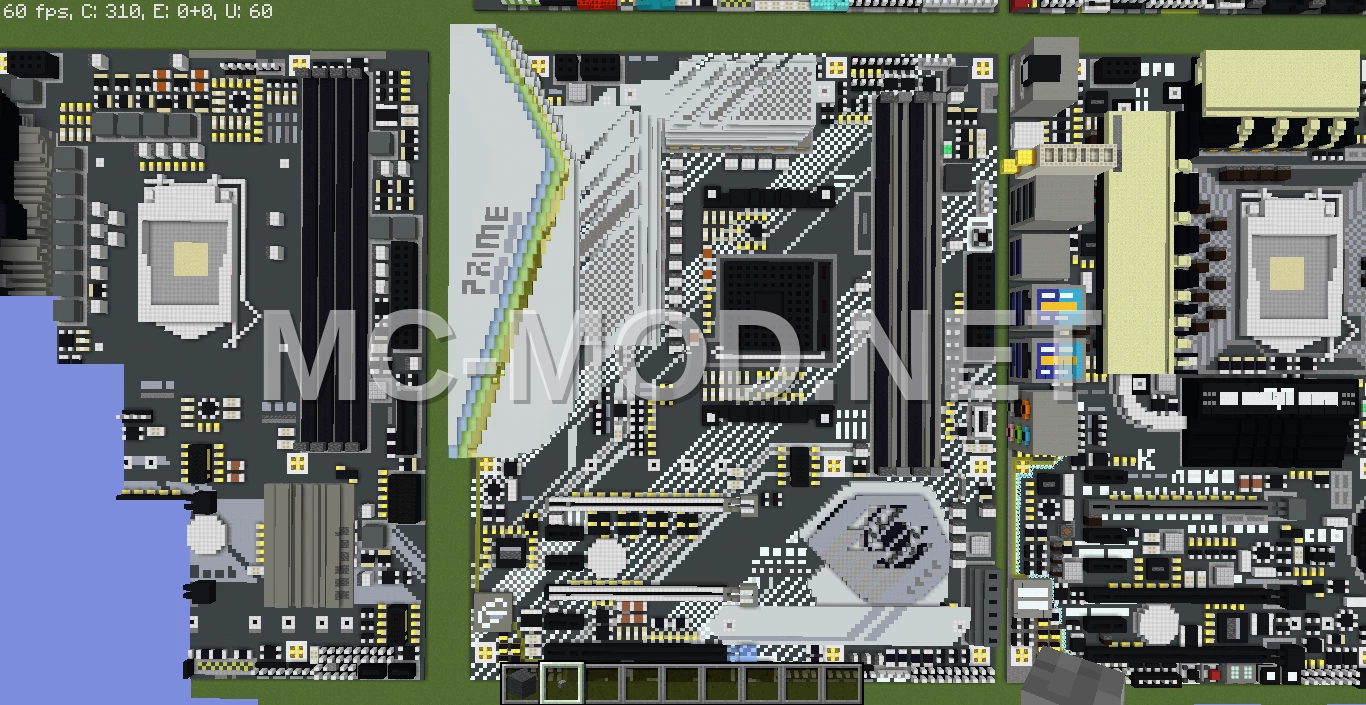
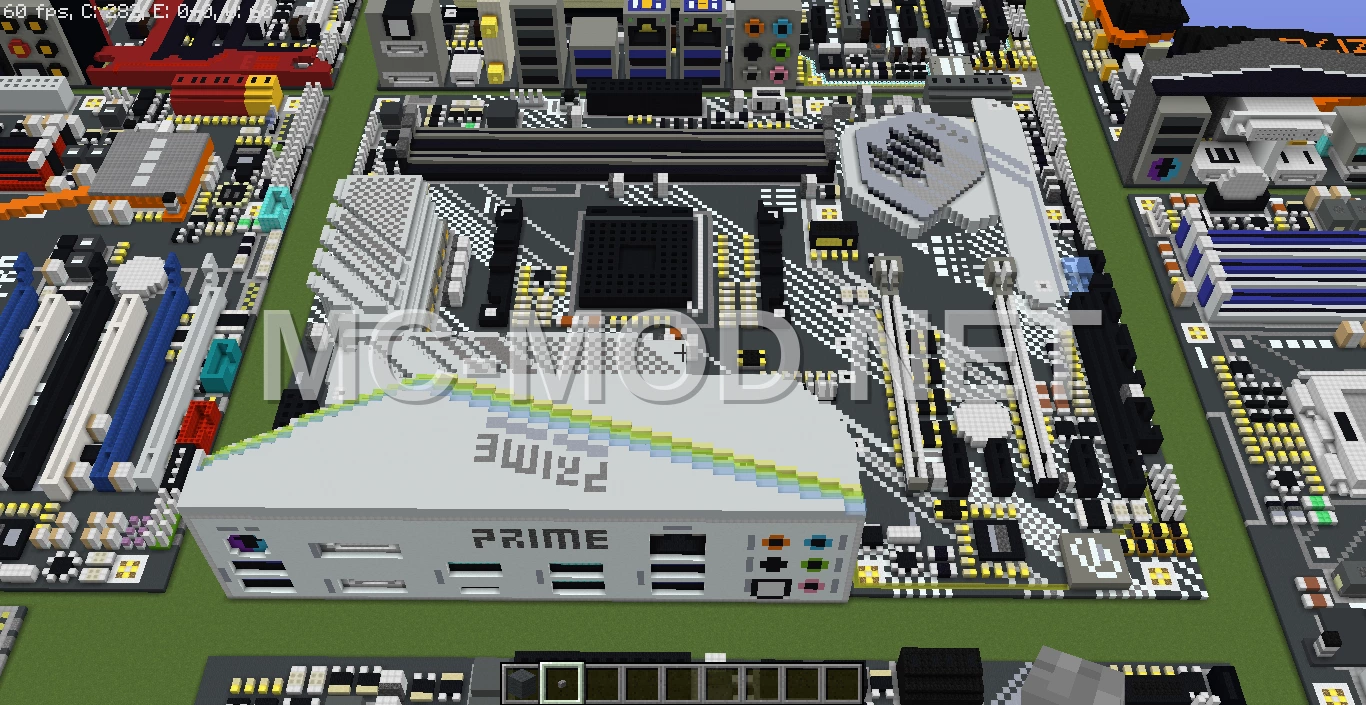
ASUS X570-PRO Motherboard Voxel Art
3D Preview
Drag to rotate · scroll to zoom.
| Category | Decoration, Miscellaneous, Pixel Art |
|---|---|
| Theme | Modern, Other |
| Author | MatthewStevenGo |
| Format | .schematic |
| Size | Huge |
This is a voxel art representation of the ASUS X570-PRO motherboard, recreated in Minecraft version 1.12.2. The build was originally created using voxel art techniques and then transferred using MCEdit version 0.1.7.1.
This schematic is designed to be compatible with various Minecraft versions, addressing potential issues that may arise with downloaded schematics.
Materials Required
44 block types · 67,033 blocks · 126×25×150
Before You Build
This build uses 67,033 blocks across 44 block types – about 1,048 stacks in total, or 39 shulker boxes worth of material. It occupies 126×150 blocks of ground and stands 25 blocks tall.
What to bring first
Survival or creative?
This build is not survival-obtainable as-is. It contains Bedrock, which cannot be collected in survival – paste it in creative, or substitute those blocks.
How to Place It:
Moving parts
It includes Slime Block, so check the mechanism still works after pasting – redstone state and item-container contents do not always survive a paste.
More Decoration schematics
 Enchanting Altar and Sword Arena
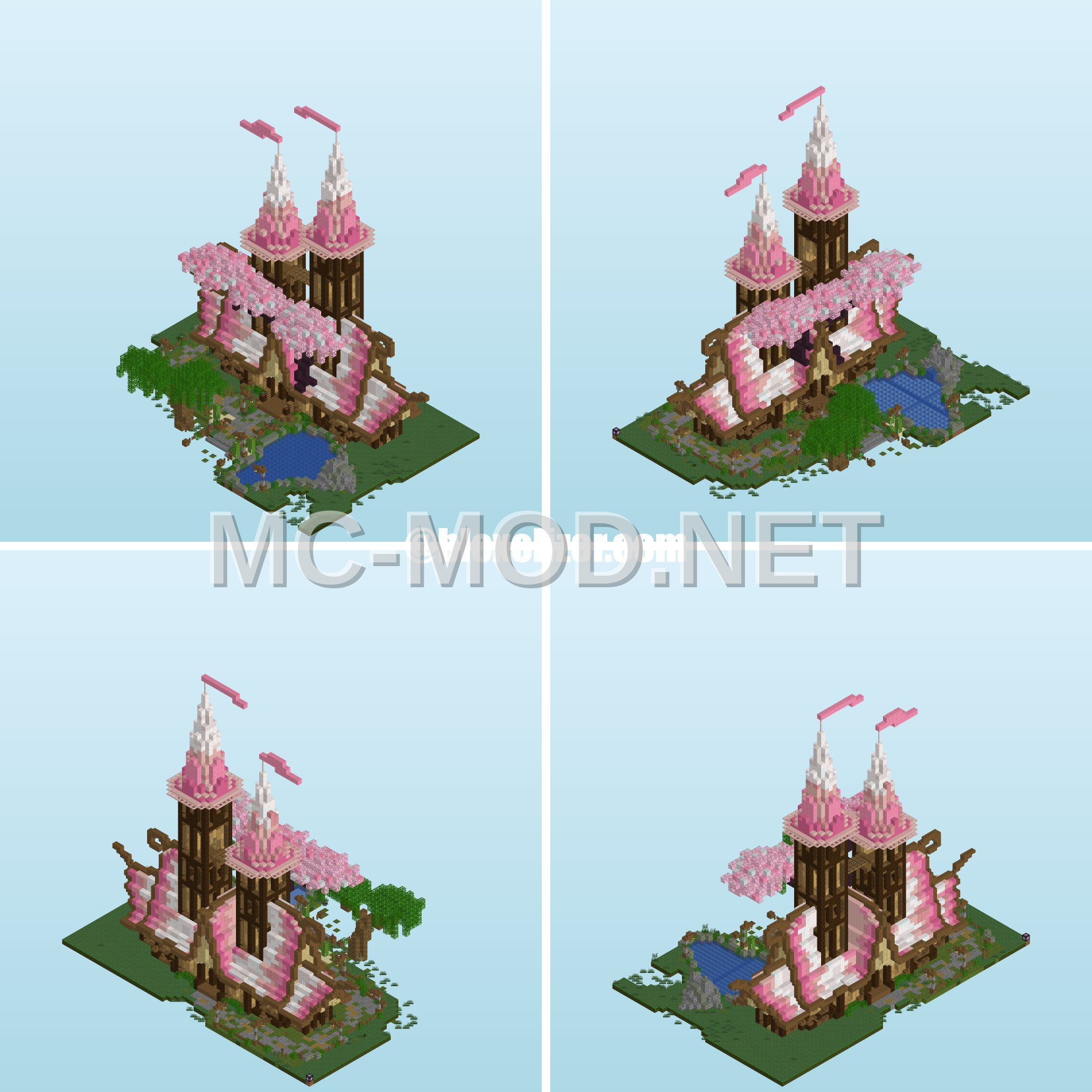 Enchanting Fantasy House Design
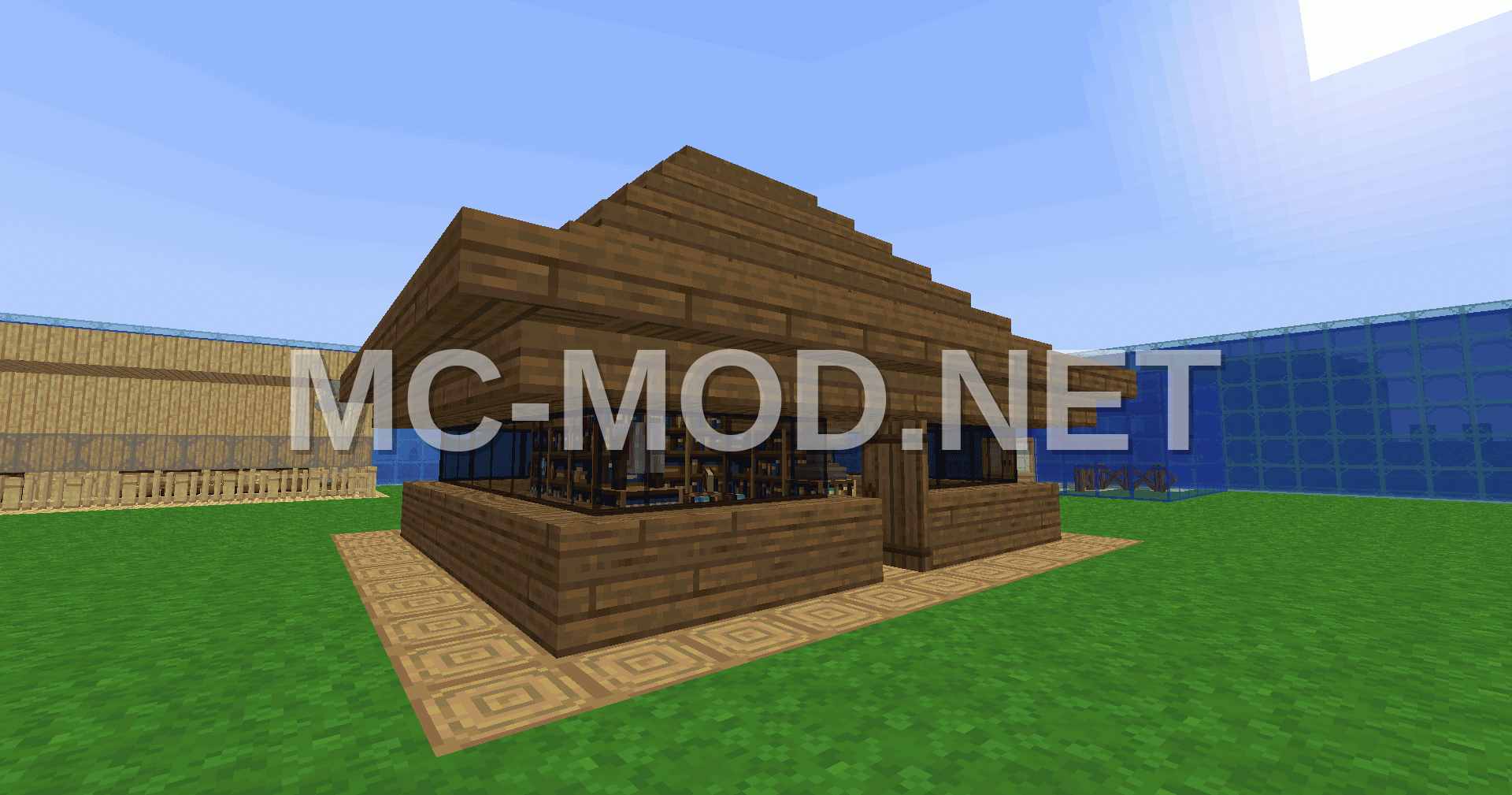 Enchanting House Design
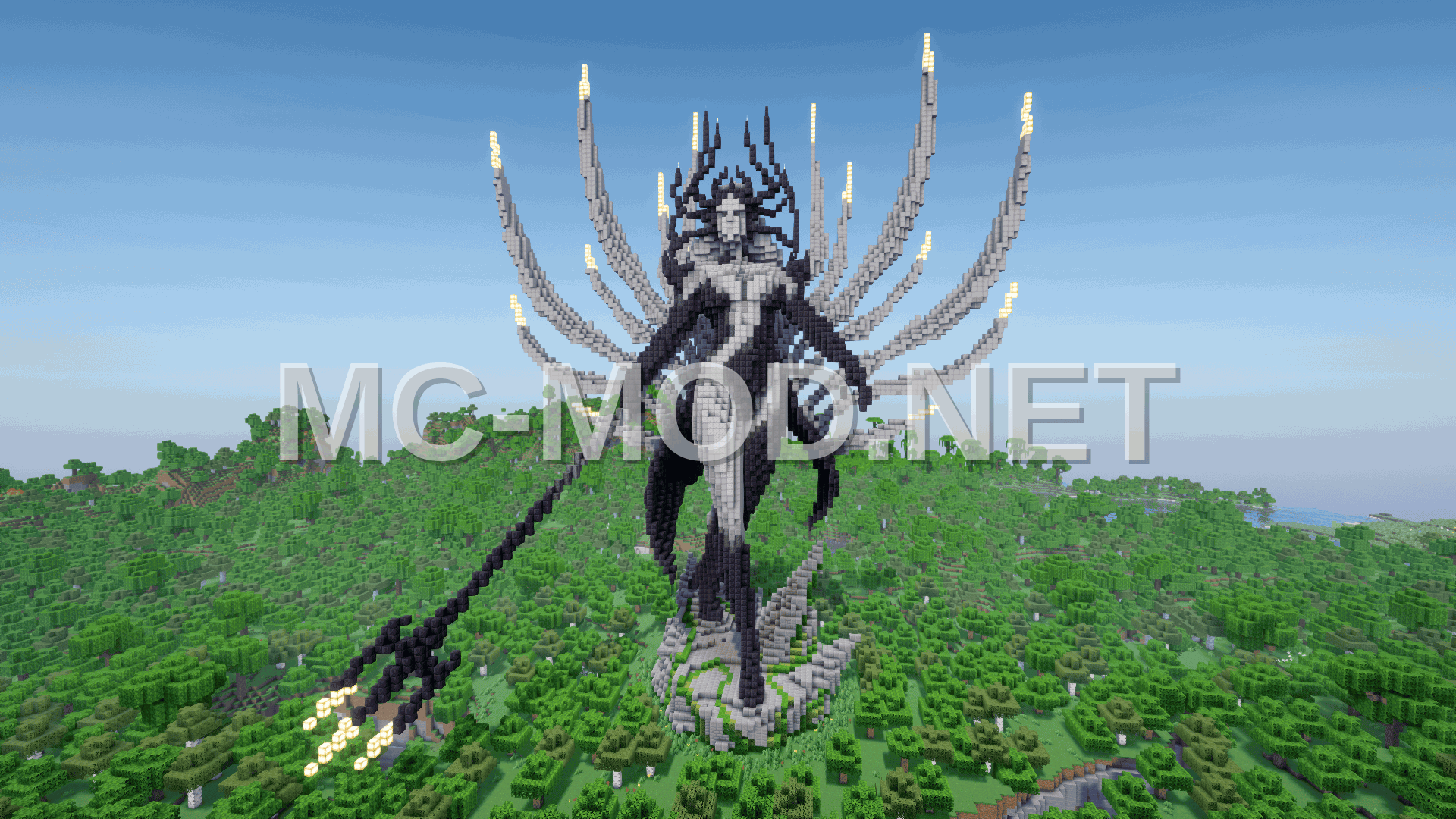 Enchanting Queen Sculpture
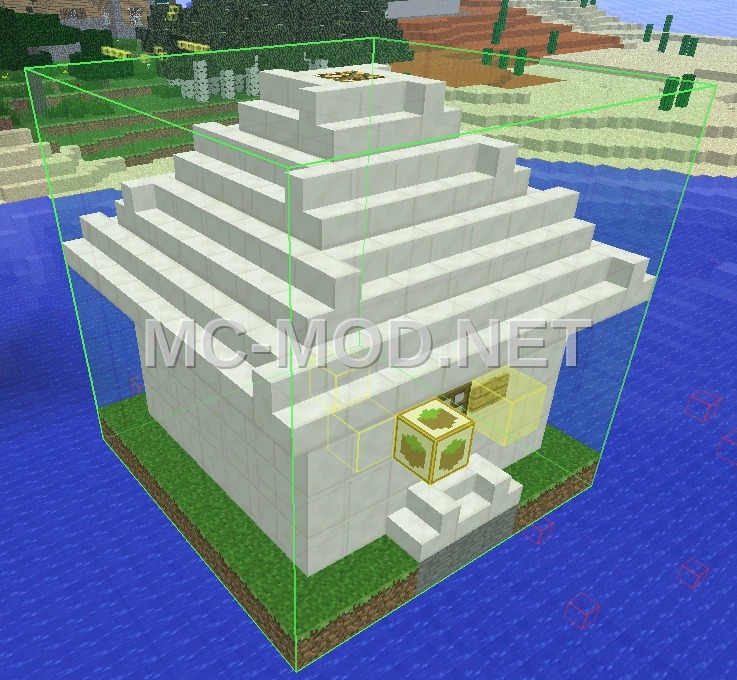 Enchanting Room Design
 Enchanting Room With Fish Shop
 Enchanting Table Pixel Art with Secret Room
 Enchanting Table Statue Build