

Minecraft Ore Finder
Mining for diamonds at Y=11, or gold at Y=32, in a world generated after Minecraft 1.18 can be a frustrating and largely fruitless endeavor. The game’s ore distribution logic underwent a seismic shift with the “Caves & Cliffs” update, rendering old mining strategies obsolete and highlighting the critical need for up-to-date information. This is where Minecraft Ore Finders become indispensable tools for the modern prospector.
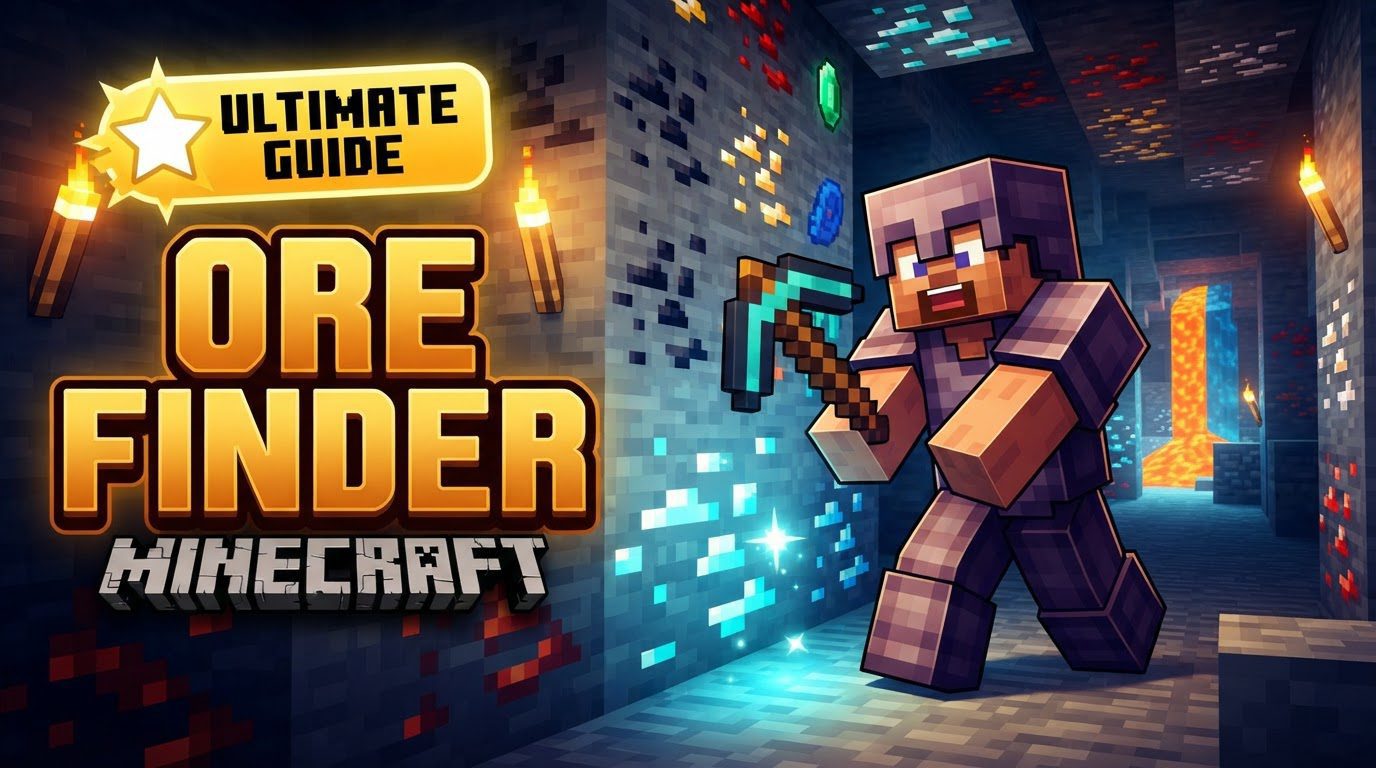
Minecraft Ore Finders are invaluable resources designed to assist players in locating precious minerals and rare blocks within their game worlds. These “finders” typically fall into two main categories: external web-based applications that analyze world data, and in-game modifications such as X-ray texture packs or full-fledged mods that alter gameplay or visuals. Each type offers distinct advantages, catering to different playstyles and server environments, all with the common goal of making resource acquisition more efficient.
External Seed-Based Tools: The Digital Cartographers
For players seeking surgical precision in their mining endeavors, external seed-based tools are the ultimate solution. These sophisticated online applications leverage the very core of Minecraft’s world generation: the seed. By replicating the game’s complex algorithms, they can predict the exact locations (X, Y, Z coordinates) of virtually every ore deposit, from common iron to elusive diamonds and ancient debris.
How They Function: These tools work by taking your world’s unique seed and, in essence, running a simulation of its generation. They then overlay the known ore distribution patterns for your specific game version and edition, pinpointing where valuable resources are hidden beneath the surface. This method offers unparalleled accuracy, eliminating guesswork and significantly reducing mining time.
Utilizing a Seed-Based Ore Finder: A Step-by-Step Guide
- Access the Tool: Begin by navigating to a reputable online Minecraft Ore Finder website. A quick search will reveal several reliable options.
- Enter World Seed: This is the most crucial piece of information. In your Minecraft world, you can find the seed by typing the command
/seedinto the chat. Copy this exact string of numbers and letters into the tool. - Select Game Version and Edition: Accuracy is paramount. Ensure you choose the specific Minecraft version (e.g., 1.19, 1.20) and edition (Java or Bedrock) that precisely matches your world. Mismatched versions will yield incorrect results.
- Input Coordinates (Optional): If you’re looking for ores near your current location, input your in-game X, Y, and Z coordinates. Otherwise, leaving this blank will often display a broader map or list of deposits across the world.
- Choose Ore Type: Most tools allow you to filter by specific ore types. Select the ore you wish to locate, such as Diamond, Gold, Iron, Redstone, or Ancient Debris.
- Generate Results: Once all information is entered, submit your query. The tool will then process the data and generate either a detailed map or a list of coordinates where the selected ores can be found.
- Navigate In-Game: With the coordinates in hand, return to your Minecraft world. Use your in-game coordinate display (often F3 on Java Edition) to navigate directly to the specified locations and begin mining.
X-Ray Texture Packs & In-Game Mods: Seeing Through Stone
For players who prefer a more direct, in-game approach, X-ray texture packs and various gameplay mods offer a different kind of “finder.” These tools operate within the game itself, altering how you perceive the world to reveal hidden riches.
X-Ray Texture Packs/Resource Packs
These are perhaps the most well-known and controversial type of ore finder. X-ray texture packs work by modifying the visual properties of common, opaque blocks like stone, dirt, granite, and gravel. They render these blocks partially or completely transparent, or even invisible, effectively allowing you to see through the terrain. This instantly highlights any ore blocks, making them stand out against the now-transparent backdrop.
- Optimizing X-Ray Visuals: To maximize the effectiveness of an X-ray pack, consider these in-game settings:
- Disable “Smooth Lighting”: This makes the transparent blocks appear more uniform and less visually distracting.
- Set Brightness to 100%: Maxing out your brightness settings will ensure ores are as visible as possible, even in deep, unlit caverns.
- Night Vision Potion: Consuming a Night Vision potion can further enhance clarity, especially in darker areas, making ores pop even more.
In-Game Mods/Add-ons
Beyond simple texture packs, some more advanced mods or add-ons introduce specific items or functionalities designed for ore detection. These can range from a “Dowsing Rod” that vibrates when near ore, to minimap mods that mark ore veins, or even visual overlays that subtly highlight ore blocks without making all other blocks transparent. These can either work through client-side visual alterations (like resource packs) or by adding new behaviors and mechanics to the game world.
Mastering Ore Location: Pro Tips for Efficient Mining
Regardless of the method you choose, understanding key mechanics and employing smart strategies will significantly boost your mining efficiency.
- Understand Ore Distribution: The “Caves & Cliffs” update (1.18+) drastically changed ore generation. Diamonds, for example, are now most common around Y=-58, becoming rarer as you ascend. Gold is plentiful in badlands biomes and around Y=-16 in other areas. Iron is abundant at higher Y-levels (above Y=200) and lower Y-levels (around Y=14). Familiarizing yourself with these optimal Y-levels is crucial.
- Use Correct Information: This cannot be stressed enough. Always double-check that you’ve entered the precise world seed and selected the correct game version and edition for external tools. A single digit or wrong version can lead to completely inaccurate results.
- Strategic Mining: Once locations are identified, consider efficient mining techniques. For scattered deposits, direct tunneling to coordinates is best. For larger, concentrated veins, techniques like strip mining (digging long, straight tunnels) or branch mining (creating a central tunnel with branches off to the sides) can be highly effective, especially for resources like redstone or coal found in layers.
- Netherite Location: For Ancient Debris, the precursor to Netherite, external finders can be used by switching to “Nether” mode and inputting your Overworld seed. In the Nether, mining at Y=15 is generally recommended for finding Ancient Debris.
- The Right Tool for the Job: Attempting to mine deep ores, especially those embedded in Deepslate, without the proper pickaxe will be incredibly slow or yield no ore at all. An Iron Pickaxe is the minimum requirement for most valuable ores, but a Diamond Pickaxe (ideally enchanted with Efficiency) is highly recommended for speed and durability.
Avoiding Pitfalls: Common Mistakes to Sidestep
While ore finders offer immense advantages, certain mistakes can negate their benefits or even lead to negative consequences.
- Incorrect Seed or Version: This is the most frequent cause of frustration with external tools. Using the wrong world seed or selecting an incorrect Minecraft version/edition will inevitably result in inaccurate or completely useless data. Always verify these details.
- Transposing Coordinates: When manually typing in-game coordinates from an external tool, it’s easy to make a mistake. Double-check your numbers to avoid wasting time digging in the wrong place.
- Expecting Real-time Updates: External ore finders map existing ore generation based on your seed. They do not track your real-time mining progress or magically regenerate ore in chunks you’ve already exploited. Their results are a static snapshot of the world’s initial generation.
- Using X-Ray on Multiplayer Servers: This is a critical warning. The vast majority of public multiplayer servers strictly forbid the use of X-ray texture packs or similar mods. Using them grants an unfair advantage and will almost certainly lead to a ban from the server. Always check server rules before deploying such tools.
- Downloading from Unofficial Sources: Be extremely cautious when downloading X-ray packs or mods. Obtaining them from untrusted or unofficial websites significantly increases your risk of exposing your system to malware, viruses, or other malicious software. Stick to reputable modding communities and official download links.
- Ignoring Ore Generation Changes: As mentioned, mining at outdated Y-levels (e.g., Y=11 for diamonds in versions before 1.18) will be highly inefficient. Always ensure your mining strategy aligns with the current ore distribution logic of your game version.
By understanding the various types of Minecraft Ore Finders, employing them correctly, and being aware of common pitfalls, players can transform their mining operations from a tedious grind into a highly efficient and rewarding quest for resources.
Tags:
YOU MAY ALSO LIKE...


