

Minecraft Redstone Resource Pack
Expecting a redstone resource pack to magically fix a broken contraption or fundamentally change how redstone works is a common misconception among players. These powerful visual aids are not gameplay modifiers, but rather essential tools for anyone looking to master the intricate world of Minecraft redstone circuitry. They are designed to clarify, not to alter, providing an unparalleled advantage in debugging and learning.
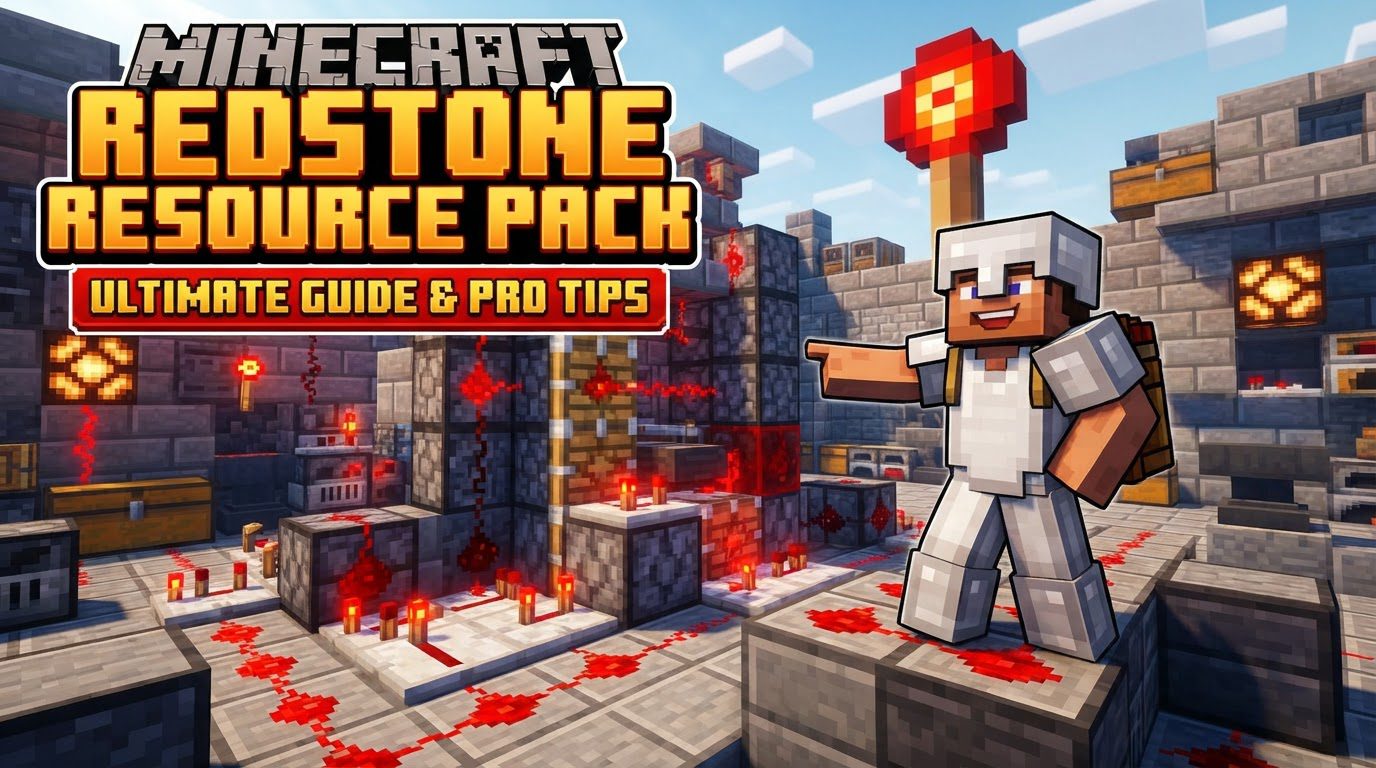
Minecraft Redstone Resource Packs are visual enhancements specifically crafted to improve a player’s understanding and interaction with redstone components. Unlike mods, they do not introduce new mechanics or items. Instead, they cleverly overlay information onto existing textures, offering immediate visual feedback that is otherwise absent in vanilla Minecraft. This makes them invaluable for both novice builders struggling with basic logic and expert engineers fine-tuning complex machines.
Unlocking Redstone’s Secrets: Key Visual Enhancements
The primary appeal of redstone resource packs lies in their ability to make the invisible visible. By providing clearer visual cues, they transform the often-opaque nature of redstone into a transparent, understandable system.
Visual Power Levels
One of the most significant features offered by packs like “Redstone Tweaks” is the visual representation of redstone signal strength. In standard Minecraft, discerning whether a redstone dust line carries a power level of 1 or 15 requires careful counting or F3 debug information. Redstone resource packs eliminate this guesswork by displaying power levels directly on the redstone dust. This is typically achieved through color-coded textures, brightness variations, or numerical overlays. This instant visual feedback allows players to quickly identify where a signal is decaying too much or where it needs to be strengthened, streamlining the debugging process and aiding in the efficient design of circuits.
Enhanced Component State Indicators
Beyond redstone dust itself, these packs provide crucial insights into the status and orientation of various redstone components. This enhancement is critical for understanding the flow of logic and materials within a build. For instance, some packs clearly indicate the fill level of cauldrons and composters, which can be important for certain automated farms. They also illuminate the state of comparators and levers, showing whether they are active or inactive. Furthermore, the direction of components like dispensers, droppers, hoppers, observers, and pistons is made overtly clear, preventing misplacement and ensuring proper item routing or block manipulation.
An Indispensable Debugging and Learning Aid
The core philosophy behind redstone resource packs is to empower players. For seasoned redstone engineers, they serve as an “instant debugger,” allowing for rapid identification of issues in complex contraptions without tedious trial and error. A quick glance can reveal a power shortage, an incorrectly oriented component, or a misfiring circuit. For beginners, these packs act as a powerful educational tool. By providing immediate visual feedback on signal flow and component states, they make the often steep learning curve of redstone mechanics much more approachable and intuitive. Players can see the cause-and-effect relationships in real-time, fostering a deeper understanding of how redstone operates.
Seamless Vanilla Compatibility
Crucially, redstone resource packs are designed to integrate flawlessly with vanilla Minecraft. They function perfectly across all game modes-survival, creative, single-player, and multiplayer-without requiring any client-side modifications or server plugins. This is because they strictly adhere to Minecraft’s resource pack system, only altering visual assets rather than game code. This ensures that using such a pack does not provide any unfair advantage in competitive settings; it merely makes the underlying mechanics more transparent to the player, maintaining a level playing field.
Setting Up Your Visual Advantage: Installation and Customization
Integrating a redstone resource pack into your game is a straightforward process, typically involving only a few steps. Adhering to these guidelines ensures a smooth experience.
- Download the Pack: Begin by obtaining the resource pack file. These are usually distributed as .zip archives and can be found on reputable Minecraft community sites such as Modrinth or CurseForge. Always download from trusted sources to avoid potential issues.
- Place in Resource Pack Folder: Once downloaded, open Minecraft and navigate to “Options” -> “Resource Packs.” From there, click on “Open Pack Folder.” This will open the directory where Minecraft expects resource packs to be stored. Simply drag and drop your downloaded .zip file into this folder. Do not extract the .zip file unless specifically instructed by the pack creator.
- Activate in Minecraft: Return to the Minecraft “Resource Packs” menu. You should now see your downloaded pack listed under “Available Resource Packs.” Click the arrow icon on the pack’s thumbnail to move it to the “Selected Resource Packs” list. Ensure it is above any other texture packs if you intend for its redstone visuals to take precedence.
- Check Version Compatibility: This is a critical step often overlooked. Always verify that the resource pack’s version is compatible with your current Minecraft client version. An outdated pack will likely not load correctly, resulting in missing textures, graphical glitches, or simply no visual changes at all. Pack creators usually specify compatible versions on their download pages.
- Customization (if available): Some advanced redstone resource packs, such as “Redstone Tweaks,” offer extensive customization options. These might allow you to toggle specific visual features, adjust colors, or modify the intensity of indicators. If available, these options are usually found within the pack’s folder structure or through an in-game menu provided by the pack itself (though the latter is less common for simple resource packs). Tailoring these settings can optimize the visual experience to your personal preference.
Maximizing Your Redstone Potential: Expert Tips
Once installed, a redstone resource pack becomes a powerful ally. Here’s how to get the most out of it:
- Instant Debugging: Leverage the visual power levels and component state indicators relentlessly. When a circuit fails, don’t guess. Look for the redstone dust where power drops off unexpectedly, or for a comparator that isn’t in the correct mode. This visual feedback dramatically cuts down troubleshooting time.
- Learning Tool: If you’re new to redstone, build simple circuits and observe how the visual cues change. Place a lever, connect redstone dust, add a lamp, and watch the power levels propagate. Experiment with repeaters, comparators, and observers, seeing their states update in real-time. This hands-on, visual learning is far more effective than abstract diagrams.
- Combine with Other Packs: Many redstone resource packs are designed as overlays. This means they can be placed on top of your favorite aesthetic texture packs in the “Selected Resource Packs” list. The redstone pack will override only the redstone-related textures, allowing you to enjoy your preferred visual style while still benefiting from the redstone enhancements.
- Consider Vanilla Tweaks: For players who prefer a more modular approach, Vanilla Tweaks offers specific redstone enhancement modules. These can be downloaded individually, allowing for a highly customized and potentially less intrusive set of visual aids compared to a full-fledged redstone-specific resource pack.
Avoiding Common Pitfalls: Troubleshooting Redstone Pack Issues
While generally reliable, issues can arise. Knowing how to diagnose and resolve them will save you frustration.
- Version Incompatibility: This is by far the most frequent issue. If textures appear broken, redstone dust looks default, or the pack simply doesn’t show up correctly, the first thing to check is if the pack’s intended Minecraft version matches your game version. Always download packs specifically made for your current Minecraft release.
- Incorrect Installation: Ensure the .zip file was placed directly into the “resourcepacks” folder accessed via the in-game menu. Do not put it in a subfolder, and do not extract its contents unless the pack’s instructions explicitly state otherwise. Also, confirm it’s activated in the “Selected Resource Packs” list.
- Overlapping Textures: If you’re using multiple resource packs, especially those that also modify redstone textures, you might encounter conflicts. Ensure your dedicated redstone resource pack is higher in the “Selected Resource Packs” list than any other pack that might affect redstone visuals. This ensures its textures take priority.
- Assuming Gameplay Changes: Remember, these packs are purely visual. If your redstone circuit isn’t working, it’s not because the resource pack is faulty. The pack will help you debug the *visuals* of the problem, but it won’t fix underlying redstone logic errors or bugs in your build. It’s a diagnostic tool, not a magic wand.
In conclusion, a Minecraft Redstone Resource Pack is an indispensable tool for anyone delving into the complexities of redstone. By transforming abstract signals into clear visual cues, these packs significantly reduce the learning curve for beginners and accelerate the debugging process for veterans. They are a testament to how simple visual enhancements can profoundly impact gameplay understanding, making redstone more accessible, enjoyable, and ultimately, more powerful.
Tags:
YOU MAY ALSO LIKE...


