Create Slice and Dice
Imagine diligently building an intricate Create automation system, only for a single block interaction to instantly corrupt your entire Minecraft world. This devastating scenario is a real possibility if you’re not careful with the Slicer from the ‘Create Slice & Dice’ mod, particularly when it encounters a Quartz Block. While such a critical flaw might seem daunting, understanding this and other nuances of ‘Create Slice & Dice’ unlocks a powerful new dimension of automated farming and food preparation within your blocky empire.
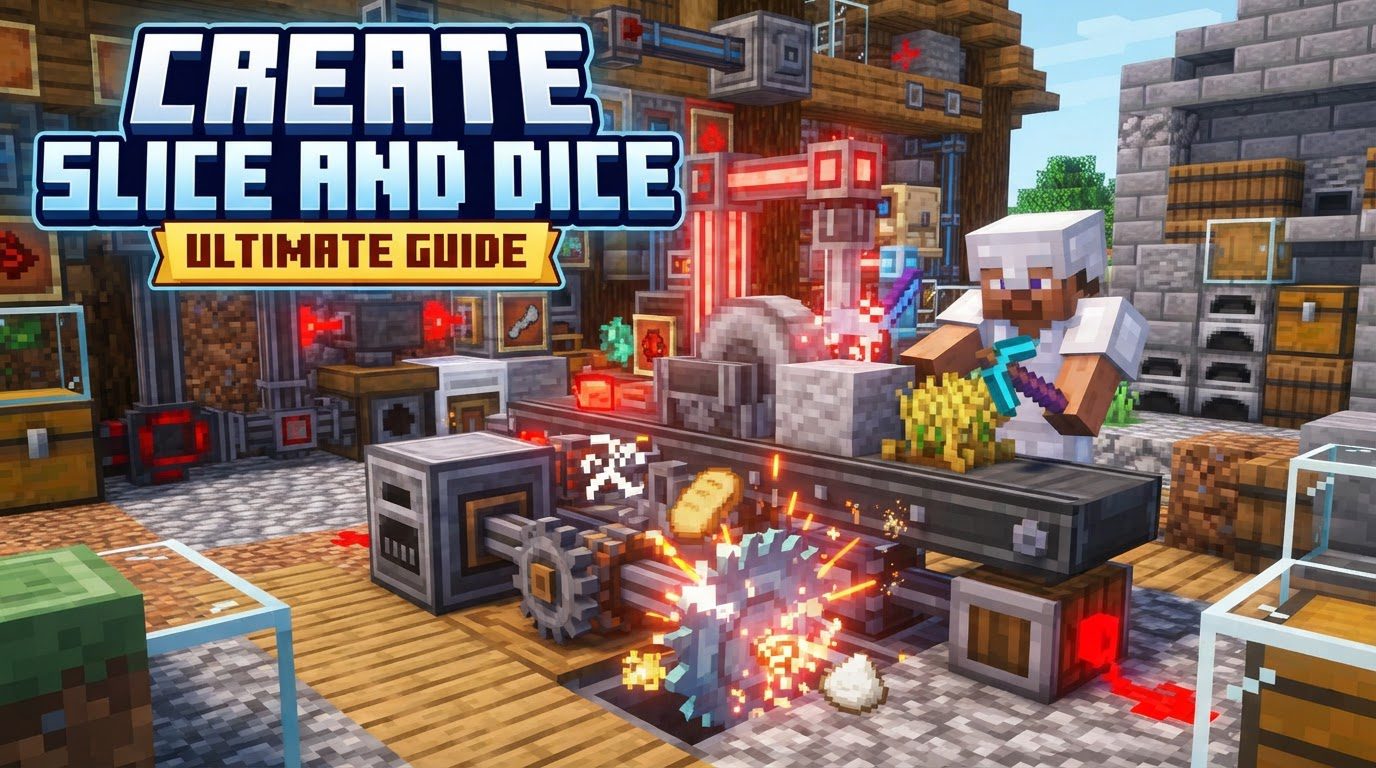
‘Create Slice & Dice’ is an essential addon for any Minecraft player looking to elevate their automation game, especially those who enjoy the culinary depths of Farmer’s Delight. This mod bridges the gap between Create’s intricate mechanical systems and the agricultural and cooking mechanics of Farmer’s Delight, offering seamless integration and powerful new tools for efficiency. It’s designed to streamline tasks that would otherwise be manual or require complex, less elegant solutions, turning your farm and kitchen into a symphony of gears and processed goods.
The Slicer: Your Automated Cutting Board
At the heart of ‘Create Slice & Dice’s’ food automation capabilities lies the Slicer. This ingenious machine functions as an automatic cutting board, replicating all cutting recipes typically performed manually in Farmer’s Delight. For anyone tired of repeatedly dicing vegetables or preparing ingredients by hand, the Slicer is a game-changer, bringing Create’s signature ‘set it and forget it’ philosophy to the kitchen.
Operating similarly to Create’s Mechanical Mixer or Press, the Slicer integrates effortlessly into your existing Create contraptions. To activate it, you must first equip it with the correct tool. A simple right-click with a suitable cutting implement, such as a knife or an axe, will insert it into the Slicer, ready for action. Once equipped, items can be fed into the Slicer using any of Create’s robust conveyor systems – belts, chutes, or funnels – and it will automatically process them according to Farmer’s Delight recipes. The default allowed tools can be customized by modifying the sliceanddice:allowed_tools item tag via a datapack, offering flexibility for modpack creators or players who wish to use non-standard tools.
Setting up a Slicer is straightforward: simply place the block, insert your chosen cutting tool, and then connect it to your item transportation network. Ensure it receives rotational power from a Create shaft or gearbox, and watch as your ingredients are automatically prepared, ready for the next stage of your automated food production line.
The Sprinkler: Dynamic Fluid Distribution
Beyond food preparation, ‘Create Slice & Dice’ introduces the Sprinkler, a versatile block designed for dynamic fluid distribution over a wide area. When supplied with fluids via pipes, the Sprinkler efficiently disperses them in a 5×5 area directly below it, offering a range of effects depending on the liquid used.
- Water: The most common application for the Sprinkler is to provide a consistent source of moisture. When supplied with water, it wets the area, mimicking the effects of rain. This is invaluable for automated crop farms, ensuring plants grow at their optimal rate without needing manual watering or complex rain collectors.
- Lava: For more aggressive applications, lava can be piped into the Sprinkler. This results in fire damage being applied to entities within the 5×5 area, making it a potentially dangerous but effective component for automated mob traps or defensive perimeters.
- Potions: A truly unique feature is the Sprinkler’s ability to distribute potion effects. When supplied with various potions, it applies their effects to entities in its range for a short duration. This opens up possibilities for automated buffing stations, debuffing areas for hostile mobs, or even creative traps.
- Liquid Fertilizer: A new fluid introduced by the mod, Liquid Fertilizer, provides a bonemeal effect when distributed by the Sprinkler. This is incredibly powerful for accelerating crop growth, allowing for highly efficient, fully automated agricultural systems that rival the fastest manual bonemeal farms.
To set up a Sprinkler, place the block and connect any fluid pipe, such as those from Create or other compatible mods, to its input side. Ensure the desired liquid is supplied, and the Sprinkler will begin its work, transforming the environment below it.
Automated Culinary Delights
One of the most significant enhancements ‘Create Slice & Dice’ brings is the ability to automate complex cooking recipes. Many recipes from Farmer’s Delight that typically require a Cooking Pot and manual interaction can now be automated as heated mixing recipes within the Create system. This means that once ingredients are fed into a Create basin with a mechanical mixer and heat source, they will automatically be combined and cooked into the desired Farmer’s Delight dish. This integration eliminates the bottleneck of manual cooking, allowing players to produce vast quantities of gourmet food with minimal effort, perfectly complementing the automated ingredient production lines.
Seamless Mod Compatibility
‘Create Slice & Dice’ is a testament to thoughtful mod design, focusing heavily on compatibility. While it’s primarily designed to integrate Farmer’s Delight more seamlessly with Create, it’s flexible enough to function even without Farmer’s Delight installed, albeit with reduced functionality. Furthermore, the mod extends its compatibility to other agricultural and automation mods. For instance, it offers specific features for “Overweight Farming,” including specialized waxing recipes that can be executed using a Deployer and enhanced visibility of axe-stripping recipes directly within JEI (Just Enough Items), making cross-mod interactions more intuitive and automated.
Navigating Common Pitfalls and Ensuring Stability
While ‘Create Slice & Dice’ offers incredible utility, it’s crucial to be aware of certain issues to ensure a smooth and stable gameplay experience. Ignoring these can lead to frustrating crashes and even world corruption.
- The Slicer and Quartz Block Crash: This is arguably the most critical issue. Using the Slicer on a Quartz Block can cause an immediate game crash and often corrupt the world, rendering your save inaccessible. If you encounter this, installing the Neruina Mod can help recover the world. However, for Neruina to work effectively, you may need to temporarily disable other conflicting mods, such as Create Diesel Generators, during the recovery process. Prevention is key: simply avoid placing Slicers directly on Quartz Blocks or feeding Quartz Blocks into a Slicer.
- Ponder Crash: Pressing ‘W’ (Ponder) on the Slicer item in your inventory can lead to a client-side crash (Exit Code: -1). While annoying, this crash typically does not corrupt your world, meaning a simple game restart usually resolves the issue.
- Tool Attachment Issues: Problems attaching knives or other tools to the Slicer can occur if the
allowed_toolsfiles (used for customization) are incorrectly coded or modified. Always double-check any custom datapacks for syntax errors. - Mod Incompatibilities: As with any modded Minecraft setup, conflicts with other Create addons or unrelated mods can lead to crashes and game instability. If you experience frequent crashes, try isolating ‘Create Slice & Dice’ with your core mods to identify the conflict.
- RAM Allocation: Running multiple Create addons, especially those that introduce new mechanics and entities, can be resource-intensive. It is highly recommended to allocate sufficient RAM to Minecraft. For systems with 32GB RAM, allocating 12GB to Minecraft is a good starting point to prevent crashes and ensure smooth performance.
By understanding these potential issues and implementing the recommended solutions, you can enjoy the full potential of ‘Create Slice & Dice’ without unnecessary interruptions. The ability to customize the Slicer’s allowed tools via a datapack, by modifying the sliceanddice:allowed_tools item tag, further enhances its utility, allowing you to integrate unique tools from other mods into your automated systems.
‘Create Slice & Dice’ is an indispensable addition to any Create-focused modpack, particularly for those who appreciate the intricacies of Farmer’s Delight. It transforms tedious manual tasks into elegant automated processes, allowing players to focus on larger, more ambitious projects. With its powerful Slicer, versatile Sprinkler, and seamless cooking automation, this mod truly slices and dices the barriers to efficient, large-scale food production and resource management in Minecraft.
Tags:
YOU MAY ALSO LIKE...