

How to Use Elytra Pocket Edition
Many players mistakenly believe Elytra are just for gliding down from great heights in Minecraft Pocket Edition, offering little more than a fancy, temporary descent. While they certainly excel at that, the true magic of Elytra, enabling sustained, breathtaking flight across vast distances, lies in their symbiotic relationship with firework rockets. Mastering this combination transforms exploration and travel, turning previously arduous journeys into exhilarating aerial escapades.
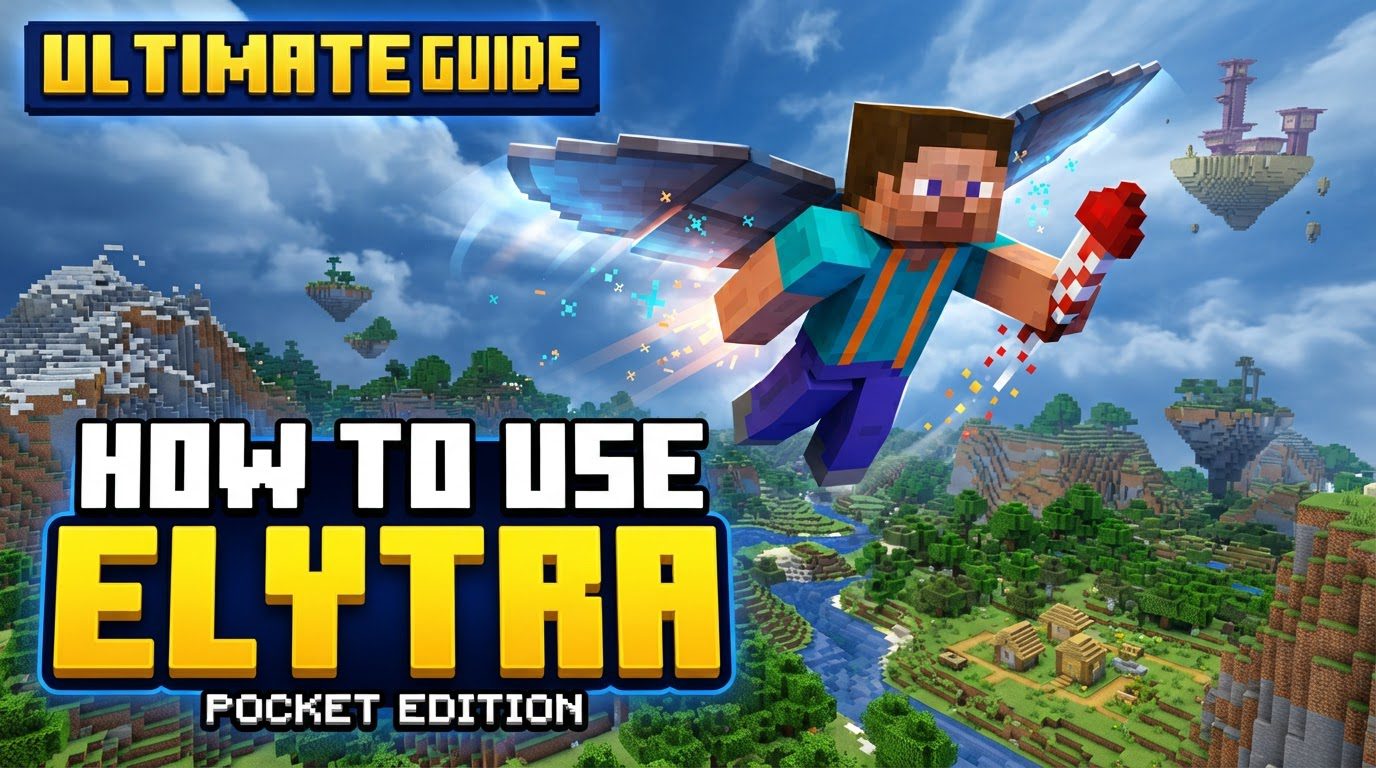
Minecraft Pocket Edition, part of the larger Bedrock Edition, offers the same robust Elytra mechanics found on other platforms. The primary difference is the touch-based input method, which, once accustomed to, provides precise control over your airborne adventures. This guide will delve into every aspect of using Elytra effectively, ensuring you can soar through your Minecraft worlds with confidence and flair.
Understanding the Core Mechanics of Flight
At its heart, the Elytra is a unique item that fundamentally changes how you traverse the Minecraft landscape. Unlike conventional tools or armor, it grants the extraordinary ability of flight, albeit with specific conditions and requirements.
- Chestplate Replacement: The Elytra occupies your character’s chestplate slot. This means you must forgo the protective benefits of a traditional chestplate while wearing them. It’s a trade-off: defense for unparalleled mobility.
- Gliding Activation: The Elytra’s basic function is gliding. When activated in mid-air, your character spreads their wings, slowing their descent and allowing for horizontal movement. This initial glide, however, is always downward, eventually leading to the ground unless momentum is maintained.
- Firework Rocket Synergy: This is where sustained flight becomes possible. Firework rockets, when “used” while gliding, provide a powerful burst of forward momentum. This propulsion can be directed to ascend, maintain altitude, or dramatically increase speed, effectively transforming a simple glide into true flight. Without fireworks, your flight capabilities are severely limited to mere descent.
- Consistent Controls: Regardless of whether you’re playing on a phone, tablet, or another Bedrock platform, the core controls for activating Elytra and using fireworks remain consistent. The touch interface in Pocket Edition requires specific gestures, which we will detail.
Acquiring Your Wings: The Path to Elytra
Before you can take to the skies, you first need to obtain an Elytra. These rare and highly sought-after items are not found in the Overworld or the Nether. Their home is deep within the mysterious dimensions beyond the End:
- Defeating the Ender Dragon: Your journey to flight begins with conquering the Ender Dragon, the final boss of Minecraft. Once defeated, a portal opens in the End, leading to the outer End islands.
- Exploring End Cities: On these outer islands, you’ll find towering structures known as End Cities. These sprawling, purple-bricked dungeons are guarded by Shulkers, formidable foes that can levitate you.
- Locating the End Ship: Not all End Cities contain an Elytra. You must find an End City that has an accompanying End Ship floating nearby. Inside this ship, typically in the treasure room at the front, you will find a single Elytra displayed in an item frame. Be prepared for a challenge, as reaching it often involves navigating treacherous gaps and battling more Shulkers.
Equipping for Takeoff
Once you have secured your precious Elytra, equipping it is straightforward:
- Open your inventory.
- Drag the Elytra to the chestplate slot on your character’s equipment interface.
With the Elytra equipped, its distinctive wing texture will replace your chestplate’s appearance, signifying your readiness for flight.
Mastering the Launch: Initiating Your Glide
There are a couple of ways to begin your aerial journey in Pocket Edition:
- Jumping from a High Place: The most common method. Find a cliff, tower, or any elevated position. Jump off, and while you are falling, tap the jump button again on your screen. This second tap will cause your character to spread their wings and begin gliding.
- Double-Tap from Ground Level: For a quick launch, you can double-tap the jump button while standing on solid ground. This will make your character perform a small jump and immediately activate the Elytra, launching you into a brief glide. This method is excellent for short bursts of flight or initiating sustained flight with fireworks from a flat surface.
Fueling Your Journey: Using Firework Rockets
This is the critical step for sustained and controlled flight. Without firework rockets, your Elytra is merely a fancy parachute.
- Hold a Firework Rocket: While gliding, switch to your hotbar and select a firework rocket so that it’s held in your active hand.
- Activate the Rocket: To “use” the firework rocket and propel yourself forward, simply hold down on the screen. This is the same touch input you would use to mine a block, open a trade window with a villager, or shear a sheep. Each sustained press will launch a firework, giving you a powerful boost.
- Timing and Direction: The key is to time your rocket boosts and adjust your camera angle simultaneously. Point your camera slightly upwards as you boost to gain altitude, or keep it level to maintain speed and horizontal distance.
Strategic Flight: Tips for Smooth Sailing
Becoming an expert Elytra pilot takes practice and attention to detail. Here are some essential tips:
- The Right Rocket Choice: This is paramount for safety. When crafting firework rockets for Elytra flight, ensure they are made only with gunpowder and paper. DO NOT add a Firework Star to the crafting recipe. Firework Stars cause an explosion when the rocket detonates, which, if too close to your character, will inflict significant damage or even kill you. Rockets without stars provide propulsion without any harmful blast.
- Practice Makes Perfect: The physics of Elytra flight can feel a bit unconventional at first.
- Start your practice sessions in Creative mode, where you don’t have to worry about resources or dying. This allows you to experiment freely with controls and angles.
- Alternatively, practice flying over a large body of water. If you crash, you’ll land safely in the water, avoiding fall damage and providing a soft reset for your flight attempts.
- Controlling Your Altitude and Speed: Your camera angle is your primary control for ascent and descent.
- Looking Down: Pointing your camera downwards will increase your speed and cause you to descend rapidly. This is useful for quick dives or reaching lower elevations.
- Looking Up: Tilting your camera upwards will slow your descent and, with sufficient momentum from firework boosts, allow you to ascend. Finding the sweet spot for a gentle upward climb requires a delicate balance between looking up and firing rockets.
- Maintaining Altitude: To maintain a consistent altitude, try to keep your camera angle relatively level, providing small, controlled boosts with fireworks as needed to counteract gravity.
Avoiding Common Pitfalls
Even seasoned players can make mistakes with Elytra. Being aware of these common errors can save you from frustrating setbacks:
- The Firework Faux Pas: The single most common mistake is forgetting or running out of firework rockets. Without them, your Elytra is limited to gliding downwards. You cannot ascend or sustain horizontal flight. Always carry a plentiful supply of safe firework rockets.
- The Crash Landing Conundrum: High-speed impacts with terrain are a swift path to death. Misjudging your trajectory, flying too close to mountainsides, or failing to pull up in time can result in instant demise from fall damage. Always give yourself ample clearance, especially when flying at high speeds.
- Explosive Surprises: As mentioned, using firework rockets crafted with Firework Stars is a recipe for self-inflicted disaster. The explosion from these rockets, even if small, can deal substantial damage to your character, especially if you’re boosting frequently at close range. Always double-check your firework inventory to ensure you’re using non-explosive variants for flight.
Final Thoughts on Aerial Mastery
Mastering Elytra flight in Minecraft Pocket Edition is one of the most rewarding skills you can acquire. It transforms the game’s exploration, making long journeys trivial and opening up entirely new perspectives on your builds and the generated world. While it requires a bit of practice to get the hang of the touch controls and the physics, the freedom it offers is unparalleled. So grab your Elytra, stock up on fireworks, and prepare to truly fly.
Tags:
YOU MAY ALSO LIKE...


