

Hybrid Aquatic Curseforge
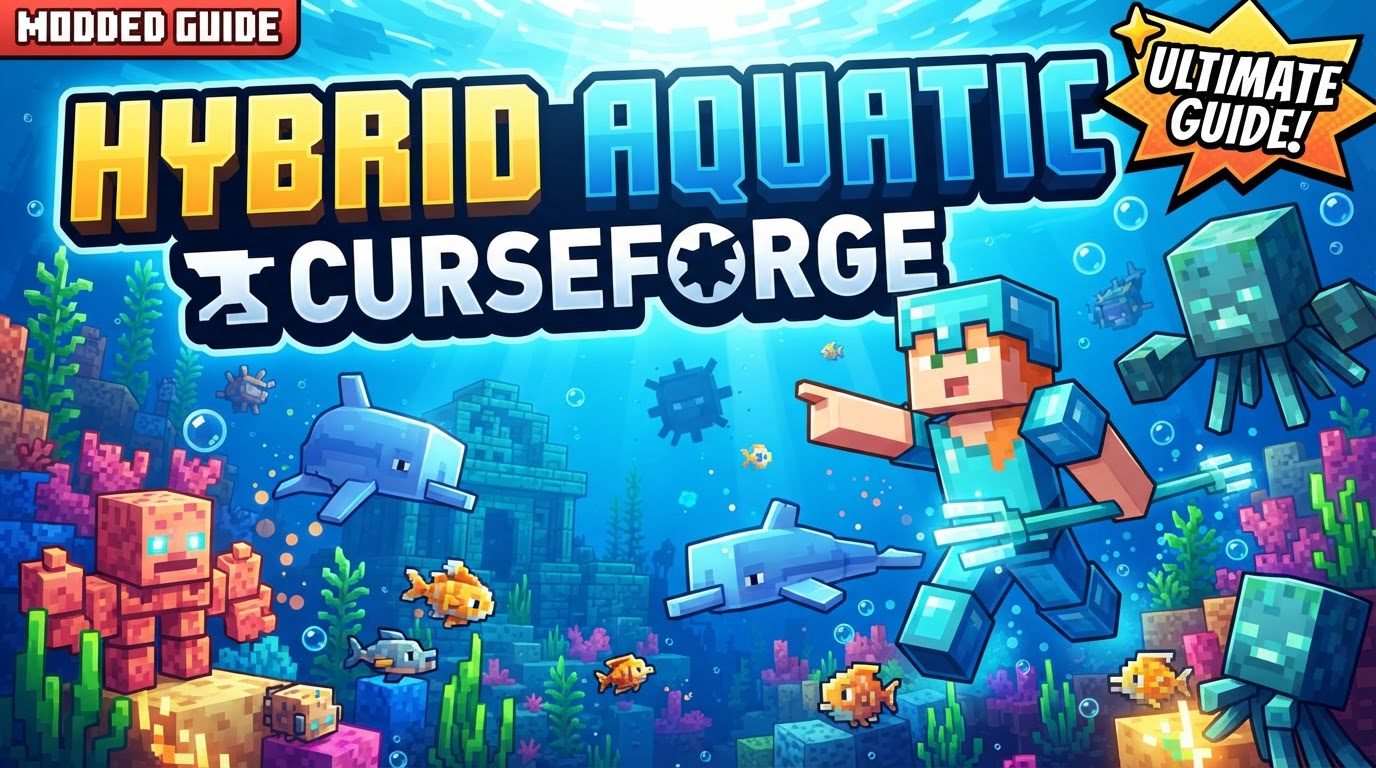
Hybrid Aquatic, a groundbreaking Minecraft mod available on CurseForge, completely transforms the game’s underwater experience, injecting an unparalleled level of biodiversity and challenge into oceans, rivers, and swamps. This comprehensive enhancement goes far beyond simple aesthetic changes, introducing a dynamic ecosystem that demands both curiosity and caution from even the most seasoned players.
Core Enhancements: Unveiling a New Underwater World
At its heart, Hybrid Aquatic redefines aquatic exploration by populating Minecraft’s watery realms with an astonishing array of new life and features. The mod ensures that every dip below the surface presents a fresh discovery or a new obstacle to overcome.
A Kaleidoscope of Marine Life
The sheer volume of new creatures is perhaps the mod’s most striking feature, adding approximately 100 new aquatic species. Divers will encounter 30 unique fish types, each contributing to the visual richness of the biomes. Eight distinct shark species introduce a predatory element, while 11 types of jellyfish drift through the currents. The mod also introduces a variety of crustaceans, from familiar crabs and lobsters to shrimp, crayfish, and even giant isopods. Beyond these, players can discover majestic manta rays gliding silently, enigmatic garden eels swaying from the seabed, ancient nautiluses navigating the depths, and powerful orcas patrolling the open waters. Each species contributes to a living, breathing underwater world.
Remastered Aquatic Biomes
Exploration is further invigorated by significant improvements to existing aquatic biomes and the introduction of entirely new ones. Players can now dive into vast, swaying kelp forests, explore vibrant, intricate coral reefs teeming with life, or brave the eerie, bioluminescent ocean depths. These revamped environments are not just visually appealing; they serve as unique habitats for the mod’s diverse creatures, making underwater journeys more engaging and rewarding.
Advanced Angling Techniques
Fishing receives a significant upgrade with the introduction of specialized fishing hooks. Players can craft Barbed, Glowing, or Magnetic hooks, each offering distinct advantages such as increased fishing speed or a higher chance of reeling in valuable treasures. These specialized hooks are utilized in the off-hand slot alongside a standard fishing rod, adding a layer of strategy to the popular pastime. For those looking to collect and transport their aquatic finds, fishing nets are also available, making it easier to move sea creatures.
Essential Diving Gear
To aid in extensive underwater exploration, Hybrid Aquatic provides dedicated diving equipment. This includes specialized diving armor designed to assist players in navigating the deep, allowing for longer excursions and better protection against the new challenges of the aquatic environment.
Navigating the Deep: New Dangers and Status Effects
The beauty of the new aquatic world comes with its own set of dangers. Many of the newly introduced creatures can pose significant threats. Sharks, for instance, can inflict a debilitating “bleeding” status effect that steadily drains the player’s health. Contact with certain jellyfish or venomous fish like lionfish, stonefish, and sea urchins can result in poison or nausea. Piranhas, typically found in freshwater biomes, can also cause bleeding, and their aggressive nature means their presence can attract even more of their kind, quickly turning a casual swim into a desperate fight for survival.
The Karkinos Confrontation
For players seeking a true challenge, Hybrid Aquatic introduces a formidable mini-boss: Karkinos. This massive crab can be summoned by collecting nine different crab claws and crafting an “Ominous Hook.” When this hook is used with a fishing rod in the off-hand, Karkinos, boasting 100 health points, emerges from the depths. Defeating this powerful foe yields the coveted Karkinos claw, a testament to the player’s aquatic prowess.
New Resources and Crafting Opportunities
Beyond creatures and biomes, the mod enriches the game with a variety of new blocks and items. Players can discover natural sea sponges, useful for absorbing water, or find decorative crates and vibrant anemones and corals to enhance their underwater bases. Nautilus shells, collected from the elusive nautilus, can be crafted into unique tools, weapons, and armor, providing new progression paths and gear options.
Seamless Integration: Installing Hybrid Aquatic on Fabric
To experience the wonders of Hybrid Aquatic, proper installation is key. These instructions specifically outline the process for Fabric, the mod loader for which Hybrid Aquatic is primarily developed.
Step 1: Laying the Fabric Foundation
Begin by installing Fabric for your desired Minecraft version. This is typically done using the official Fabric installer program, which can be downloaded from the Fabric website. Run the installer and select the Minecraft version you intend to play with.
Step 2: Acquiring Hybrid Aquatic
Navigate to the Hybrid Aquatic page on CurseForge. Go to the “Files” tab and locate the file that precisely matches your installed Minecraft version. Click “Download File” and save the `.jar` file to an easily accessible location, such as your desktop.
Step 3: Gathering Essential Dependencies
Hybrid Aquatic relies on several other mods to function correctly. Repeat the download process from CurseForge for the following required dependencies: Fabric API, Language Kotlin, and GeckoLib. Ensure that the versions of these dependencies also match your Minecraft version.
Step 4: Locating Your Minecraft Mod Directory
Open your Minecraft launcher and select the Fabric profile you created earlier. Click the “Folder” icon, which will open your Minecraft directory. Within this directory, you will need to find or create a folder named `mods`.
Step 5: Populating the Mods Folder
Move all the downloaded `.jar` files – Hybrid Aquatic, Fabric API, Language Kotlin, and GeckoLib – into the `mods` folder you located or created in the previous step.
Step 6: Launching Your Enhanced Game
Return to your Minecraft launcher. Make sure your modded Fabric profile is still selected, then click “Play.” The game will now load with Hybrid Aquatic and its dependencies, ready for you to dive into its transformed aquatic realms.
Mastering the Depths: Expert Tips for Exploration
With Hybrid Aquatic installed, a few strategic approaches can significantly enhance your experience and survival.
Strategic Exploration for Biodiversity
Remember that each species of sea creature often has specific biomes and locations where it spawns. To encounter the full spectrum of marine life, commit to exploring different ocean types, river systems, and swamps. A creature found in a warm ocean may be entirely absent from a frozen one.
Proactive Hazard Management
When venturing into waters known to harbor sharks or other dangerous creatures, always come prepared. Bring ample healing items. Consider traversing the surface in a boat or utilizing Frost Walker boots to avoid direct contact with hostile mobs and the debilitating bleeding effect they can inflict. Approach jellyfish and poisonous fish with extreme caution to prevent their sting or toxic effects.
Leveraging Creative Tools
If you’re struggling to locate a particularly rare species or wish to understand spawn mechanics without risk, don’t hesitate to utilize commands or enter creative mode. This can be invaluable for testing creature behaviors, identifying their preferred habitats, or simply finding elusive specimens for your collection.
Understanding Creature Behaviors
Survival and successful interaction in the new aquatic world hinge on learning the behaviors of its inhabitants. Observe how different fish react to players, identify which creatures are aggressive, and understand the warning signs of dangerous encounters. This knowledge is your best defense.
Avoiding Common Pitfalls: Ensuring a Smooth Experience
Even with clear instructions, modding can sometimes present challenges. Being aware of common mistakes can save considerable frustration.
The Criticality of Version Matching
One of the most frequent causes of modding issues is version mismatches. It is absolutely crucial to ensure that your Minecraft version, your Fabric mod loader version, the Hybrid Aquatic mod version, and the versions of all required dependencies (Fabric API, Language Kotlin, GeckoLib) are perfectly compatible. A single mismatched version can lead to crashes or the mod failing to load.
The Necessity of Dependencies
Forgetting to download and install all required dependency mods is another common oversight. Hybrid Aquatic cannot run without Fabric API, Language Kotlin, and GeckoLib. Always double-check that every necessary `.jar` file is present in your `mods` folder.
Loader Compatibility: Fabric vs. Forge Nuances
Hybrid Aquatic is primarily developed for the Fabric mod loader, and the installation instructions provided are for Fabric. While it is technically possible for some Fabric mods to function with Forge via compatibility layers like “Sinytra Connector,” attempting to install Hybrid Aquatic directly with Forge, especially if you also have Forge’s own version of GeckoLib alongside Fabric’s GeckoLib, can lead to irreconcilable conflicts and game crashes. Stick to the recommended Fabric installation for a stable experience.
Dive into a transformed aquatic realm, full of wonder, beauty, and thrilling challenges. Hybrid Aquatic offers an unparalleled expansion to Minecraft’s underwater world, waiting for you to explore its depths.
Tags:
YOU MAY ALSO LIKE...


