Create Factory Logistics
One of the most common pitfalls for aspiring automation engineers in Minecraft’s Create mod is underestimating the complexity of logistics. Without careful planning, a promising factory can quickly devolve into a chaotic mess of jammed belts and misplaced items. Understanding “Create Factory Logistics” is not just about moving items; it’s about orchestrating a symphony of components to ensure your resources flow efficiently, predictably, and autonomously from raw material to finished product.
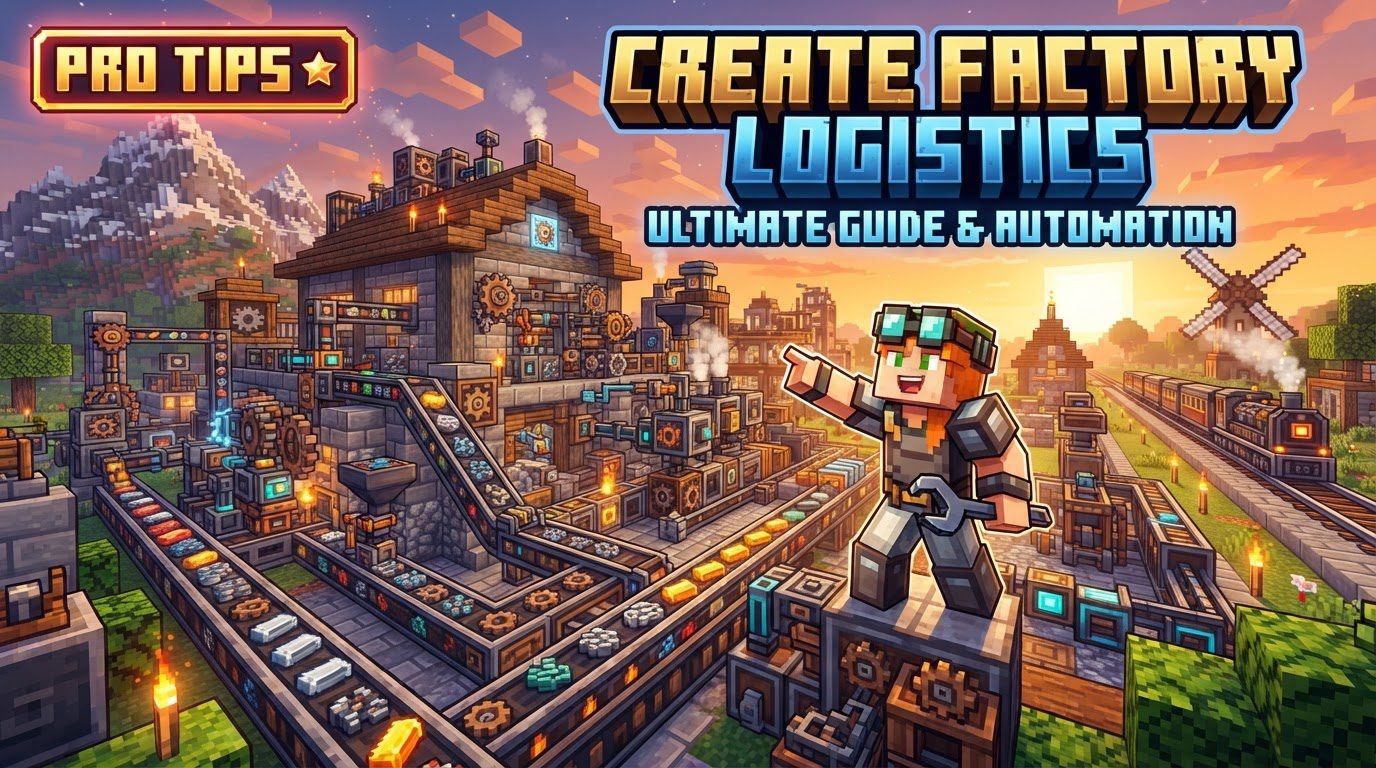
Create Factory Logistics refers to the comprehensive system within the Create mod and its associated add-ons designed for automating the transport, storage, and management of items and fluids in complex factories. Its core philosophy is to reduce reliance on traditional Minecraft redstone for automation, instead offering a more visually mechanical and intuitive approach to factory management. This guide will delve into the essential mechanics, components, and strategies for building a robust logistical backbone for your Create world.
The Foundation: Item & Fluid Transport
At the heart of any Create factory is the movement of goods. Items and fluids aren’t just magically teleported; they travel through a tangible network, often in specific forms.
- Mechanical Belts & Chain Conveyors: These are your basic horizontal movers, transporting items from one point to another. Chain Conveyors offer more flexibility, allowing items to be lifted or dropped vertically.
- Chutes: Ideal for vertical item transfer, dropping items straight down into inventories or onto belts below.
- Packages & Jars: To streamline bulk transport, items are often combined into “packages.” Similarly, the “Create Factory Logistics” add-on introduces “jars” for fluids, which function much like item packages. These consolidated units are crucial for efficient long-distance or complex routing.
- Mechanical Arms: These versatile components can pick up items from one inventory or belt and place them into another, offering precise control over item flow, including stacking and filtering.
- Smart Pipes & Mechanical Pumps: For fluid management, Smart Pipes allow for controlled fluid transfer, while Mechanical Pumps provide the necessary force to move fluids through pipes, even against gravity.
- Funiculars: A unique transport system that can move items (and players) up and down steep inclines or even horizontally over long distances, adding another dimension to factory layout.
- Item Vaults: These multi-block structures serve as expandable, high-capacity storage for items, often acting as central hubs for your logistics network.
Establishing Your Logistics Network
Moving items is one thing; intelligently managing their inventory across an entire factory is another. This is where the true power of Create Factory Logistics shines, allowing for centralized monitoring and requesting.
- Warehouse Controller & Transmitters: To create a network for monitoring and managing stored resources, you start with a Warehouse Controller. This central brain connects to various storage units or machines via Warehouse Transmitters. Once connected, the network gains visibility into the stock levels of all linked inventories.
- Stock Links: These components act as bridges, connecting specific inventories (like chests, barrels, or Item Vaults) directly to your logistics network, allowing the system to monitor and interact with their contents.
- Addresses: For targeted delivery of packages and jars, components like Package Frogports can be assigned numerical addresses. This is typically done by placing a sign directly on the Frogport with the desired number, ensuring that items or fluids are directed to specific destinations within your factory.
Intelligent Inventory Management & Automation
The real magic happens when your logistics system can automatically react to stock levels and production demands.
- Packagers & Bottlers: Before items or fluids can be efficiently transported as packages or jars, they need to be prepared. Packagers combine multiple items into a single package. The “Create Factory Logistics” add-on introduces Bottlers, which perform the same function for fluids, consolidating them into jars for transport.
- Package Frogports: These are critical for sending and receiving packages or jars to and from your transport lines. By assigning them specific addresses, you can create a sophisticated routing system.
- Factory Gauges & Fluid Gauges: These are your eyes on the inventory. A Factory Gauge can monitor the quantity of items in a container or even across the entire network. If an item falls below a set threshold, the gauge can automatically trigger a request for more to be crafted or supplied. Fluid Gauges, part of the “Create Factory Logistics” add-on, extend this auto-crafting and supply workflow to fluid ingredients or outputs, seamlessly integrating liquids into your automated systems.
- Stock Tickers & Redstone Requesters: These components are used to actively request items from the logistics network. Stock Tickers can display current stock levels, while Redstone Requesters can be used to manually or conditionally trigger item requests, often specifying particular addresses for retrieval.
Building a Robust Logistics Pipeline: A Conceptual Flow
Creating an automated factory can seem daunting, but by following a logical progression, you can build a highly efficient system.
- Establish Power: Begin by setting up a reliable and robust source of rotational power. Whether it’s a series of water wheels, a steam engine, or a creative kinetic setup, adequate power is fundamental to driving all your logistics machinery.
- Core Transportation Routes: Lay down your basic transport infrastructure. Utilize mechanical belts for horizontal movement, chain conveyors for inclines, and chutes for vertical drops to move items between production areas and storage.
- Define Storage Points: Strategically place Item Vaults, chests, or fluid tanks where items and fluids will be stored or processed. These will be the endpoints and waypoints of your logistical flows.
- Create a Logistics Network (for advanced management): For comprehensive oversight, place a Warehouse Controller. Connect Warehouse Transmitters to your various storage units, processing machines, and output chests. This establishes the network’s awareness of all connected inventories.
- Automate Input/Output: Set up Packagers to consolidate items into packages and, if using the add-on, Bottlers for fluids into jars. Place Package Frogports at the start and end of transport lines, assigning them unique numerical addresses via signs to direct packages and jars to their precise destinations.
- Implement Requesting & Auto-Crafting: Use Factory Gauges and Fluid Gauges to monitor critical stock levels. Configure them to trigger production lines or send requests via Redstone Requesters when resources fall below a specified threshold, ensuring a continuous supply of materials.
Optimizing Your Factory Floor
Even a well-designed system can be improved with a few expert tips:
- Pulsed Packagers: Instead of continuously powering packagers, use a simple pulse timer (e.g., a Redstone Link with a short delay) to activate them periodically. This sends fewer, larger packages, preventing system overload and bottlenecks on your transport lines.
- Clear Addressing: Always use signs to clearly label the addresses on your Frogports and other logistics components. A well-documented addressing scheme prevents confusion and ensures packages reach their intended destinations.
- Modular Design: Design your production units to be self-contained modules. Each module should be able to “call” for its own resources when needed and maintain a small internal stockpile, rather than relying solely on one massive, centralized distribution system.
- Leverage Add-ons: For advanced fluid handling, the “Create Factory Logistics” add-on is indispensable. Its introduction of jars, bottlers, and fluid gauges seamlessly integrates liquids into your item logistics, opening up new possibilities for automation.
- Understand Kinetic Stress: Always be mindful of the kinetic stress capacity and speed requirements of your Create machines. An underpowered or overstressed system will lead to inefficiencies and breakdowns, especially in high-throughput logistics.
Avoiding Common Factory Faults
Learning from common mistakes can save you hours of troubleshooting:
- System Overload: Constantly powered packagers are a prime culprit. They can flood your transport lines with an excessive number of small packages, leading to jams and system halts. Implement pulsed packing.
- Incorrect Addressing: Mislabeling or failing to assign addresses to Frogports is a frequent cause of packages going astray or getting stuck. Double-check all addresses.
- Production Bottlenecks: Your logistics network might request items faster than your production facilities can supply them. This leads to chronic shortages. Ensure your production capacity matches or exceeds demand.
- Spaghetti Systems: Without careful planning, your logistics can quickly become an unmanageable mess of belts, pipes, and wires. Plan out routes and layouts before building, and consider verticality to save space.
- Forgetting Rotational Mechanics: While not strictly logistics, forgetting the basics of Create’s rotational mechanics (like shaft direction, gear ratios, or stress units) can lead to non-functional logistics components, as they often rely on rotational power.
Mastering Create Factory Logistics transforms your Minecraft experience from manual crafting to a sprawling, efficient industrial empire. By understanding its core components, meticulously planning your networks, and implementing smart automation, you can build factories that run themselves, leaving you free to innovate and expand.
Tags:
YOU MAY ALSO LIKE...