

How to Use Compacting Upgrade Sophisticated Storage
One of the most persistent challenges in Minecraft is inventory management, often leading to sprawling storage rooms and countless chests. Many players mistakenly believe they need complex Redstone contraptions or vast storage networks to keep their resources organized and compact. However, a single, elegant solution exists within the Sophisticated Storage mod: the Compacting Upgrade. This ingenious addition automatically transforms your raw materials into their more space-efficient block forms, streamlining your resource management with unparalleled simplicity.
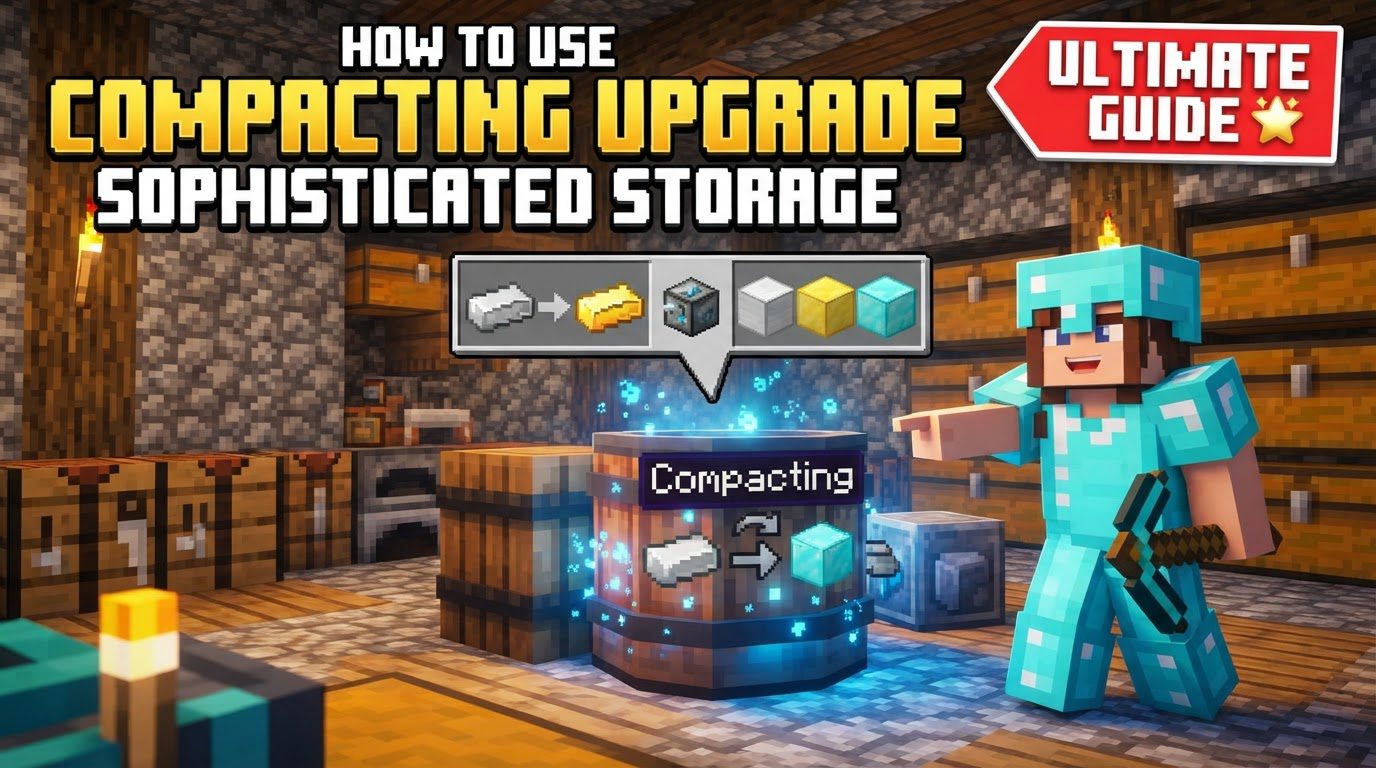
The Compacting Upgrade for Sophisticated Storage is a game-changer for anyone dealing with large quantities of stackable items that have a compact block equivalent. Forget manually crafting nine iron ingots into an iron block; this upgrade does it for you, silently and efficiently, within your chosen container. It’s an essential tool for maintaining tidy storage and maximizing every precious inventory slot, whether you’re at your main base or deep in a mining expedition.
Understanding the Core Functionality
At its heart, the Compacting Upgrade is designed for one primary purpose: automated compression. It intelligently monitors the contents of its host container for items that can be crafted into a denser block form using standard 2×2 crafting recipes. Once enough of a specific item is present – for instance, nine iron ingots, nine gold ingots, or four wheat – the upgrade automatically processes them into their respective block. This process is seamless and requires no player intervention once the upgrade is installed and items are deposited.
Consider the practical implications: instead of 64 slots filled with iron ingots, you could have those same 64 slots holding iron blocks, effectively multiplying your storage capacity by nine for that specific resource. This automation extends to a wide array of resources, including precious metals like iron and gold, common building blocks like glowstone, and even agricultural products like wheat, which can be compacted into hay bales.
Where the Upgrade Shines: Compatibility
One of the most powerful aspects of the Compacting Upgrade is its broad compatibility within the Sophisticated Storage ecosystem. It isn’t limited to just one type of storage unit; instead, it can be installed into virtually any container provided by the mod. This includes:
- Sophisticated Chests: The bread-and-butter storage solution, offering various tiers and upgrade slots.
- Sophisticated Barrels: Similar to chests but often preferred for their vertical design and potentially different aesthetic.
- Sophisticated Shulker Boxes: Portable storage that retains its contents when broken, making the Compacting Upgrade incredibly useful for on-the-go resource management.
- Sophisticated Backpacks: Perhaps the most versatile application, allowing you to automatically compact resources as you collect them during mining trips or farming sessions, directly within your inventory.
This wide compatibility ensures that wherever you need efficient, automated compaction, the Compacting Upgrade can be integrated. The convenience of having your backpack automatically compress ingots into blocks while you mine is a significant quality-of-life improvement, reducing trips back to base for inventory dumping.
It’s also worth noting that an “Advanced Compacting Upgrade” exists. While the specific enhanced capabilities are not always explicitly detailed, it’s generally understood that advanced versions of Sophisticated Storage upgrades typically offer increased speed, efficiency, or potentially broader item compatibility. For most standard compaction needs, the regular Compacting Upgrade performs admirably.
Setting Up Your Automated Compacting System
Getting started with the Compacting Upgrade is a straightforward process, requiring just a few steps to integrate this powerful tool into your Minecraft world.
- Install Sophisticated Storage: First and foremost, ensure you have the Sophisticated Storage mod, along with its prerequisite, Sophisticated Core, properly installed in your Minecraft instance. Without these foundational mods, none of the advanced storage features, including the Compacting Upgrade, will be available.
- Craft a Sophisticated Container: Next, you’ll need a container to house your upgrade. Craft any Sophisticated Storage container that suits your needs – a chest for static storage, a barrel for a different aesthetic, or a shulker box/backpack for portability. The crafting recipes for these items are typically found in your mod’s in-game guide or a recipe viewer like JEI (Just Enough Items).
- Craft the Compacting Upgrade: Once you have your container, craft the Compacting Upgrade itself. The specific recipe will depend on your modpack and Minecraft version, but it generally involves common materials and some form of crafting interface. Consult JEI for the precise recipe.
- Insert the Upgrade: With both your container and the upgrade in hand, open the container’s GUI. You’ll notice several dedicated upgrade slots. Simply drag and drop the crafted Compacting Upgrade into one of these available slots. The upgrade will immediately become active.
- Add Items and Observe: Now, begin depositing items that can be compacted into your upgraded container. For example, place nine iron ingots, and almost instantly, they will be converted into a single iron block. Place four wheat, and they will become a hay bale. The upgrade works automatically and continuously, processing items as soon as sufficient quantities are present to complete a 2×2 crafting recipe.
Maximizing Efficiency: Practical Tips
The Compacting Upgrade isn’t just about convenience; it’s about strategic resource management. Here are a few tips to help you get the most out of it:
- Dedicated Bulk Storage: Designate specific Sophisticated Storage containers with Compacting Upgrades for resources you gather in large quantities. An iron chest with a Compacting Upgrade becomes an incredibly efficient iron storage solution, holding thousands of ingots in block form. Do the same for gold, redstone, coal, and other compactable materials.
- Mobile Mining Hub: Equip your Sophisticated Backpack with a Compacting Upgrade (and perhaps a Magnet Upgrade for auto-pickup). As you mine, your backpack will automatically compact ingots and other resources, dramatically extending your mining trips before needing to return to base to unload. This significantly reduces downtime and increases productivity.
- Consistent Performance: Rest assured that the Compacting Upgrade behaves identically whether it’s installed in a static container like a chest or a portable one like a backpack. The automation and efficiency remain constant across all compatible Sophisticated Storage items.
Addressing Common Misconceptions and Issues
While the Compacting Upgrade is generally reliable, users occasionally encounter situations that lead to confusion or perceived issues. Understanding these can help you troubleshoot and ensure smooth operation.
- “My Upgrade Isn’t Working!” This is a common report, especially concerning the Advanced Compacting Upgrade. If you find your upgrade isn’t compacting items, double-check that you’ve placed items that *can* be compacted via a 2×2 recipe. Not all items have a block form, and the upgrade specifically looks for these standard recipes. Ensure the upgrade is correctly seated in an upgrade slot. In rare cases, mod conflicts or specific server configurations might affect functionality, but this is less common.
- The “Manual Trigger” Misunderstanding: Some community discussions suggest that occasionally placing items into a crafting grid (perhaps within a Crafting Upgrade) might “kickstart” a non-functioning Compacting Upgrade. It’s crucial to understand that the Compacting Upgrade is designed to be fully automatic. If it’s not working, there’s likely an underlying issue (e.g., incorrect item type, mod conflict) rather than a need for manual intervention. Relying on manual triggers defeats the purpose of the automation.
- Compacting vs. Compression: This is a critical distinction. The “Compacting Upgrade” is specifically for turning items into their 2×2 block forms (e.g., 9 ingots to 1 block). There is a separate “Compression Upgrade” in some modpacks or versions of Sophisticated Storage which handles higher-tier compression (e.g., 9 coal blocks into 1 compressed coal block). Ensure you’re using the correct upgrade for your intended purpose. The Compacting Upgrade focuses solely on the initial 2×2 block conversion.
By understanding these nuances, you can avoid common pitfalls and fully leverage the power of automated compaction.
The Compacting Upgrade is more than just another mod item; it’s a fundamental shift in how you manage resources in Minecraft. By automating the tedious process of converting raw materials into their compact block forms, it frees up valuable inventory space, reduces the need for sprawling storage systems, and significantly enhances your overall efficiency. Integrate this upgrade into your Sophisticated Storage containers, and experience a new level of streamlined resource management, allowing you to focus on building, exploring, and truly enjoying your Minecraft adventures.
Tags:
YOU MAY ALSO LIKE...


