

How to Use Sophisticated Storage Controller
Imagine consolidating dozens of chests and barrels into a single, accessible inventory point. The Sophisticated Storage Controller, a cornerstone of the Sophisticated Storage mod in Minecraft, makes this a reality. It transforms a disparate collection of storage blocks into one cohesive, easily manageable system, revolutionizing how players interact with their vast item stockpiles.
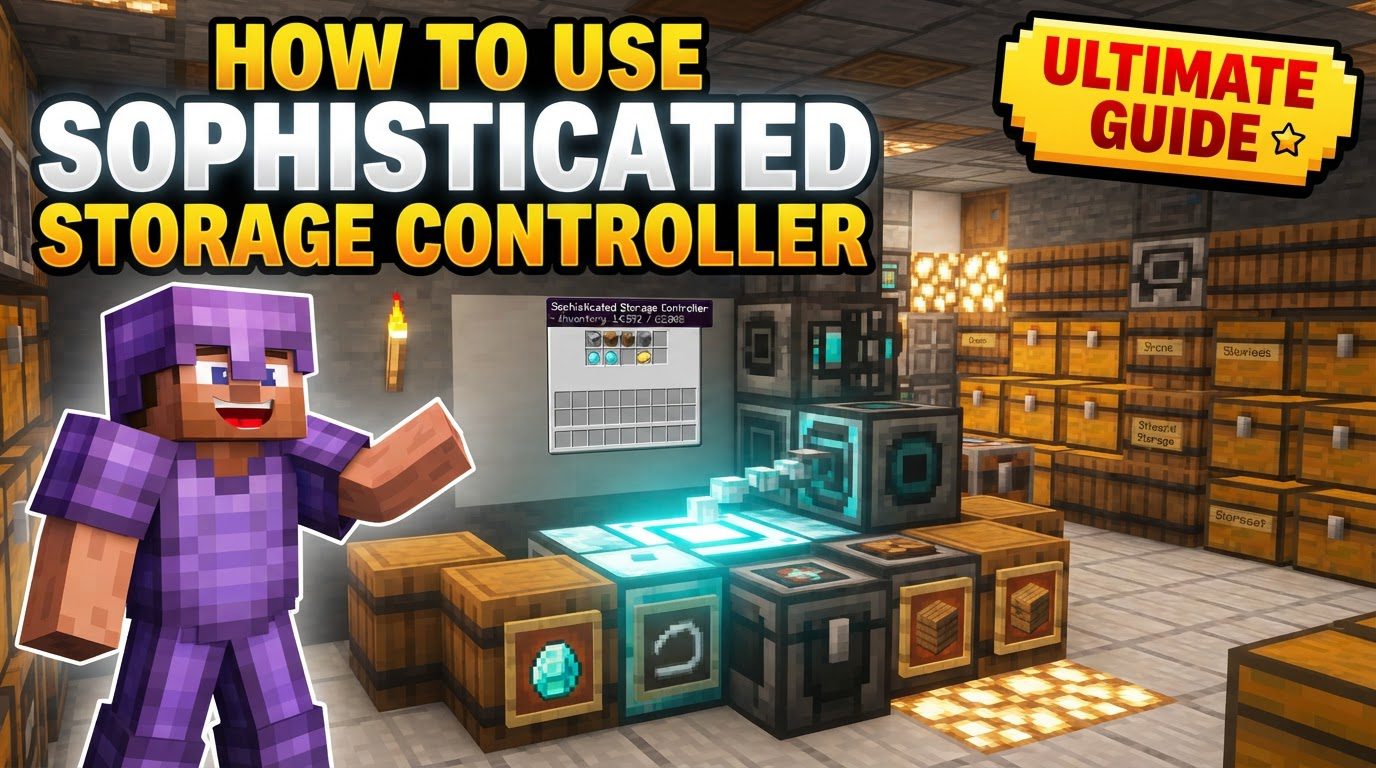
This powerful block acts as the central brain for your entire Sophisticated Storage network, offering a unified interface to everything connected to it. Whether you’re a seasoned automation expert looking to optimize your AE2 channels or a casual player tired of endlessly searching through rows of chests, understanding the Controller is crucial for efficient item management.
Understanding the Core Principles
At its heart, the Sophisticated Storage Controller is designed for centralization and efficiency. Its fundamental mechanics are built around creating a single, accessible inventory from multiple storage units.
- Centralized Access: The primary function is to provide a single point of interaction for all connected Sophisticated Storage containers. This means you can open the controller’s interface and see the contents of every attached chest, barrel, or shulker box as if they were one giant inventory.
- Physical Connection: The most straightforward way to connect storage containers is by placing them directly adjacent to the controller itself or to any other block that is already part of the connected storage network. This creates a continuous, physical network of storage blocks.
- Remote Linking: For containers that cannot be physically adjacent, perhaps due to base layout or aesthetic choices, the mod offers a solution: the Storage Tool. This item allows you to wirelessly link distant Sophisticated Storage containers to your controller, expanding your network’s reach.
- Mod Integration: The Controller isn’t just for standalone storage; it’s a bridge to advanced automation. It seamlessly integrates with popular inventory management systems like Applied Energistics 2 (AE2), Refined Storage (RS), RFTools storage scanner, and Integrated Dynamics. Critically, this integration often only requires a single storage bus (e.g., an AE2 Storage Bus) connected to the controller, which can significantly conserve precious channel usage in AE2 systems.
- Upgrade Compatibility: The power of Sophisticated Storage containers extends beyond simple item holding. They can be upgraded with various modules for sorting, compacting, and even smelting. When connected to a controller, these individual container upgrades contribute to the overall automation capabilities of your centralized system.
Building Your Centralized Storage System
Implementing a Sophisticated Storage Controller system is a straightforward process, but understanding each step ensures optimal performance and scalability.
- Craft and Place the Controller: Your journey begins with crafting the Sophisticated Storage Controller itself. Once crafted, place it in a strategic location within your base. This will be the hub of your entire item management system, so consider accessibility and future expansion.
- Position Storage Containers: Next, start placing your Sophisticated Chests, Barrels, or Shulker Boxes. For direct connection, ensure these containers are physically touching the controller or any other Sophisticated Storage block that is already linked to the controller. Think of it like building a contiguous structure of storage blocks.
- Craft the Storage Tool (for Remote Linking): If you anticipate needing to connect containers that aren’t directly touching the main network, you’ll need a Storage Tool. This handy item is crafted using an Ender Pearl, an Iron Ingot, two Sticks, and a Redstone Torch.
- Link Distant Storage (Optional): With the Storage Tool in hand, right-click on your Sophisticated Storage Controller to “prime” the tool. Then, travel to your distant Sophisticated Chest or Barrel and right-click on it. This action links the remote container to your controller. The research notes suggest that the tool allows you to link individual chests if needed, even if they are not part of a continuous structure, offering great flexibility.
- Integrate with External Systems (Optional): To truly unlock the potential of your consolidated storage, integrate it with other tech mods. For example, if you’re using Applied Energistics 2, place an AE2 Storage Bus directly onto your Sophisticated Storage Controller. This single bus will then provide access to the entire inventory of all connected Sophisticated Storage containers, making your items accessible through your AE2 network. Similar interfaces can be used for Refined Storage and other compatible mods.
Maximizing Efficiency and Integration
Once your basic system is set up, several tips can help you get the most out of your Sophisticated Storage Controller.
- Consolidate Storage: Don’t be shy about building large arrays. The true power of the controller shines when it manages a vast number of Sophisticated Storage chests or barrels. By consolidating everything under one controller, you create an incredibly vast, unified storage system that is easy to search and manage from a single interface.
- Save AE2 Channels: This is a massive advantage for any player using Applied Energistics 2. Instead of dedicating an AE2 Storage Bus to every single chest or storage cell, you can connect dozens, even hundreds, of Sophisticated Storage containers to one Controller. Then, attach just a single AE2 Storage Bus to that Controller. This drastically reduces the channel consumption on your AE2 network, freeing up channels for other machines and processes.
- Leverage Upgrades: Sophisticated Storage containers offer a wide range of upgrades. Utilize powerful stack upgrades within your individual containers to maximize item capacity. A single Sophisticated Chest with multiple stack upgrades can hold an enormous amount of a specific item. This can significantly reduce the need for numerous storage cells in integrated systems like AE2, saving resources and further streamlining your storage. Explore other upgrades like sorting, compacting, and smelting to automate item processing directly within your storage network.
Navigating Common Challenges
While powerful, users occasionally encounter issues with the Sophisticated Storage Controller. Awareness of these common pitfalls can help you troubleshoot effectively.
- Linking Failures: Users have reported instances where not all chests link correctly, particularly in more complex setups involving wireless connections or if there are subtle inconsistencies in how blocks are connected. Always double-check physical adjacency and ensure the Storage Tool is used correctly for remote links.
- Hoppers and Filters: Items can sometimes get stuck in hoppers or fail to sort correctly when interacting with Sophisticated Storage systems. This often points to issues with the system’s filtering or slot memory not being precisely configured. Ensure your filters are set up correctly on the Sophisticated Storage containers themselves, especially if using advanced sorting upgrades.
- Random Unlinking/Dysfunction: There have been historical reports of controllers randomly failing to link to chests and barrels, or previously linked chests ceasing to function correctly. While some of these issues may have been addressed in mod updates, if you encounter this, try breaking and replacing the controller, or relinking chests with the Storage Tool. Ensure your mod version is up to date.
- Misunderstanding Linking Mechanisms: A common source of confusion is whether containers need to be physically touching, or if the Storage Tool is required for each individual container. For containers directly touching the controller or other already connected storage, manual linking with the tool is generally not necessary. The tool is primarily for bridging gaps to non-contiguous storage sections. Always clarify the connection method needed for your specific setup.
The Future of Your Minecraft Storage
The Sophisticated Storage Controller is more than just a block; it’s a paradigm shift in how you manage resources in Minecraft. By centralizing access, enabling seamless integration with other tech mods, and offering powerful upgrade capabilities, it transforms chaotic inventories into orderly, automated systems. Embrace its potential, and you’ll spend less time sifting through chests and more time on your grand Minecraft projects.
Tags:
YOU MAY ALSO LIKE...


