

Alex’s Caves Hologram Projector
Many players anticipate seamless, high-fidelity replication from the Alex’s Caves Hologram Projector. However, this intriguing device, a staple of the Alex’s Caves mod, presents a fascinating blend of innovation and curious quirks. It projects dynamic, three-dimensional representations of mobs and players into your Minecraft world, but its current iteration comes with distinct operational peculiarities and visual anomalies crucial for any aspiring holographic engineer to understand.
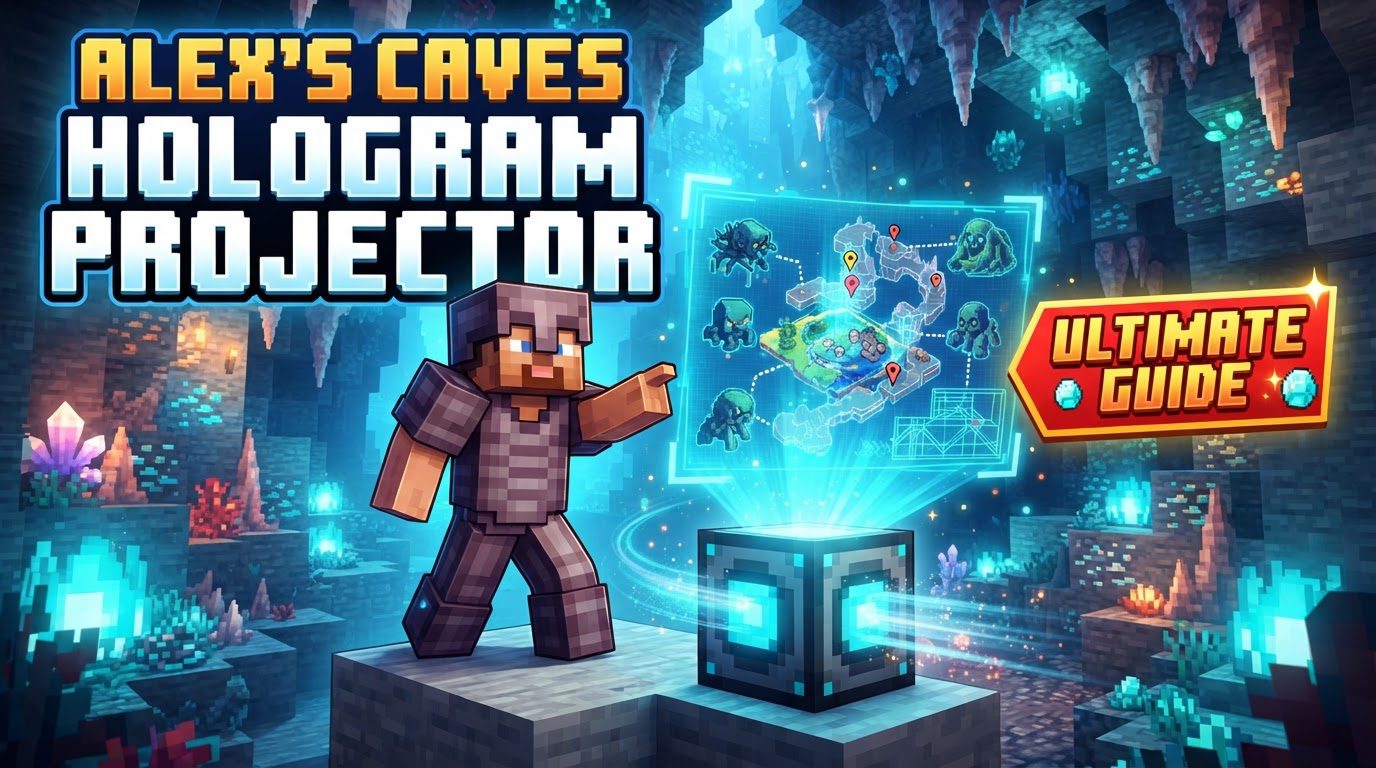
The Alex’s Caves Hologram Projector: Illusions and Mechanics
At its core, the Hologram Projector introduces animated, illusory figures, bringing life and interaction to your environment. It projects two main entity types: Minecraft mobs and other players. Mob holograms are rendered creatures; player holograms mimic actual player actions, particularly noticeable in third-person view, offering a unique, reflective experience.
Deployment: An Enigmatic Setup
Deploying a Hologram Projector is straightforward: place it directly into the game world. Once positioned, it proceeds to project a hologram. However, a significant aspect less clear from available documentation is the precise method by which users select what entity the projector should display. Unlike some other modded projectors that might require an item or GUI selection, explicit in-game usage steps for choosing a specific subject are not widely detailed. This suggests the selection process might be context-dependent, automatic, or an area for future updates. Users should be aware that the exact mechanism for dictating the hologram’s subject might require experimentation or reliance on default behaviors.
Navigating the Glitches: Known Issues and Peculiarities
The projector’s captivating concept is currently accompanied by several known visual quirks and operational issues, impacting its aesthetic and functionality.
Distorted Reflections: Flipped Mobs and Peculiar Player Mimicry
Mobs displayed by Hologram Projectors often appear flipped or inverted, leading to an unnatural appearance. Player holograms, despite mimicking actions, can look “weird,” especially in third-person view. Replication might not be perfectly smooth or anatomically correct, resulting in strange limb movements or odd postures. This “weirdness” detracts from the seamless illusion.
Vanishing Details: Missing Skin Layers and Texture Anomalies
The projector struggles with rendering granular details. Player holograms may not display the second layer of a player’s skin (e.g., jackets, hair details), making the projected player appear simpler. Specific elements like mooshroom mushrooms or player capes might not project at all. These missing textures break immersion, as holograms lack full fidelity.
The Blackout Conundrum: Screen-Darkening Issues
A critical issue involves the screen going completely black when a hologram projector is set. This complex problem links to mod incompatibilities, specifically “tempad” with its “renderBlur” setting active. Other unknown mod conflicts or hardware/software configurations could also contribute. Users should suspect mod interactions, indicating a deeper rendering conflict.
Rendering Conflicts: Shaders and Performance Mods
The Alex’s Caves mod and its Hologram Projector report incompatibilities with rendering-focused mods. Users with performance enhancers like Embeddium or visual enhancers like Oculus (shader mod) note visual issues affecting various effects, including projectors. Conflicts manifest as graphical glitches, incorrect rendering, or performance degradation, suggesting the projector’s unique rendering clashes with these optimization or shader mods.
Troubleshooting and Best Practices
Proactive troubleshooting and managing expectations are key. Best practices address known issues:
- Isolate and Test: If visual glitches or screen blackouts occur, isolate Alex’s Caves by running it with only essential dependencies, excluding known conflicting mods (e.g., Embeddium, Oculus, tempad). This helps identify the conflict source.
- Review Mod Settings: For mods like ‘tempad,’ disable specific settings like ‘renderBlur’ if suspected to be incompatible. Experiment with graphics mod settings.
- Adjust Expectations: Anticipate visual imperfections: flipped mobs, ‘weird’ player actions, and missing skin layers are known behaviors. Appreciate core functionality despite current limitations.
- Report Issues Responsibly: Report new bugs or conflicts to the Alex’s Caves developer with clear reproduction steps, game version, and mod list. This aids mod improvement.
- Stay Updated: Keep Alex’s Caves updated. Newer versions often resolve bugs and improve compatibility.
Conclusion
The Alex’s Caves Hologram Projector offers a fascinating glimpse into dynamic, interactive holographic displays, adding aesthetic and functional potential to your builds. While it currently navigates visual quirks and rendering conflicts, its core ability to project animated mobs and mimic player actions is innovative. Understanding its limitations and known issues is crucial for any player, ensuring a more informed experience as the mod evolves.
Tags:
YOU MAY ALSO LIKE...


