

Immersive Furniture
Over 3,500 unique furniture pieces await discovery and creation within the world of Minecraft, thanks to the immensely popular “Immersive Furniture” mod. This ingenious addition to Minecraft Java Edition fundamentally transforms interior and exterior decoration, offering unparalleled creative freedom to players eager to personalize their virtual spaces.
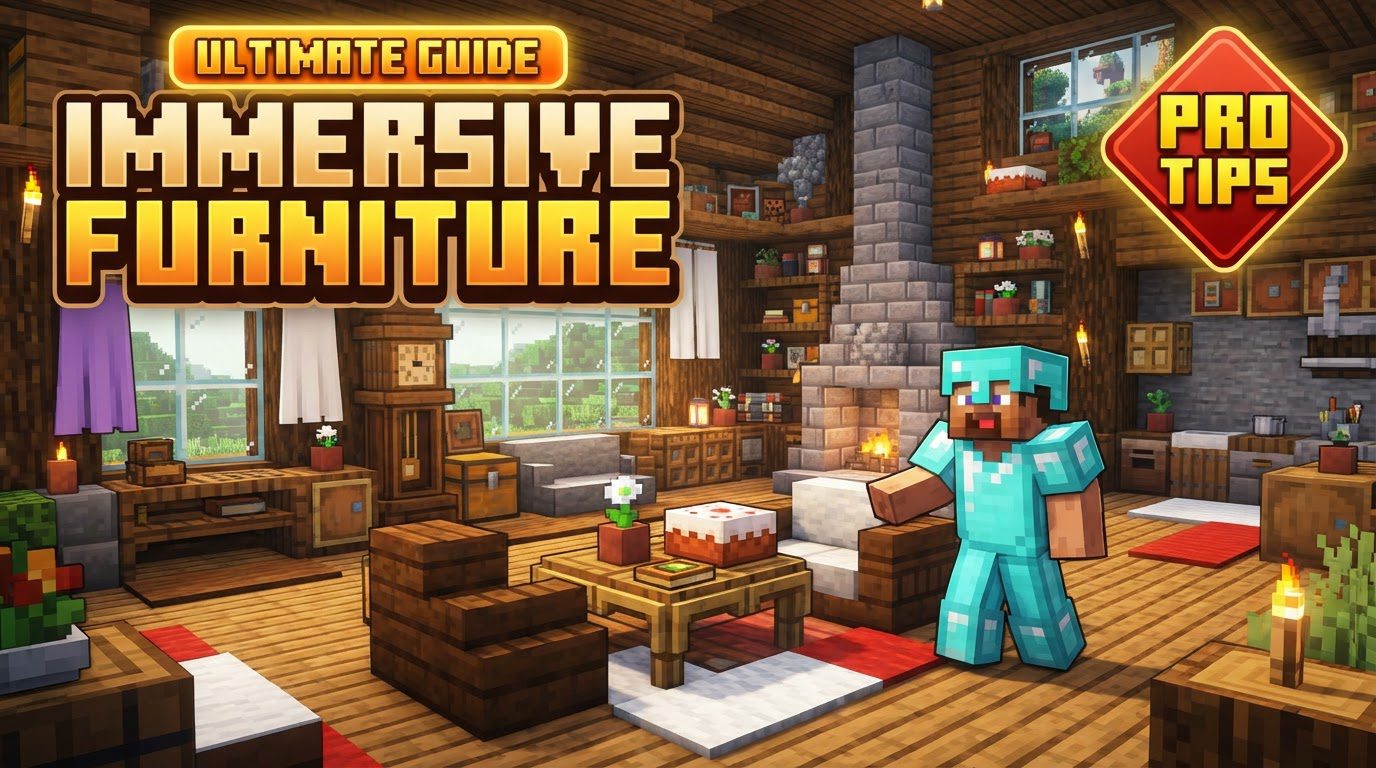
Unleashing Your Inner Designer: What is Immersive Furniture?
Immersive Furniture is a powerful Minecraft Java Edition mod designed to elevate in-game decoration from simple block-stacking to intricate design. It provides players with an advanced toolkit to craft custom furniture, decorative elements, and even interactive objects. Beyond personal creation, the mod taps into a dynamic online library, a thriving hub where a community of players shares their imaginative designs, constantly expanding the possibilities for every decorator.
Whether you dream of a cozy, fully functional living room, a bustling marketplace with unique stalls, or a grand castle adorned with bespoke furnishings, Immersive Furniture provides the means. It bridges the gap between blocky simplicity and detailed aesthetic expression, allowing for a level of personalization previously unimaginable in vanilla Minecraft.
Core Mechanics and Features
The strength of Immersive Furniture lies in its comprehensive suite of features, each contributing to a rich and flexible decorative experience.
- The In-Game Editor: Your Creative Canvas
At the heart of Immersive Furniture is its robust in-game editor. This powerful tool empowers players to design custom furniture from scratch. To access this editor, you’ll first need to craft an Artisan’s Workstation. This special crafting station is your gateway to a world of intricate design, allowing for fine-tuned placement of elements, even off-grid, for ultimate precision. You can transform elements, utilize advanced sprites for animations or liquids, and integrate any in-game block or item – including those from other mods – into your custom creations. - The Expansive Online Library
Don’t fancy yourself a master craftsman just yet? No problem! Immersive Furniture boasts an online library housing over 3,500 community-created furniture pieces. This vast repository allows you to browse, download, and instantly incorporate stunning designs into your world. The library is constantly growing, with new creations added regularly, and it also serves as a platform for you to share your own masterpieces with the global Minecraft community. - Interactive Elements for Dynamic Spaces
Furniture in Minecraft doesn’t have to be static. Immersive Furniture allows for a wide array of interactive features. Imagine chairs you can genuinely sit on, beds that function for sleeping and respawning, or decorative lights that actually illuminate your builds. The mod supports particles, sounds, and toggleable open/closed states for objects like cabinets or curtains. Furthermore, furniture can have an active state that responds to redstone signals and can be toggled with a right-click, potentially altering its appearance or light emission. - Automatic Texturing and Material Customization
Achieving a consistent aesthetic is made easier with the mod’s automatic material-based texturing. This intelligent system adjusts textures based on the materials used in your furniture, helping your custom pieces blend seamlessly with their surroundings and maintain a cohesive visual style. - Broad Compatibility
Immersive Furniture is designed for accessibility, supporting major mod loaders including Fabric, Forge, and NeoForge across various Minecraft versions. It functions flawlessly in both single-player adventures and multiplayer servers, ensuring that your custom designs can be enjoyed with friends.
Getting Started: Installing Immersive Furniture
To embark on your interior design journey, you’ll first need to install the mod. Here’s a general step-by-step guide for Minecraft Java Edition:
- Download a Mod Loader: Begin by installing a compatible mod loader for your specific Minecraft version. Popular choices include Forge or Fabric. Ensure the loader version matches your Minecraft client.
- Download the Mod File: Navigate to a trusted source like CurseForge or Modrinth and download the Immersive Furniture mod. It will typically be a
.jarfile. Crucially, verify that the mod version aligns with both your Minecraft version and your chosen mod loader. - Locate Your Mods Folder: Open your Minecraft launcher. Go to the “Installations” tab, find your Forge or Fabric profile, and click the small folder icon to open your game directory. Inside this directory, you should find a “mods” folder. If it doesn’t exist, simply create one.
- Place the Mod File: Copy the downloaded Immersive Furniture
.jarfile and paste it directly into the “mods” folder you just located or created. - Launch Minecraft: Close and reopen your Minecraft Launcher. Select the Forge or Fabric profile you installed earlier from the drop-down menu, then launch the game. If installed correctly, Immersive Furniture will load with your game.
Tips for Mastering Immersive Furniture
To get the most out of this powerful mod, consider these expert tips:
- Craft the Artisan’s Workstation First: This is non-negotiable. The Artisan’s Workstation is your primary interface for creating and customizing. It’s crafted using a crafting table, cobblestone, any type of wood, and iron. Get this set up early to unlock the mod’s full potential.
- Explore the Online Library Extensively: Before diving into complex creations, spend time browsing the online library. It’s an incredible source of inspiration, and you might find exactly what you need without having to design it yourself. You can also download pieces to study how they were made.
- Utilize Advanced Features: Don’t shy away from the more intricate options. Experiment with particle emitters to add ambient effects, sound emitters for immersive audio, and player pose blocks to create unique interactive scenes within your furniture.
- Backup Your World Regularly: As with any significant mod, it’s always a good practice to back up your Minecraft worlds. While Immersive Furniture is stable, unforeseen issues or mod conflicts can occasionally lead to data loss.
- Employ Pixel-Perfect Placement: For the most precise and aesthetically pleasing results, leverage the mod’s pixel-perfect placement mode. This allows for incredibly detailed positioning, ensuring your furniture fits exactly where you want it.
- Duplicate Furniture with Materials: Once you’ve created or downloaded a piece you love, you can duplicate it using a special recipe that requires the original furniture piece and the materials it’s made from. This is efficient for furnishing large areas.
Navigating Common Issues and Troubleshooting
While Immersive Furniture is a robust mod, users may occasionally encounter issues. Knowing how to address them can save you time and frustration.
- Game Crashes: These are often due to mod conflicts or, less commonly, hardware limitations. If your game crashes upon placing furniture, check your crash reports and logs – they often pinpoint the conflicting mod or the source of the problem. Try disabling other mods one by one to isolate the culprit.
- Performance Issues (“Gigalags”): Having a very large number of furniture items in a single area can sometimes lead to performance drops or “gigalags,” particularly with inventory loading. Recent updates have focused on improving performance, but if you experience this, consider optimizing your build or reducing the density of custom items.
- Interaction Problems: Issues like sounds playing twice or interactive functionality not working (especially on specific mod loaders like Forge) have been reported. Most of these have been addressed in mod updates, so ensure your mod is the latest version.
- Display Errors: Problems such as missing textures for sprites or furniture appearing too dark in the GUI are typically visual glitches that have been noted and subsequently fixed in patches. Again, updating the mod is often the solution.
- Mod Conflicts: This is a common challenge with any Minecraft mod. If you experience unexpected behavior or crashes, a conflict with another installed mod is a prime suspect. Systematically disabling other mods can help identify the incompatible one.
- Compatibility Issues: Always double-check that Immersive Furniture and all your other mods are compatible with your specific Minecraft version and mod loader. Mismatched versions are a frequent cause of loading errors and instability.
- Difficulty Deleting Items: An open issue on the mod’s GitHub page indicates that players might sometimes struggle to delete placed items. If you encounter this, check the mod’s official channels for workarounds or updates.
- Incorrect Hitboxes: While more prevalent in certain Bedrock furniture mods, a general challenge with custom furniture can be large or inaccurate hitboxes that hinder interaction with surrounding blocks. While not a specific Immersive Furniture bug from the research, it’s a general consideration for custom decorative mods.
Conclusion
Immersive Furniture stands as a testament to the boundless creativity fostered by Minecraft’s modding community. By offering a powerful in-game editor, a vast online library, and a wealth of interactive features, it empowers players to transform their blocky worlds into personalized masterpieces. From crafting the perfect custom chair to downloading an entire kitchen set, the possibilities are virtually limitless. Embrace your inner architect, explore the community’s designs, and build the Minecraft home of your dreams with Immersive Furniture.
Tags:
YOU MAY ALSO LIKE...


